LangPDF: Empowering Your PDFs with Intelligent Language Processing
Unlock Global Communication: AI-Powered PDF Translation and Beyond
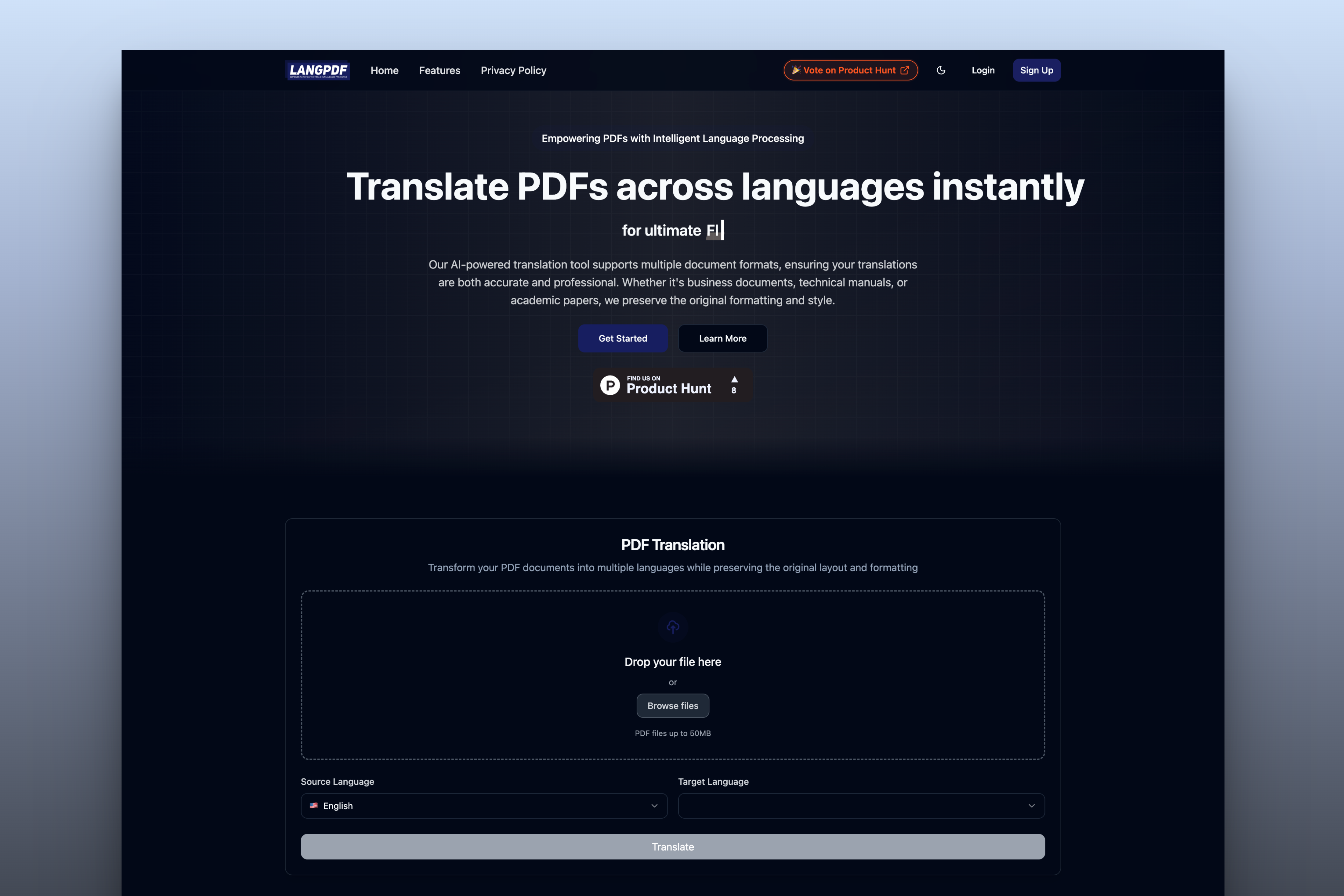
In an interconnected world, seamless multilingual document management is not just an advantage---it's a necessity. LangPDF is your cutting-edge partner, revolutionizing PDF interaction through sophisticated AI translation and a vision for comprehensive document intelligence. We are intensely focused on delivering an unparalleled PDF translation experience, empowering you to break language barriers with ease and precision.
Why LangPDF is Your Go-To PDF Solution
1. Unmatched AI-Powered Translation Accuracy
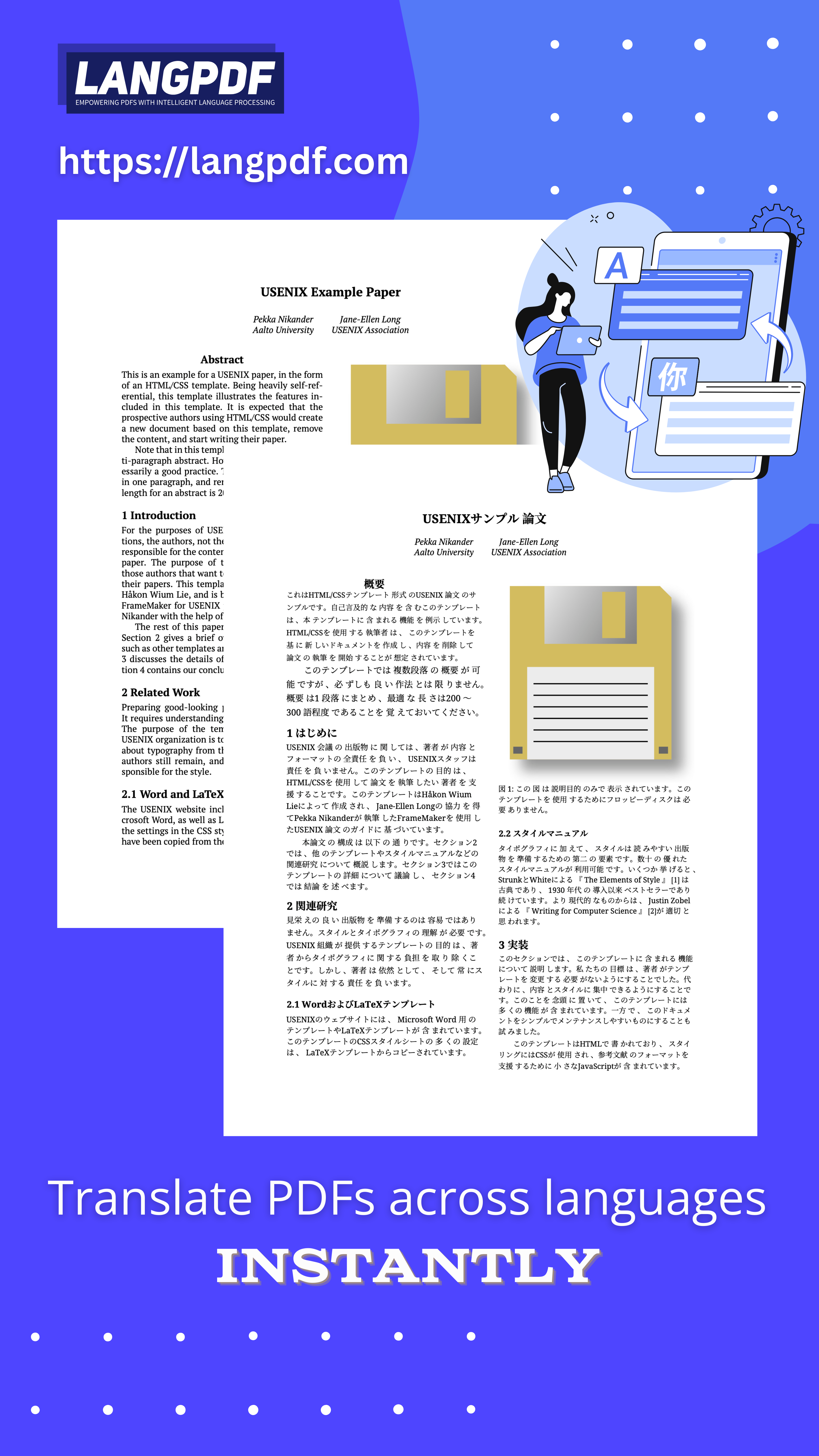
LangPDF harnesses state-of-the-art artificial intelligence to deliver translations that are not only accurate but also contextually aware. Our advanced system meticulously preserves the original meaning and formatting of your documents, making them instantly accessible to a global audience while retaining their professional integrity.
2. Extensive and Growing Language Support
Communicate effortlessly across borders with our support for 20 key global languages. This extensive list ensures LangPDF is the perfect asset for international businesses, academic researchers, and individuals alike:
- English (🇺🇸)
- Chinese (🇨🇳)
- Japanese (🇯🇵)
- Spanish (🇪🇸)
- French (🇫🇷)
- German (🇩🇪)
- Italian (🇮🇹)
- Portuguese (🇵🇹)
- Russian (🇷🇺)
- Korean (🇰🇷)
- Arabic (🇸🇦)
- Dutch (🇳🇱)
- Turkish (🇹🇷)
- Polish (🇵🇱)
- Vietnamese (🇻🇳)
- Swedish (🇸🇪)
- Indonesian (🇮🇩)
- Thai (🇹🇭)
- Hebrew (🇮🇱)
- Hindi (🇮🇳)
From critical business proposals in English to technical manuals in Japanese, LangPDF ensures your message is understood, accurately and efficiently.
3. Focus on Flawless Document Integrity
Our primary expertise lies in PDF translation, and we excel at it. Beyond simple text conversion, LangPDF offers intelligent document processing that meticulously maintains:
- Original formatting and layout, ensuring visual consistency.
- Embedded images, complex tables, and special characters.
- Structural integrity of even the most complex PDF files.
- Compatibility with a wide array of PDF formats and versions.
4. Intuitive, Modern User Experience
Crafted with leading technologies like React, TypeScript, and Tailwind CSS, LangPDF offers a sleek, intuitive, and responsive user interface. Our platform is designed for simplicity and efficiency, making your PDF translation tasks effortless, whether you're on desktop or mobile. This commitment to a clean, modern experience extends to our planned features like light/dark mode switching for optimal viewing comfort.
5. Security and Reliability You Can Trust
We understand the confidential nature of your documents. LangPDF is built on a secure foundation, utilizing robust cloud storage solutions (like Cloudflare) and reliable database management (via Supabase) to ensure your data is protected at every step of the translation and transformation process.
Core Focus: Precision PDF Translation
LangPDF is currently laser-focused on providing the most accurate and reliable PDF translation service available. Our deep learning models are continuously refined to deliver nuanced translations across our supported languages. While our vision extends to a suite of AI-powered PDF tools, our current commitment is to perfect the art and science of multilingual PDF communication.
Glimpse into the Future: Expanding PDF Intelligence
While perfecting translation is our core mission today, LangPDF is evolving. Soon, you'll experience even more AI-driven capabilities:
- AI Document Summarization: Quickly grasp the essence of lengthy PDFs.
- Interactive PDF Q&A: Ask questions and get answers directly from your documents.
- Digital Document Signing: Securely sign and manage your PDFs.
These upcoming features will further establish LangPDF as your all-in-one intelligent PDF solution.
Key Features (Current Focus: Translation)
- Real-time, High-Accuracy Translation: Instant, precise translations via advanced AI.
- Batch Processing: Efficiently translate multiple documents at once.
- Layout Preservation: Your document's original styling and formatting, perfectly maintained.
- Broad Language Spectrum: Access to 20 major global languages.
- Secure Cloud Platform: Your documents are safe with us.
- User-Friendly Interface: Simple, modern, and efficient.
Who Benefits from LangPDF?
Business Professionals
Translate contracts, reports, and marketing materials to expand your global reach and ensure clear communication with international partners.
Researchers and Academics
Share your groundbreaking research worldwide by translating papers and publications into multiple languages, fostering global collaboration.
Content Creators & Marketers
Localize your content for diverse markets, ensuring your message resonates globally while maintaining brand consistency and document integrity.
Experience the Future of PDF Management Today
Step into a world of effortless multilingual document handling. LangPDF is more than just a translation tool; it's your partner in global communication, starting with best-in-class PDF translation and expanding towards a comprehensive AI-powered document hub.
Ready to transform your PDFs? Visit LangPDF today, upload your document, and experience the power of intelligent language processing firsthand. Break down language barriers and connect with the world, effortlessly.
LangPDF: Empowering Your PDFs with Intelligent Language Processing. Your trusted partner for seamless, accurate document translation and a future of intelligent PDF solutions.