npm install jszip file-saver --save
import JSZip from "jszip";
import FileSaver from "file-saver";

const list = ref([
	"https://jiaming-test.oss-cn-huhehaote.aliyuncs.com/1993221725990686720/material/e43c4d50-02dc-4614-9132-64f15511a17e.png",
	"https://jiaming-test.oss-cn-huhehaote.aliyuncs.com/1993221725990686720/material/7bea4925-6e8d-4d79-98b0-0196d2db2bcc.png",
	"https://jiaming-test.oss-cn-huhehaote.aliyuncs.com/1993221725990686720/material/ed294f8d-088d-4648-bbe9-68ab98039173.png",
	"https://jiaming-test.oss-cn-huhehaote.aliyuncs.com/1993221725990686720/material/a531dedb-9359-49bf-bb0e-86f85bfbdcf6.png",
	"https://jiaming-test.oss-cn-huhehaote.aliyuncs.com/1993221725990686720/material/71077921-7647-469b-8f42-8fa804c2cf00.png"
]);
// 单个图片转Blob
const getImageBlob = async (imageUrl) => {
	try {
		// 处理阿里云OSS图片跨域(添加cors模式)
		const response = await fetch(imageUrl, {
			mode: "cors",
			cache: "no-cache"
		});
		if (!response.ok) throw new Error(`图片加载失败: ${response.status}`);
		return await response.blob();
	} catch (error) {
		console.error(`处理图片失败: ${imageUrl}`, error);
		return null;
	}
};

// 批量打包下载主函数
const downloadImagesAsZip = async () => {
	const zip = new JSZip();
	try {
		// 遍历图片列表,添加到压缩包
		const promises = list.value.map(async (url, index) => {
			const blob = await getImageBlob(url);
			if (blob) {
				// 提取图片名称(或自定义命名,如 图片1.png、图片2.png)
				const fileName = url.split("/").pop() || `图片${index + 1}.png`;
				zip.file(fileName, blob); // 添加到压缩包
			}
		});
		// 等待所有图片处理完成
		await Promise.all(promises);

		// 生成压缩包(开启压缩减小体积)
		const zipBlob = await zip.generateAsync({
			type: "blob",
			compression: "DEFLATE",
			compressionOptions: { level: 6 }
		});

		// 下载压缩包(自定义文件名)
		FileSaver.saveAs(zipBlob, "阿里云OSS图片包.zip");
	} catch (error) {
		console.error("打包下载失败", error);
	}
};
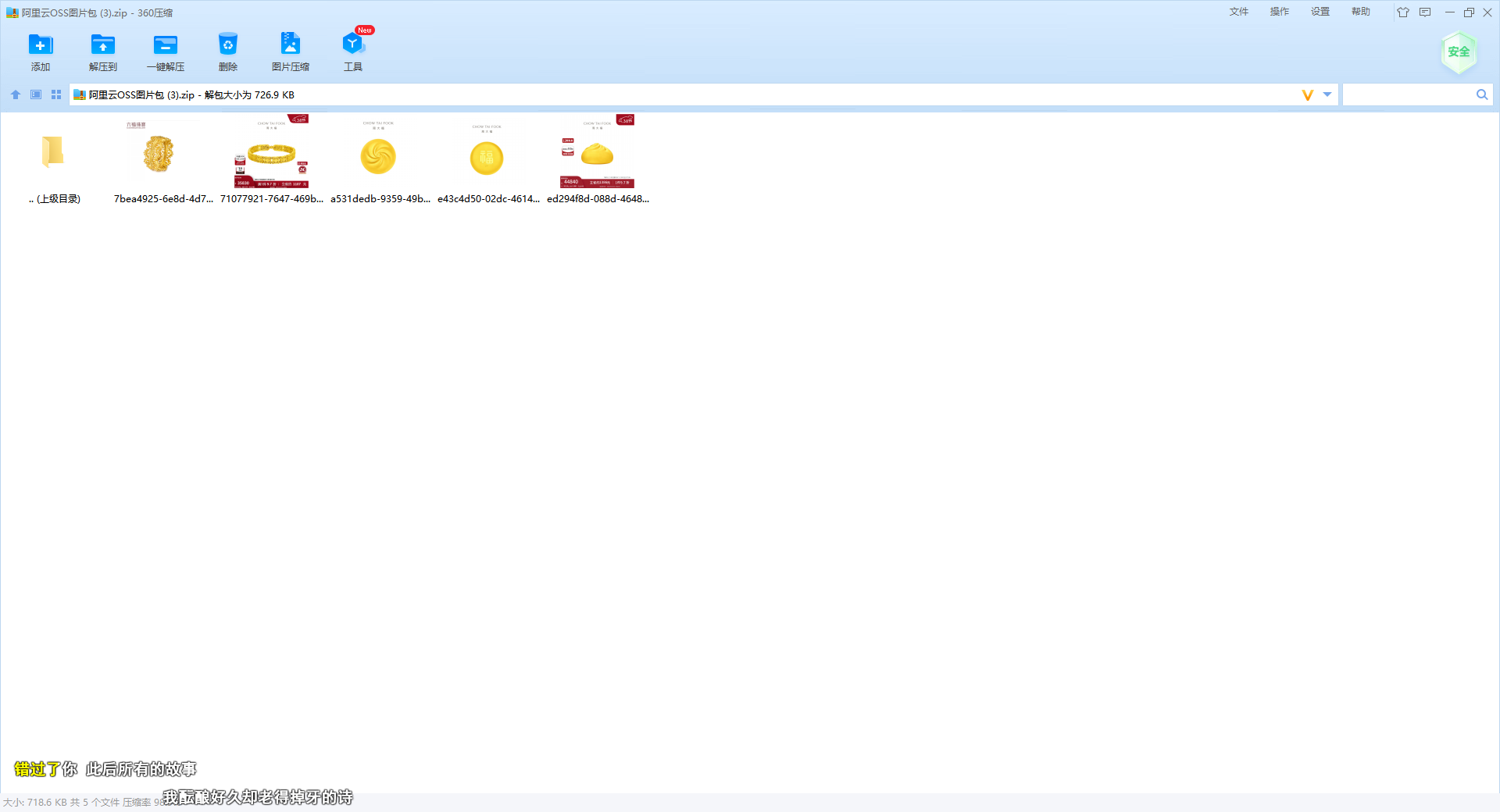
效果