效果图:
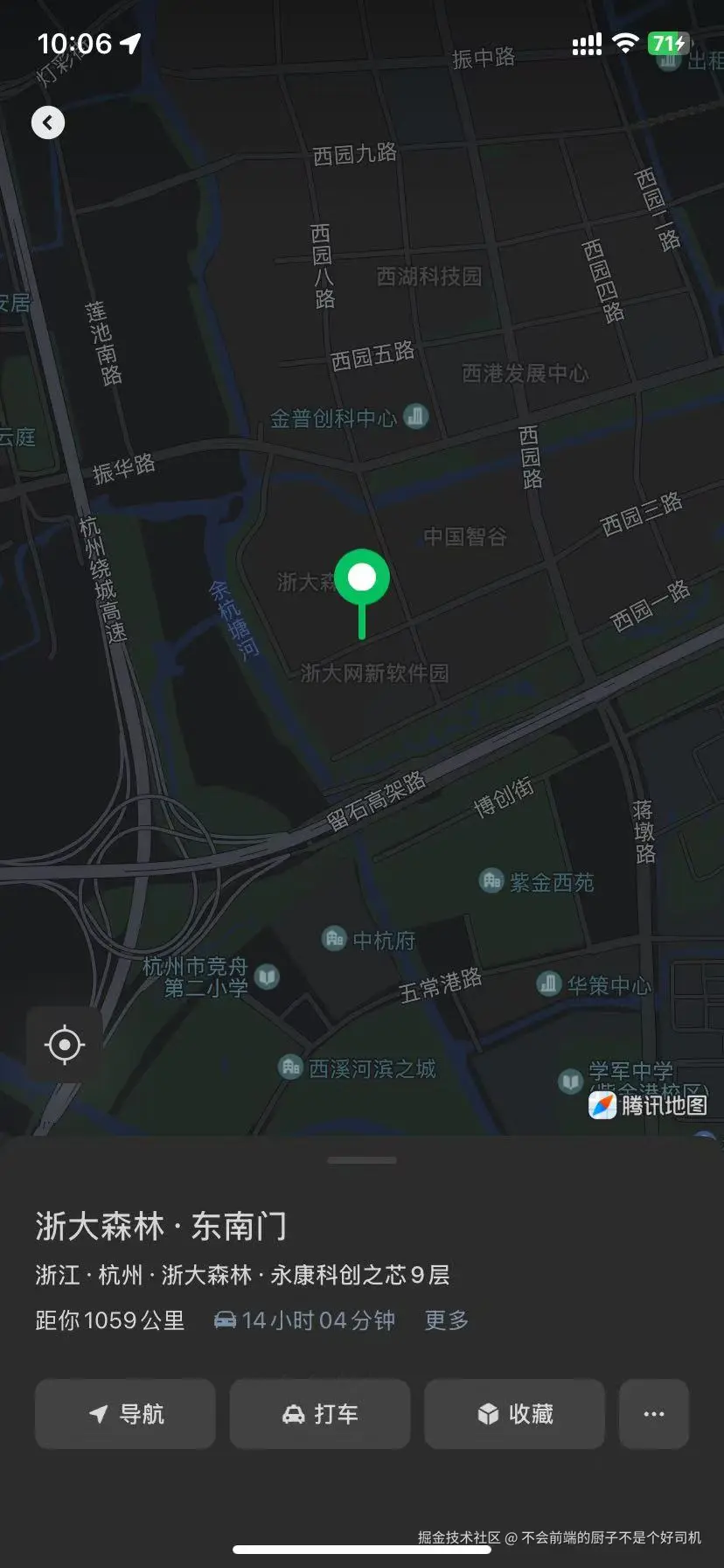
js
	const target = computed(() => ({
		lat: data.value?.latitude || 22.525294,
		lng: data.value?.longitude || 113.94319,
		destination: data.value.address || ''
	}));
	// 点击按钮触发:先授权定位,再唤起地图
	const handleOpenLocation = () => {
		wx.getSetting({
			success(res) {
				const locationAuth = res.authSetting['scope.userLocation']
				if (locationAuth === undefined) {
					wx.authorize({
						scope: 'scope.userLocation',
						success() {
							openLocationFn();
						},
						fail() {
							console.log('授权失败:', err);
							wx.showToast({
								title: '拒绝授权后无法使用导航',
								icon: 'none'
							});
						}
					});
				} else if (locationAuth === false) {
					wx.showModal({
						title: '需要位置权限',
						content: '你已拒绝位置授权,请手动开启:点击右上角「···」→「设置」→「位置信息」→「允许」',
						confirmText: '知道了'
					});
				} else {
					openLocationFn();
				}
			},
			fail() {
				wx.showToast({
					title: '获取权限设置失败',
					icon: 'none'
				});
			}
		});
	};

	// 封装:调用wx.openLocation
	const openLocationFn = () => {
		wx.openLocation({
			latitude: parseFloat(target.value.lat),
			longitude: parseFloat(target.value.lng),
			name: target.value.destination,
			scale: 18,
			success() {
				console.log('唤起微信地图成功,用户可选择Apple/腾讯/高德导航');
			},
			fail(err) {
				wx.showToast({
					title: `唤起失败:${err.errMsg}`,
					icon: 'none'
				});
			}
		});
	};