Mac安装openclaw步骤
一、前期准备
- Node 24(推荐) (出于兼容性考虑,仍支持 Node 22 LTS,目前为
22.16+;
如果node版本较低,可参考该链接升级:升级node.js
二、安装openclaw
1.一键安装 OpenClaw(官方脚本)
shell
# 一键安装 OpenClaw(官方脚本)
curl -fsSL https://openclaw.ai/install.sh | bash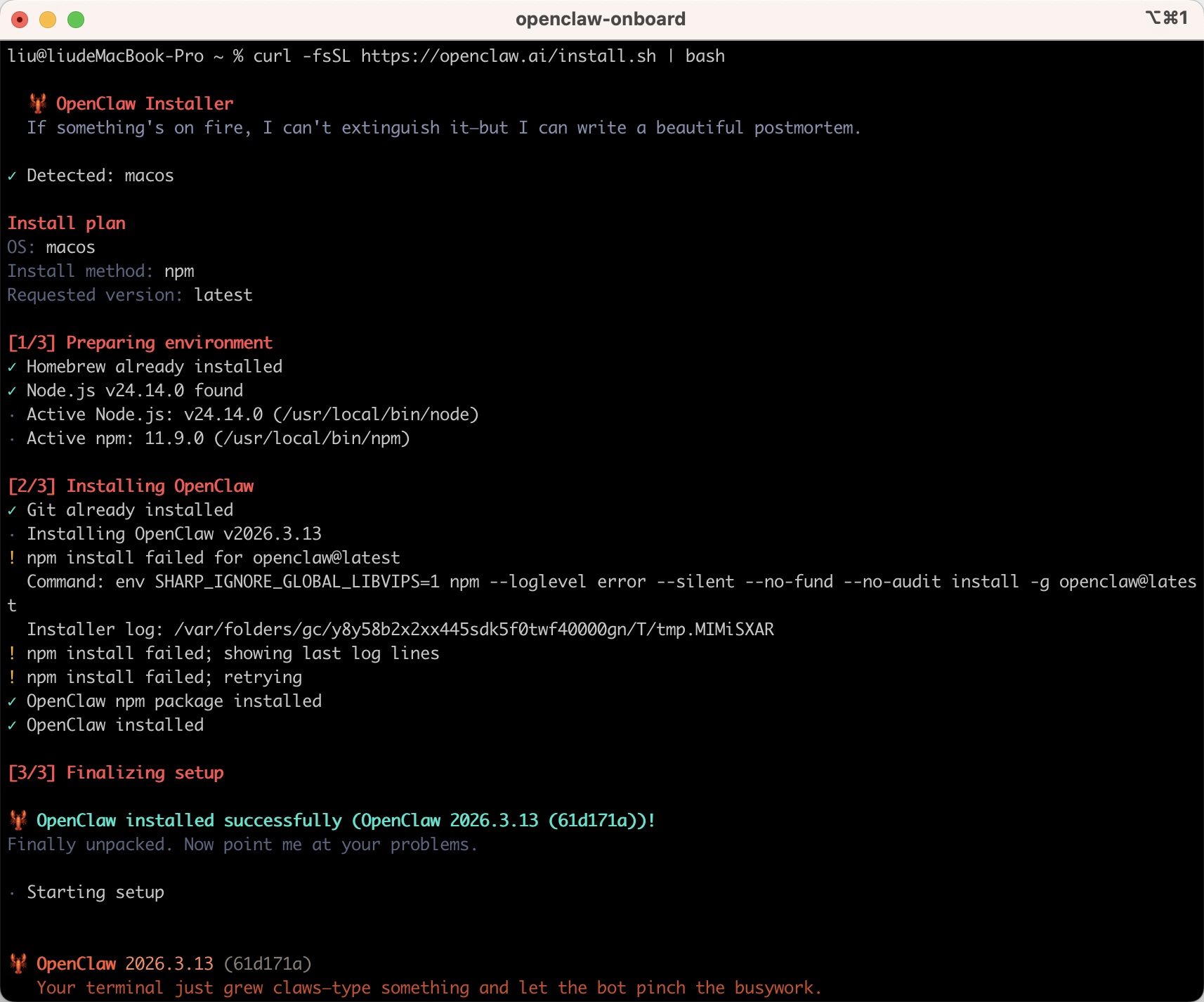
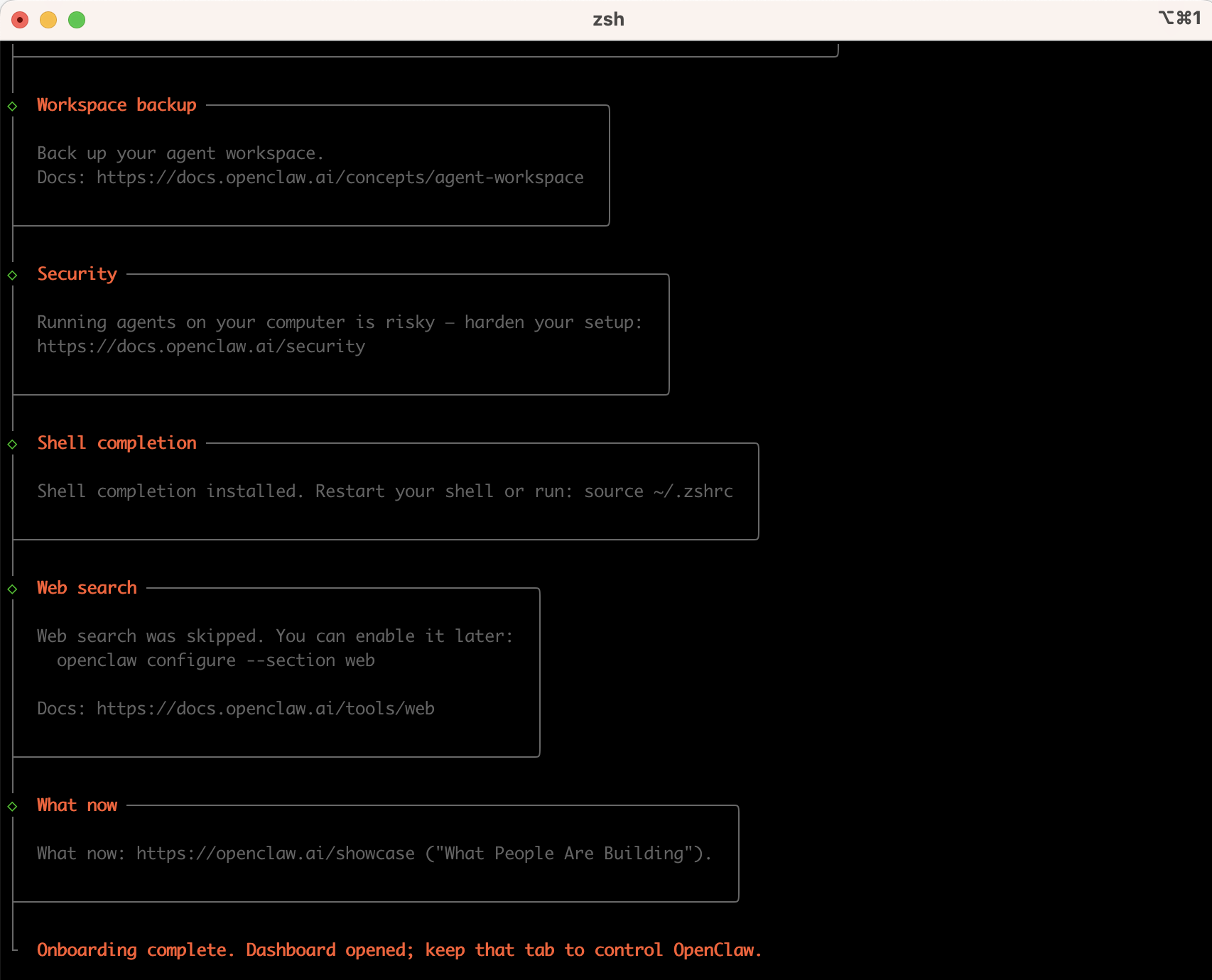
安装中
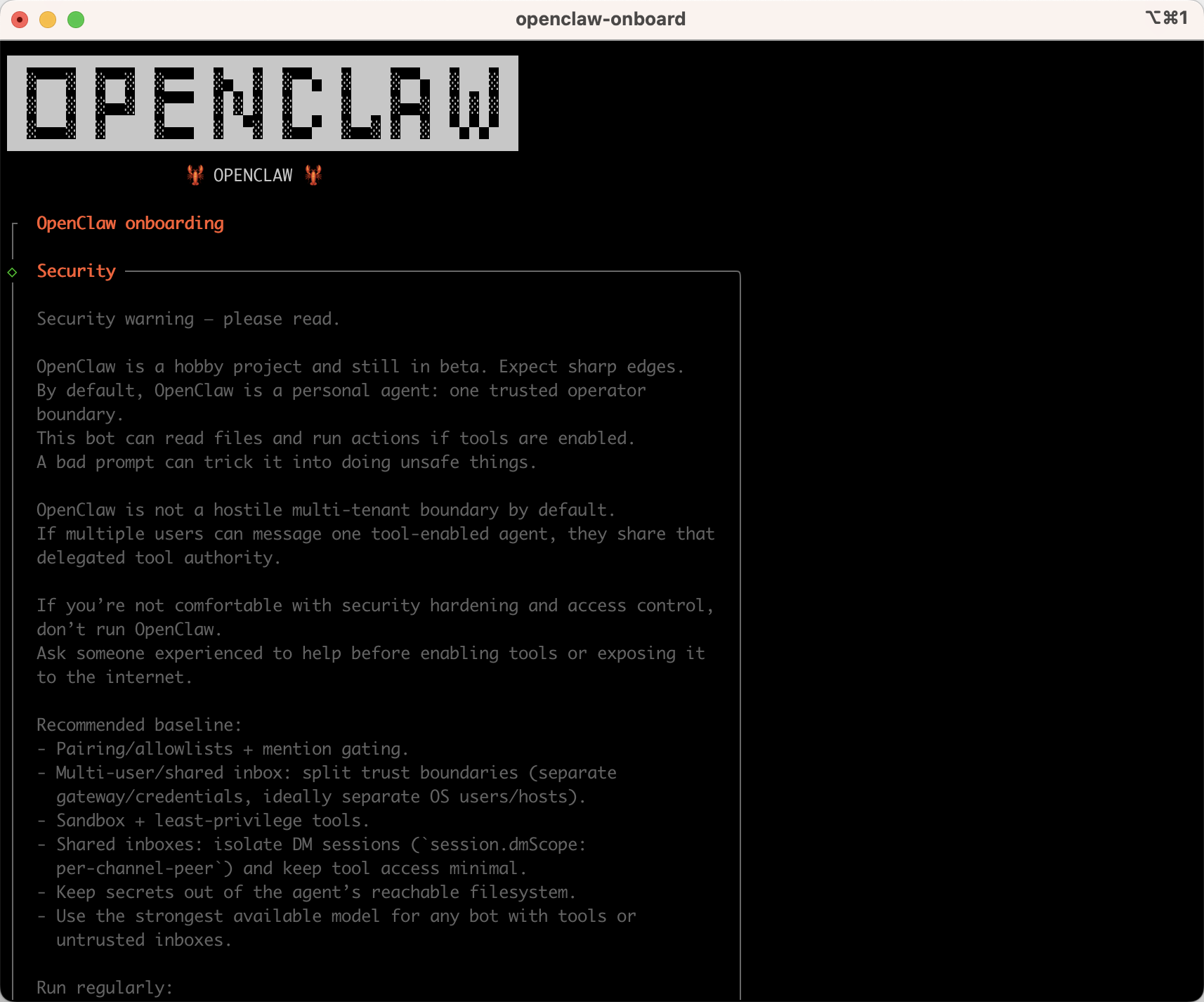
出现该内容表示安装成功,继续配置openclaw。
整体配置的对话有这些:
shell
I understand this is personal-by-default and shared/multi-user use requires lock-down. Continue?
y
 Onboarding mode
│  ● QuickStart (Configure details later via openclaw configure.)
 Config handling
│  ● Use existing values

 Model/auth provider(按方向键上)
│  ● Skip for now
 Filter models by provider
│  ● All providers

Default model
│  ● Keep current (default: anthropic/claude-opus-4-6)

Select channel (QuickStart)
│  ● Skip for now (You can add channels later via `openclaw channels add`)

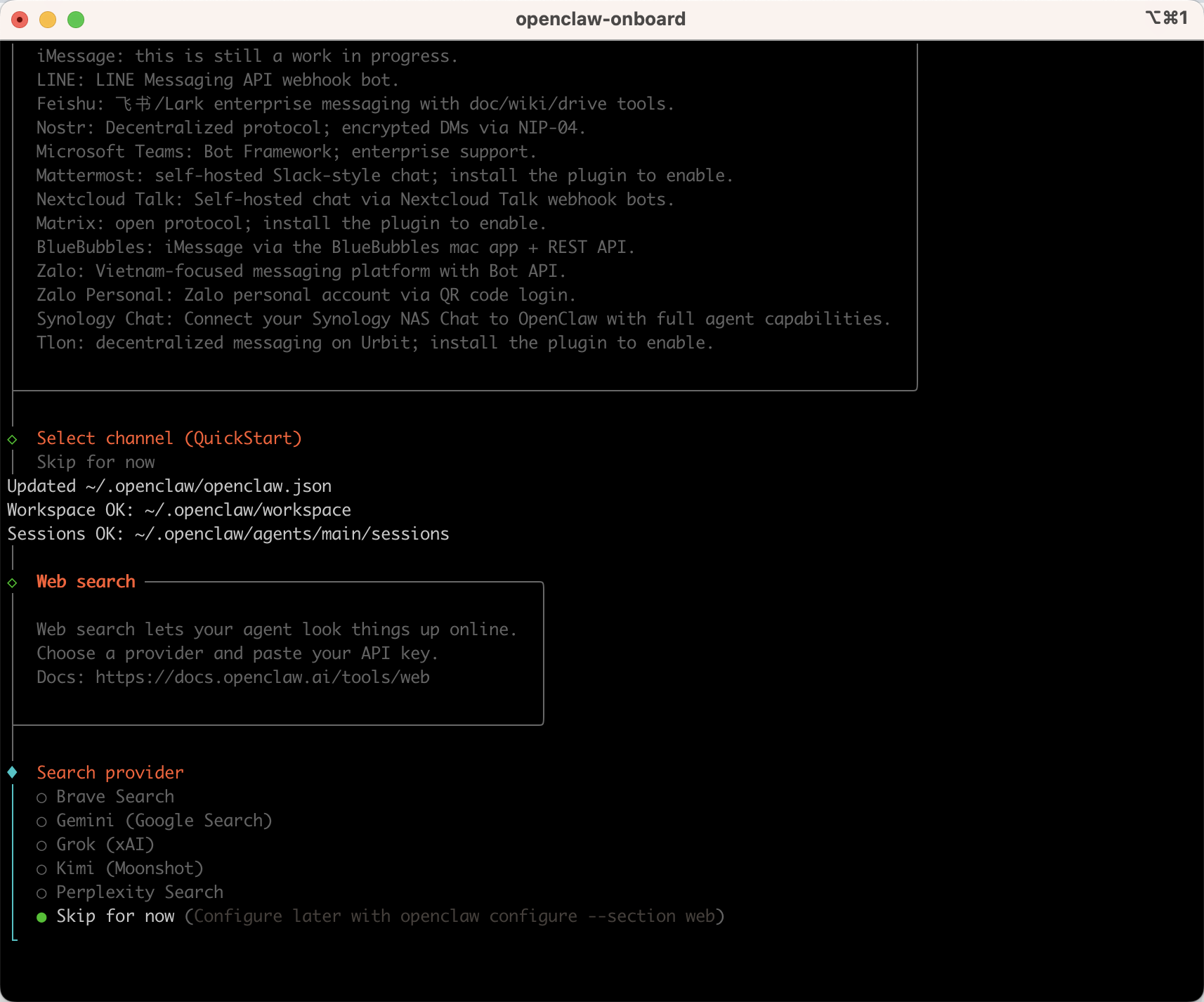
 Search provider
│  ● Skip for now (Configure later with openclaw configure --section web)

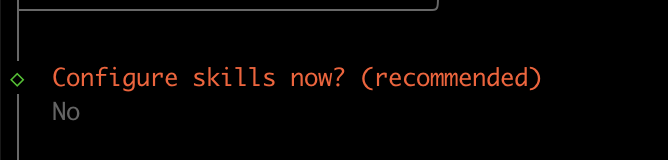
 Configure skills now? (recommended)
│  ○ Yes / ● No

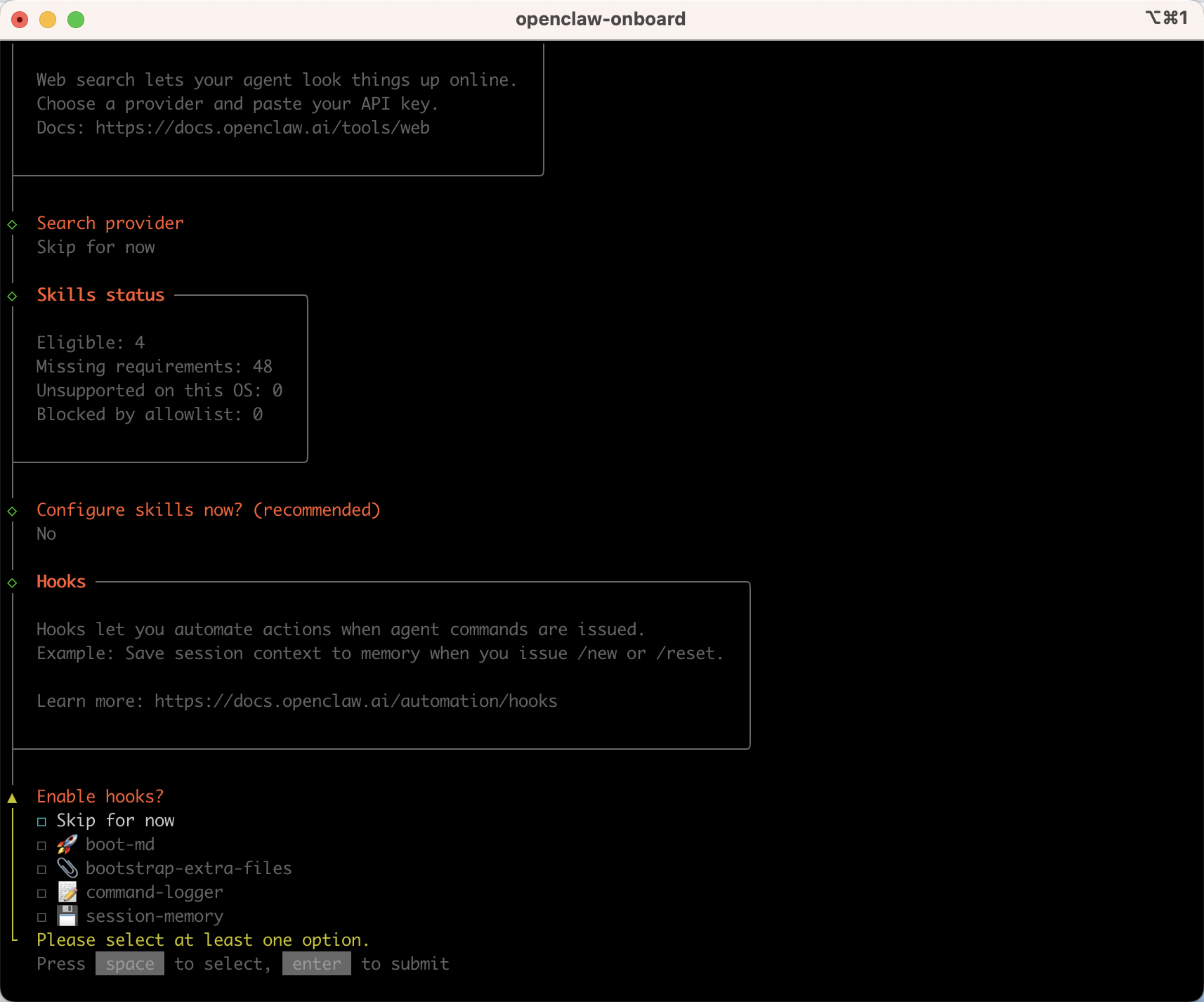
Enable hooks?(空格选中 回车确认)
│  ◻ Skip for now
│  ◼ 🚀 boot-md (Run BOOT.md on gateway startup)
│  ◼ 📎 bootstrap-extra-files (Inject additional workspace bootstrap files via glob/path patterns)
│  ◼ 📝 command-logger (Log all command events to a centralized audit file)
│  ◼ 💾 session-memory (Save session context to memory when /new or /reset command is issued)
Gateway service already installed
│  ● Restart
 How do you want to hatch your bot?
│  ● Open the Web UI
也可以看下面的详细操作步骤。
2.接受风险提示
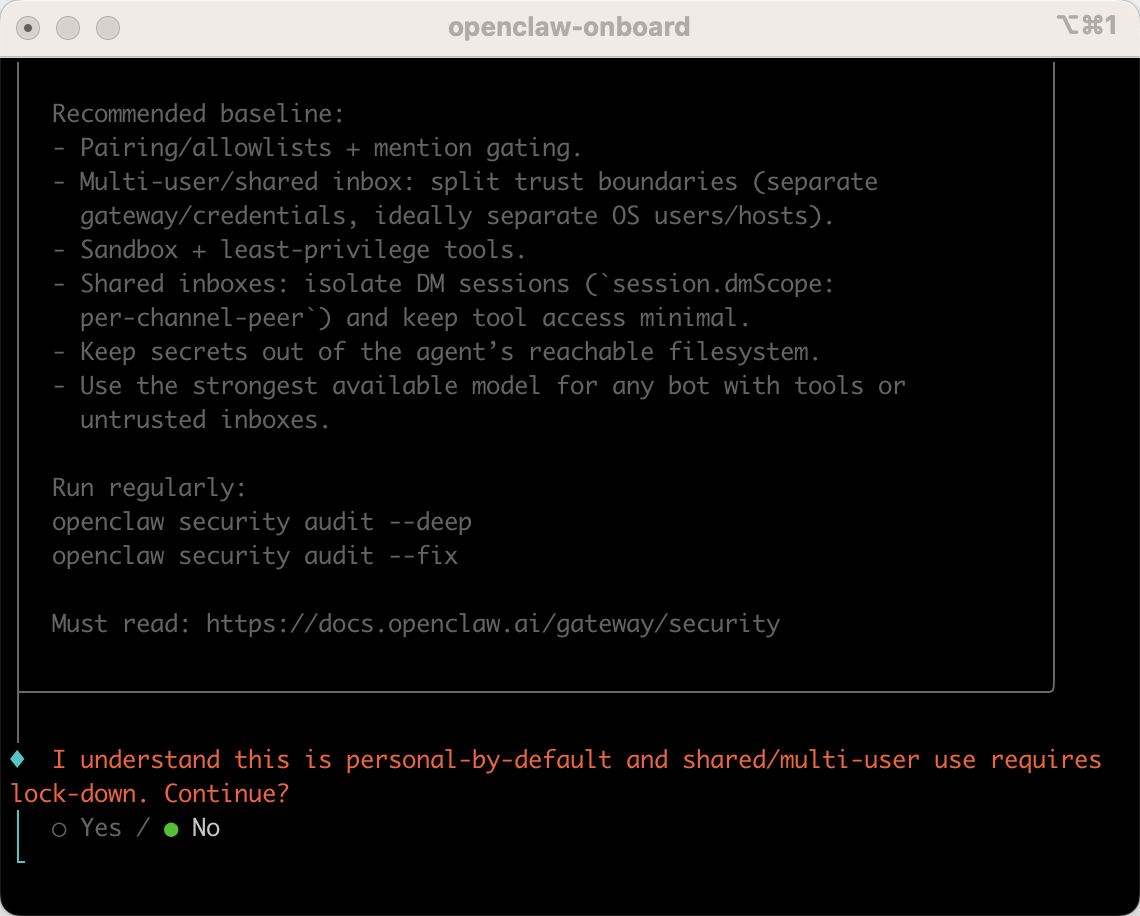
shell
#我知道这是默认的个人使用,共享/多用户使用需要锁定。继续吗?
I understand this is personal-by-default and shared/multi-user use requires
lock-down. Continue?
│  ● Yes / ○ No
按左右方向键切换,选yes 接受风险提示。
3.选择启动模式
推荐选择QuickStart快速启动模式
shell
  Onboarding mode
│  QuickStart
4.选择AI模型
这里选择最后一个Skip for now跳过,后面在去配置。
也可以选择你已经有的模型,配置apikey即可。
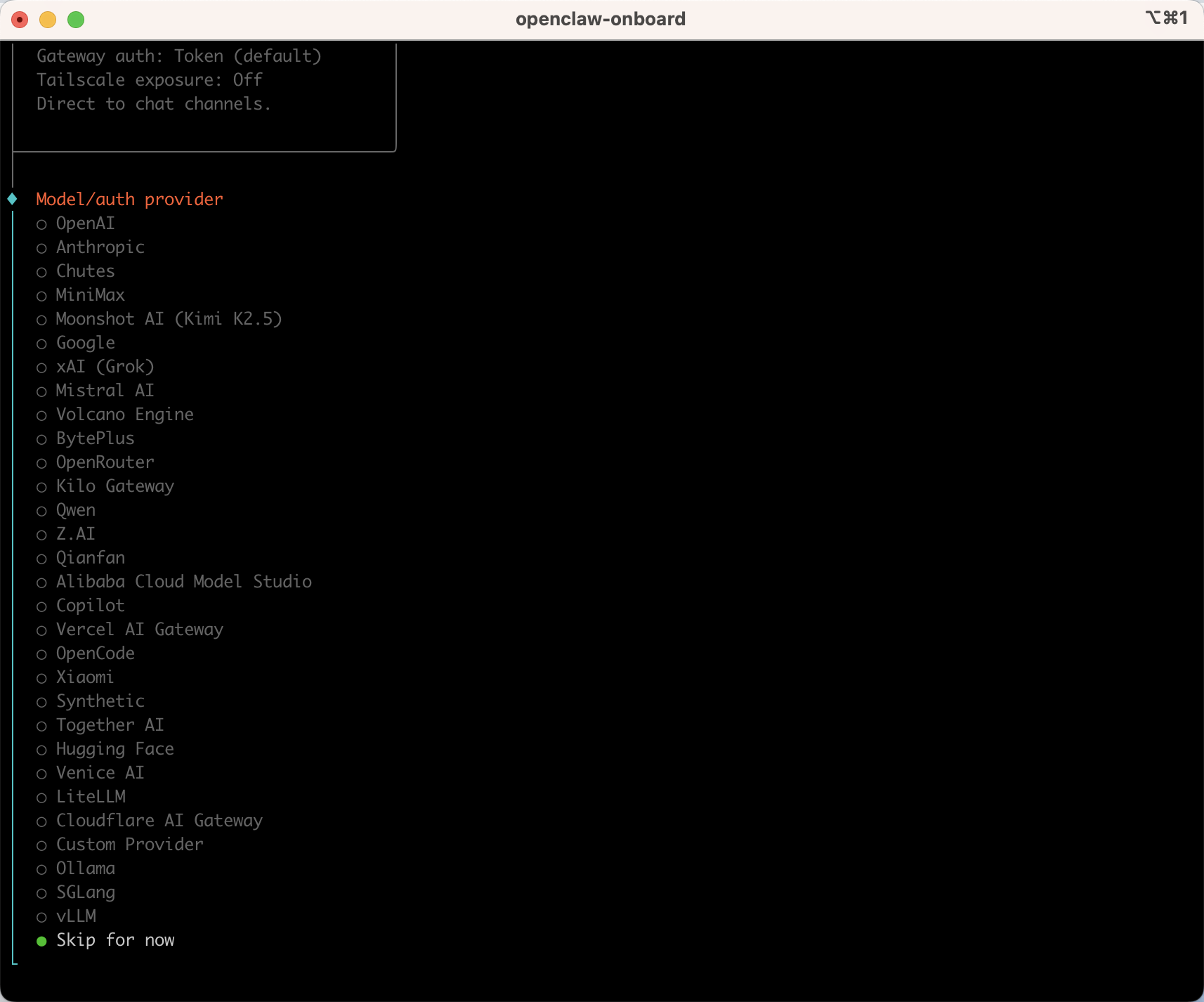
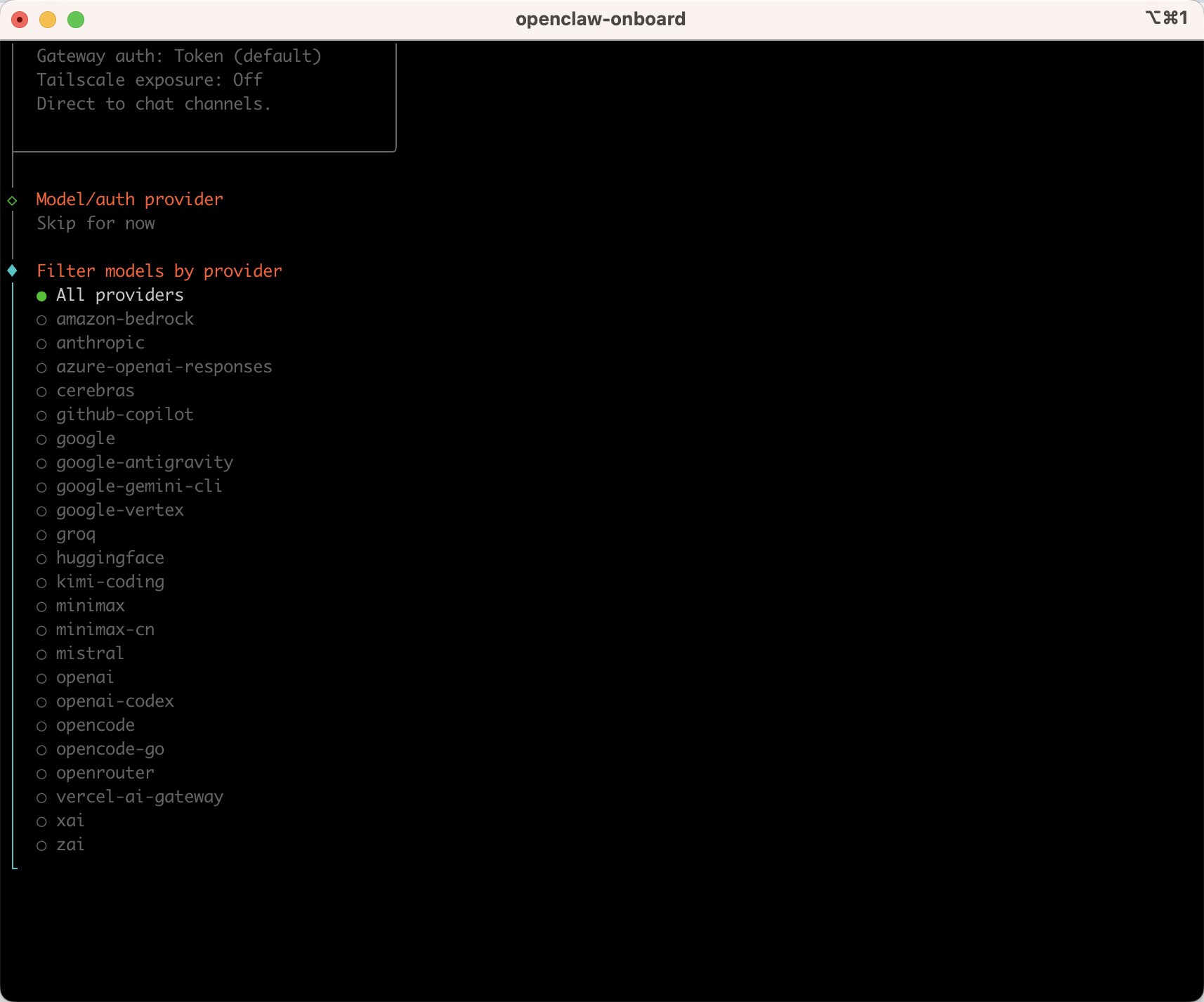
5.模型供应商
选择所有供应商:
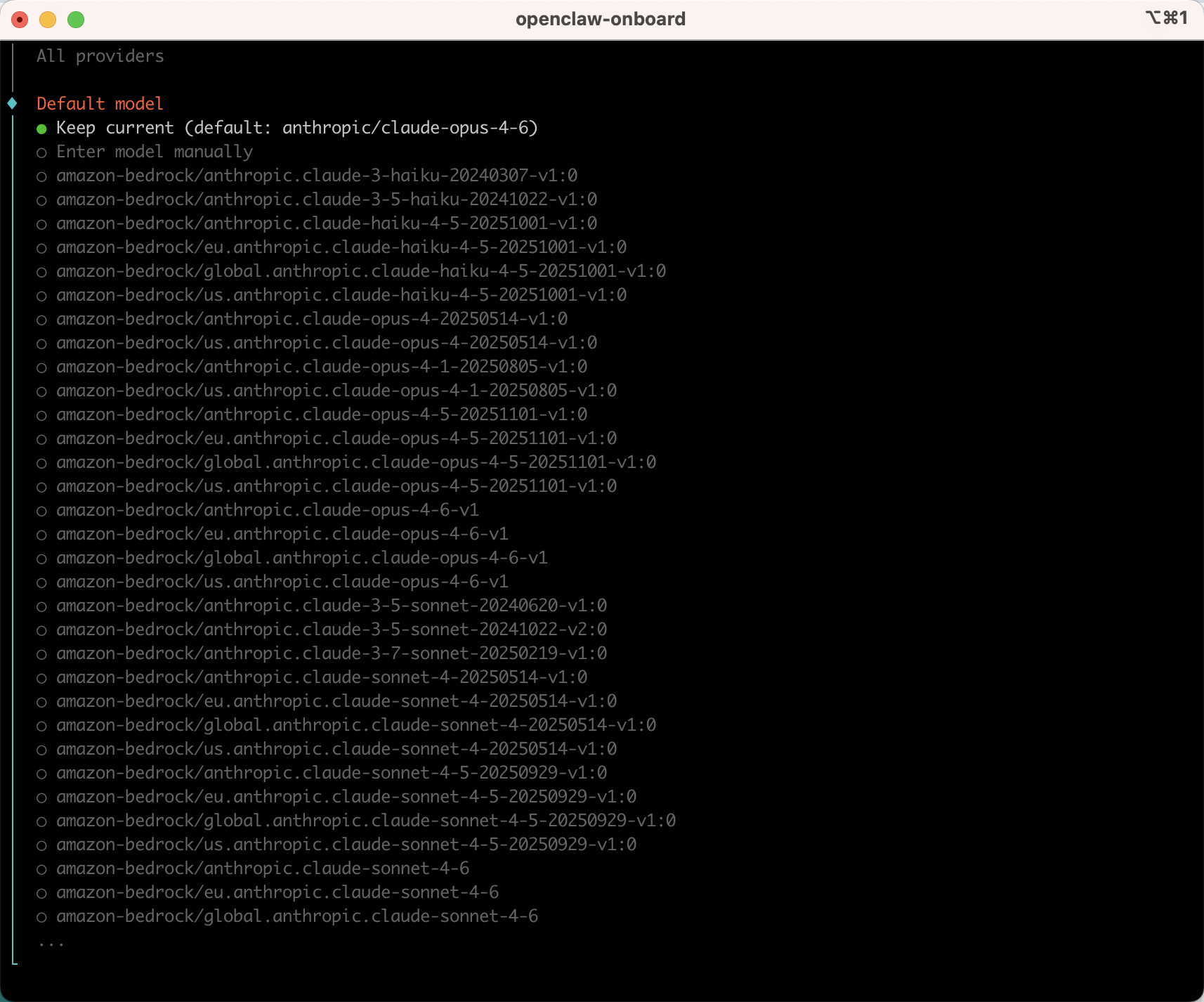
6.设置默认model
选择默认即可,后面还会配置模型:
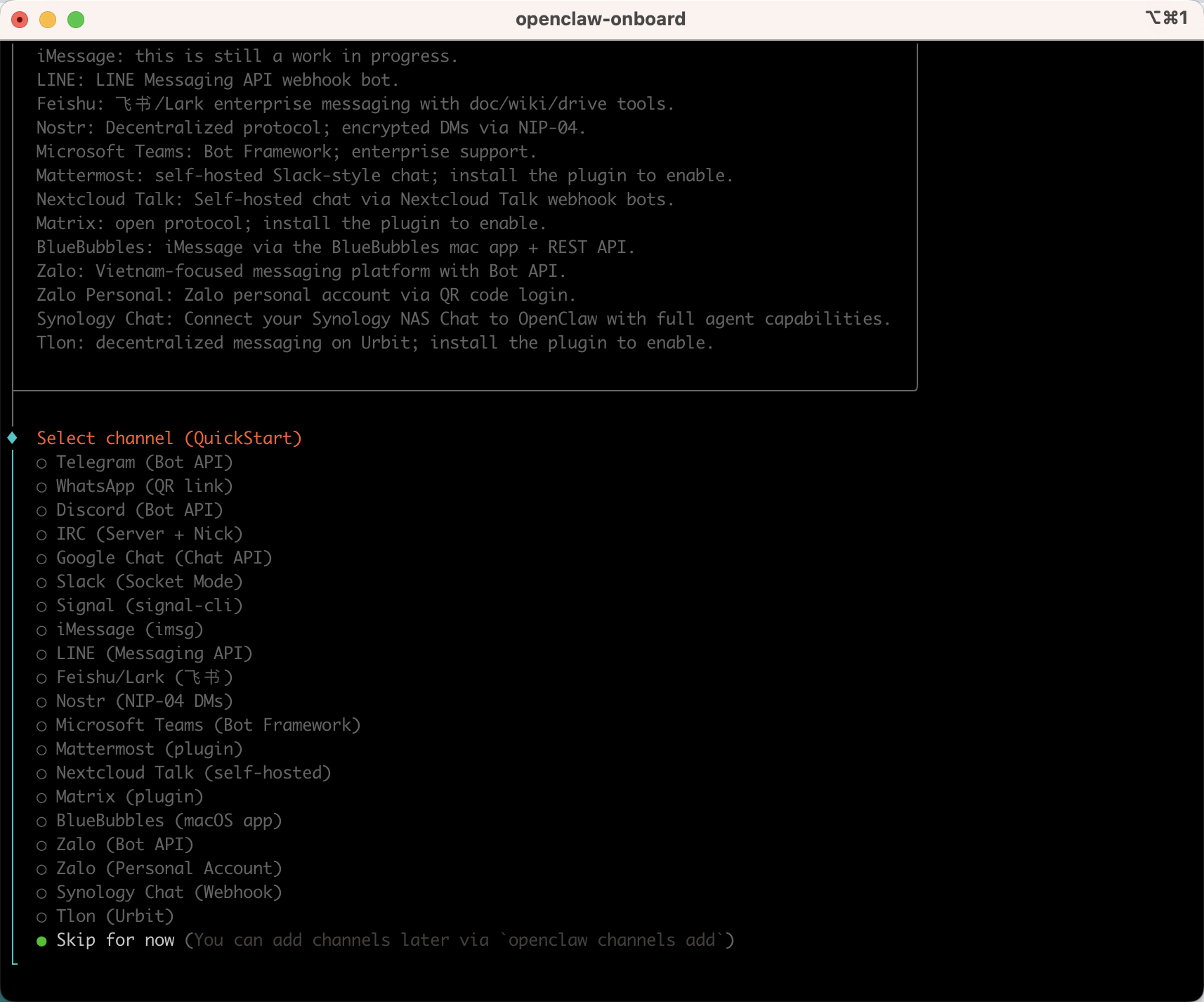
7.选择聊天工具
这里选择最后一个Skip for now 跳过,后面在去配置:
8.选择网络搜索
这里也是跳过:
9.配置skills
这里也是跳过。
10.配置hooks
上下键切换选项,按空格选择Skip for now,然后回车:
11.打开web聊天框
选择Open the Web UI,打开网页对话页面:
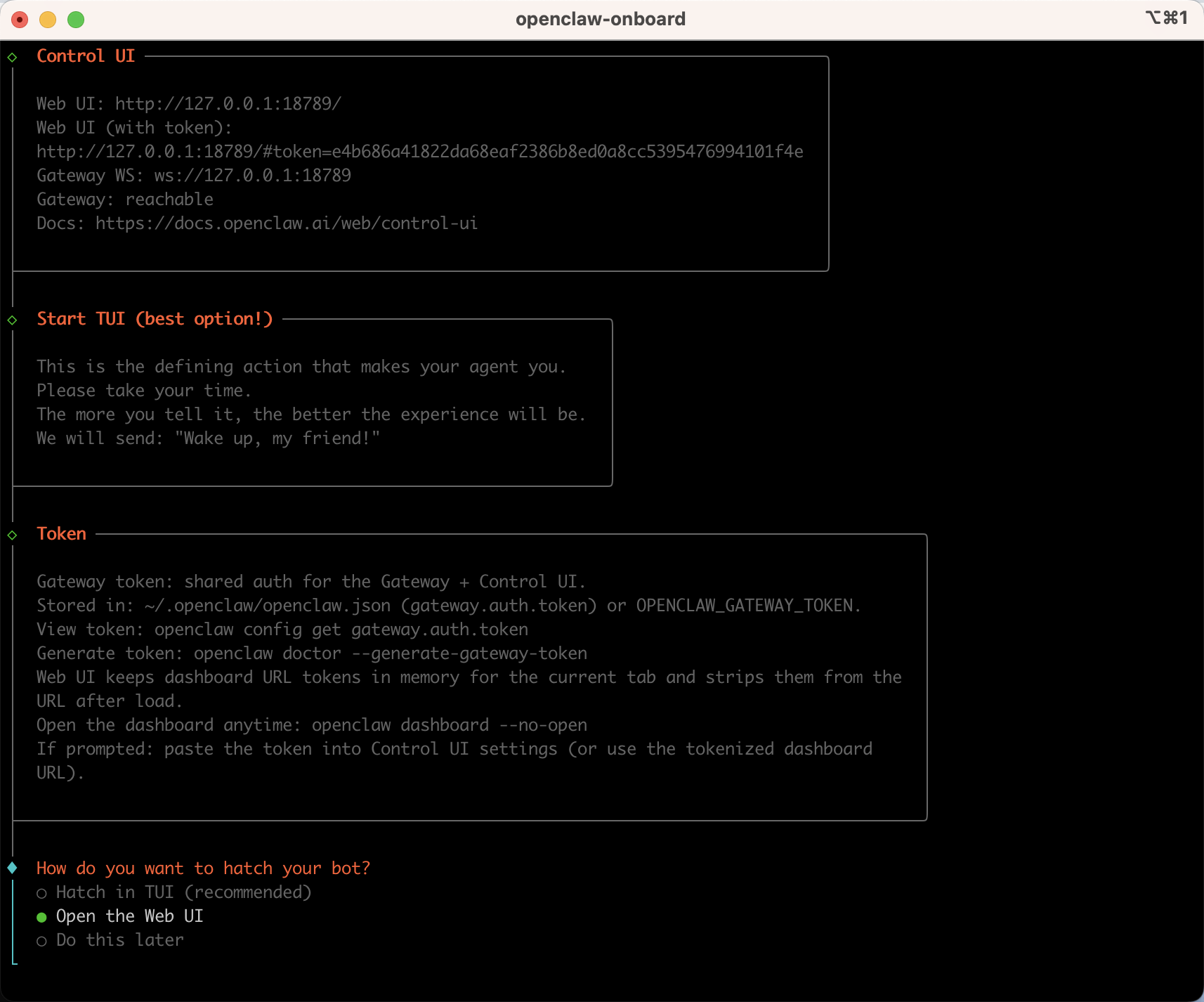
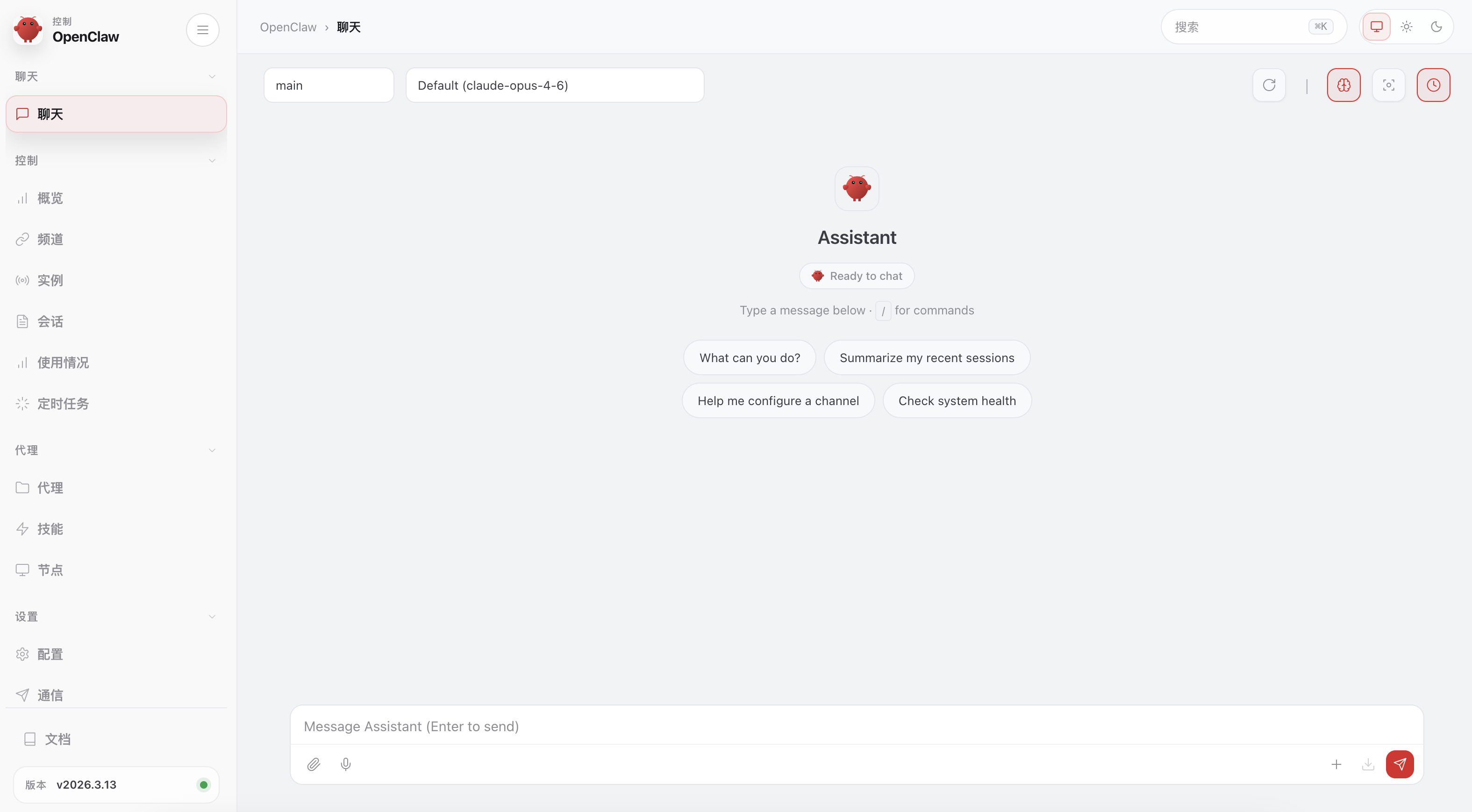
至此安装成功!
12.web访问(暂时还用不了需要配置模型)
访问地址:
she
http://127.0.0.1:18789/chat?session=agent%3Amain%3Amain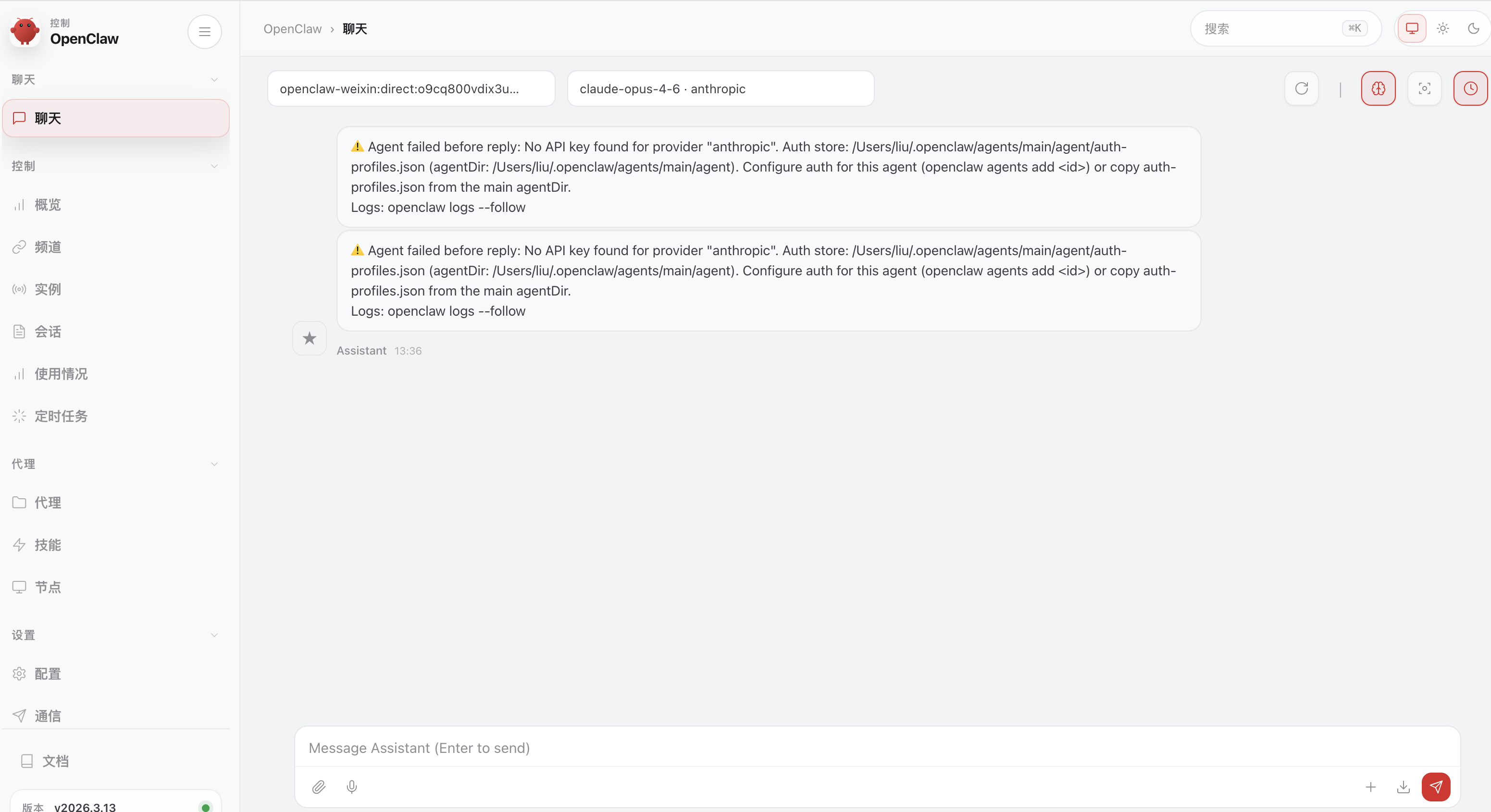
13.配置AI模型
终端输入:
shell
openclaw config
shell
openclaw config
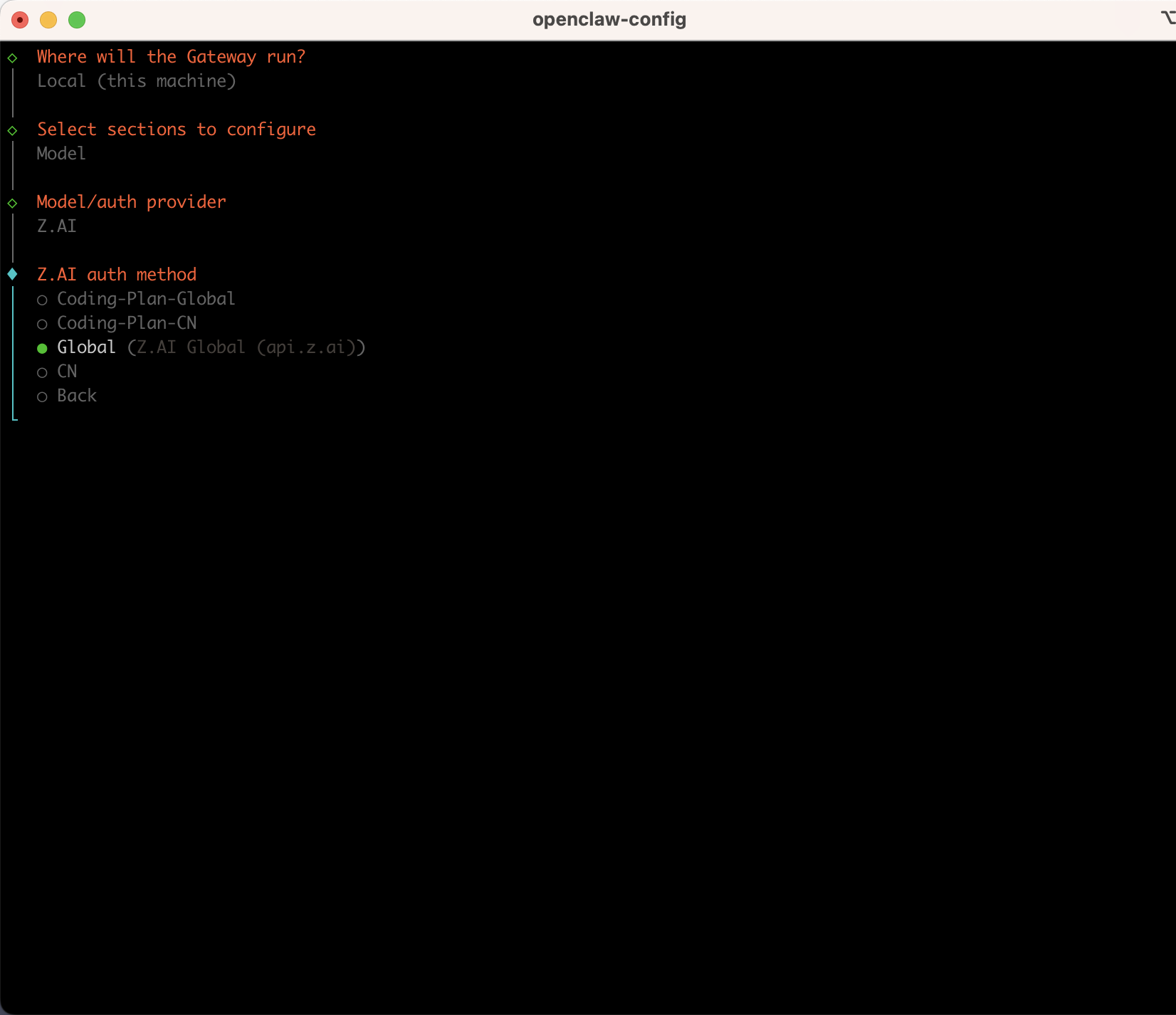
Where will the Gateway run?
│  ● Local (this machine) (Gateway reachable (ws://127.0.0.1:18789))
│  ○ Remote (info-only)
 Select sections to configure
│  ○ Workspace
│  ● Model (Pick provider + credentials)
│  ○ Web tools
│  ○ Gateway
│  ○ Daemon
│  ○ Channels
│  ○ Skills
│  ○ Health check
│  ○ Continue
Model/auth provider

│  ● Z.AI (GLM Coding Plan)
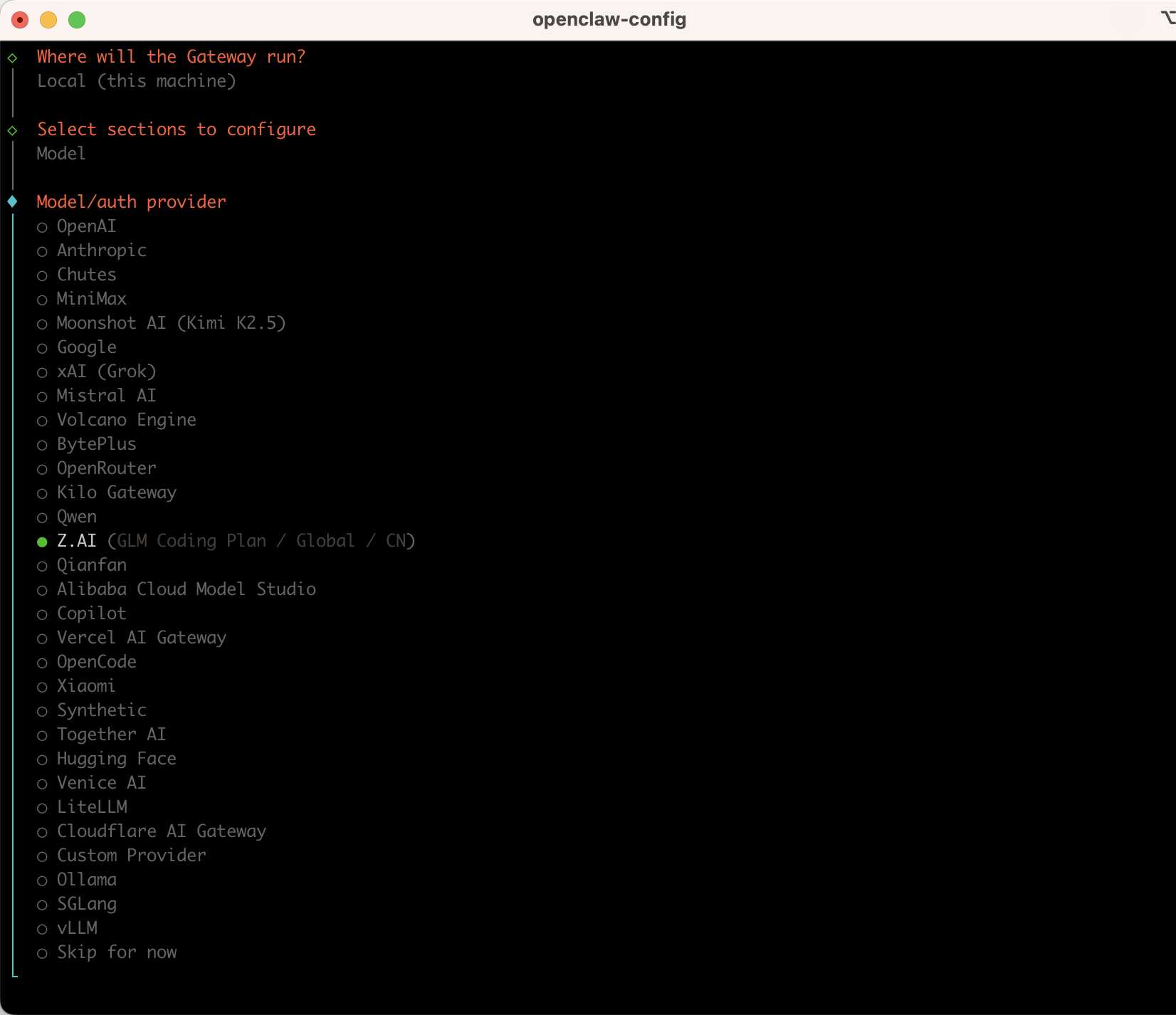
选择Z.AI,选择Global
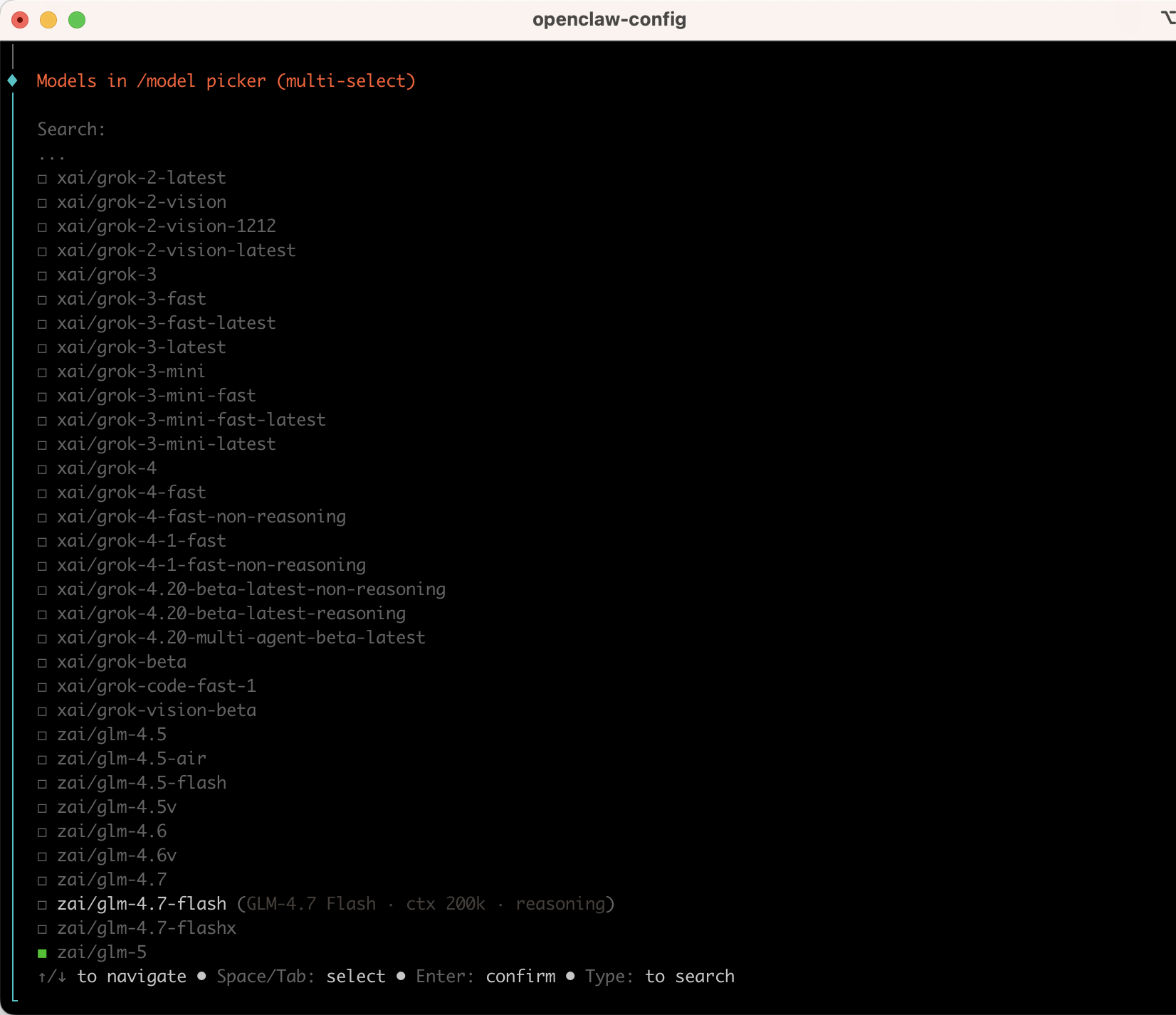
选择glm-4.7-flash,是免费的,回车确认
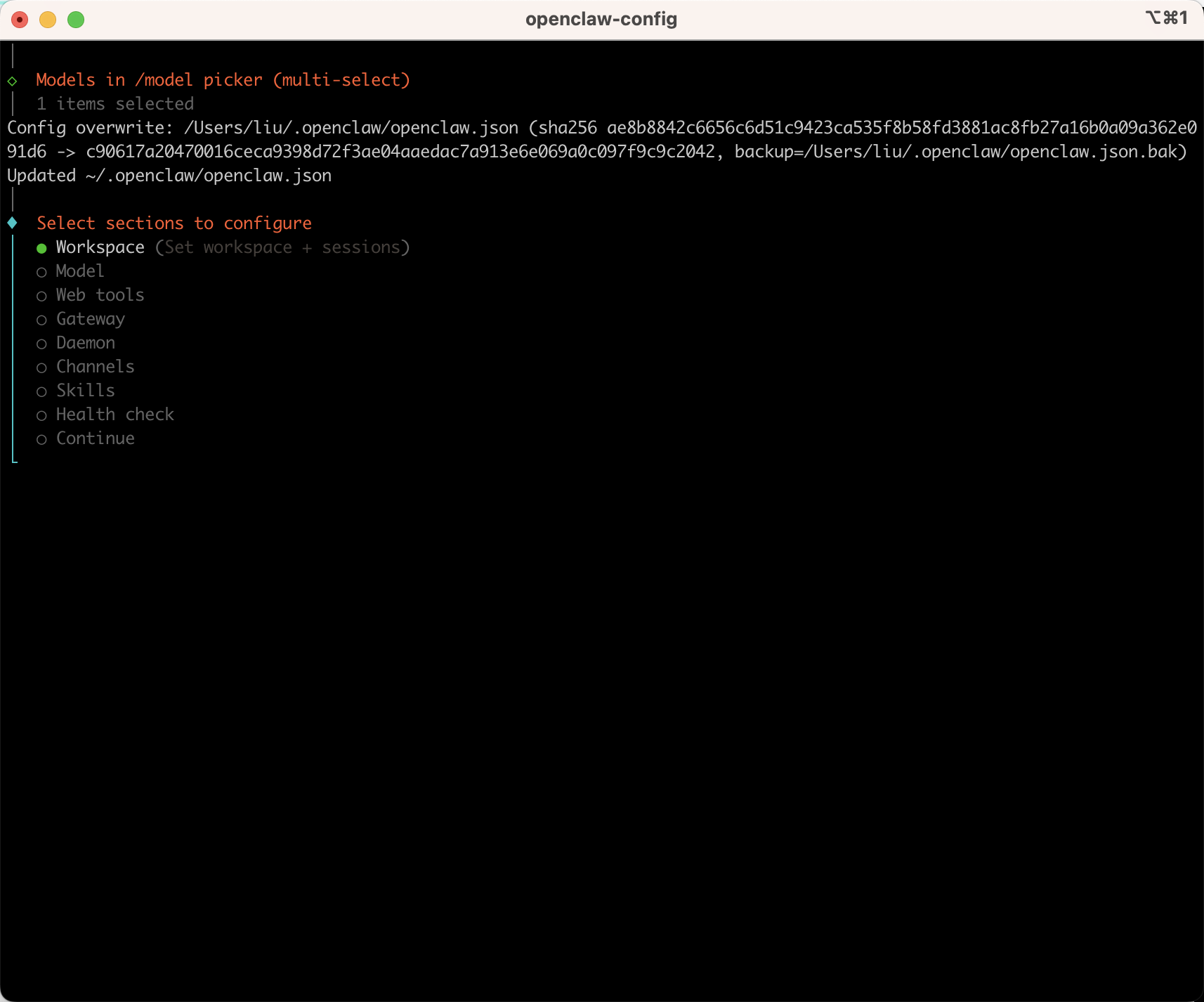
然后continue,或者按esc退出配置即可。
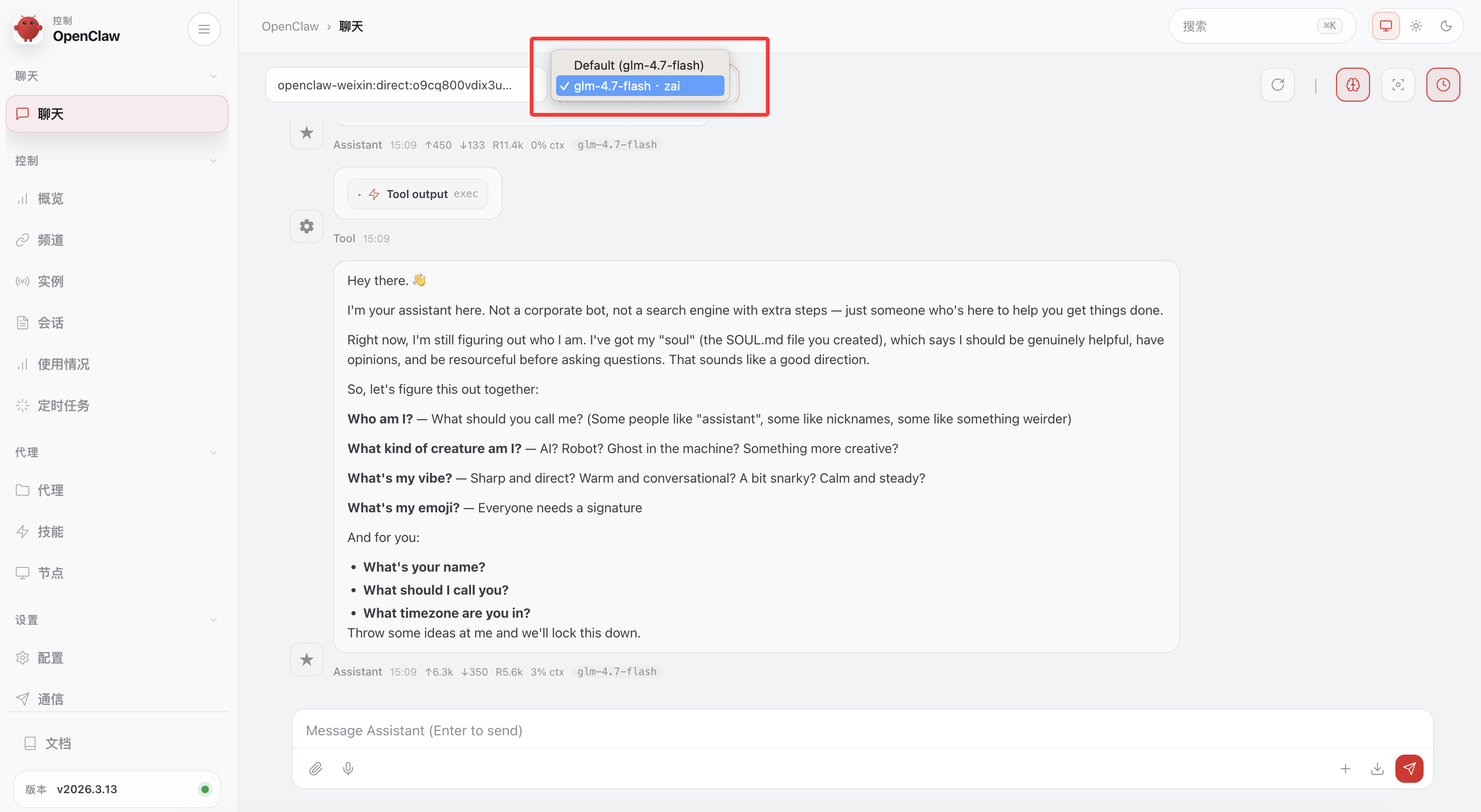
14.回到web提问
聊天框就有了模型glm-4.7-flash,然后就可以对话了。
三、常用指令
1.验证一切是否正常工作
shell
openclaw doctor # 检查配置问题
openclaw status # 查看网关状态
openclaw dashboard # 浏览器打开 Dashboard
2.网关指令
shell
openclaw gateway status #网关状态
openclaw gateway #一次性启动网关
openclaw gateway stop #网关服务停
openclaw gateway start #网关服务开
openclaw gateway restart #网关服务重启
openclaw gateway install #安装网关服务
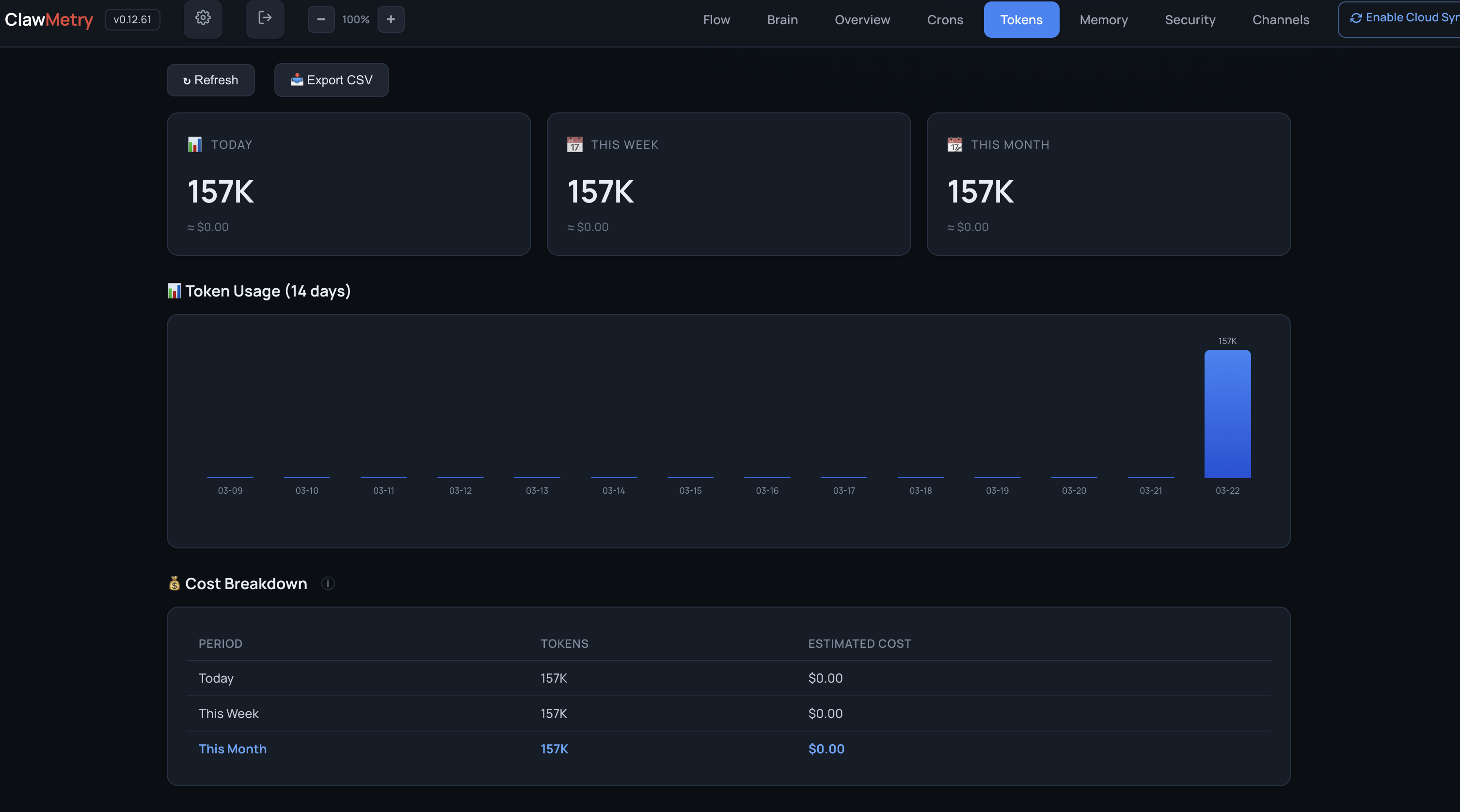
四、安装clawmetry
1.安装clawmetry
可以安装监控,监控openclaw在干啥:https://clawmetry.com/#get-started
安装好后,打开地址:http://localhost:8900/
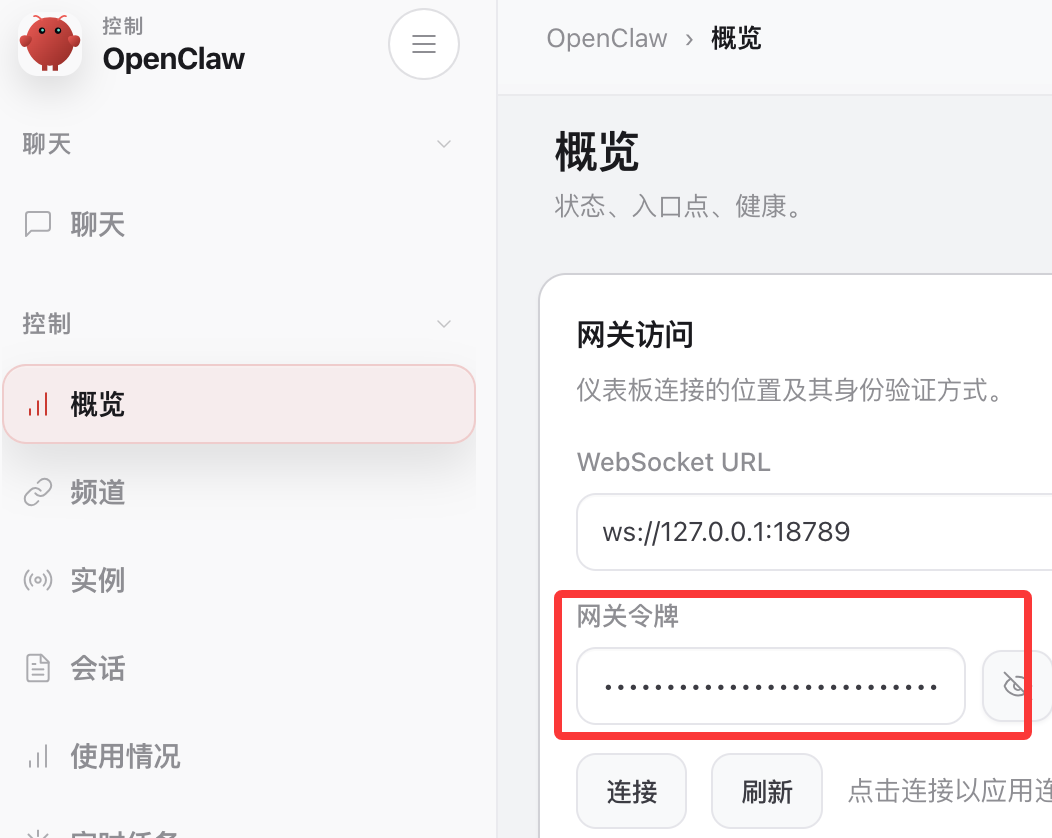
填入openclaw的token,token在:
2.使用
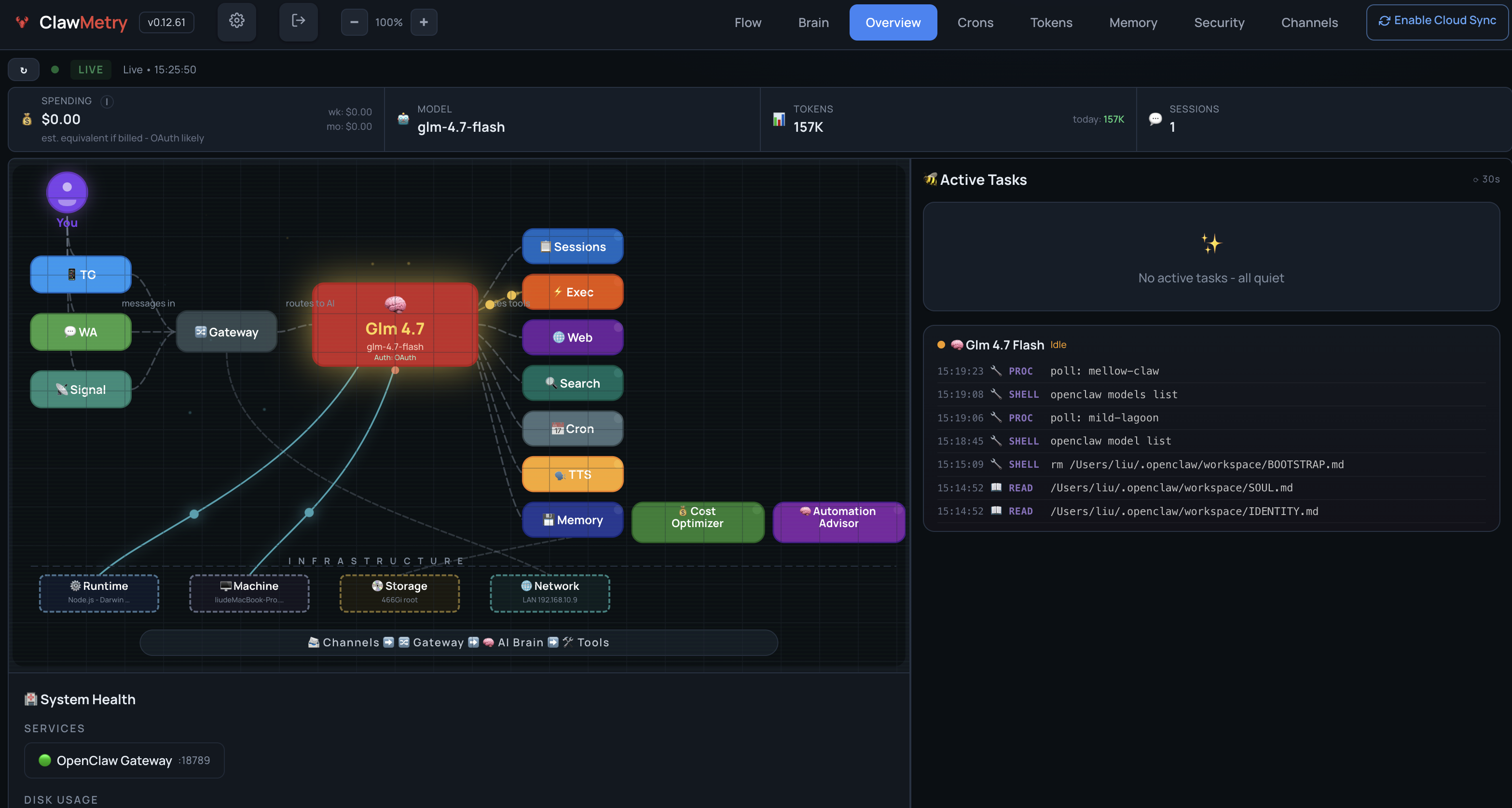
这样就可以随时监控openclaw在干啥了。还可以看token消耗,这里的消耗不是很准确,具体消耗还是平台后台看比较准确。