好久没有更新了,更新一下吧,装机无聊顺带写一下,方便后续可以直接给;
第一步:下载并安装 Toolbox App:
1、从 JetBrains 官网下载 jetbrains-toolbox-*.tar.gz 压缩包,解压并运行其中的 jetbrains-toolbox 文件即可。这个我感觉巨好用 直接集成了,比之前好。网址如下:
https://www.jetbrains.com/zh-cn/toolbox-app/ 2、下完解压
解压安装包:打开终端,进入下载目录,用 tar 命令解压。官方推荐安装到 /opt 目录,你可以使用这个命令:
bash
sudo tar xzf jetbr-*.tar.gz -C /opt/3、东西已经在/opt/下了 直接进去找到jetbrains-toolbox
./jetbrains-toolbox 第二步:点击下载pycharm就行:
安装下 pycharm 简简单单,全程傻瓜式一步安装,真友好啊。
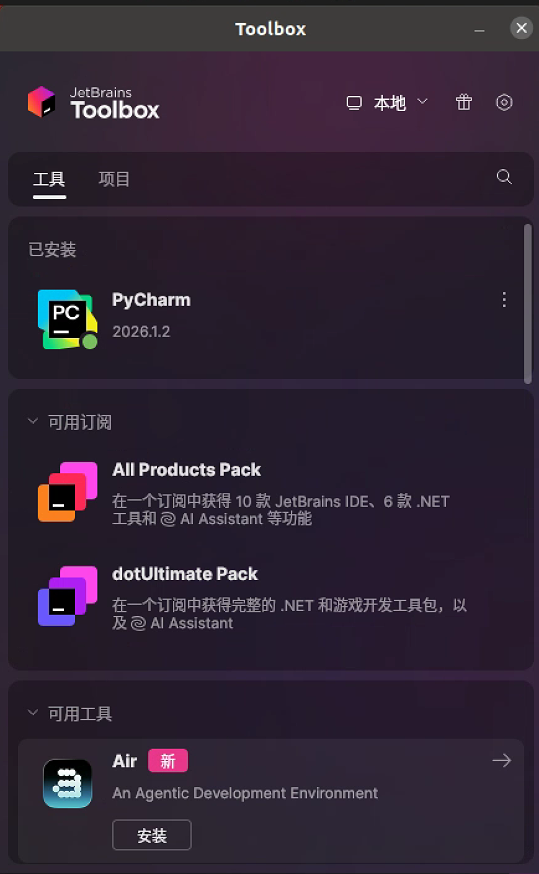
第三步:点击配置环境的时候下载anaconda:
现在做的是真方便啊,读研的时候能遇到这么简单的安装就好了
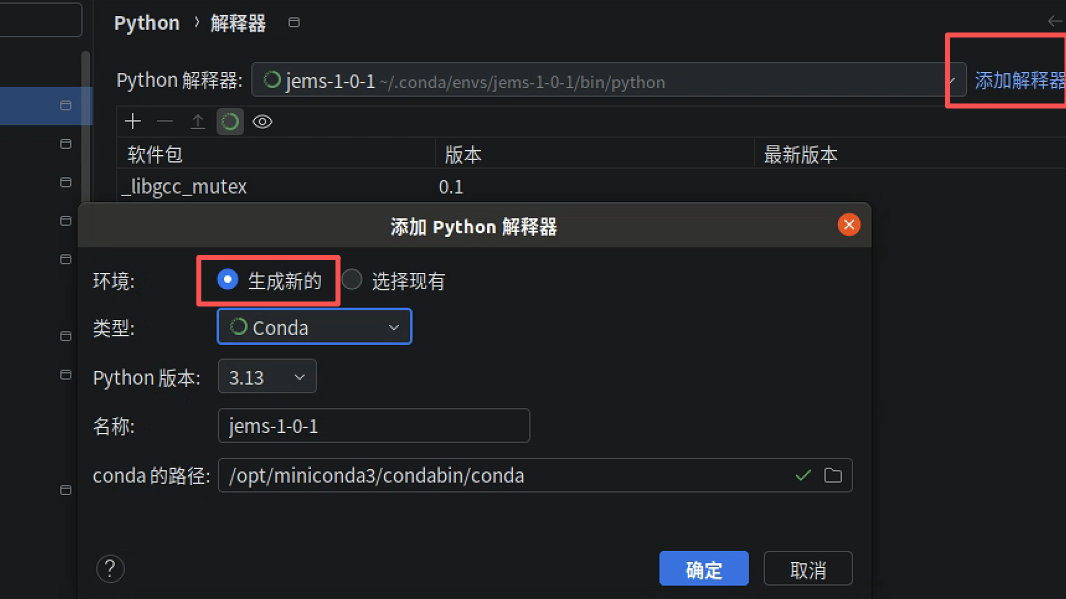
因为我已经安装好了,这里如果你没有conda,会提示你安装miniconda 也是点击一下就好了,然后自动等待anconda安装好就行了;
问题及解决
过程中就遇到了一个问题,conda需要同意下协议:
CondaToSNonInteractiveError: Terms of Service have not been accepted for the following channels. Please accept or remove them before proceeding: - https://repo.anaconda.com/pkgs/main - https://repo.anaconda.com/pkgs/r To accept these channels' Terms of Service, run the following commands: conda tos accept --override-channels --channel https://repo.anaconda.com/pkgs/main conda tos accept --override-channels --channel https://repo.anaconda.com/pkgs/r For information on safely removing channels from your conda configuration, please see the official documentation: https://www.anaconda.com/docs/tools/working-with-conda/channels解决办法
conda tos accept