文章目录
- [pytest-bdd:基于 pytest 的 BDD 测试框架](#pytest-bdd:基于 pytest 的 BDD 测试框架)
pytest-bdd:基于 pytest 的 BDD 测试框架
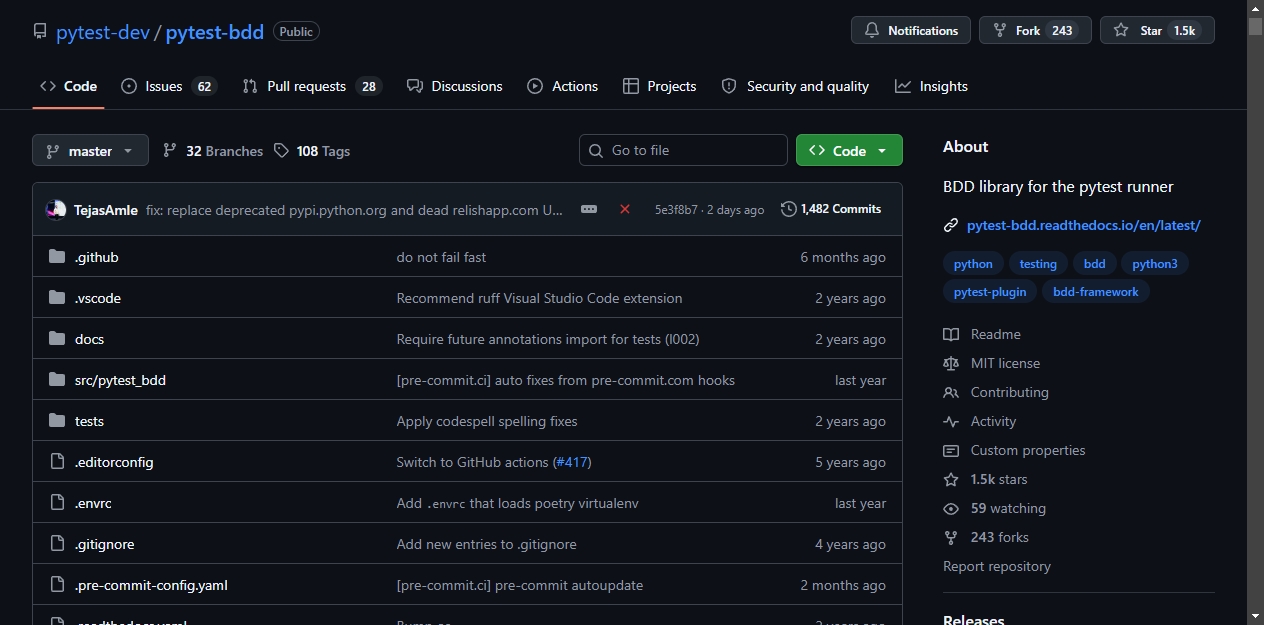
pytest-bdd 在 GitHub 上已经拿到 1,452 Star。
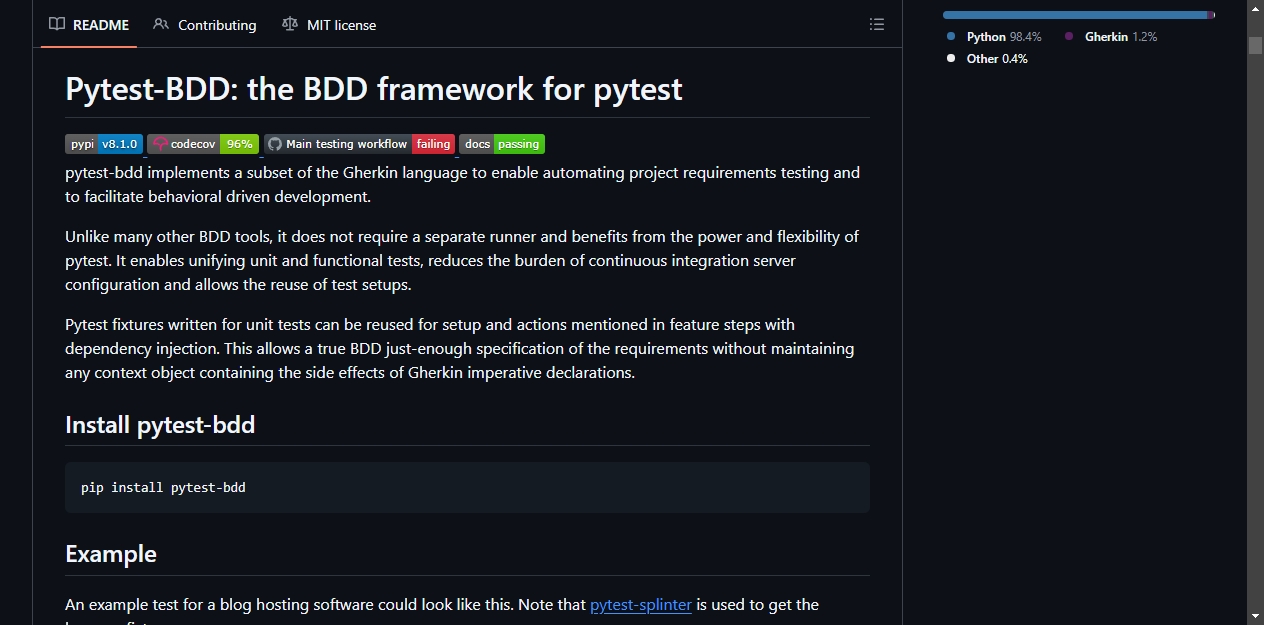
这是一个 pytest 插件,用 Gherkin 语法描述功能场景,然后直接作为 pytest 测试运行。不需要引入独立的 BDD 运行器,pytest 的收集、执行、报告能力都能直接用。
1、这玩意儿是干嘛的
BDD(行为驱动开发)的思路是把需求写成 Given / When / Then 的形式,让技术侧和业务侧用同一套语言交流。Gherkin 是这套思路的标准语法。
pytest-bdd 实现了 Gherkin 的一个子集。开发人员在 .feature 文件里写场景,再用 Python 代码实现每个步骤的具体逻辑。这些步骤函数就是普通的 pytest fixtures,彼此之间通过依赖注入来传递数据。你不需要维护一个全局上下文对象来存步骤之间的状态,直接声明参数,pytest 会自动注入。
对于已经在用 pytest 的项目,这意味着单元测试和功能测试可以用同一套基础设施。已有的 fixture 库可以直接复用,CI 配置也不需要为 BDD 单独维护一条流水线。
2、关键能力
场景绑定。@scenario 装饰器可以把单个场景映射到测试函数。如果 feature 文件很多,可以用 scenarios() 方法批量导入整个目录。
步骤参数解析。内置四种解析器:string(默认)、parse、cfparse 和 re。parse 支持 {param:Type} 这种可读性较高的语法,cfparse 在此基础上支持数量词(+、*、?),re 则用正则表达式做完全自定义的匹配。
步骤别名。同一段逻辑可以注册多个名字,适合不同场景下表述方式不同的情况。比如 I have an article 和 there's an article 可以指向同一个实现。
Fixture 注入。通过 target_fixture 参数,步骤的返回值可以直接注入到 pytest 的 fixture 体系里,后续步骤声明同名参数即可拿到。
场景大纲。支持 Scenario Outline 和多个 Examples 块,还能给示例表打标签。运行时用 pytest -k 或 pytest -m 过滤特定标签的用例即可。
数据表与文档字符串。feature 文件里的表格和多行文本块可以通过 datatable 和 docstring 参数直接读到步骤函数内部,处理结构化输入比较方便。
标签系统。feature 和 scenario 上的 @tag 会自动转成 pytest marker,和 pytest 原生的标记筛选完全兼容。
3、安装使用
安装:
bash
pip install pytest-bdd先写 feature 文件:
gherkin
Feature: Blog
    Scenario: Publishing the article
        Given I'm an author user
        And I have an article
        When I go to the article page
        And I press the publish button
        Then I should not see the error message
        And the article should be published
再写对应的 Python 步骤实现:
python
from pytest_bdd import scenario, given, when, then

@scenario('publish_article.feature', 'Publishing the article')
def test_publish():
    pass

@given("I'm an author user")
def author_user(auth, author):
    auth['user'] = author.user
运行 pytest,测试就会按 feature 文件里定义的场景顺序执行。
4、适合哪些人用
- 已经在用 pytest,想把功能测试也纳入同一套体系的团队
- 需要把需求文档直接转成可执行测试的项目
- 想要 BDD 语法但不愿意引入额外运行器的开发者
pytest,想把功能测试也纳入同一套体系的团队
- 需要把需求文档直接转成可执行测试的项目
- 想要 BDD 语法但不愿意引入额外运行器的开发者