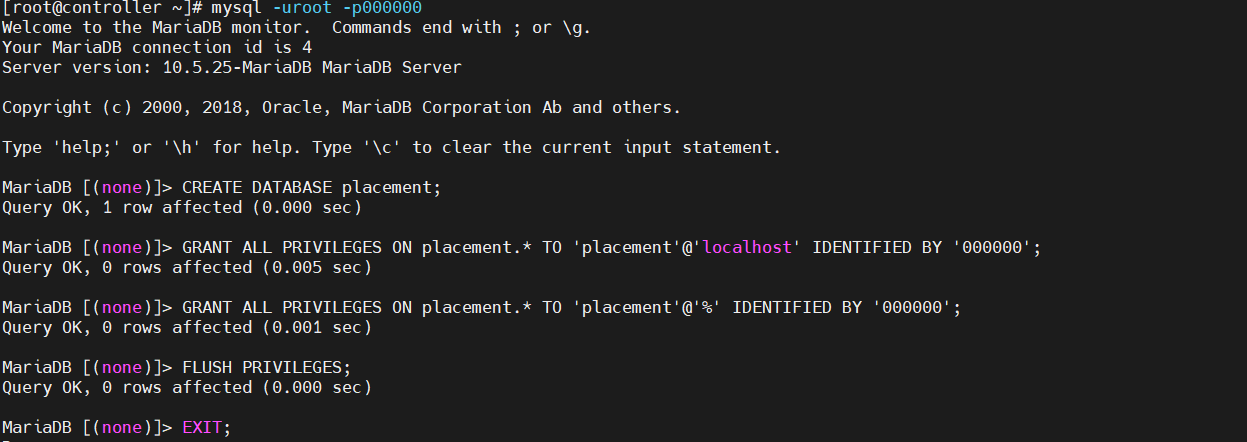
[root@controller ~]# mysql -uroot -p000000   //进入数据库
Welcome to the MariaDB monitor.  Commands end with ; or \g.
Your MariaDB connection id is 4
Server version: 10.5.25-MariaDB MariaDB Server

Copyright (c) 2000, 2018, Oracle, MariaDB Corporation Ab and others.

Type 'help;' or '\h' for help. Type '\c' to clear the current input statement.

MariaDB [(none)]> CREATE DATABASE placement;  //创建数据库
Query OK, 1 row affected (0.000 sec)

MariaDB [(none)]> GRANT ALL PRIVILEGES ON placement.* TO 'placement'@'localhost' IDENTIFIED BY '000000';   //远程管理授权
Query OK, 0 rows affected (0.005 sec)

MariaDB [(none)]> GRANT ALL PRIVILEGES ON placement.* TO 'placement'@'%' IDENTIFIED BY '000000';
Query OK, 0 rows affected (0.001 sec)

MariaDB [(none)]> FLUSH PRIVILEGES;
Query OK, 0 rows affected (0.000 sec)

MariaDB [(none)]> EXIT;//退出
Bye
//同步数据库
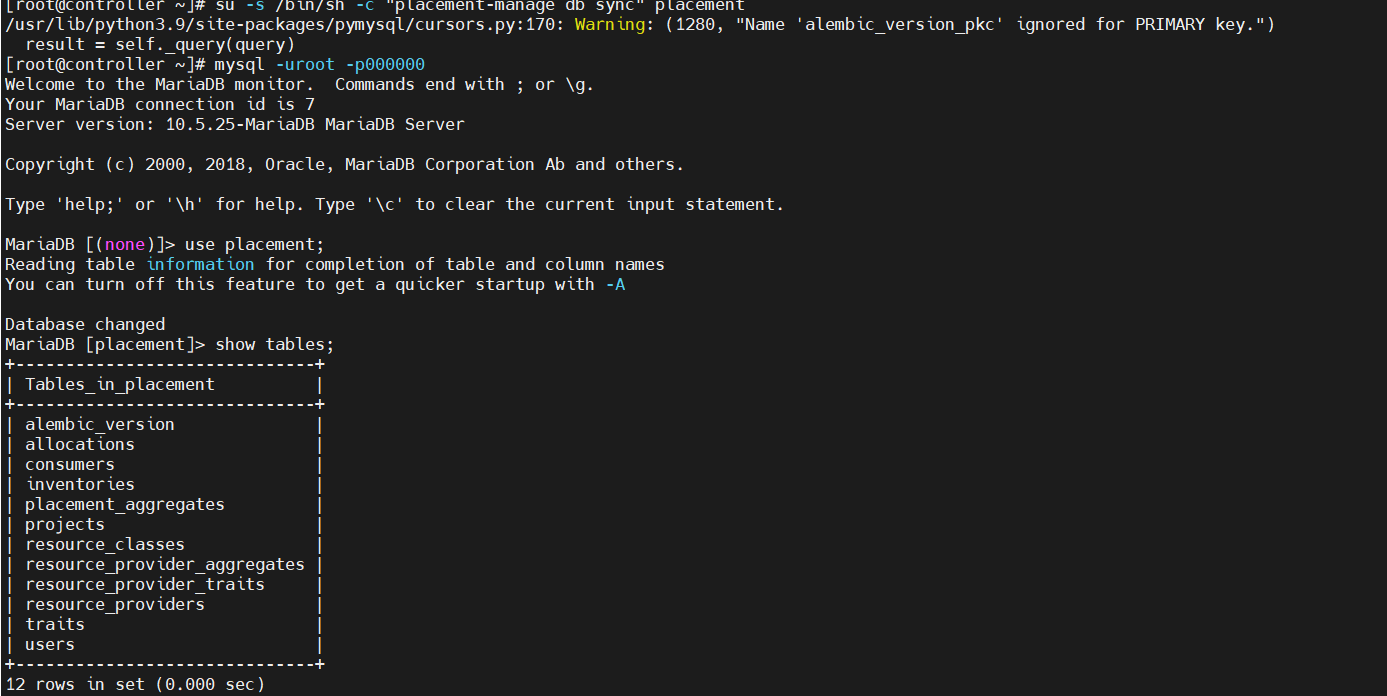
[root@controller ~]# su -s /bin/sh -c "placement-manage db sync" placement

/usr/lib/python3.9/site-packages/pymysql/cursors.py:170: Warning: (1280, "Name 'alembic_version_pkc' ignored for PRIMARY key.")
  result = self._query(query)

//进入收据库验证同步是否成功
[root@controller ~]# mysql -uroot -p000000
Welcome to the MariaDB monitor.  Commands end with ; or \g.
Your MariaDB connection id is 7
Server version: 10.5.25-MariaDB MariaDB Server

Copyright (c) 2000, 2018, Oracle, MariaDB Corporation Ab and others.

Type 'help;' or '\h' for help. Type '\c' to clear the current input statement.

MariaDB [(none)]> use placement;
Reading table information for completion of table and column names
You can turn off this feature to get a quicker startup with -A

Database changed
MariaDB [placement]> show tables;
+------------------------------+
| Tables_in_placement          |
+------------------------------+
| alembic_version              |
| allocations                  |
| consumers                    |
| inventories                  |
| placement_aggregates         |
| projects                     |
| resource_classes             |
| resource_provider_aggregates |
| resource_provider_traits     |
| resource_providers           |
| traits                       |
| users                        |
+------------------------------+
12 rows in set (0.000 sec)