Rust好多东西让人头晕,今天说点轻松的,如何配置一套舒服的开发环境。我用的是vscode,因此今天分享下vscode本地相关配置。也有场景把lint、fmt等放到git hook上,这个以后有机会再整理。
一、VSCode 插件推荐
1. 必备插件
rust-analyzer
-
作用:Rust 官方推荐的智能语言服务器,提供智能补全、语法高亮、跳转、重构、内联提示等功能。
-
官网/仓库:rust-analyzer
-
替代品:
- Rust (rls) (旧的 RLS,已停止活跃开发,不推荐)。
- 比较 :
rust-analyzer功能更全,速度更快,推荐优先。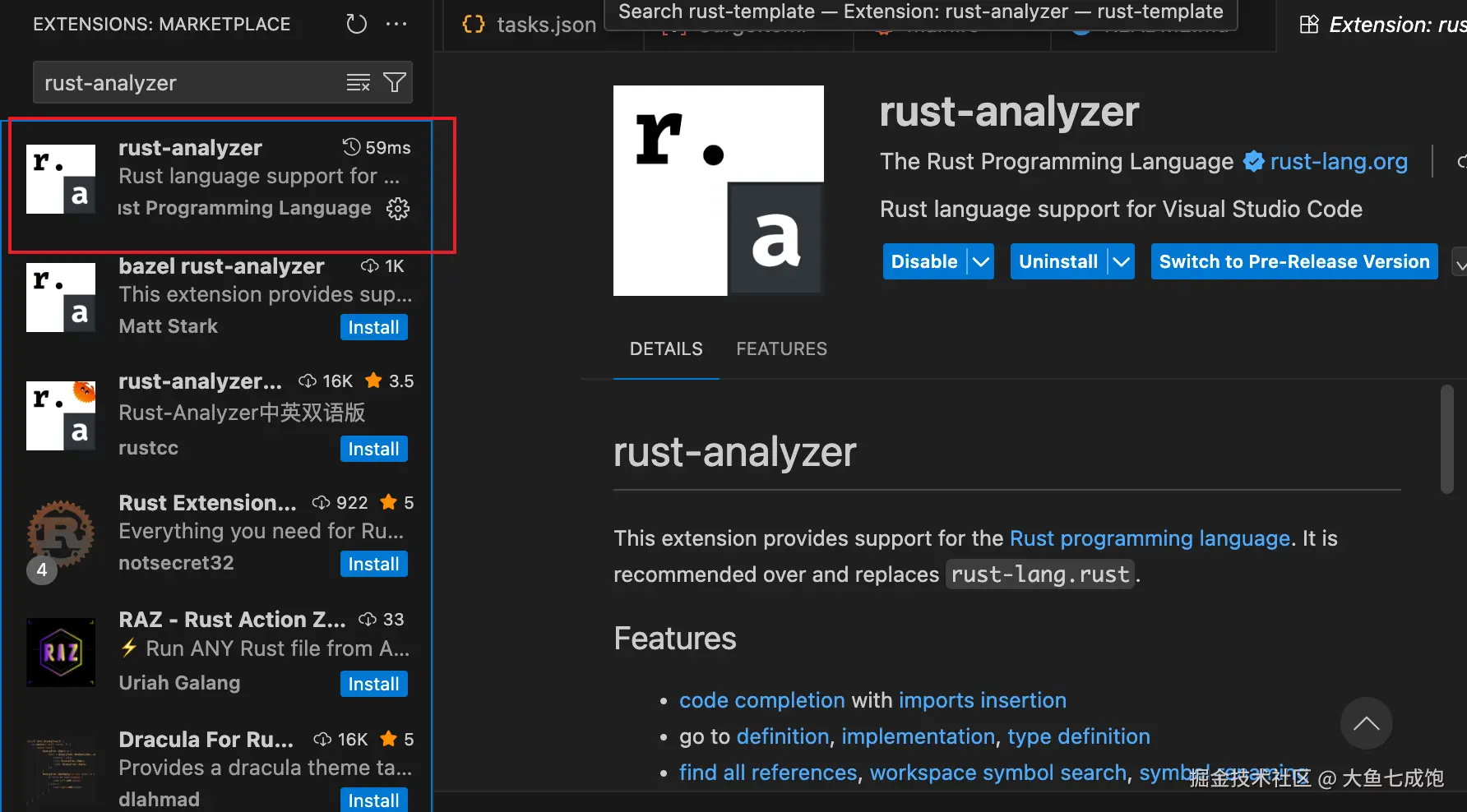
CodeLLDB
- 作用:Rust 调试插件,基于 LLDB,支持断点、单步调试、变量查看。
- 官网/仓库:vadimcn.vscode-lldb
- 替代品 :
- Native Debug(通用,但对 Rust 支持差)。
- 比较 :
CodeLLDB专门适配 Rust,体验最好。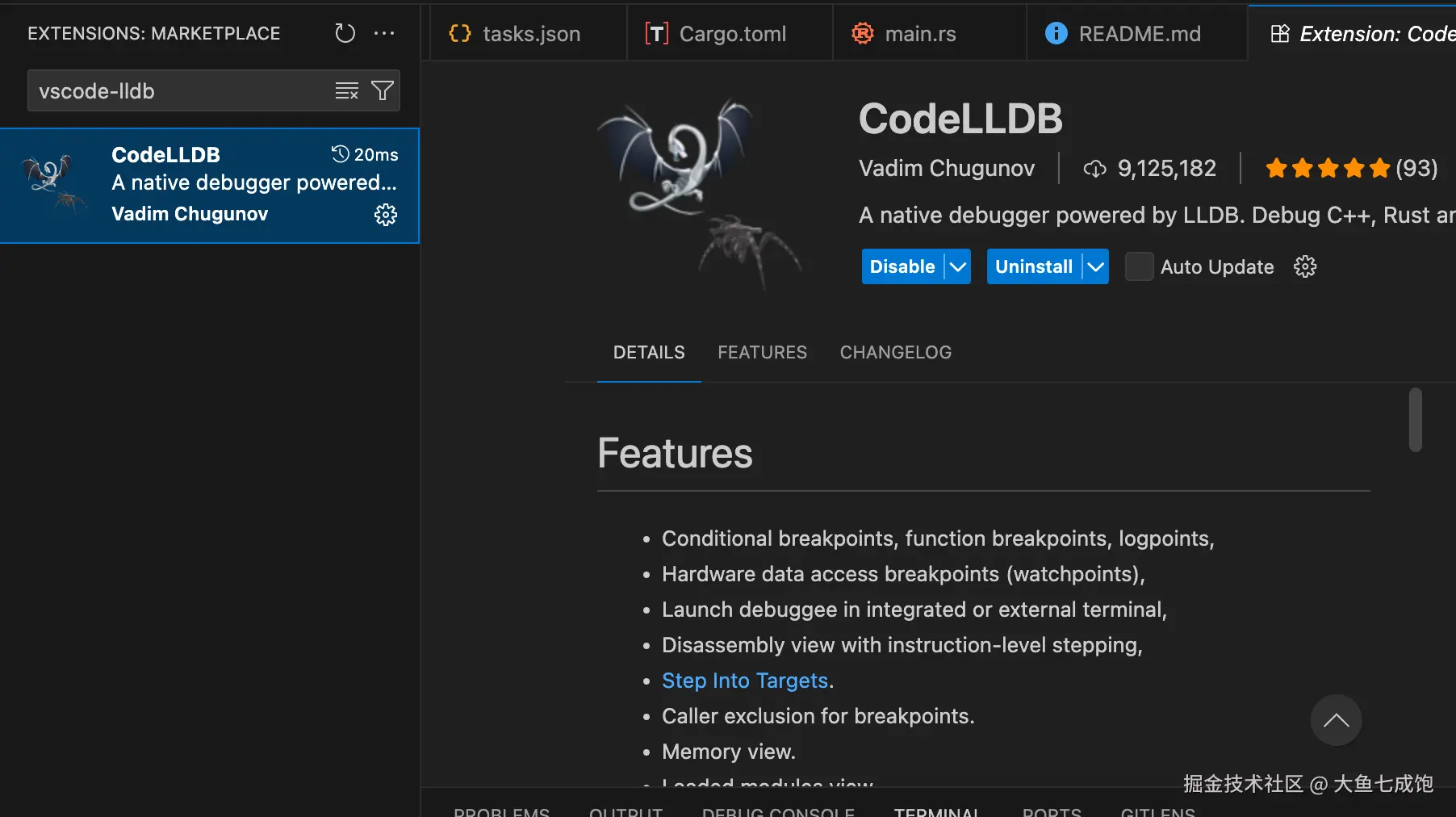
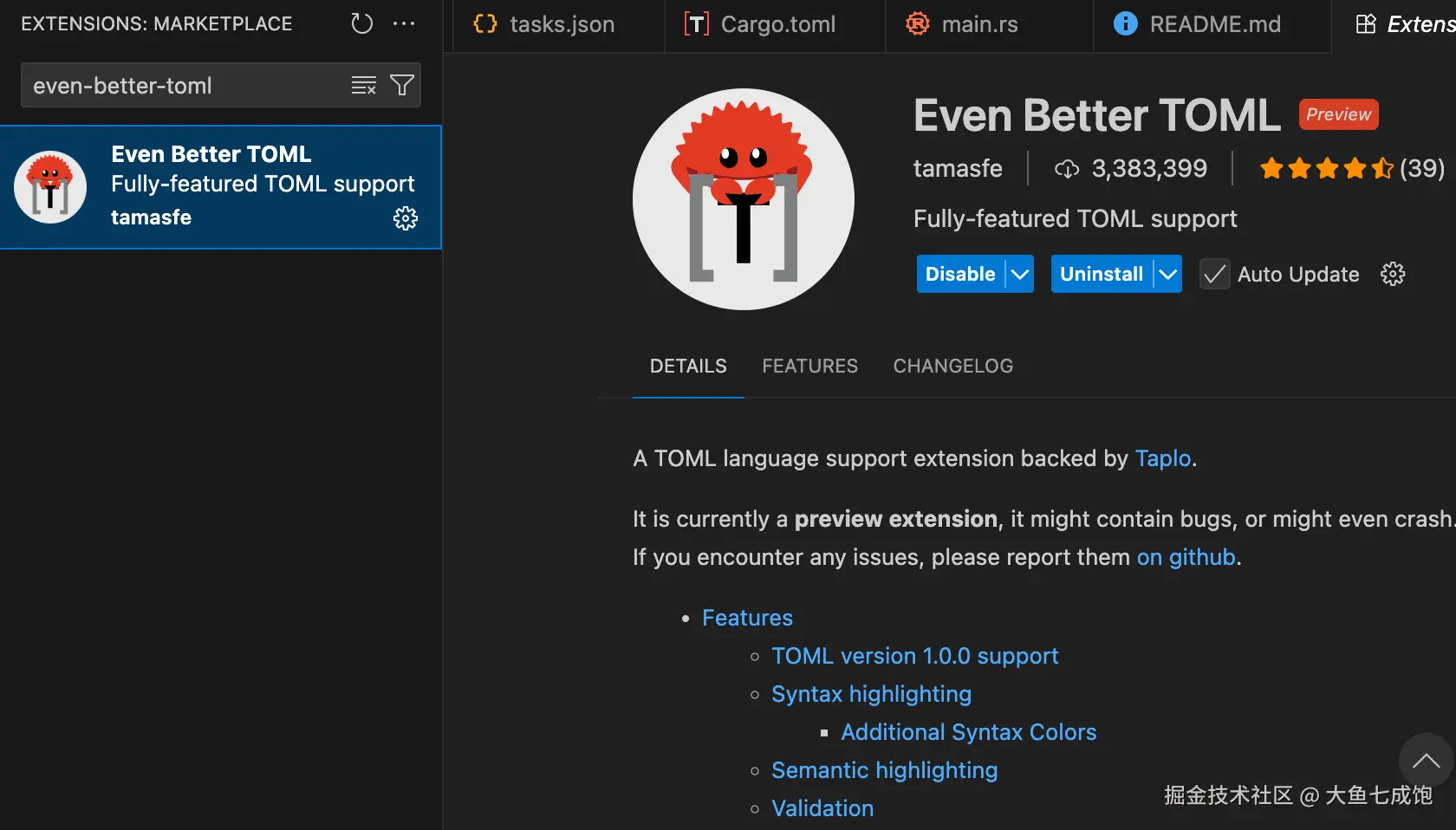
Even Better TOML
- 作用:Cargo.toml 文件语法高亮、格式化、自动补全。
- 官网 :even-better-toml
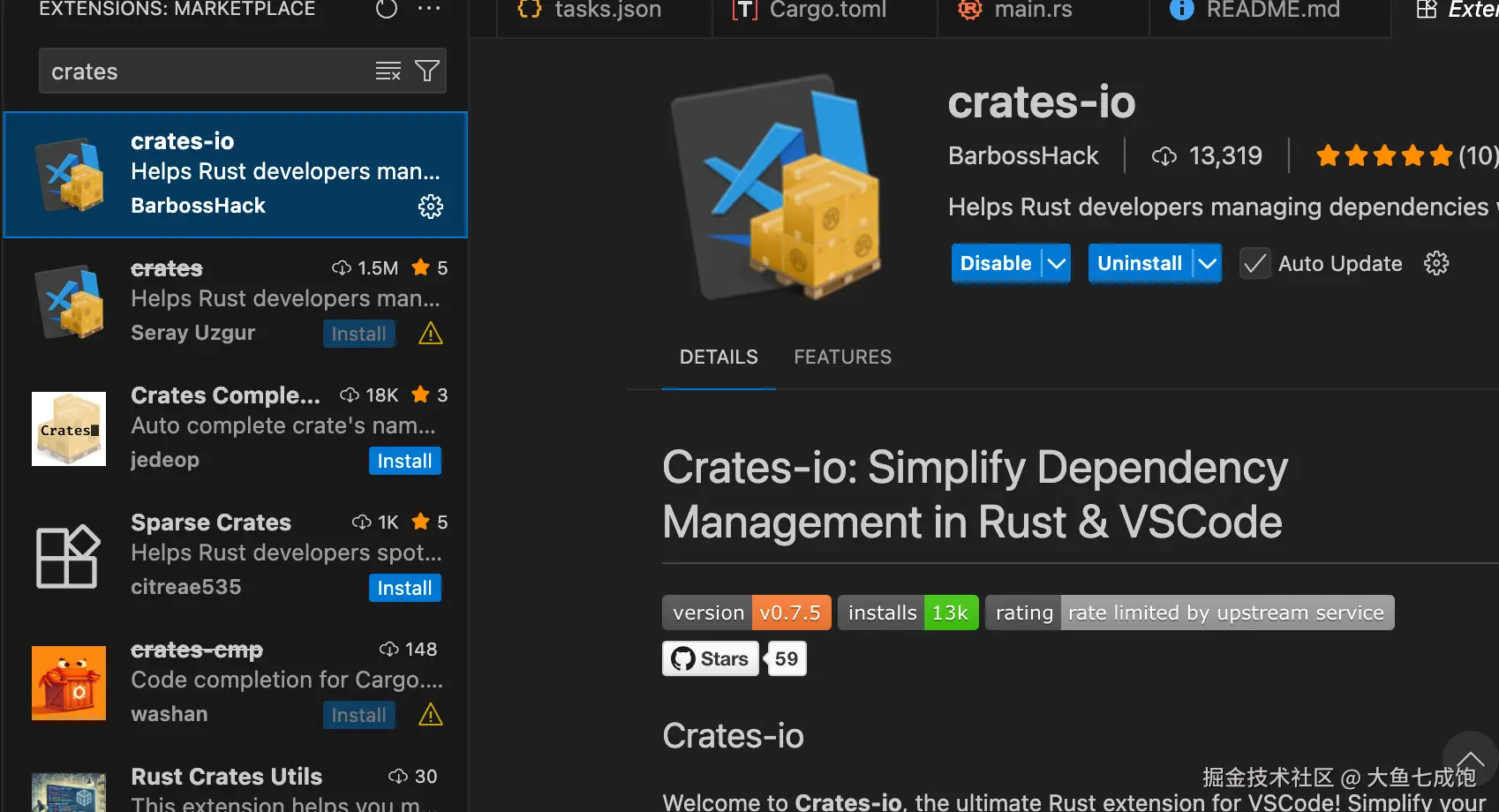
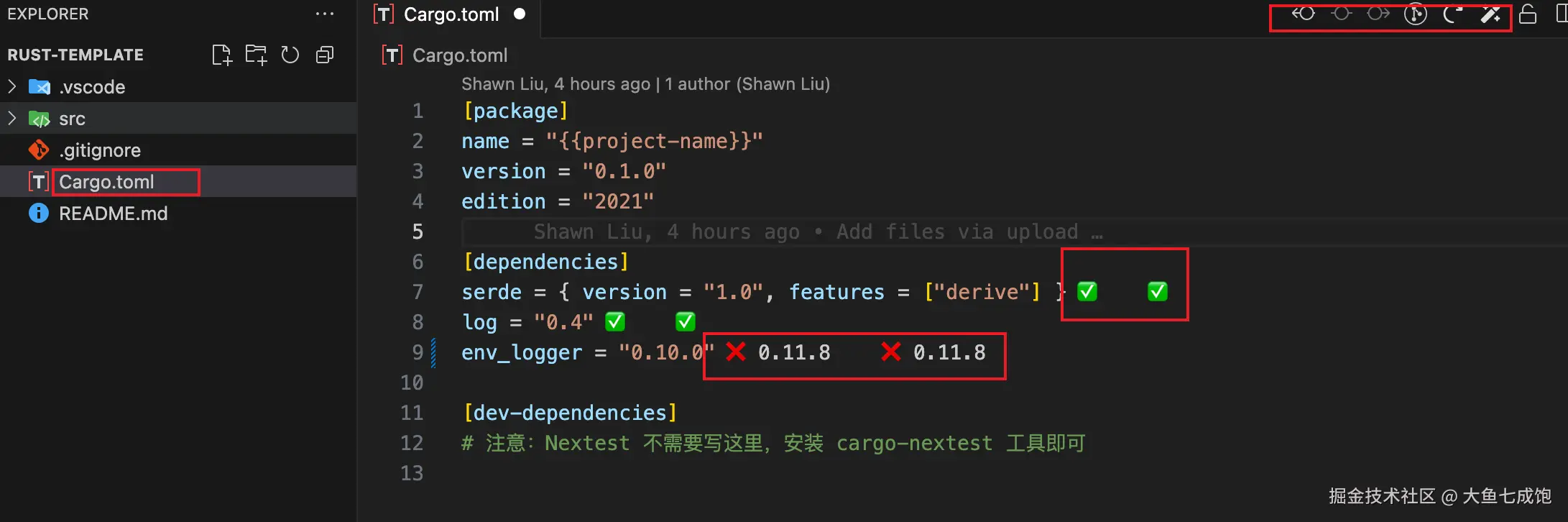
crates
- 作用 :在
Cargo.toml里显示 crate 最新版本,并支持一键升级。 - 官网 :serayuzgur.crates
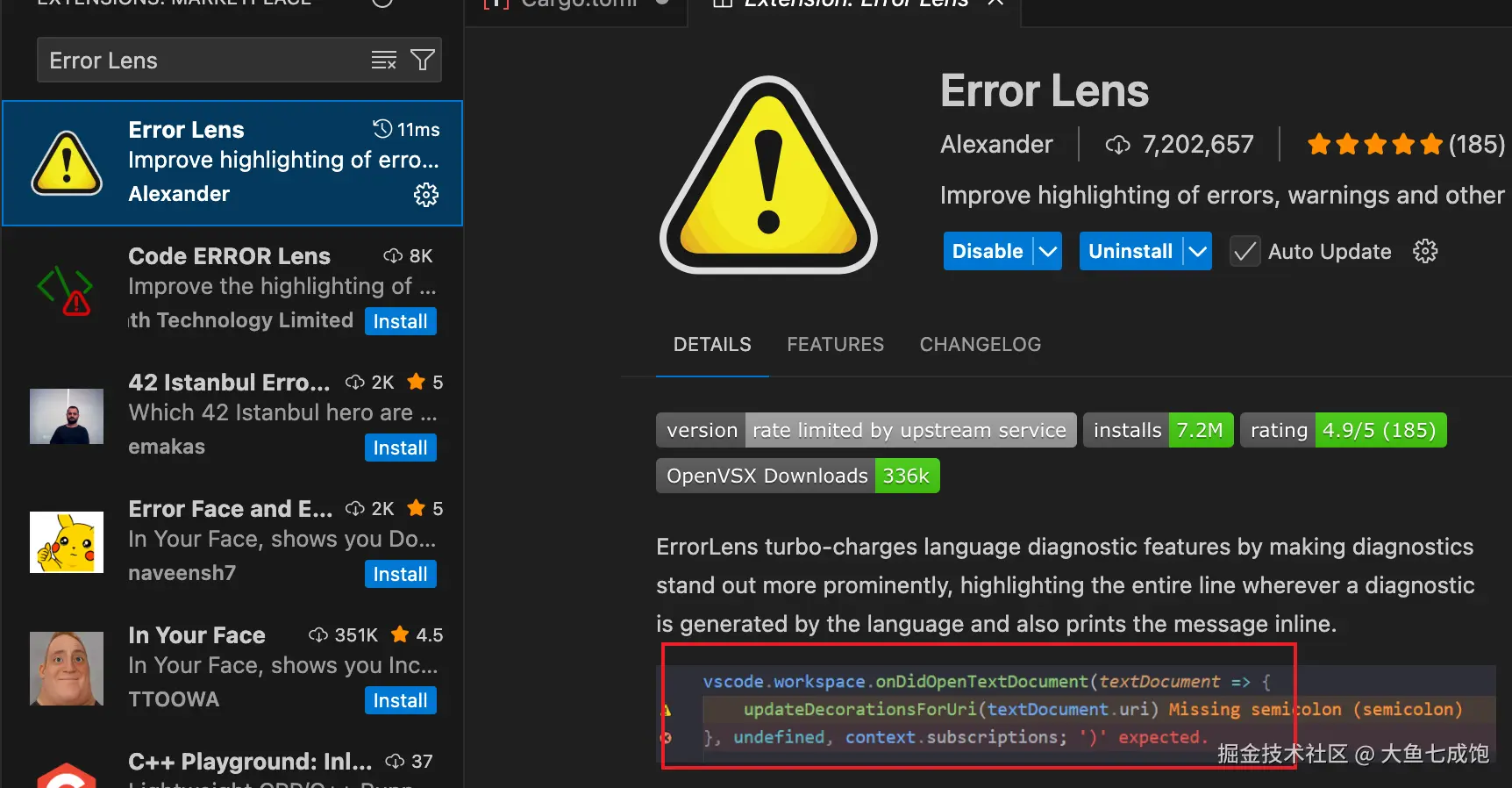
Error Lens
- 作用:把编译错误和警告直接显示在代码行内,而不是只在下方面板。
- 官网 :error-lens
如果手动安装麻烦可以试试一键安装脚本,复制这段在终端执行,就能一次装全:
css
# Rust 核心支持
code --install-extension rust-lang.rust-analyzer
# 调试器
code --install-extension vadimcn.vscode-lldb
# 错误信息行内显示
code --install-extension usernamehw.errorlens
# Cargo.toml 支持
code --install-extension tamasfe.even-better-toml
# Crates 最新版本提示
code --install-extension serayuzgur.crates
2. 辅助工具(选配)
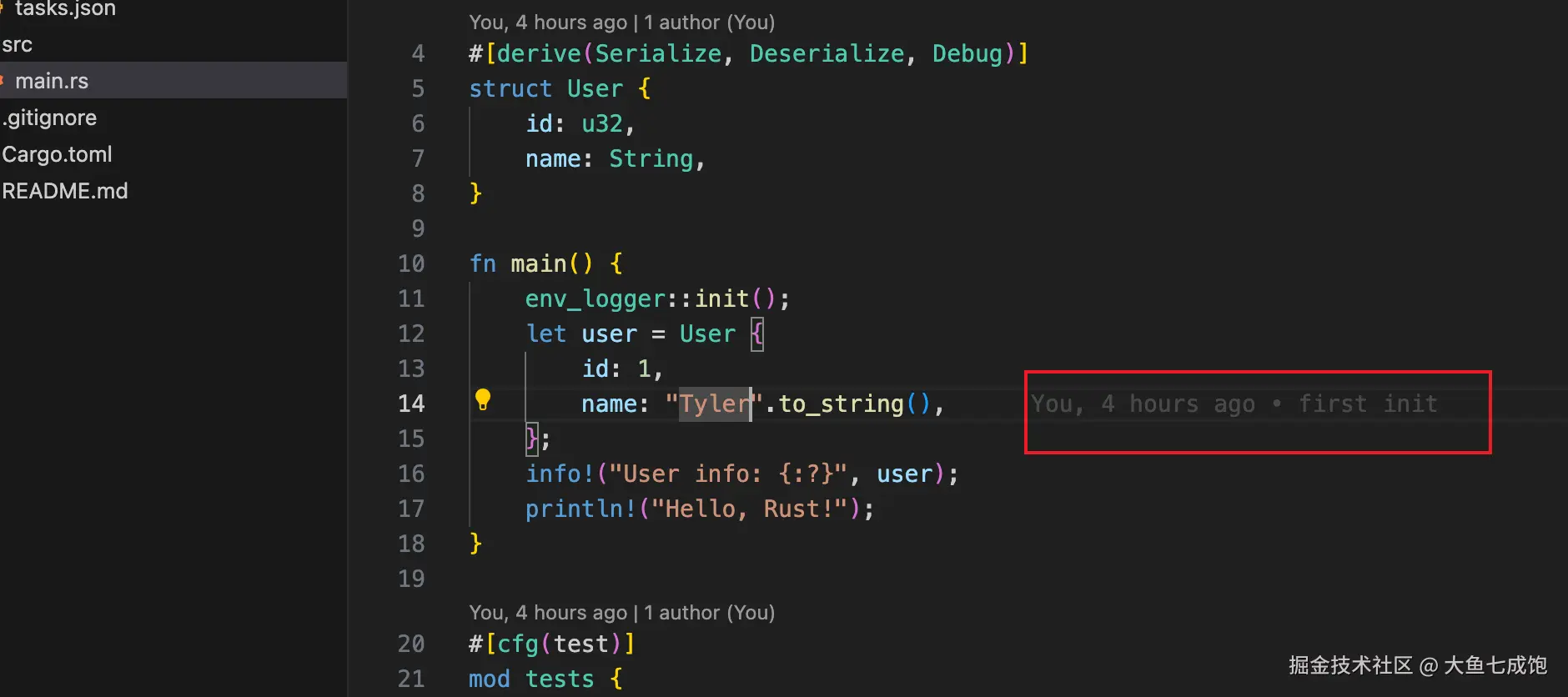
GitLens
- Git 历史、作者信息、blame 行内提示。
Better Comments
- 注释高亮,支持 TODO / FIXME 等分类。
Bracket Pair Color DLW
- 彩色括号,方便看嵌套。
Code Spell Checker
- 最流行的拼写检查插件,支持英文为主,同时可以安装扩展词典(中文、法语、德语等),也支持自定义词典(比如技术术语、项目特定词汇)
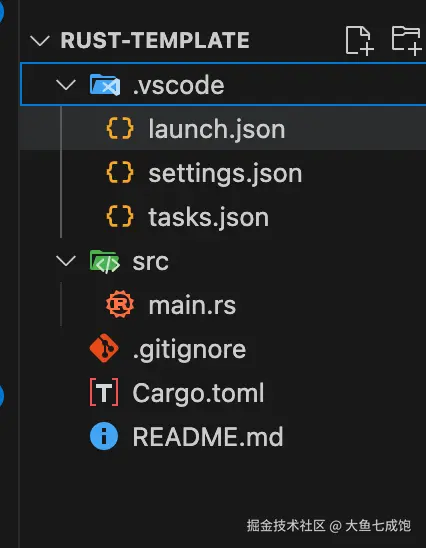
Material Icon Theme
- 丰富的图标库,清晰区分文件类型,配合One Dark Pro个人觉得比vscode-icons好看些
- 官网 Material Icon Theme
二、VSCode 自动配置
1. settings.json
json
{
    // ----------------------------
    // 编辑器行为
    // ----------------------------
    "editor.formatOnSave": true, // 保存时格式化代码
    "editor.rulers": [
        100
    ], // 右边参考线,防止代码太长
    "editor.tabSize": 4, // Rust 官方推荐缩进 4
    "files.trimTrailingWhitespace": true, // 自动去除行尾空格
    "files.insertFinalNewline": true, // 文件末尾加换行符(符合 Unix 习惯)
    // ----------------------------
    // Rust Analyzer 设置
    // ----------------------------
    // =====================
    // Cargo 相关
    // =====================
    // 让 rust-analyzer 识别 build.rs 生成的代码(例如 prost/tonic/bindgen)。
    // 没有这个配置,生成的模块可能会显示未定义。
    "rust-analyzer.cargo.buildScripts.enable": true,
    // 默认启用所有 Cargo feature。
    // 避免因为没有显式指定 feature 导致补全缺失或报错。
    // 可选值:
    //   "all"  -> 打开全部 feature
    //   "none" -> 全关
    //   ["feat1", "feat2"] -> 只开指定的
    "rust-analyzer.cargo.features": "all",
    // =====================
    // 检查 & Lint
    // =====================
    // 保存文件时自动运行 cargo clippy(替代默认的 cargo check)。
    // clippy 比 check 更严格,可以帮你早点发现潜在 bug/坏习惯。
    // 建议开发时开启,写小 demo 可以关掉。
    "rust-analyzer.check.command": "clippy",
    // =====================
    // 内联提示(Inlay Hints)
    // =====================
    // 类型提示:在 let x = ... 时自动显示推导出的类型。
    // 适合学习阶段或快速看懂复杂表达式。
    "rust-analyzer.inlayHints.typeHints.enable": true,
    // 参数提示:在函数调用时显示参数名,例如 foo(a: ..., b: ...)。
    // 对不熟悉的函数调用特别有帮助。
    "rust-analyzer.inlayHints.parameterHints.enable": true,
    // 方法链提示:对链式调用(builder 模式)显示中间类型。
    // 方便理解长链式调用返回的类型。
    "rust-analyzer.inlayHints.chainingHints.enable": true,
    // ----------------------------
    // Error Lens 设置(高亮错误和警告)https://github.com/karlsander/vscode-error-lens
    // ----------------------------
    "errorLens.enabled": true,
    "errorLens.fontSize": "12px",
    "workbench.colorCustomizations": {
        "errorLens.errorBackground": "#ffcccc33",
        "errorLens.warningBackground": "#fff2cc33",
        "errorLens.infoBackground": "#cce5ff33",
        // 有些版本是这些:
        "errorLens.errorMessageBackground": "#ffcccc33",
        "errorLens.warningMessageBackground": "#fff2cc33",
        "errorLens.infoMessageBackground": "#cce5ff33"
    },
    // ----------------------------
    // 终端默认配置
    // ----------------------------
    "terminal.integrated.defaultProfile.windows": "PowerShell",
    "terminal.integrated.defaultProfile.linux": "bash",
    "terminal.integrated.defaultProfile.osx": "zsh"
}
2. 使用 tasks.json 自动化(可选)
bash
{
    "version": "2.0.0",
    "tasks": [
        {
            "label": "Nextest: Run All Tests",
            "type": "shell",
            "command": "cargo",
            "args": [
                "nextest",
                "run"
            ],
            "group": "test",
            "problemMatcher": [
                "$rustc"
            ],
            "presentation": {
                "echo": true,
                "reveal": "always",
                "focus": false,
                "panel": "shared"
            }
        },
        {
            "label": "Nextest: Run Single Test",
            "type": "shell",
            "command": "cargo",
            "args": [
                "nextest",
                "run",
                "--filter",
                "${input:testName}"
            ],
            "group": "test",
            "problemMatcher": [
                "$rustc"
            ],
            "presentation": {
                "echo": true,
                "reveal": "always",
                "focus": true,
                "panel": "shared"
            }
        }
    ],
    "inputs": [
        {
            "id": "testName",
            "type": "promptString",
            "description": "请输入要运行的单个测试名称"
        }
    ]
}
3. launch.json(可选)
bash
{
    "version": "0.2.0",
    "configurations": [
        {
            "name": "Debug Nextest (all)",
            "type": "lldb",
            "request": "launch",
            "program": "${workspaceFolder}/target/debug/my_project",
            "args": [],
            "cwd": "${workspaceFolder}",
            "preLaunchTask": "Nextest: Run All Tests"
        }
    ]
}
三、需要额外安装的 Rust 包(工具)
1. 工具清单(推荐安装)
| 工具 | 用途 | 安装方式 |
|---|---|---|
| rustup | Rust 工具链管理器(管理 stable / nightly / beta) | 安装 rustup |
| cargo | Rust 包管理器(随 rustup 一起安装) | rustup install stable |
| rustfmt | 格式化工具(对应 editor.formatOnSave) |
rustup component add rustfmt |
| clippy | Lint 工具(对应 "rust-analyzer.checkOnSave.command": "clippy") |
rustup component add clippy |
| lldb / gdb | 系统调试器,CodeLLDB 插件需要依赖(Linux/Win 默认有,Mac 建议装 Xcode Command Line Tools) | - |
有些可能自带了,可以使用如下命令检查,把rustfmt替换成要检查的工具即可
bash
rustup component list --installed | grep rustfmt2. 可选的Cargo工具
| 工具 | 用途 | 安装 |
|---|---|---|
| cargo-edit | cargo add/remove/update,简化依赖管理 |
cargo install cargo-edit |
| cargo-watch | 自动检测文件变动,执行 cargo check/test |
cargo install cargo-watch |
| cargo-expand | 展开宏,调试 serde 等复杂宏 |
cargo install cargo-expand |
3. 对应关系
| 配置项 / 功能 | 依赖插件 / 工具 |
|---|---|
rust-analyzer.* 配置 |
rust-analyzer 插件 |
editor.formatOnSave (Rust 格式化) |
rustfmt |
rust-analyzer.checkOnSave.command = clippy |
clippy |
调试 (launch.json) |
CodeLLDB 插件 + 系统 lldb/gdb |
| ErrorLens 配置 | Error Lens 插件 |
| Cargo.toml 智能提示 | Even Better TOML 插件 + crates 插件 |
4. 一键安装脚本
csharp
# 安装 rustup(如果你还没有装)
curl --proto '=https' --tlsv1.2 -sSf https://sh.rustup.rs | sh

# 更新到最新稳定版
rustup update stable
rustup default stable

# 安装格式化工具和 Lint
rustup component add rustfmt
rustup component add clippy

# 安装常用 cargo 工具
cargo install cargo-edit        # cargo add/remove/update
cargo install cargo-watch       # 文件变动自动 check/test
cargo install cargo-expand      # 展开宏
cargo install cargo-outdated    # 检查过时依赖
cargo install cargo-audit       # 检查安全漏洞
cargo install cargo-udeps --locked  # 检查未使用依赖
cargo install cargo-tarpaulin   # 代码覆盖率
四、模版文件
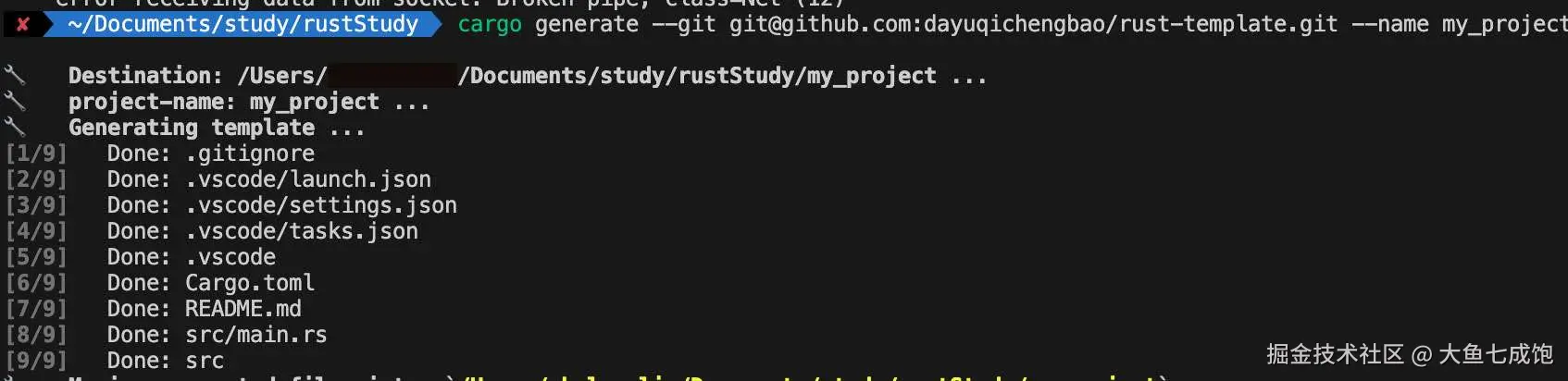
除了上面的还有gitignore、单测等,为了方便,我打包了一个模版仓库,添加了必要的配置,可以一键运行,my_project替换成项目名即可。
bash
cargo generate --git https://github.com/dayuqichengbao/rust-template.git --name my_project模版链接:github.com/dayuqicheng...
本人公众号大鱼七成饱,所有历史文章都会在上面发布。