npm i jspdf@3.0.1 html2canvas@1.4.1
/utils/htmlToPDF.ts
// 页面导出为pdf格式
import html2Canvas from "html2canvas";
import jsPDF from "jspdf";

const htmlToPdf = (title: any, id: any) => {
  html2Canvas(document.querySelector(id), {
    allowTaint: false,
    taintTest: false,
    logging: false,
    useCORS: true,
    dpi: window.devicePixelRatio * 3, //将分辨率提高到特定的DPI 提高四倍
    scale: 3, //按比例增加分辨率
  } as any).then((canvas) => {
    var pdf = new jsPDF("p", "mm", "a4"); //A4纸,纵向
    var ctx = canvas.getContext("2d") as any,
      a4w = 190,
      a4h = 272, //A4大小,210mm x 297mm,四边各保留10mm的边距,显示区域190x277
      imgHeight = Math.floor((a4h * canvas.width) / a4w), //按A4显示比例换算一页图像的像素高度
      renderedHeight = 0;

    while (renderedHeight < canvas.height) {
      var page = document.createElement("canvas") as any;
      page.width = canvas.width;
      page.height = Math.min(imgHeight, canvas.height - renderedHeight); //可能内容不足一页

      //用getImageData剪裁指定区域,并画到前面创建的canvas对象中
      page
        .getContext("2d")
        .putImageData(
          ctx.getImageData(
            0,
            renderedHeight,
            canvas.width,
            Math.min(imgHeight, canvas.height - renderedHeight)
          ),
          0,
          0
        );
      pdf.addImage(
        page.toDataURL("image/jpeg", 1.0),
        "JPEG",
        10,
        10,
        a4w,
        Math.min(a4h, (a4w * page.height) / page.width)
      ); //添加图像到页面,保留10mm边距

      renderedHeight += imgHeight;
      if (renderedHeight < canvas.height) {
        pdf.addPage(); //如果后面还有内容,添加一个空页
      }
      // delete page;
    }
    pdf.save(title + ".pdf");
  });
};

export default htmlToPdf;
定义打印PDF模板
<template>
    <div class="print-container" id="PdfContainer" style="width:800px;height: 800px;">
        123456789
        <div class="btn-print">
            <el-button type="success" @click="onDownload()">打印PDF</el-button>
        </div>
    </div>
</template>
<script lang='ts'>
import { reactive, getCurrentInstance, toRefs, onMounted, nextTick, defineComponent, computed } from 'vue';
import htmlToPdf from "/@/utils/htmlToPDF";
export default defineComponent({
    setup(props: any, { emit }: any) {
        onMounted(() => {
            nextTick(() => {
            });
        });
        const { proxy } = getCurrentInstance() as any;
        const data = reactive({});

        const onDownload = () => {
            htmlToPdf("合同信息", "#PdfContainer");
        };

        return {
            ...toRefs(data), onDownload,
        }
    }
})
</script>
<style scoped lang='scss'>
.print-container {
    position: relative;
    display: flex;
    justify-content: center;
    padding: 30px;
    margin: 0 auto;
    margin-top: 20px;
    width: 850px;
    background-color: #fff;


    &:hover {
        box-shadow: 2px 0px 3px 3px #ddd;
    }

    .btn-print {
        position: absolute;
        right: -100px;
        top: 0px;
    }
}
</style>
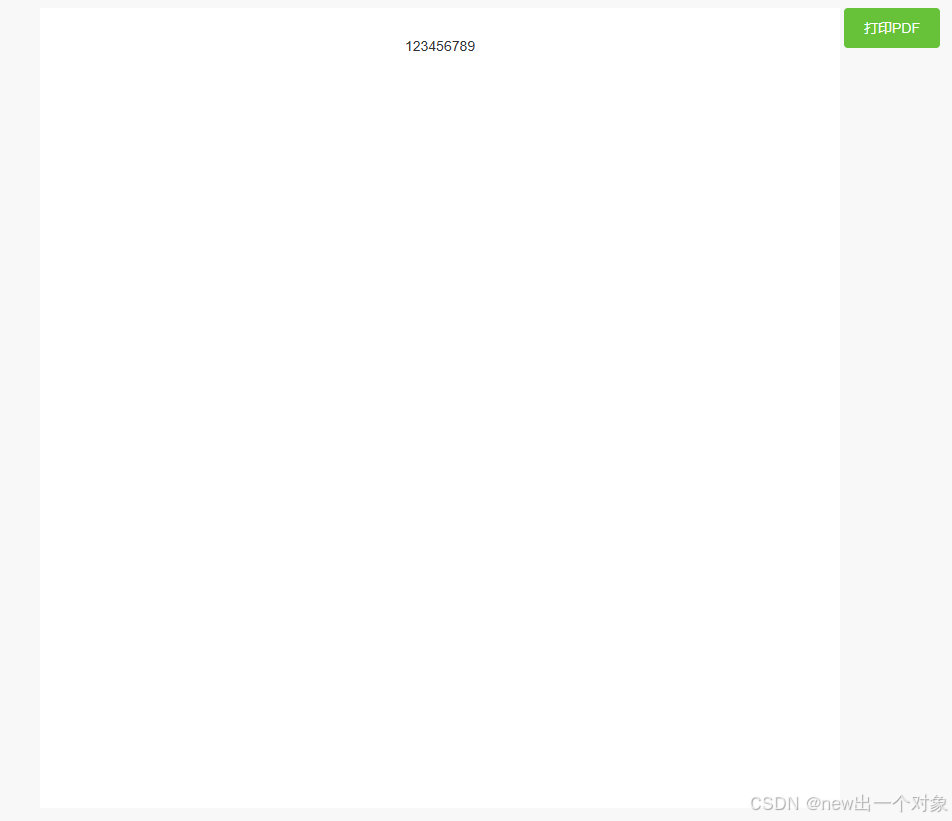
效果图