Flutter国际化
1.引入依赖
yaml
dependencies:
 intl: ^0.20.2
  flutter_localizations:
    sdk: flutter

 flutter:
  # 针对多语言 l10n
  generate: true
2.在项目根目录创建 l10n.yaml 配置文件
yaml
arb-dir: lib/common/config/localization/l10n # 多语言资源文件的目录
template-arb-file: app_en.arb 	 # 基础模板文件(通常为英文)
output-localization-file: app_localizations.dart # 生成的国际化代码文件名
output-class: AppLocalizations # 生成的国际化类名
preferred-supported-locales:
  - en
  - zh
synthetic-package: false
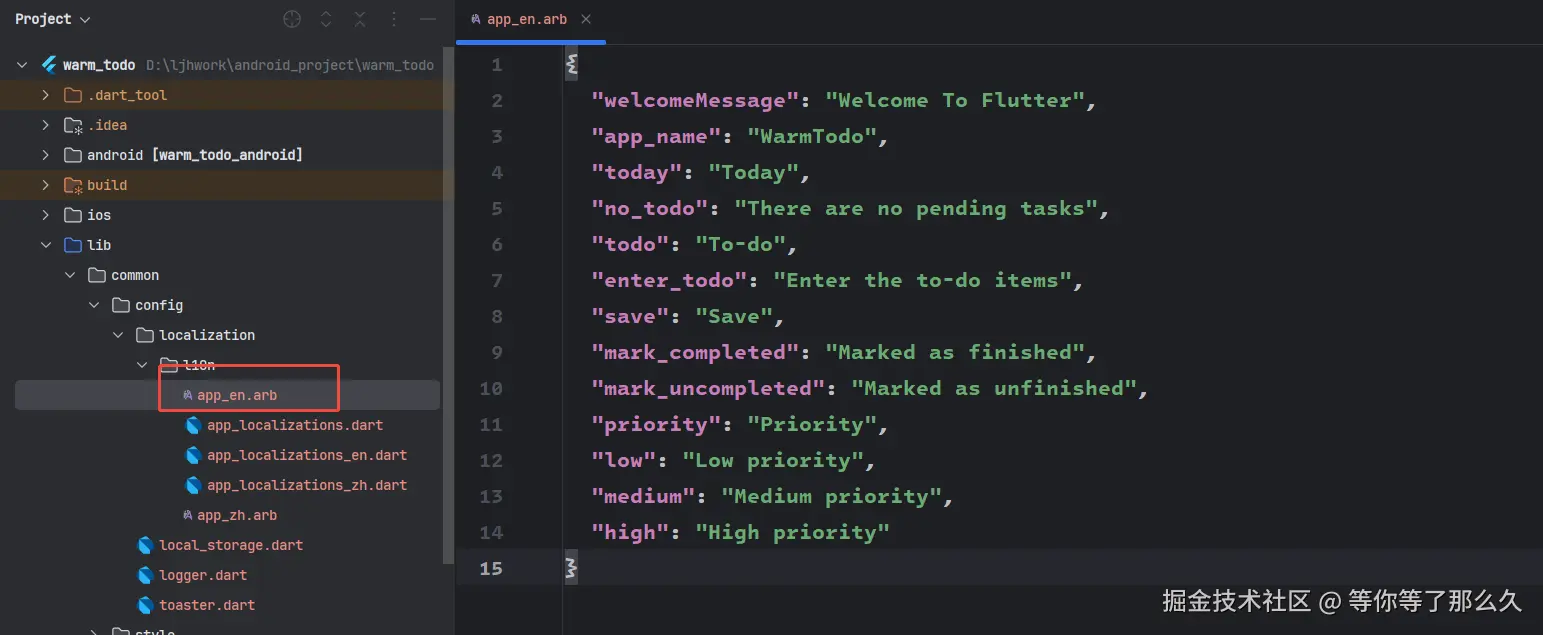
3.创建语言文件 app_en.arb, app_zh.arb
txt
zh:
{
  "welcomeMessage": "Welcome To Flutter",
  "app_name": "WarmTodo",
  "today": "今天",
  "no_todo": "暂无待办事项",
  "todo": "待办事项",
  "enter_todo": "输入待办事项...",
  "save": "保存",
  "mark_completed": "标记为完成",
  "mark_uncompleted": "标记为未完成",
  "priority": "优先级",
  "low": "低优先级",
  "medium": "中优先级",
  "high": "高优先级"
}

en:

{
  "welcomeMessage": "Welcome To Flutter",
  "app_name": "WarmTodo",
  "today": "Today",
  "no_todo": "There are no pending tasks",
  "todo": "To-do",
  "enter_todo": "Enter the to-do items",
  "save": "Save",
  "mark_completed": "Marked as finished",
  "mark_uncompleted": "Marked as unfinished",
  "priority": "Priority",
  "low": "Low priority",
  "medium": "Medium priority",
  "high": "High priority"
}
4.执行 flutter gen-l10n 命令
保存配置后,执行 flutter gen-l10n 命令,Flutter 会自动在 lib/generated 目录下生成 app_localizations.dart 文件,该文件包含所有多语言文案的访问方法。
5.在应用中配置本地化代理
dart
void main() {
  runApp(const MyApp());
}

class MyApp extends StatelessWidget {
  const MyApp({super.key});

  // This widget is the root of your application.
  @override
  Widget build(BuildContext context) {
    return MaterialApp(
      localizationsDelegates: AppLocalizations.localizationsDelegates, //配置本地化代理(必须)
      //配置应用支持的语言列表
      supportedLocales: [
        const Locale('en','US'),
        const Locale('zh','CN'),
      ],
      title: 'Flutter Demo',
      theme: ThemeData(
        colorScheme: .fromSeed(seedColor: Colors.deepPurple),
      ),
      home: const MyHomePage(title: 'Flutter Demo Home Page'),
    );
  }
}6.通过扩展方法(Extension)封装国际化工具类的便捷调用
dart
import 'package:flutter/material.dart';
import 'l10n/app_localizations.dart';

extension LocalizationExtension on BuildContext {
  AppLocalizations get l10n => AppLocalizations.of(this)!;
}
7.在组件中使用
dart
Text(context.l10n.app_name)恭喜!你学会了Flutter国际化!Happy Coding !😊😊😊