效果图
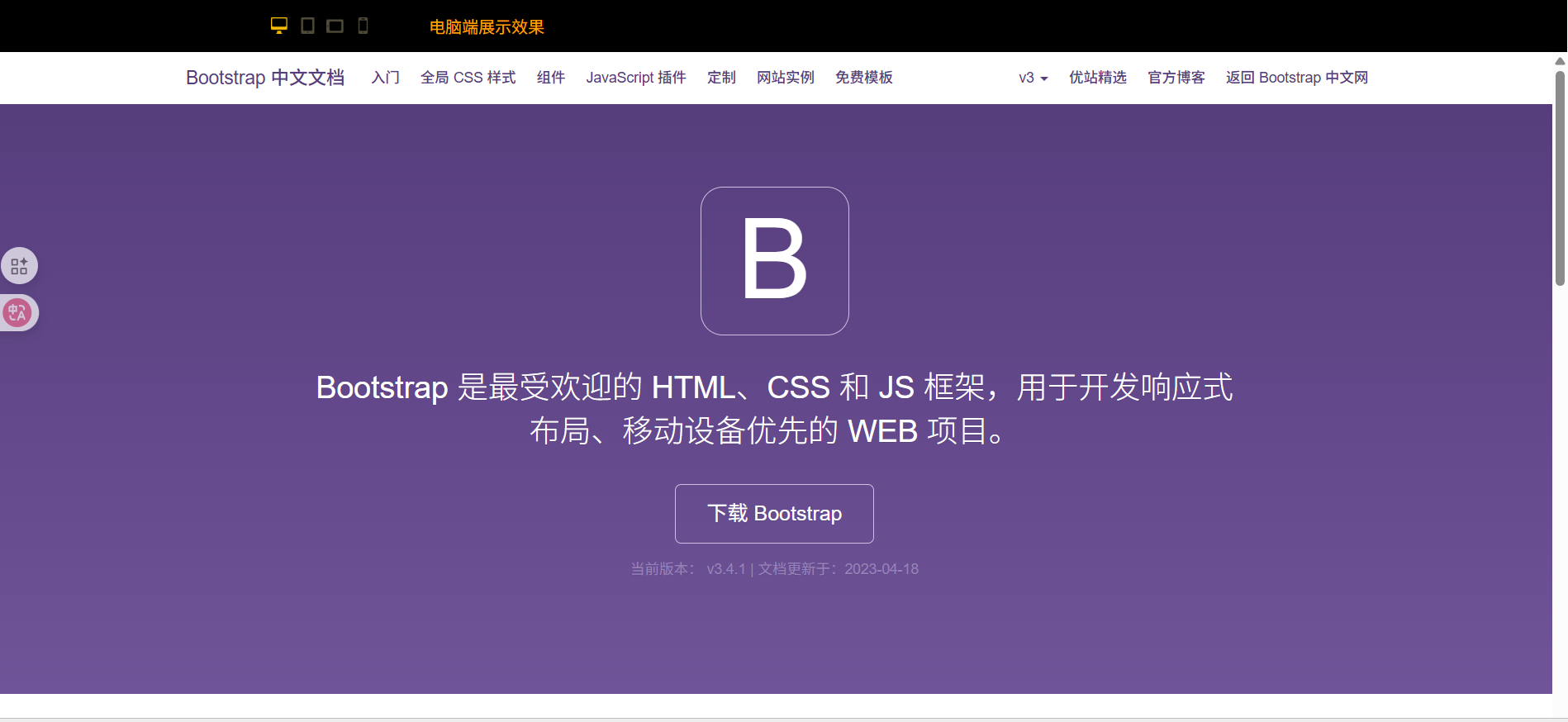
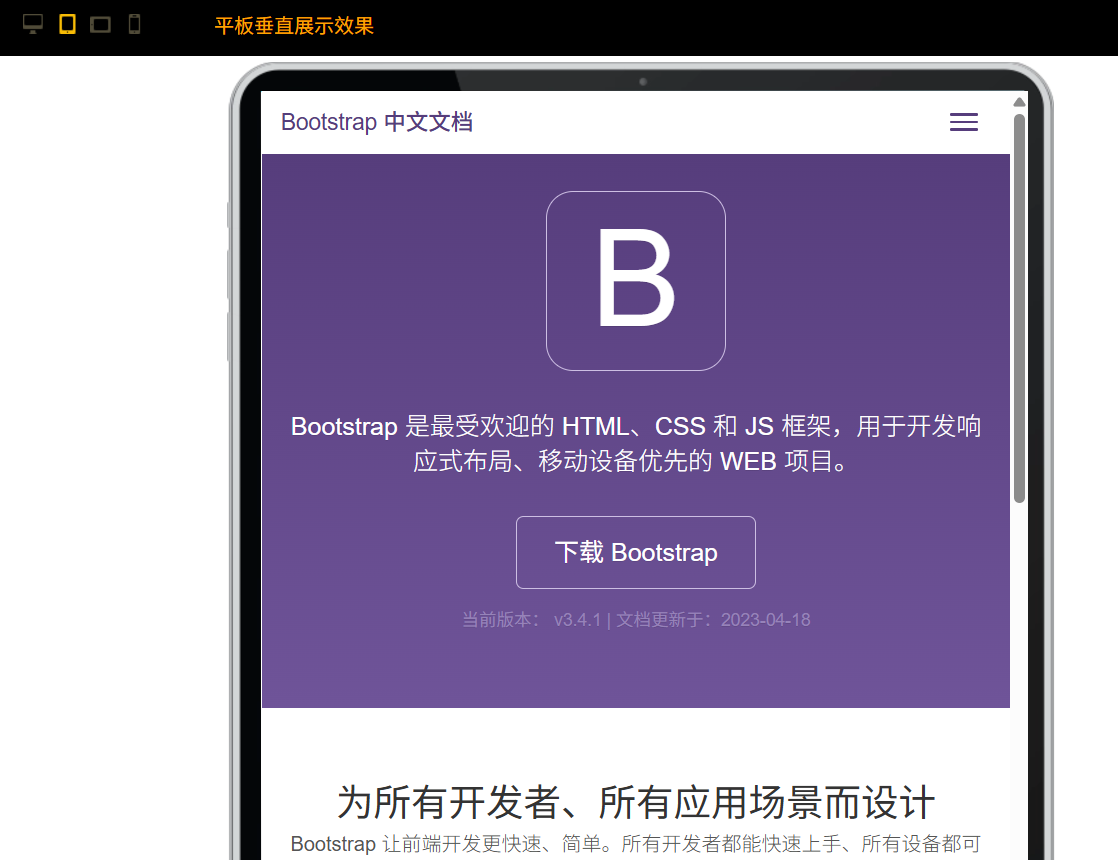
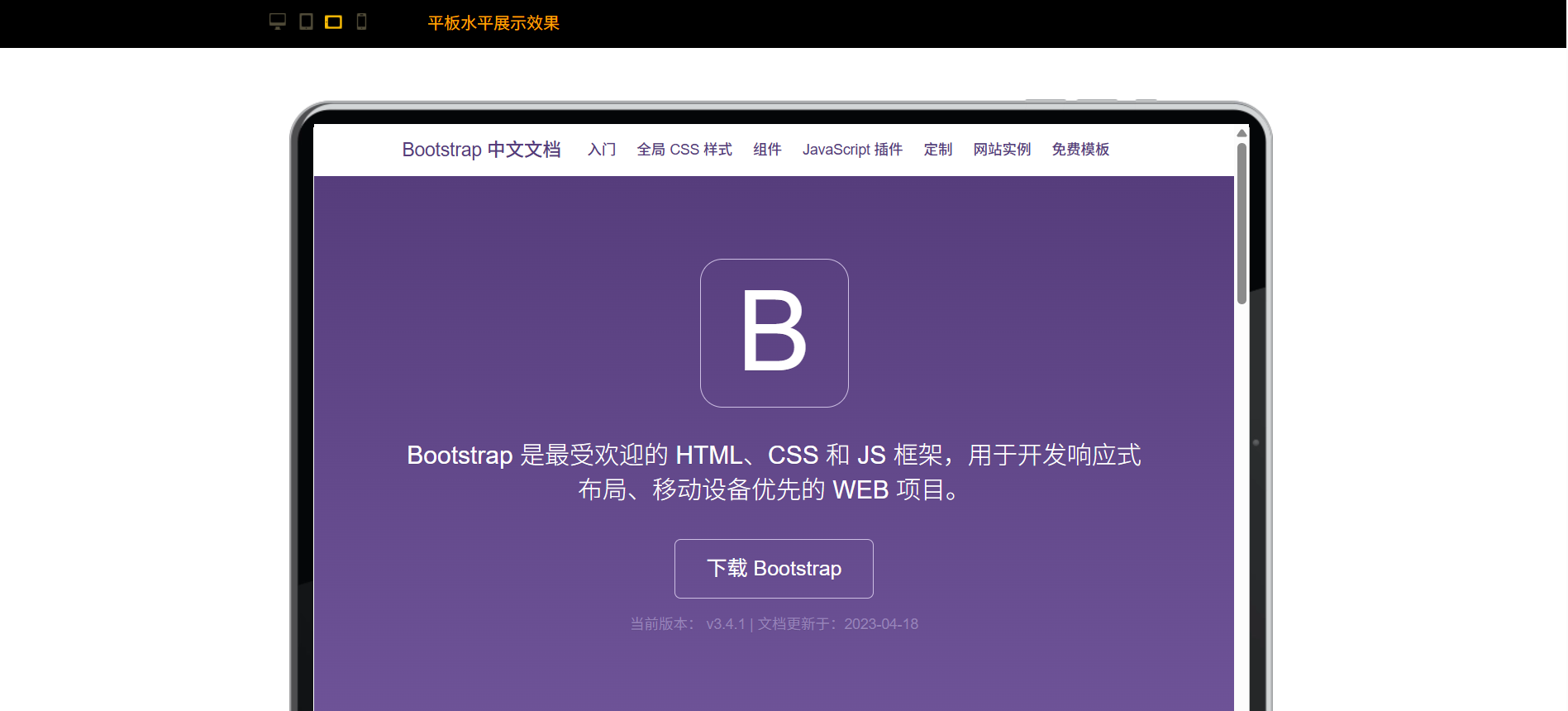
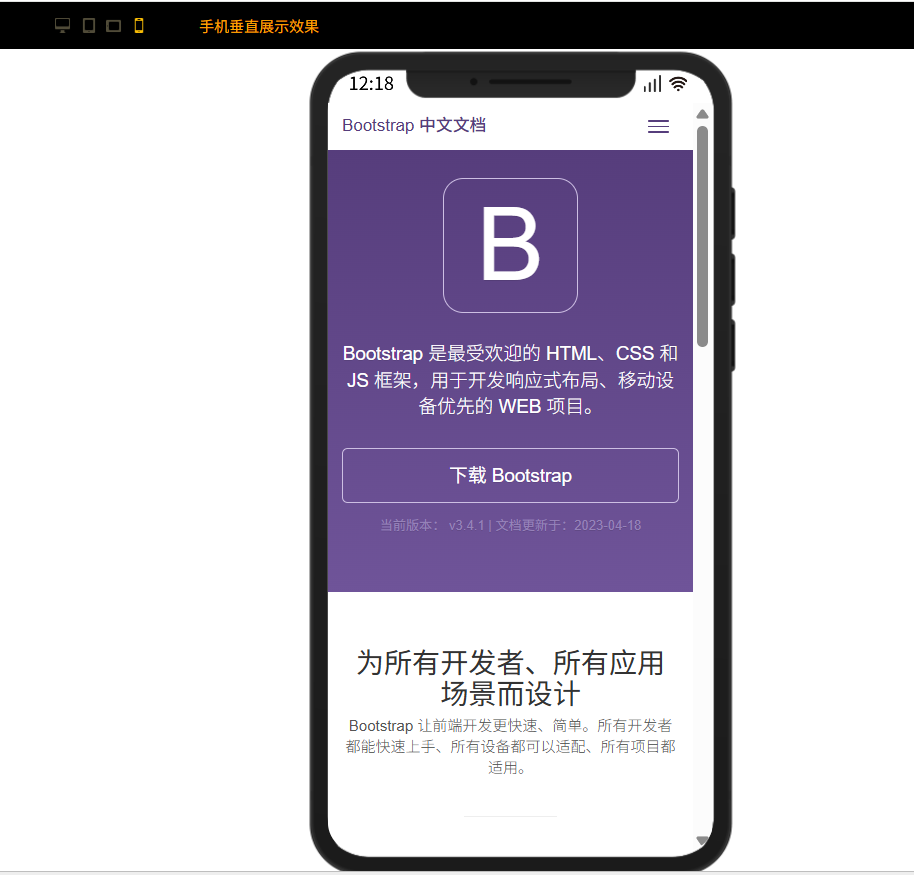
设备图片
图标

代码
html
<!DOCTYPE html>
<html lang="en">

<head>
    <meta charset="UTF-8">
    <meta http-equiv="X-UA-Compatible" content="IE=edge">
    <meta name="viewport" content="width=device-width,user-scalable=no,minimum-scale=1,maximum-scale=1">
    <title>多终端响应式项目开发,效果展示</title>
    <style>
        html,
        body,
        ul,
        li,
        p {
            margin: 0;
            padding: 0;
            list-style: none;
        }

        html,
        body {
            width: 100%;
            height: 100%;
        }

        .top {
            width: 100%;
            height: 50px;
            background-color: #000;
        }

        .top .top-body {
            height: 50px;
            display: flex;
            align-items: center;
            max-width: 1000px;
            margin: 0px auto;
        }

        .top .top-body .screen-type {
            color: orange;
            /* flex-grow: 1; */
            padding-left: 50px;
        }

        .top .top-body ul {
            display: flex;
            align-items: center;
        }

        .top .top-body ul li {
            margin: 0px 5px;
            width: 17px;
            height: 16px;
            cursor: pointer;
        }

        /* pc 电脑 */
        li.pc {
            background: url(./images/mon-spr.png) no-repeat 0 0;
        }

        li.pc.active,
        li.pc:hover {
            background-position: 0 -16px;
        }

        /* ipad-v 平板-垂直 */
        li.ipad-v {
            background: url(./images/mon-spr.png) no-repeat -24px 0;
        }

        li.ipad-v.active,
        li.ipad-v:hover {
            background-position: -24px -16px;
        }

        /* ipad-v 平板-水平 */
        li.ipad-l {
            background: url(./images/mon-spr.png) no-repeat -49px 0;
        }

        li.ipad-l.active,
        li.ipad-l:hover {
            background-position: -49px -16px;
        }

        /* iphone 手机-垂直*/
        li.iphone-v {
            background: url(./images/mon-spr.png) no-repeat -71px 0;
        }

        li.iphone-v.active,
        li.iphone-v:hover {
            background-position: -71px -16px;
        }

        /* iphone 手机 - 水平 */
        li.iphone-l {
            background: url(./images/mon-spr.png) no-repeat -94px 0;
        }

        li.iphone-l.active,
        li.iphone-l:hover {
            background-position: -94px -16px;
        }

        #iframe-wrap {
            box-sizing: border-box;
            /* position: relative; */
            margin: 0px auto;
            background-size: cover;
        }

        #iframe-wrap iframe {
            overflow: hidden;
        }

        /* PC端 */
        .full-width {
            width: 100%;
            height: 100%;
        }

        .wrap-body {
            width: 100%;
            height: 100%;
            border-radius: 0px 0px 30px 30px;
            overflow: hidden;
        }

        /* 平板竖屏*/
        .tablet-width-v {
            width: 663px;
            height: 962px;
            padding: 28px 22px 28px 28px;
            background: url("./images/ipad-v.png") no-repeat;
        }

        /* 平板横屏 */
        .tablet-width-l {
            margin-top: 50px !important;
            width: 962px;
            height: 663px;
            padding: 24px 28px 24px 29px;
            background: url("./images/ipad-l.png") no-repeat;
        }

        /* 移动端竖屏 */
        .mobile-width-v {
            padding: 58px 42px 28px 44px;
            height: 884px;
            width: 496px;
            /* margin-top: 55px !important; */
            background: url("./images/iphone-v.png") no-repeat;
        }

        /* 移动横屏 */
        .mobile-width-l {
            height: 496px;
            width: 884px;
            padding: 42px 48px 40px 20px;
            margin-top: 80px !important;
            background: url("./images/iphone-l.png") no-repeat;
        }

        .mobile-width-l .wrap-body {
            border-radius: 30px;
        }
    </style>
</head>

<body>
    <div class="top">
        <div class="top-body">
            <ul id="J_icon">
                <li class="pc active" data-myclass="full-width" data-title="电脑端展示效果"></li>
                <li class="ipad-v" data-myclass="tablet-width-v" data-title="平板垂直展示效果"></li>
                <li class="ipad-l" data-myclass="tablet-width-l" data-title="平板水平展示效果"></li>
                <li class="iphone-v" data-myclass="mobile-width-v" data-title="手机垂直展示效果"></li>
                <!-- <li
            class="iphone-l"
            data-myclass="mobile-width-l"
            data-title="手机水平展示效果"
          ></li> -->
            </ul>
            <div class="screen-type" id="J_screen-type">电脑端展示效果</div>
        </div>
    </div>
    <div id="iframe-wrap" class="full-width">
        <div class="wrap-body">
            <!-- <iframe src="./index.html" frameborder="0" width="100%" height="100%" style="overflow: hidden"></iframe> -->
            <iframe src="https://v3.bootcss.com/" frameborder="0" width="100%" height="100%"
                style="overflow: hidden"></iframe>
        </div>
    </div>

    <script type="text/javascript">
        // 显示内容容器
        const iframeWrap = document.getElementById("iframe-wrap");
        // 图标列表
        const list = document.querySelectorAll(".top-body ul li");
        // 图标列表的父容器
        const oUl = document.getElementById("J_icon");
        // 屏幕类型显示文本
        const screenType = document.getElementById("J_screen-type");
        // 事件代理
        oUl.addEventListener("click", function (e) {
            const target = e.target;
            if (target.tagName.toLowerCase() !== "li") return;
            const myclassName = target.dataset.myclass;
            iframeWrap.className = myclassName;
            screenType.innerText = target.dataset.title;
            for (i = 0; i < list.length; i++) {
                list[i].classList.remove("active");
            }
            target.classList.add("active");
        });
    </script>


</body>

</html>