安装路由的依赖

Add.vue
clike
<script setup>

</script>

<template>
  <div>
    <h1> Add </h1>
  </div>
</template>

<style scoped>

</style>
Home.vue
clike
<script setup>

</script>

<template>
  <div>
    <h1> Home </h1>
  </div>
</template>

<style scoped>

</style>
List.vue
clike
<script setup>

</script>

<template>
  <div>
    <h1> List </h1>
  </div>
</template>

<style scoped>

</style>
Update.vue
clike
<script setup>

</script>

<template>
  <div>
    <h1> Update </h1>
  </div>
</template>

<style scoped>

</style>
router.js
clike
// 导入创建路由的相关方法
import Home from '../components/Home.vue'
import List from '../components/List.vue'
import Update from '../components/Update.vue'
import Add from '../components/Add.vue';
import { createRouter,createWebHashHistory} from 'vue-router'
const router = createRouter({
    history:createWebHashHistory(),
    routes:[
        {
            path:"/",
            component:Home
        },
        {
            path:"/home",
            component:Home
        },
        {
            path:"/list",
            component:List
        },
        {
            path:"/add",
            component:Add
        },
        {
            path:"/update",
            component:Update
        }
    ]


})


export default router
main.js
clike
import { createApp } from 'vue'


import App from './App.vue'

import router from './routers/router.js'

const app = createApp(App)

app.use(router)
app.mount('#app')
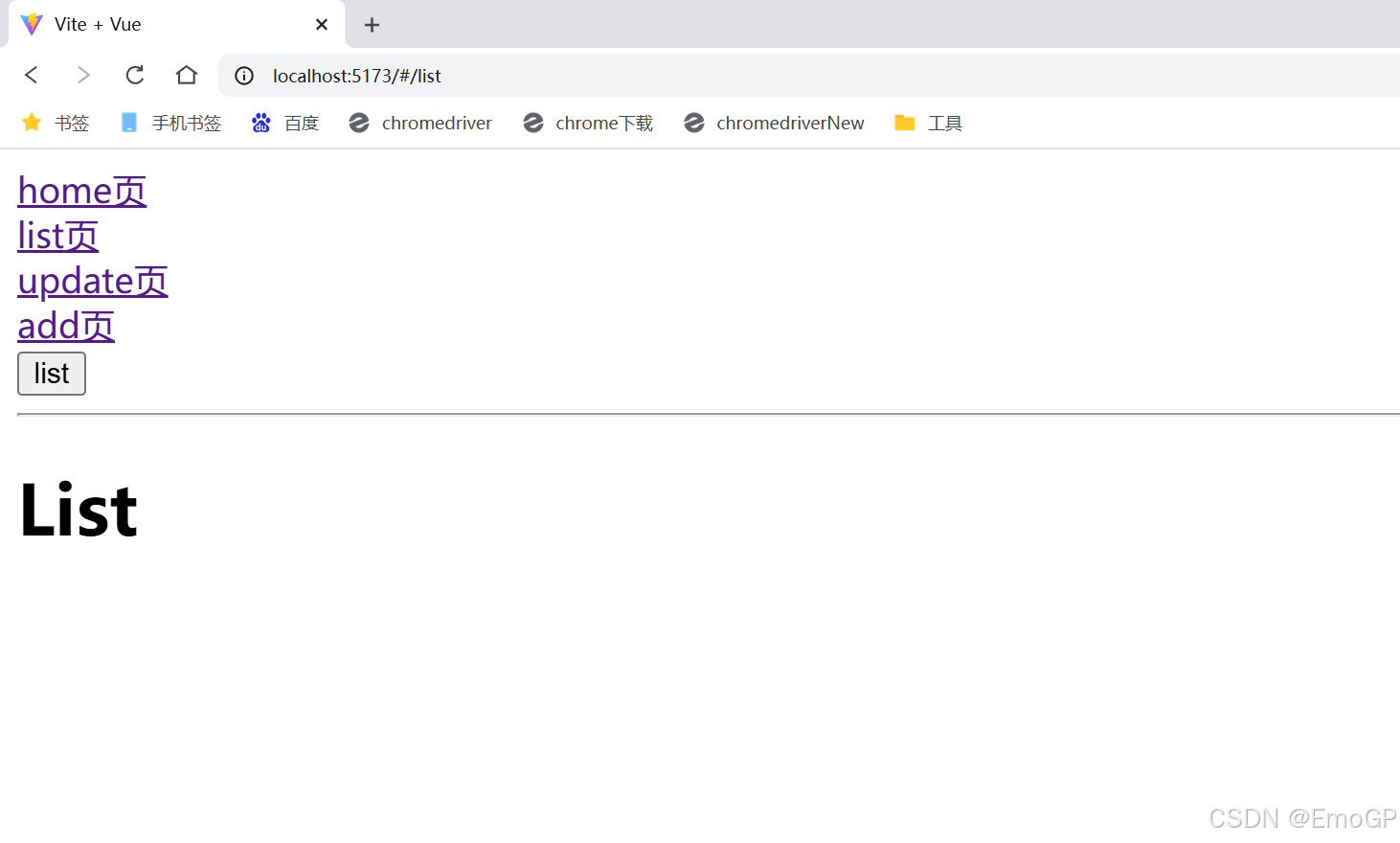
App.vue
clike
<script setup>
import {useRouter} from 'vue-router'
const router = useRouter()
function showList(){
  router.push("/list")
  router.push({path:"/list"})

}

</script>

<template>
  <div>

   <!-- 声明式路由 -->
    <router-link to="/home">home页</router-link><br>
    <router-link to="/list">list页</router-link><br>
    <router-link to="/update">update页</router-link><br>
    <router-link to="/add">add页</router-link><br>

    <!-- 编程式路由 -->
    <button @click="showList()">list</button>


    <hr>
    <router-view></router-view>
  </div>


</template>

<style scoped>

</style>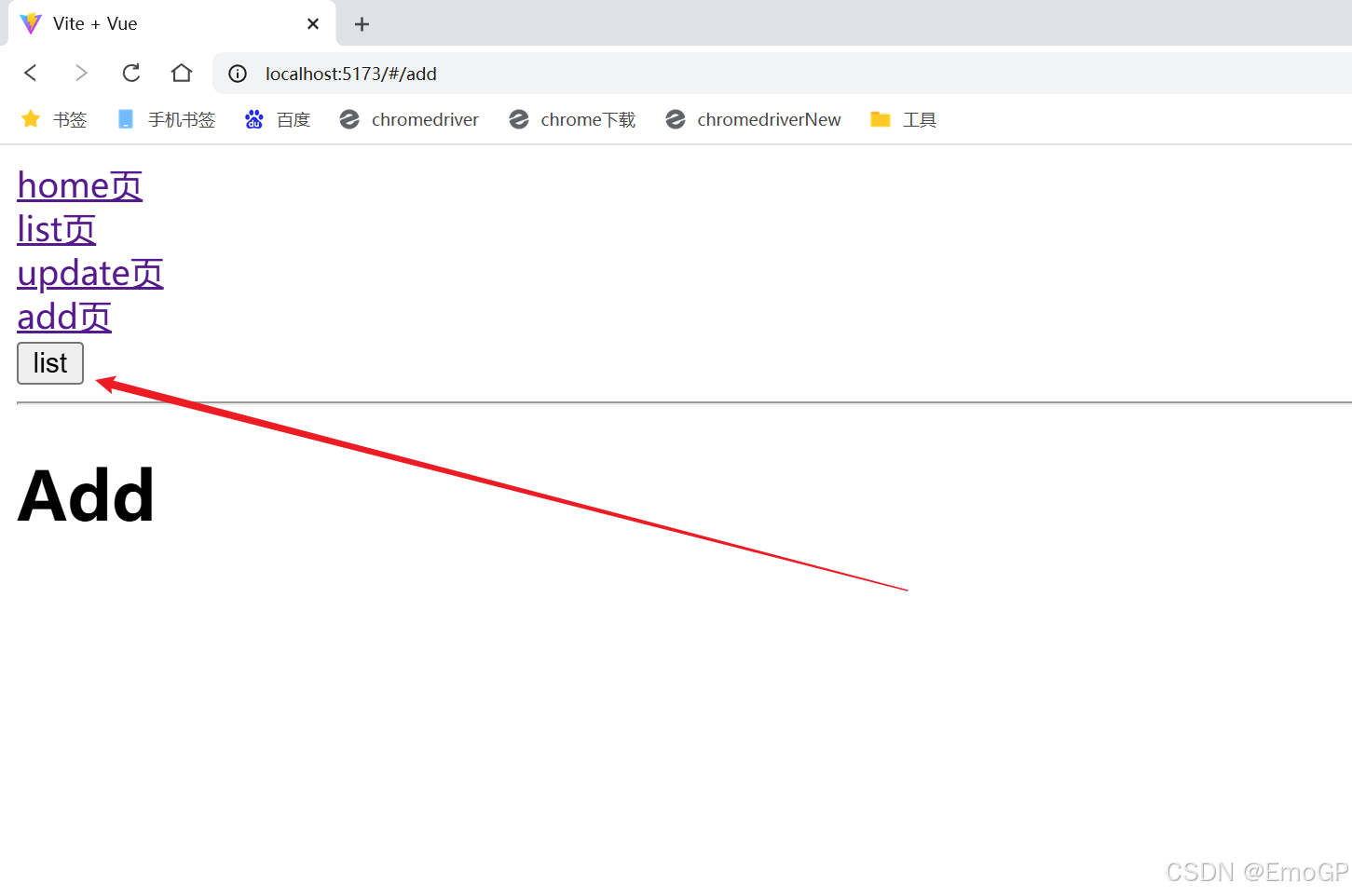
更改App.vue
clike
<script setup>
import {useRouter} from 'vue-router'
import {ref} from 'vue'
const router = useRouter()

let myPath = ref("")

function goMyPage(){
  router.push(myPath.value)
}

</script>

<template>
  <div>

   <!-- 声明式路由 -->
    <router-link to="/home">home页</router-link><br>
    <router-link to="/list">list页</router-link><br>
    <router-link to="/update">update页</router-link><br>
    <router-link to="/add">add页</router-link><br>

    <!-- 编程式路由 -->
    <button @click="goMyPage()">Go</button><input type="text" v-model="myPath">


    <hr>
    <router-view></router-view>
  </div>


</template>

<style scoped>

</style>