【疑難排解】解決 Postman 無法上傳本地文件(Couldn't upload file)的問題
問題現象
當你在 Postman 的 Body 選擇檔案並點擊上傳時,雖然選擇了檔案,但 Postman 卻顯示無法讀取檔案,導致請求無法發送。
解決方案:修改 Postman Agent 資料夾路徑(神奇解法)
- 關閉 Postman。
- 開啟檔案瀏覽器,進入路徑:
C:\Users\<user_name>\ - 在該目錄下,您可能會看到一個名為
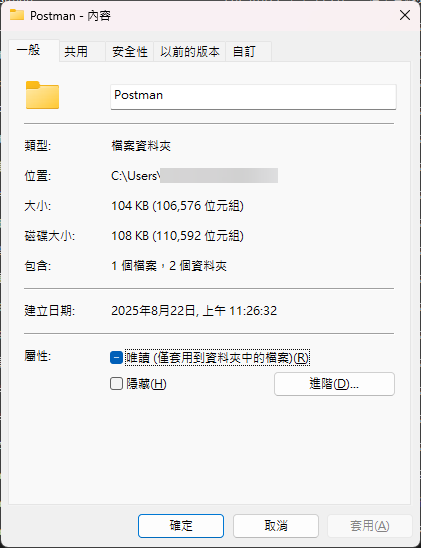
Postman Agent的資料夾。 - 關鍵動作 :將該資料夾名稱修改為
Postman(或者如果已有Postman資料夾,嘗試將 Agent 內的內容整合或依照影片建議重命名)。 - 重新啟動 Postman,再次嘗試上傳檔案。
更名結果