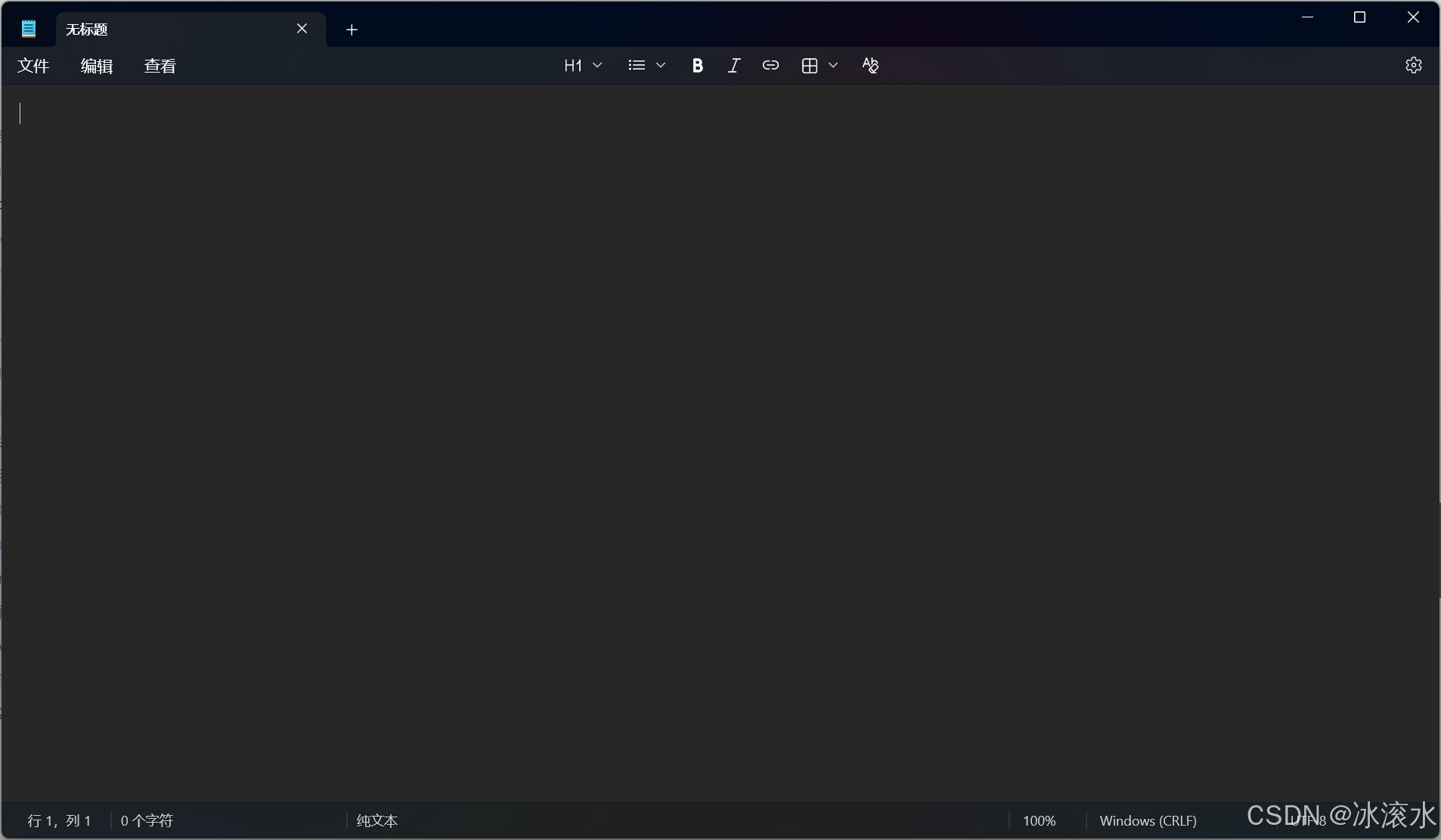
windows11 Notepad.exe - 系统错误

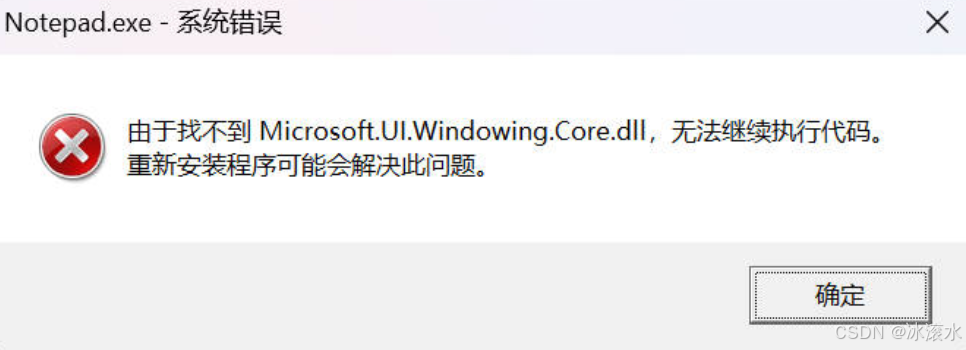
Notepad.exe - 系统错误

由于找不到Microsoft.UI.Windowing.Core.dll,无法继续执行代码。

重新安装程序可能会解决此问题。
win+R 输入regedit打开注册表编辑器

打开下面的路径

复制代码
HKEY_CURRENT_USER\Software\Microsoft\Windows\CurrentVersion\App Paths

APP Paths 中的notepad.exe删除即可解决问题

如果其他系统软件利用命令打开不行的话,还是同理,在步骤上删除对应的注册表。

相关推荐
ayaya_mana5 个月前
Notepad--:国产跨平台文本编辑器,Notepad++ 的理想替代方案
linux·windows·macos·编辑器·notepad·notepad--
莲动渔舟9 个月前
国产编辑器EverEdit - 扩展脚本:让EverEdit支持“批量查找”功能
编辑器·emeditor·notepad·everedit
莲动渔舟10 个月前
国产编辑器EverEdit - 脚本(解锁文本编辑的无限可能)
编辑器·emeditor·notepad·everedit
莲动渔舟10 个月前
国产编辑器EverEdit - 兼具小巧、灵活、强大的语法着色管理
编辑器·emeditor·notepad·everedit
莲动渔舟10 个月前
国产编辑器EverEdit - 设置文件类型关联为EverEdit
编辑器·emeditor·notepad·everedit
莲动渔舟10 个月前
国产编辑器EverEdit - 安装扩展功能的方式
编辑器·emeditor·notepad·everedit
莲动渔舟10 个月前
国产编辑器EverEdit - 宏功能介绍
编辑器·emeditor·notepad·everedit
莲动渔舟10 个月前
国产编辑器EverEdit - Web预览设置
编辑器·emeditor·notepad·everedit
莲动渔舟10 个月前
国产编辑器EverEdit - 工具栏自定义及认识工具栏上的按钮
编辑器·emeditor·notepad·everedit