PowerShell 版本升级教程

查看当前的 PowerShell 版本

复制代码
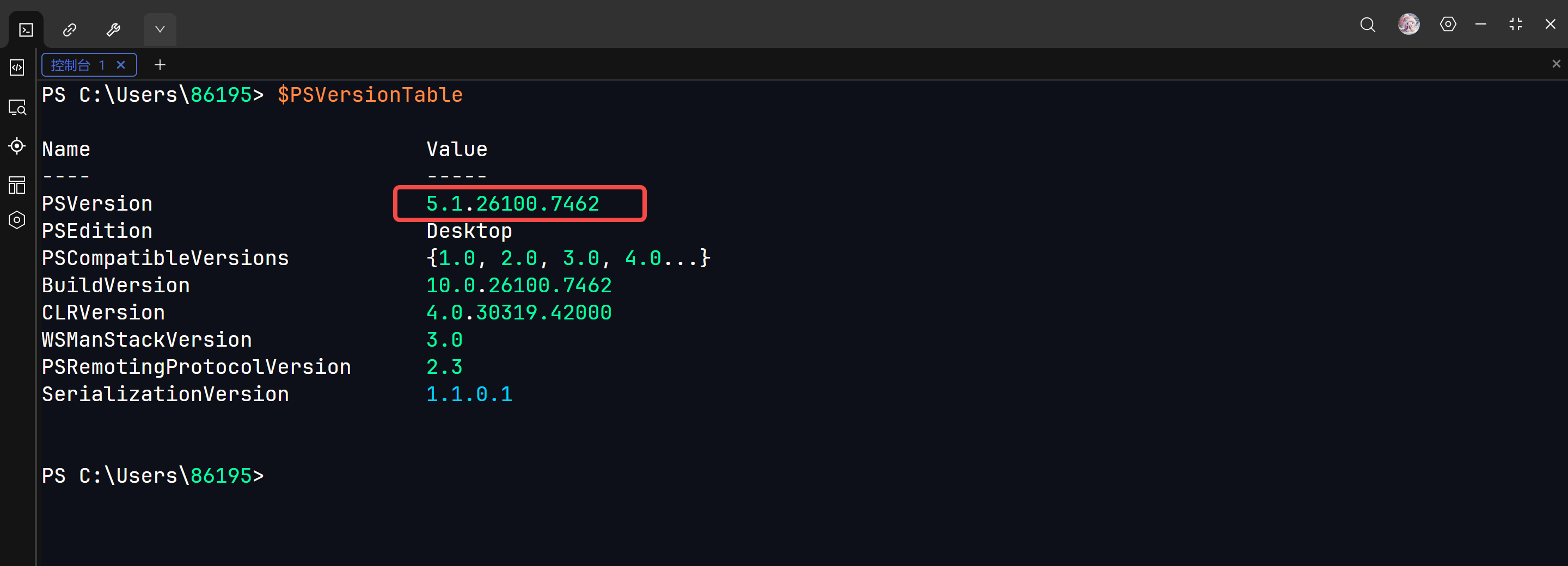
$PSVersionTable

可以看到我当前的版本是 5.1

查看目前最新的版本

复制代码
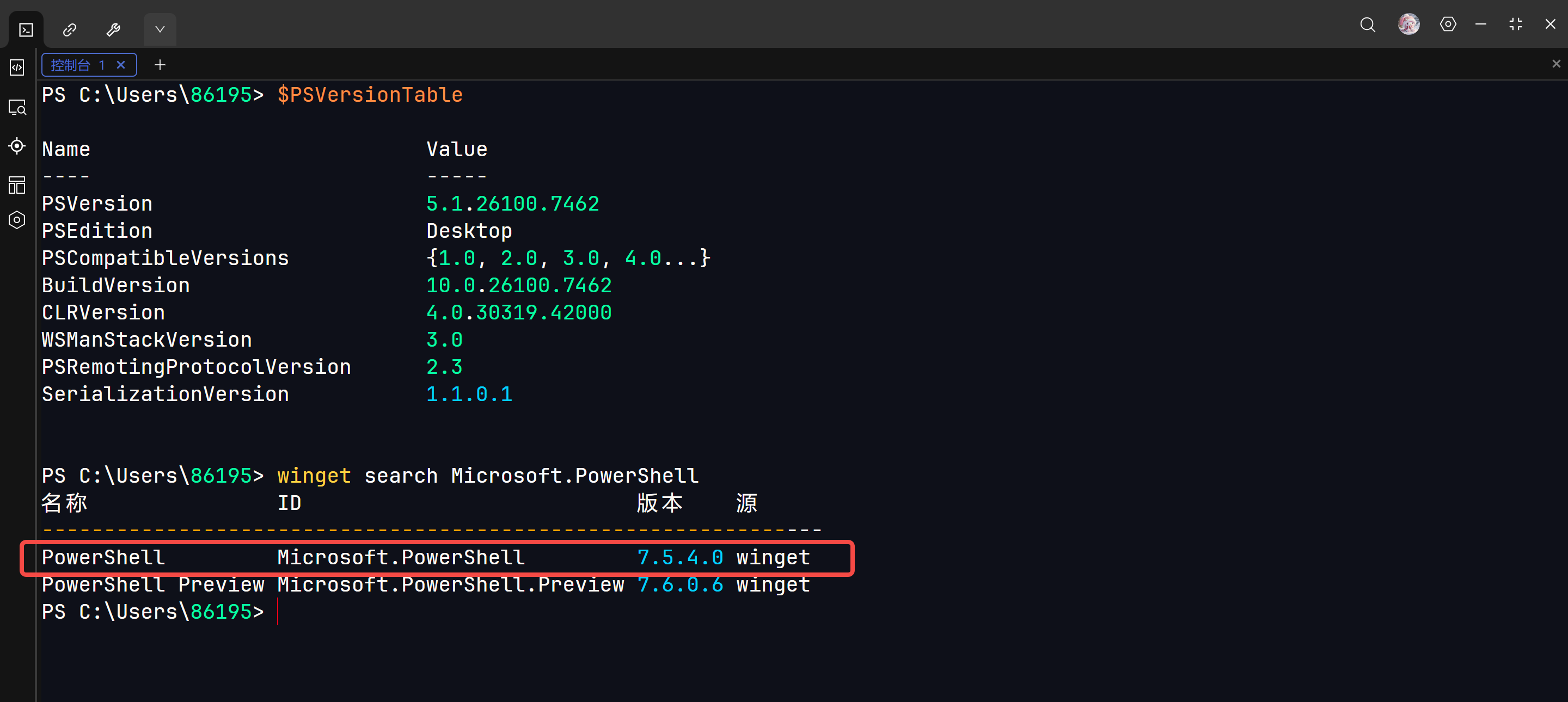
winget search Microsoft.PowerShell

winget 的安装可以看我这篇文章:winget 安装教程-CSDN博客

我选择上面这个版本

安装最新版本【命令行方式】

复制代码
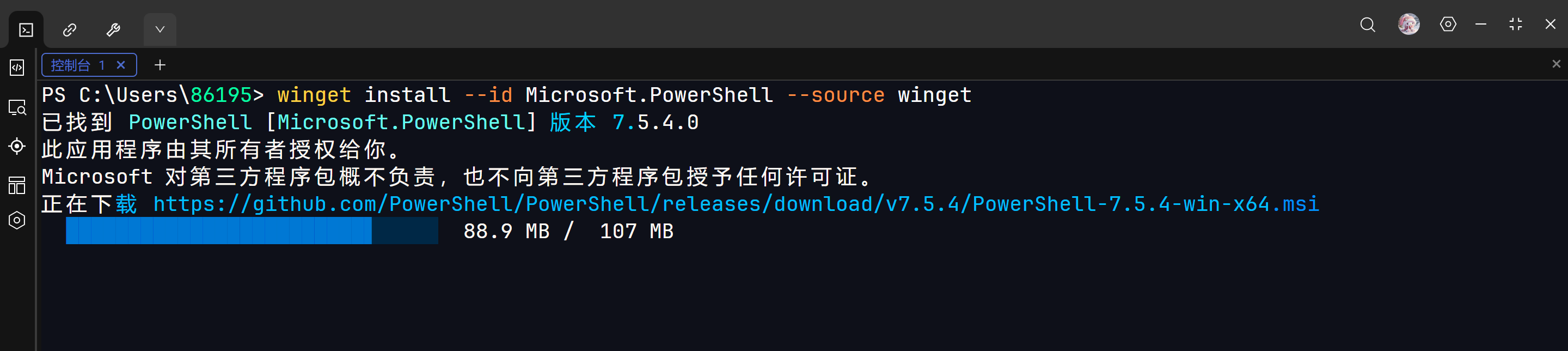
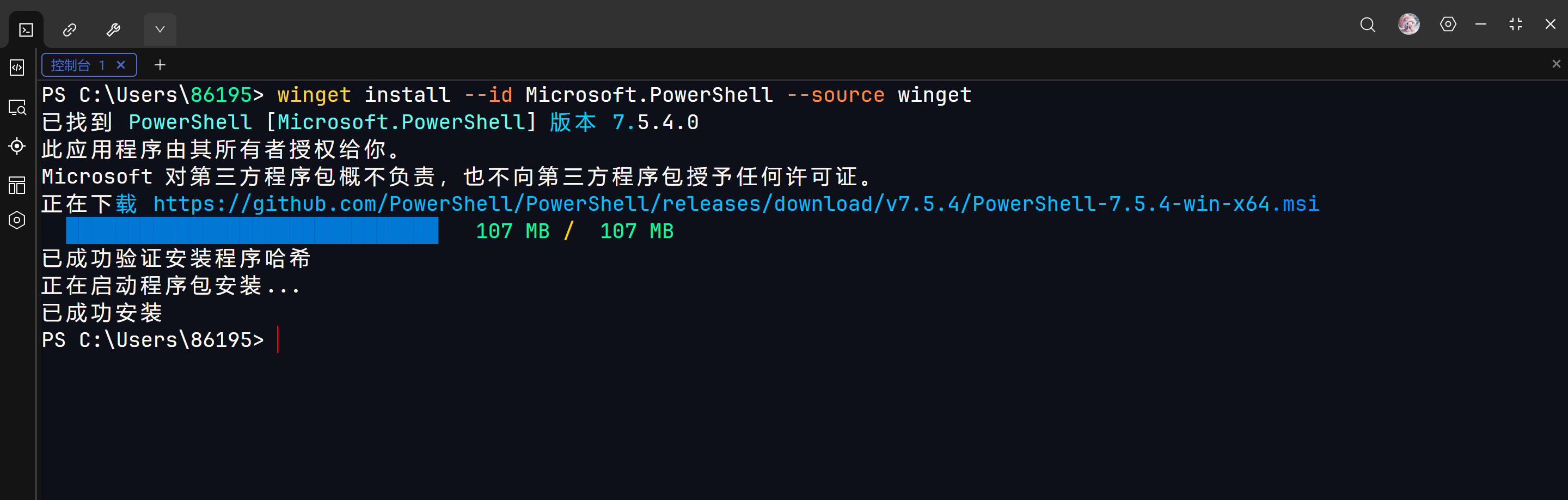
winget install --id Microsoft.PowerShell --source winget

--source winget:指定从官方的 winget 源下载

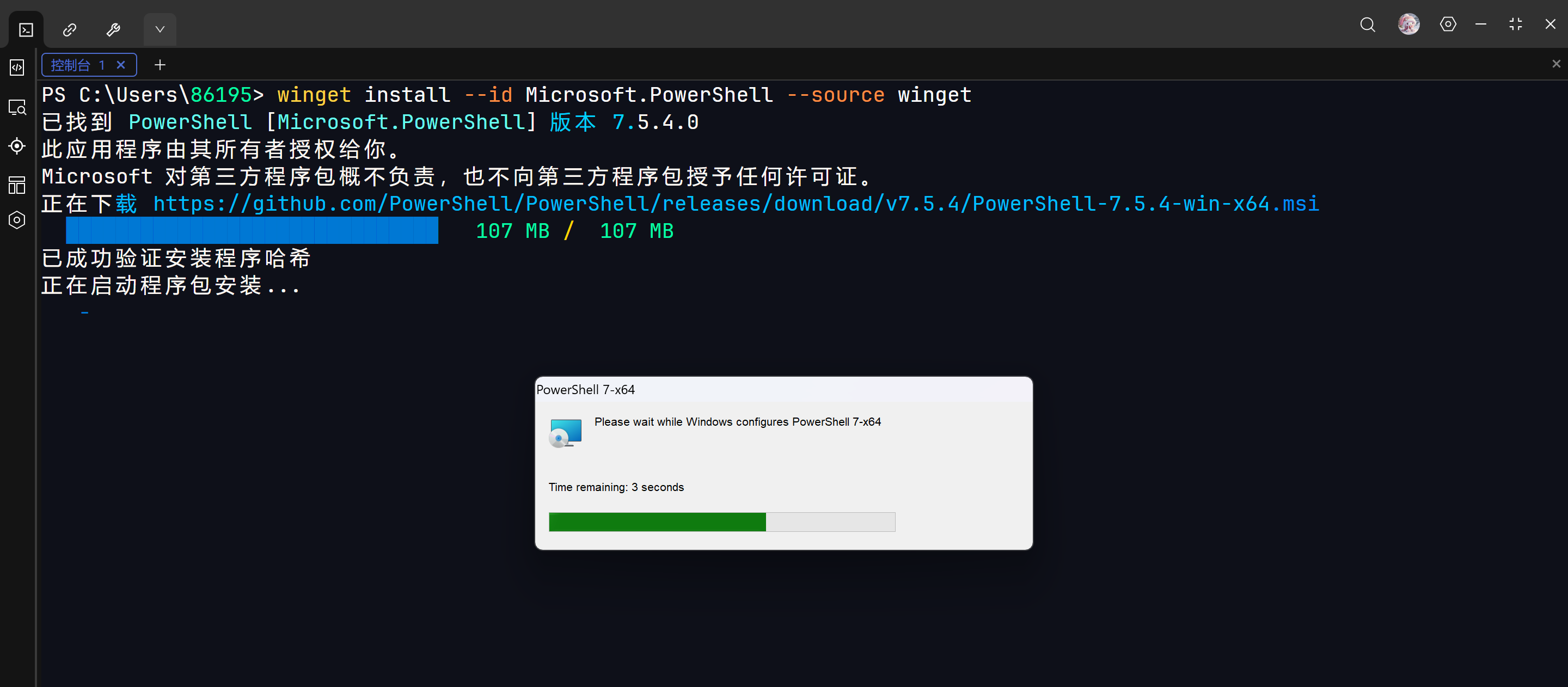
安装成功

也可以手动安装

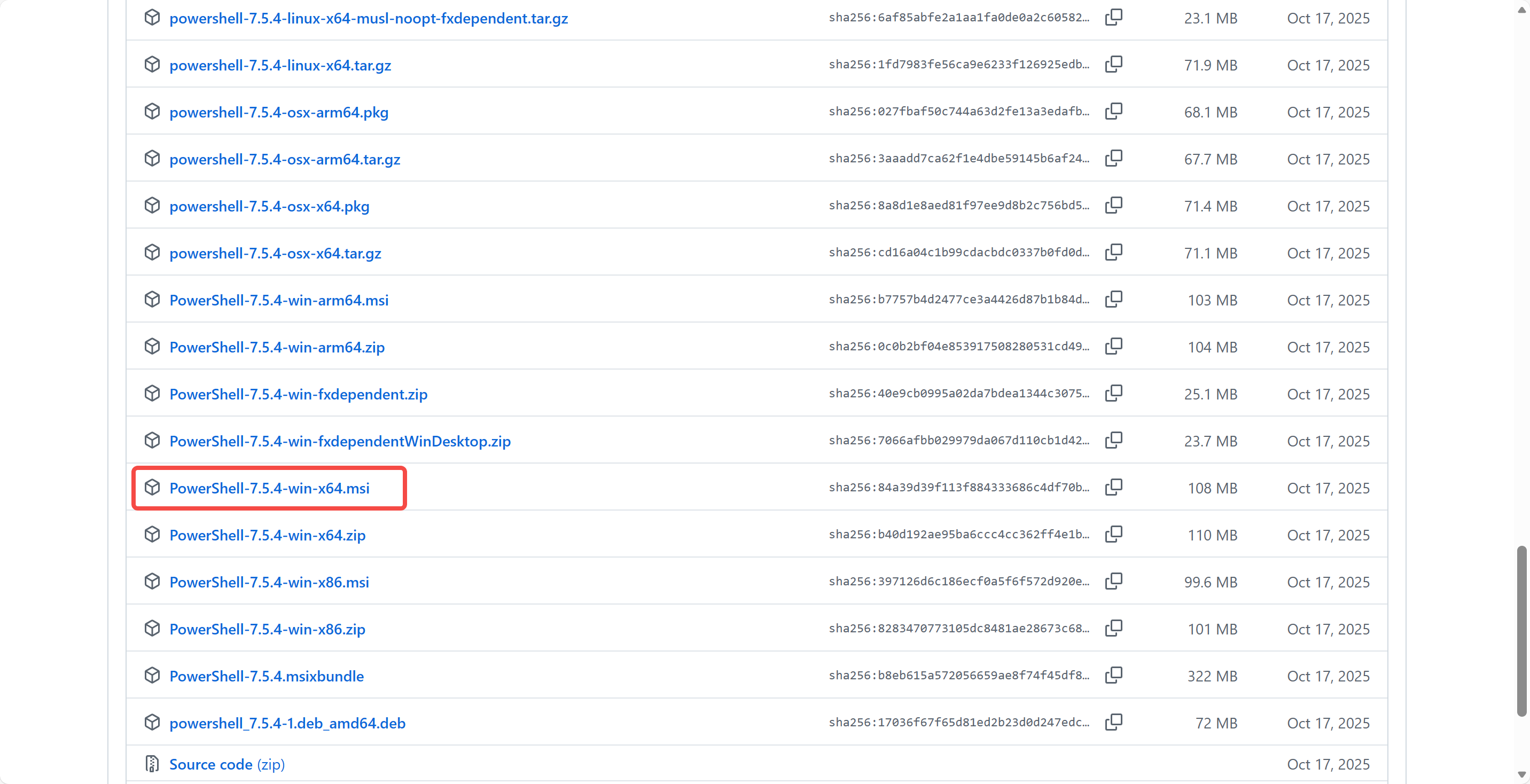
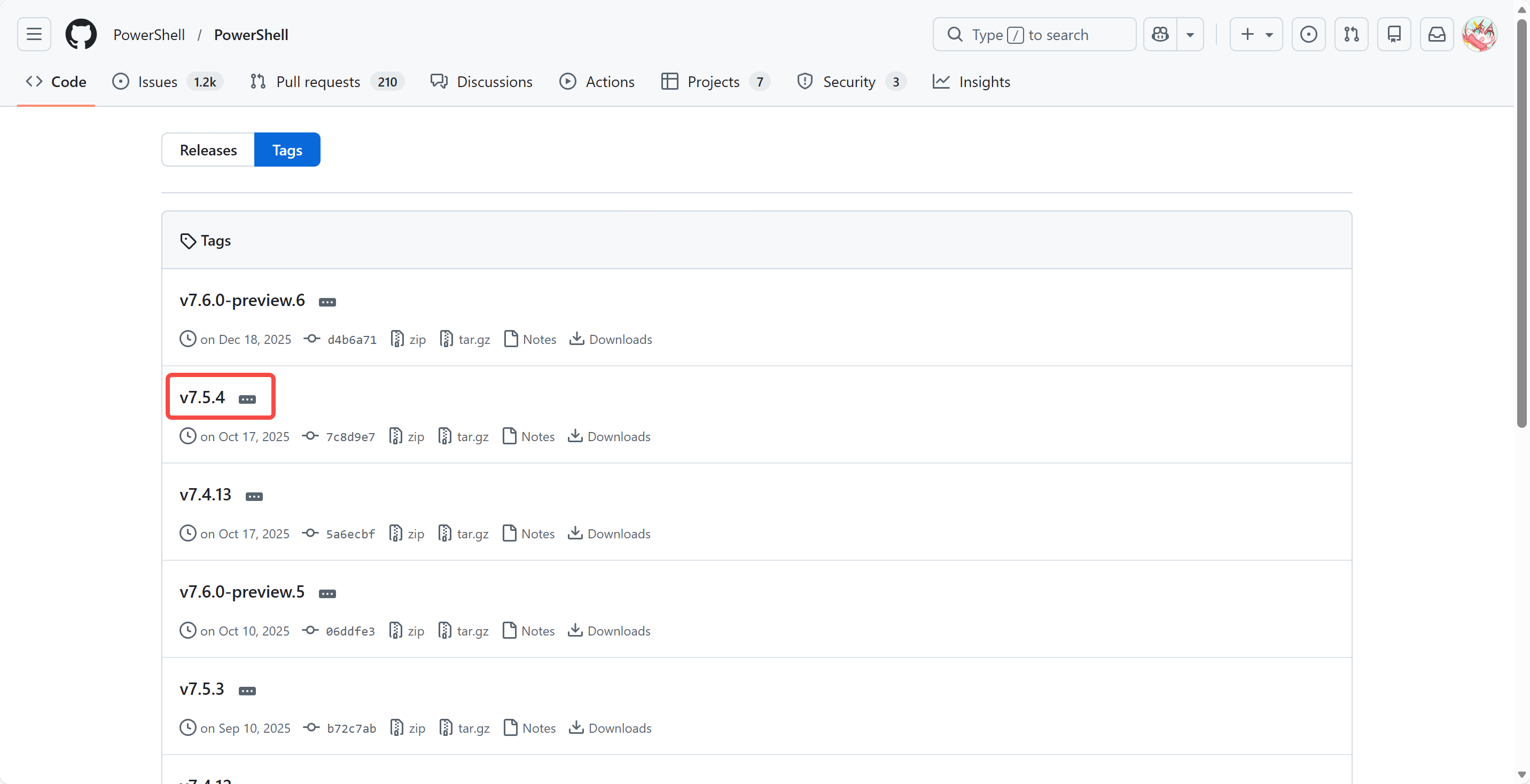
访问 GitHub,链接如下

https://github.com/PowerShell/PowerShell/tags

选一个喜欢的版本
验证安装

电脑搜索

在 Windows 电脑搜索:PowerShell
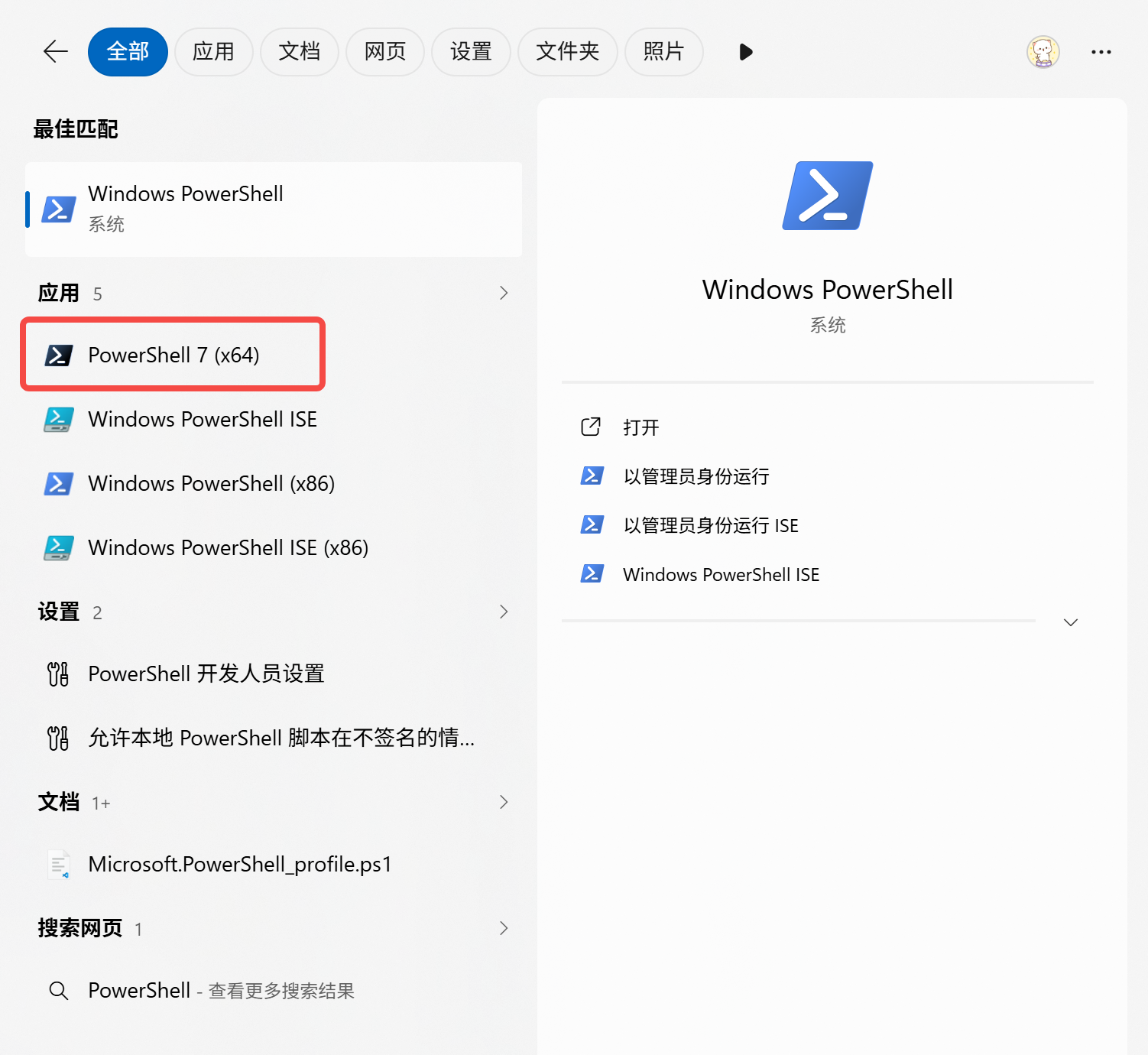
选择这个黑色的图标,可以看到安装目录

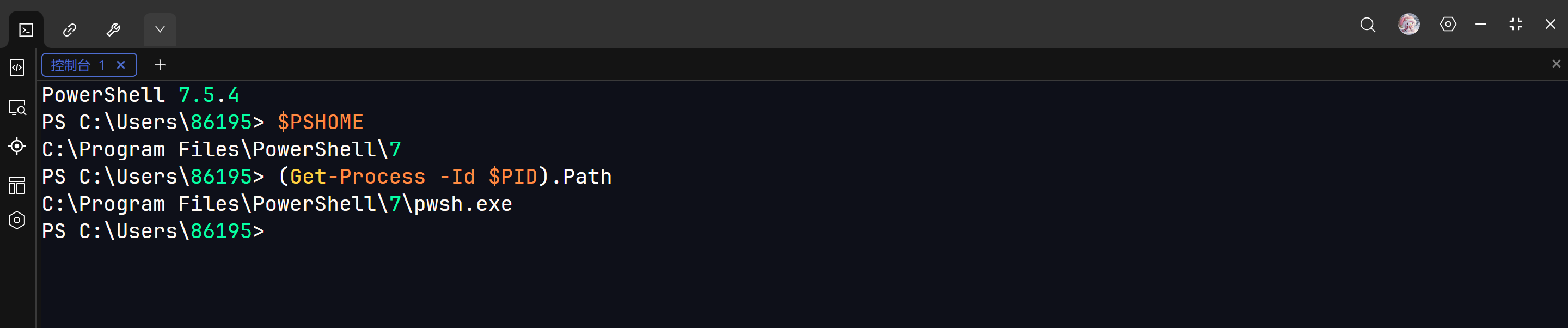
安装在【C:\Program Files\PowerShell\7】这个目录中

查看 PowerShell 安装路径

前面已经看过了,所以看不看都行。以下两种方式都可以

复制代码
$PSHOME

(Get-Process -Id $PID).Path

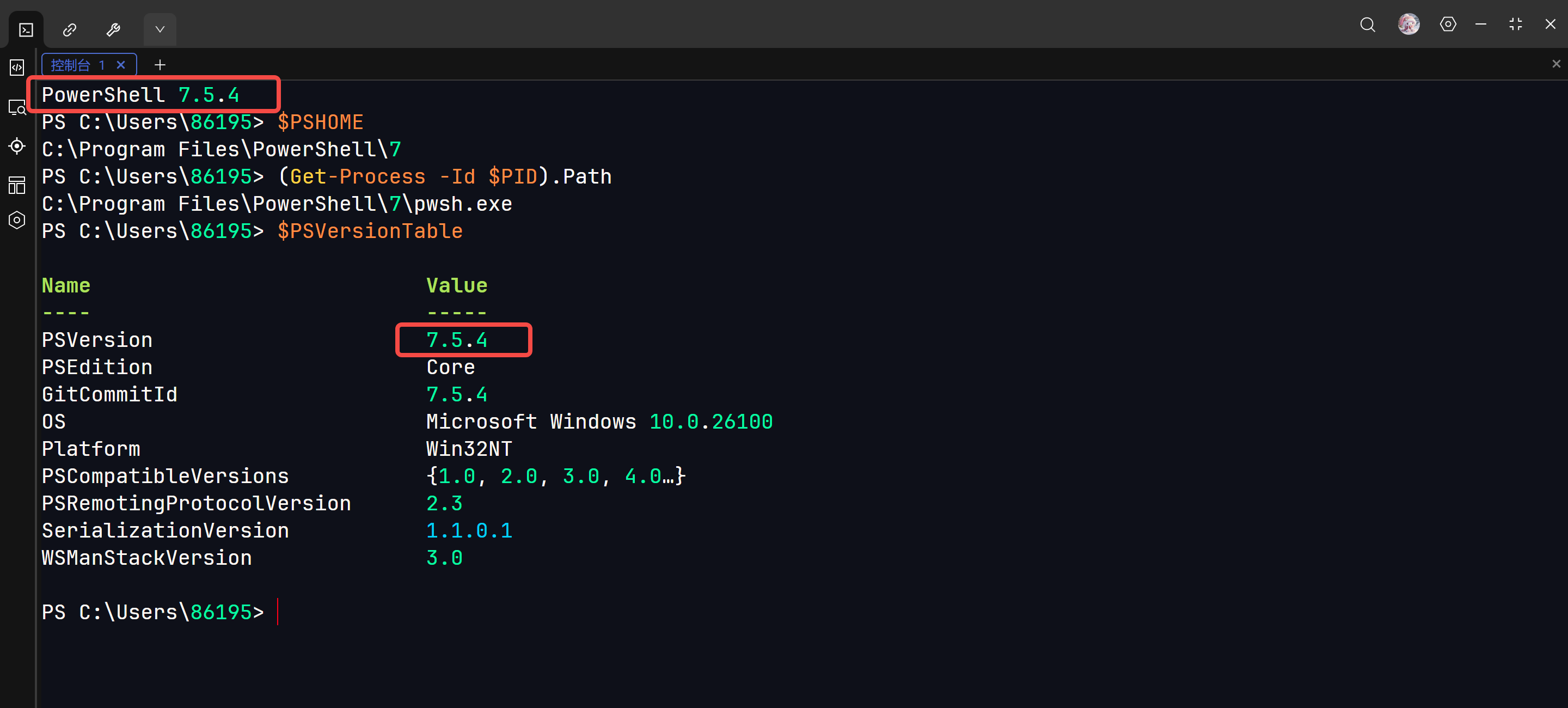
查看版本信息

复制代码
$PSVersionTable
相关推荐
LAM LAB4 天前
【shell】win10 Powershell字体美化
powershell
humors2215 天前
AI工具合集,不定期更新
人工智能·windows·ai·工具·powershell·deepseek
fengyehongWorld13 天前
Powershell 自动安装Excel自定义标签页,开启宏
powershell
西西弗Sisyphus14 天前
PowerShell 配置为启动时自动激活 Conda 环境
conda·powershell
夫唯不争,故无尤也1 个月前
curl与Invoke-RestMethod核心区别
后端·fastapi·powershell·curl
bu_shuo1 个月前
Windows电脑使用VSCode远程控制Windows主机方法记录
windows·vscode·ssh·powershell
Moshow郑锴2 个月前
WindowsRemoteAdmin(超级马里奥像素版)专为无远程登录桌面系统打造的便携式管理工具
java·powershell·远程控制·远程桌面·系统运维
超级大福宝2 个月前
PowerShell 实现类似 Bash 的补全行为
bash·powershell
Whoami!3 个月前
⓫⁄₅ ⟦ OSCP ⬖ 研记 ⟧ Windows权限提升 ➱ 利用PowerShell获取敏感信息
网络安全·信息安全·powershell·windows日志