✅ 方案一:把 apt 源换成国内镜像(最稳)
你现在是 Ubuntu noble (24.04):
noble/universe
直接换清华源。
1️⃣ 备份原 sources.list
sudo cp /etc/apt/sources.list /etc/apt/sources.list.bak
2️⃣ 编辑源
sudo nano /etc/apt/sources.list
全部删掉,粘贴下面这份(noble 专用):
deb https://mirrors.tuna.tsinghua.edu.cn/ubuntu/ noble main restricted universe multiverse deb https://mirrors.tuna.tsinghua.edu.cn/ubuntu/ noble-updates main restricted universe multiverse deb https://mirrors.tuna.tsinghua.edu.cn/ubuntu/ noble-backports main restricted universe multiverse deb https://mirrors.tuna.tsinghua.edu.cn/ubuntu/ noble-security main restricted universe multiverse
保存退出。
3️⃣ 更新并安装
sudo apt update sudo apt install davfs2
👉 这一步 99% 会直接成功
三、如果你想"顺便把 DNS 也修干净"(可选但推荐)
你现在这个报错本质是 DNS 解析失败,可以顺手确认一下:
如果在 WSL 里,最稳的做法是:
sudo nano /etc/resolv.conf
改成:
nameserver 8.8.8.8
nameserver 1.1.1.1
然后(如果是 WSL)防止被覆盖:
sudo chattr +i /etc/resolv.conf
四、安装好 davfs2 之后,接下来只需要这 3 条命令
sudo mkdir -p /mnt/bitahub sudo mount -t davfs \ https://www.bitahub.com/mount/a17717576847060992248441 \ /mnt/bitahub ls /mnt/bitahub
看到:
TAG-Code TAG-Data
成功
问题:mounting failed; the server does not support WebDAV
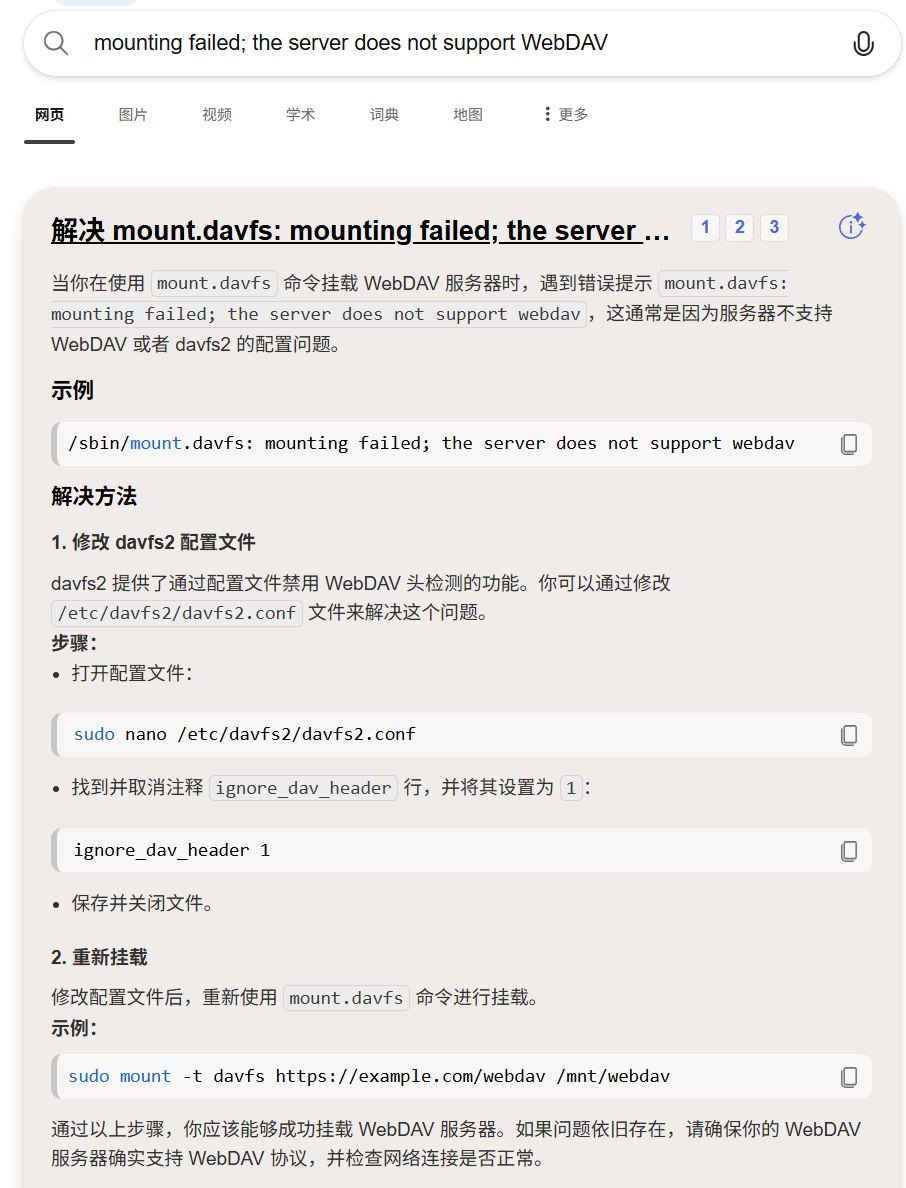
(base) jie@jie:/mnt/f/desktop$ sudo mount -t davfs https://www.bitahub.com/mount/a17717576847060992248441 /mnt/bitahub
Please enter the username to authenticate with server
https://www.bitahub.com/mount/a17717576847060992248441 or hit enter for none.
Username: Arcment
Please enter the password to authenticate user Arcment with server
https://www.bitahub.com/mount/a17717576847060992248441 or hit enter for none.
Password:
成功解决,进入网盘!
