IDEA创建代码模板
文章目录
- IDEA创建代码模板
-
- [1. 打开设置(setting)](#1. 打开设置(setting))
- [2. 搜索 文件与模板编辑(**File and Code Templates**)](#2. 搜索 文件与模板编辑(File and Code Templates))
- [3. 手动添加模板:](#3. 手动添加模板:)
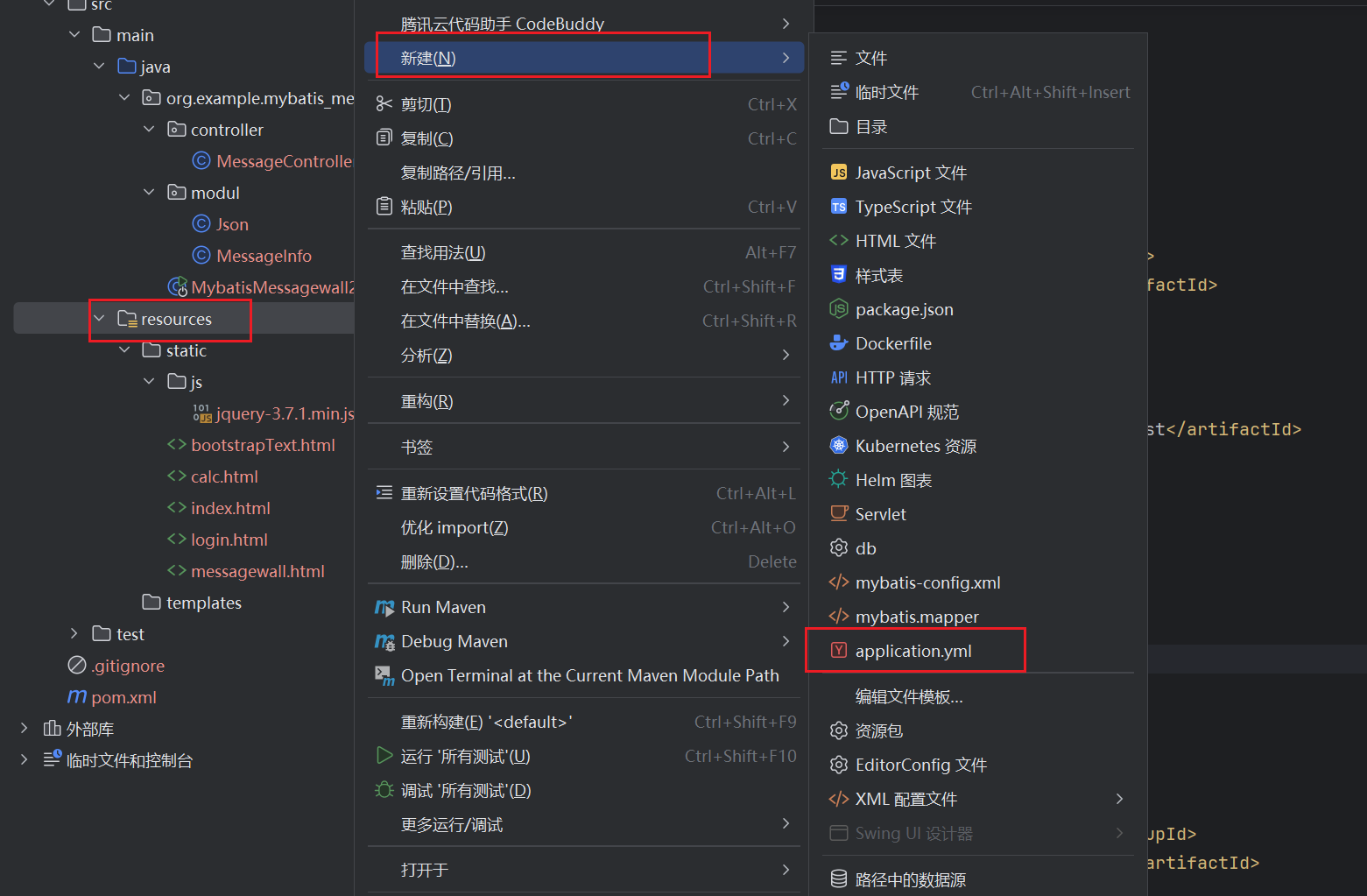
- [4. 在指定目录,快速创建:](#4. 在指定目录,快速创建:)
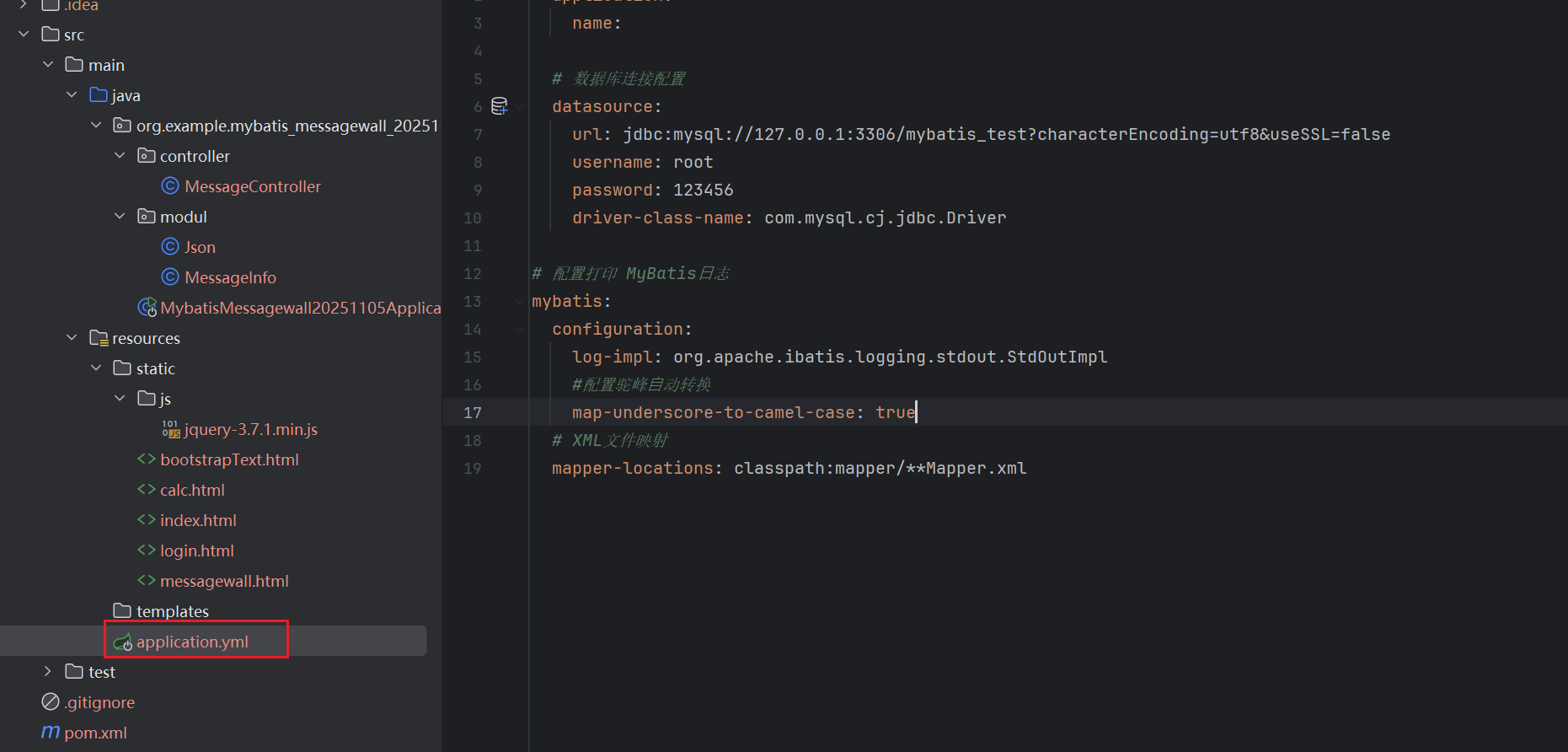
我们的 Springboot项目,依赖配置文件中的信息,如果每次新建项目,能快速生成 yml配置文件,就能够快捷的开始写代码。
创建代码模板步骤:
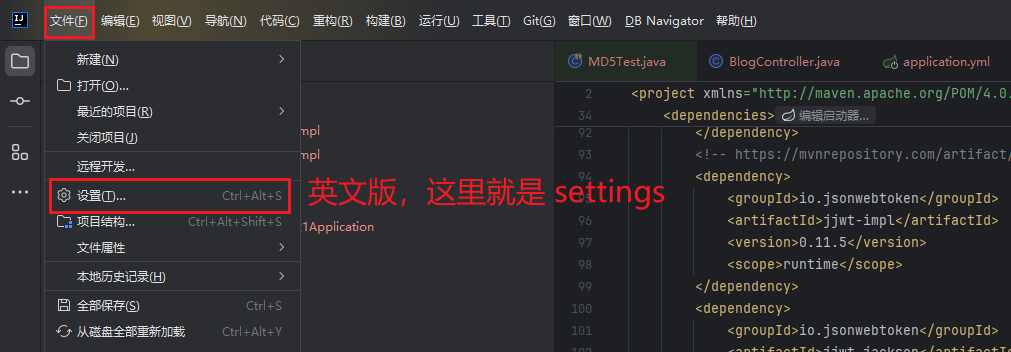
1. 打开设置(setting)
2. 搜索 文件与模板编辑(File and Code Templates)
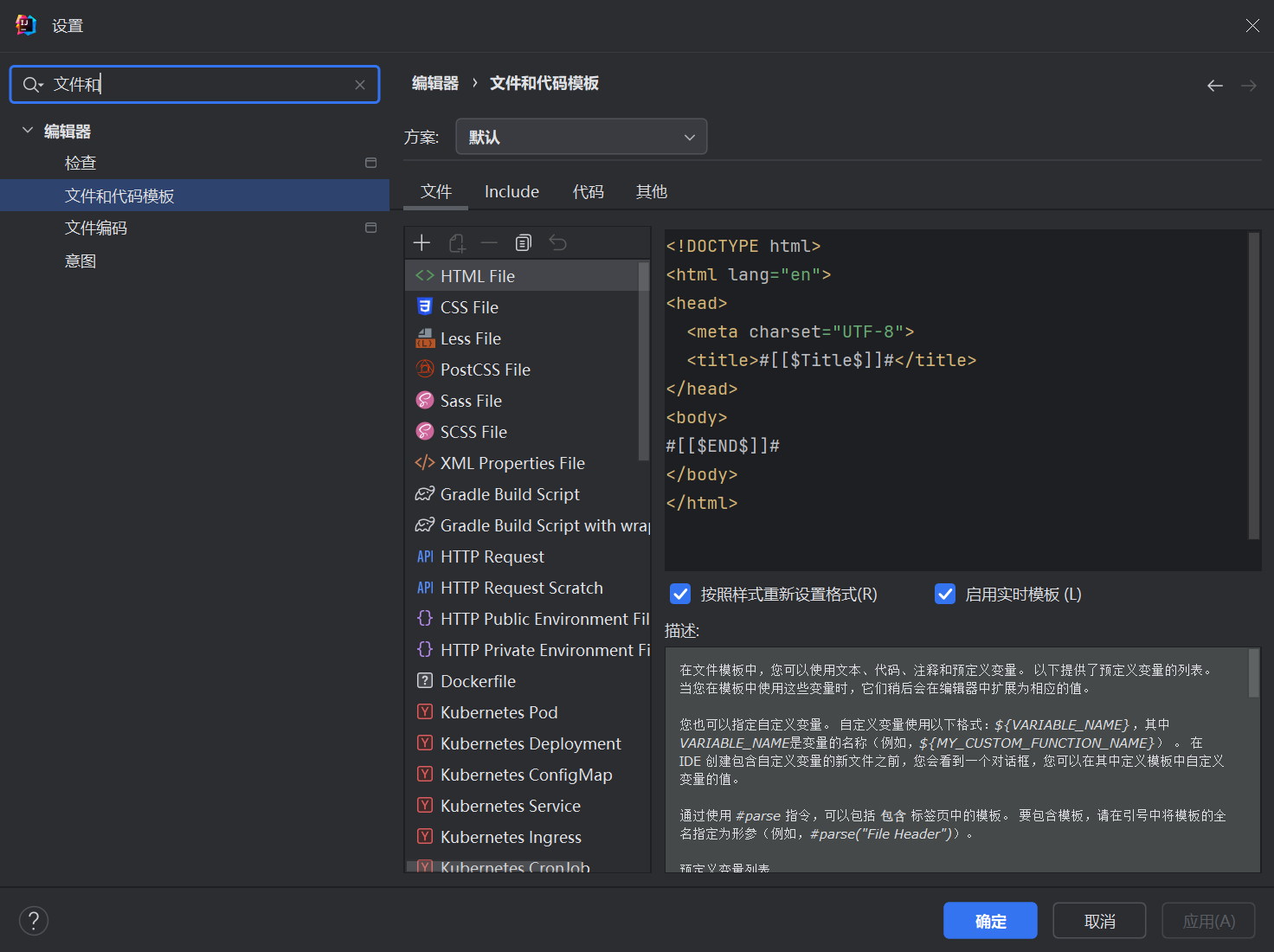
3. 手动添加模板:
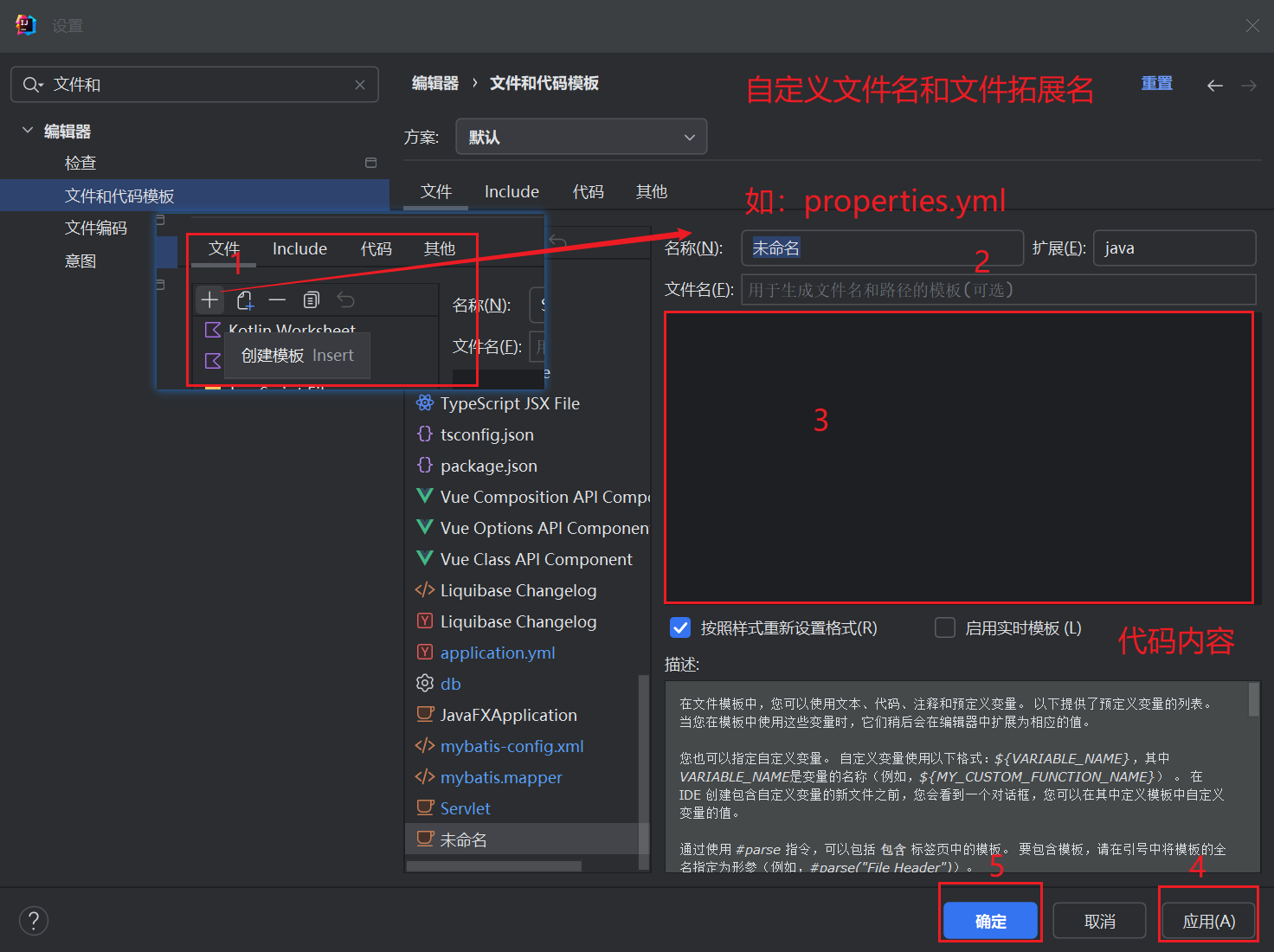
4. 在指定目录,快速创建: