windows 使用MinGW安装Nlopt

windows 使用MinGW安装Nlopt

下载安装包

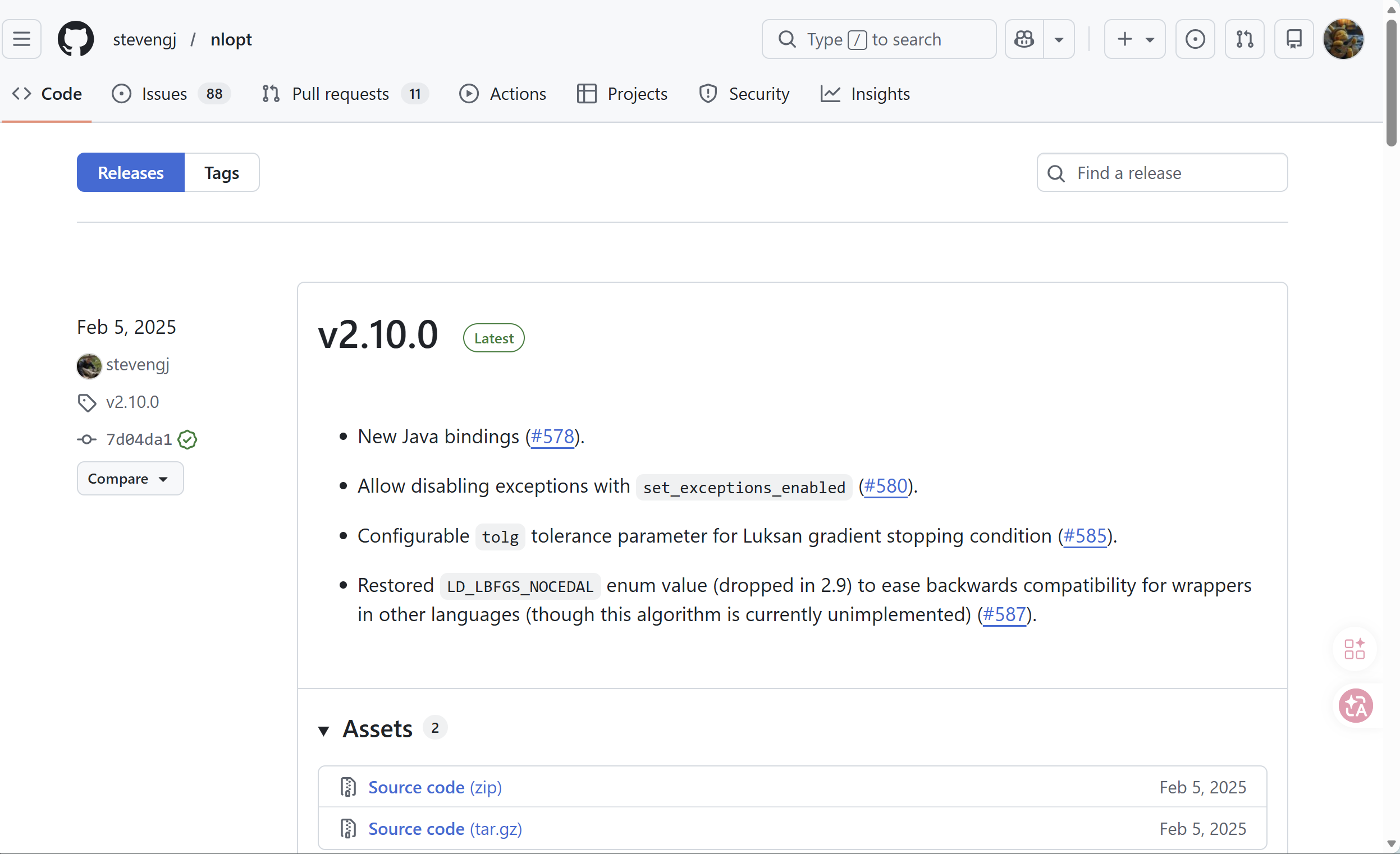
发布地址

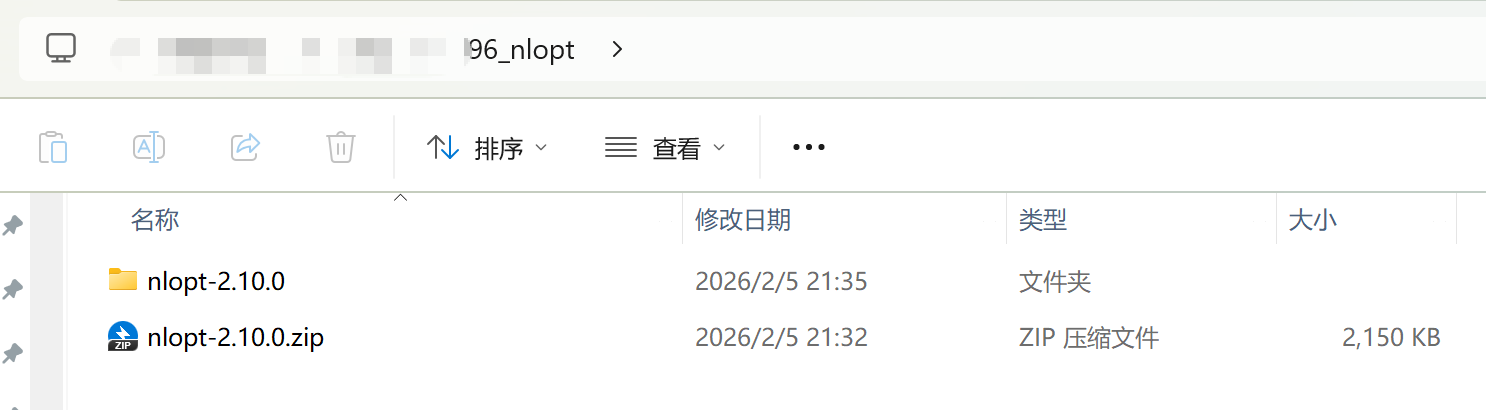
下载后解压:

编译

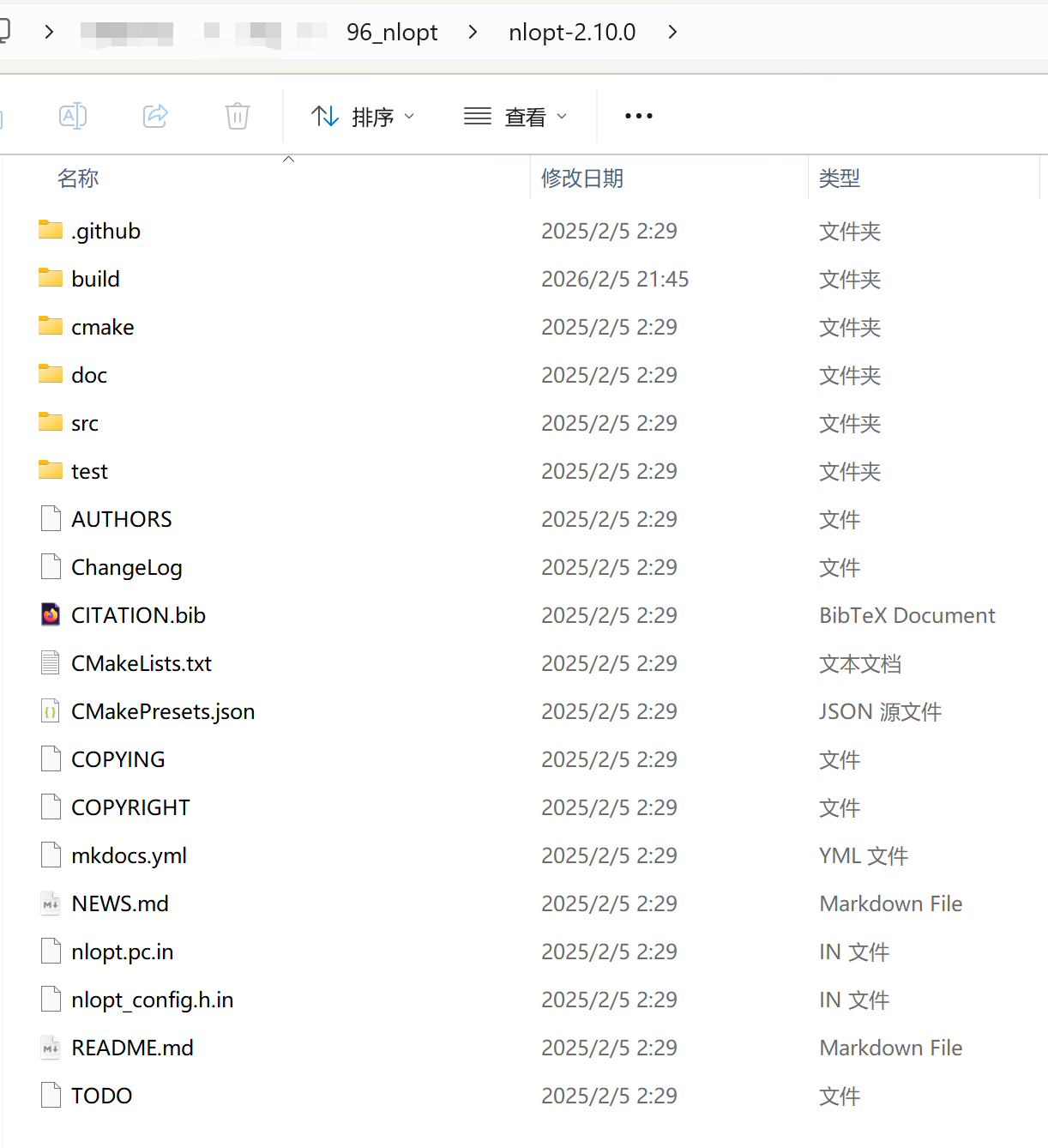
进入解压后的文件夹

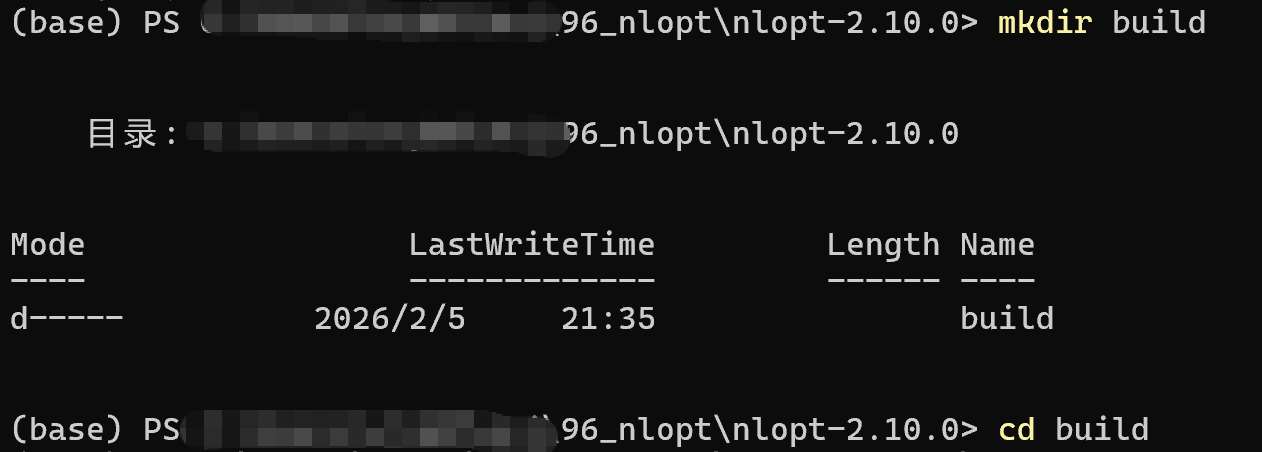
在当下文件夹路径下打开终端,输入如下命令,创建build文件夹:

bash 复制代码
mkdir build
cd build

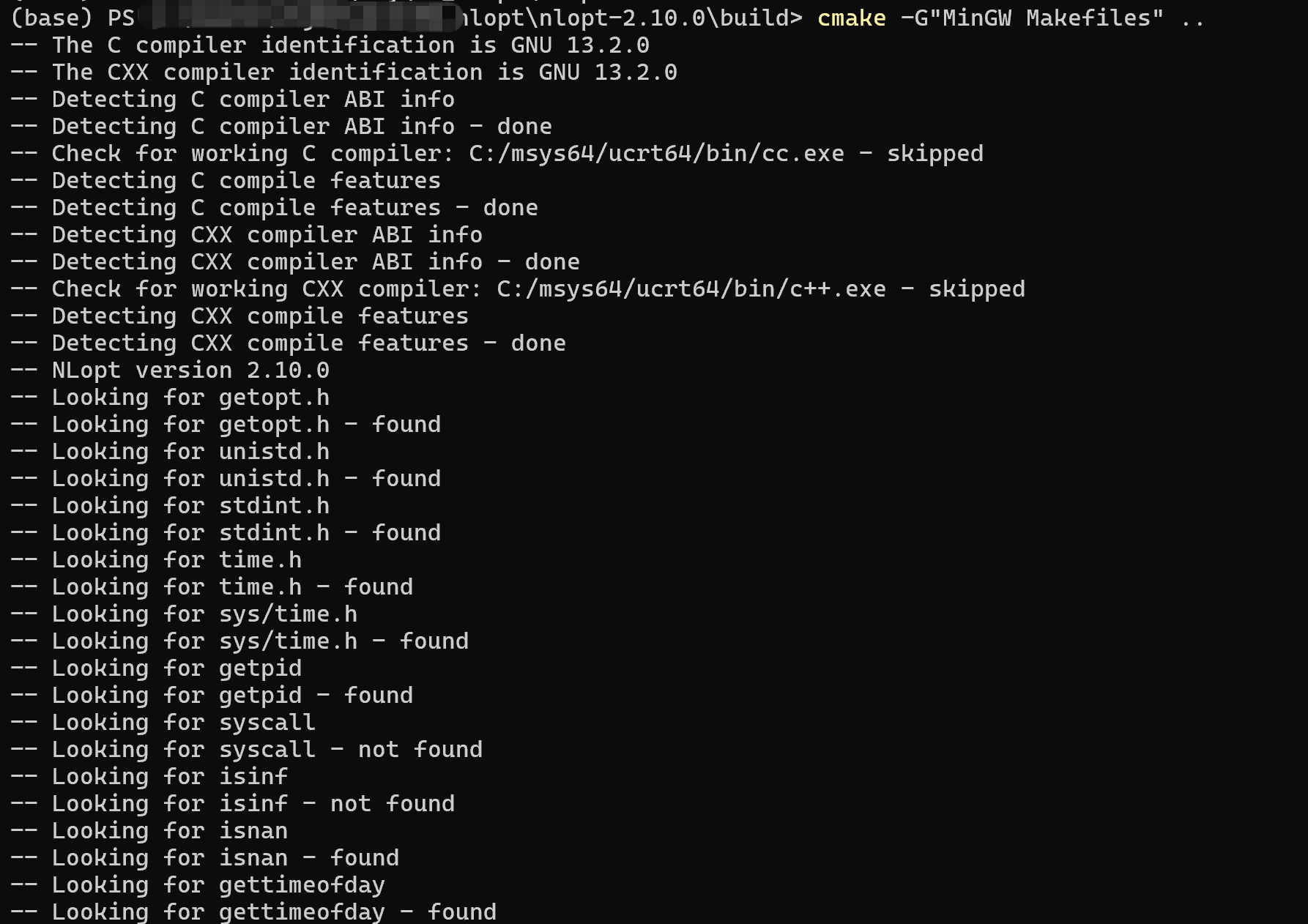
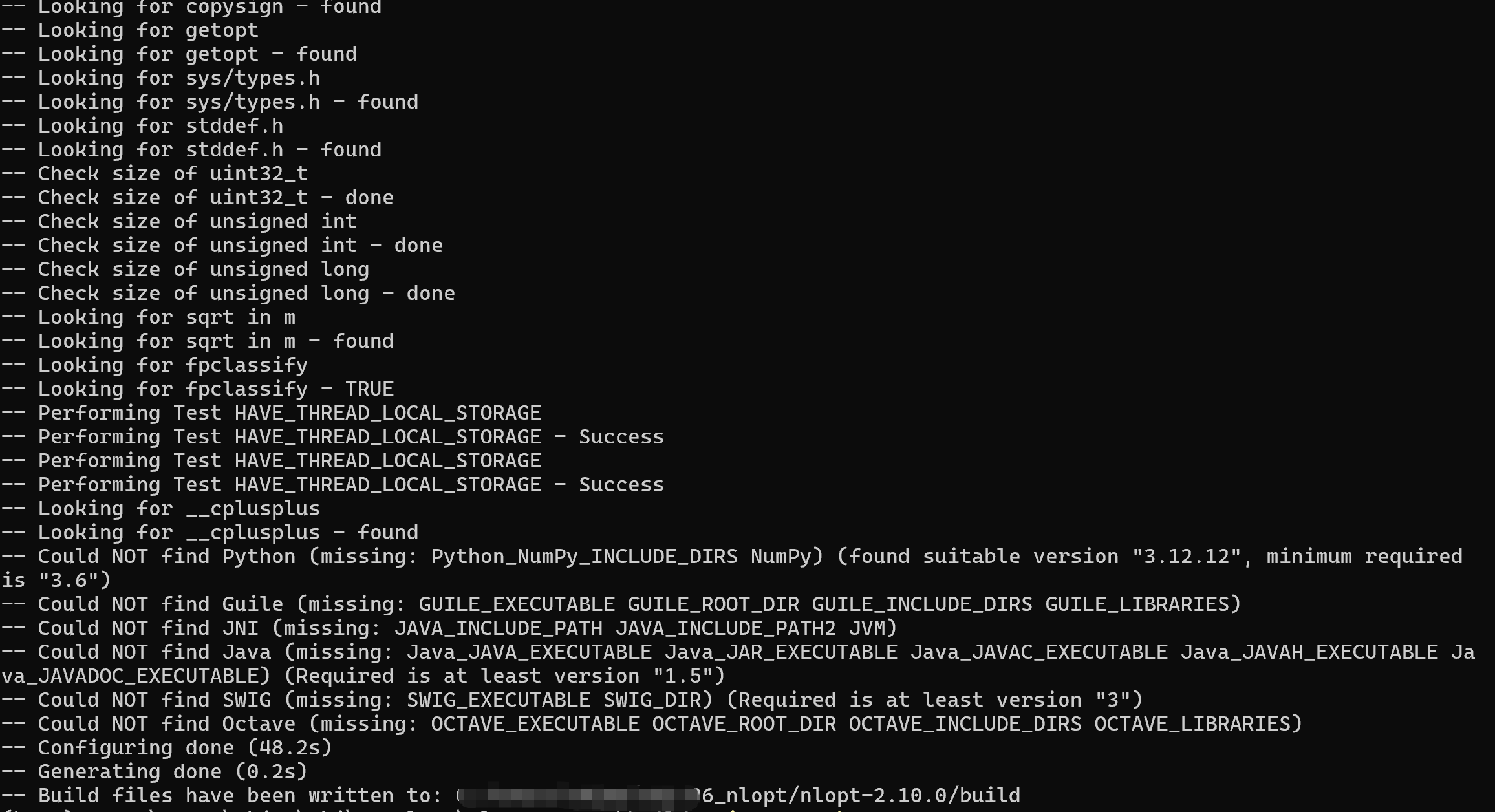
使用cmake编译生成makefile:

bash 复制代码
cmake -G"MinGW Makefiles" ..


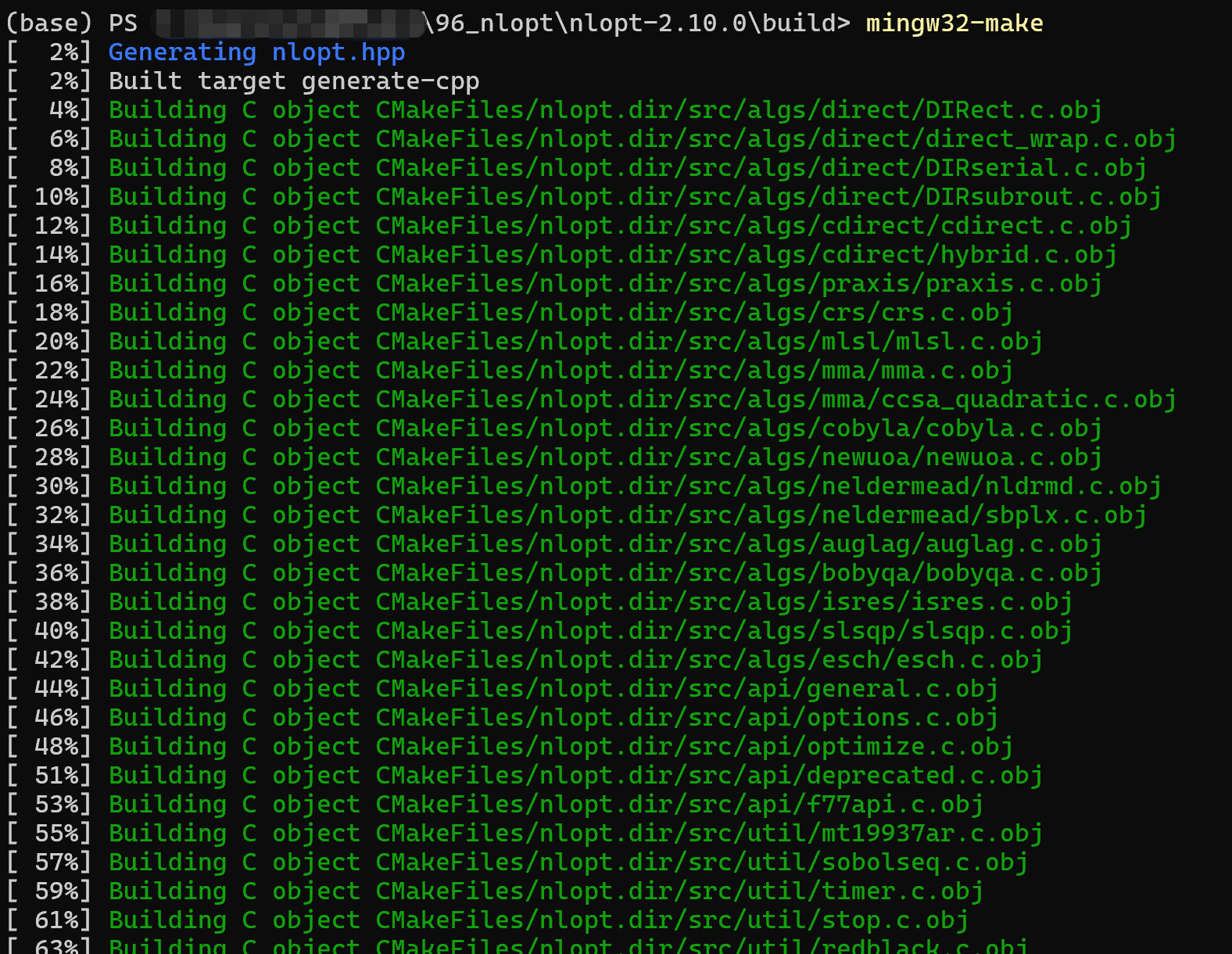
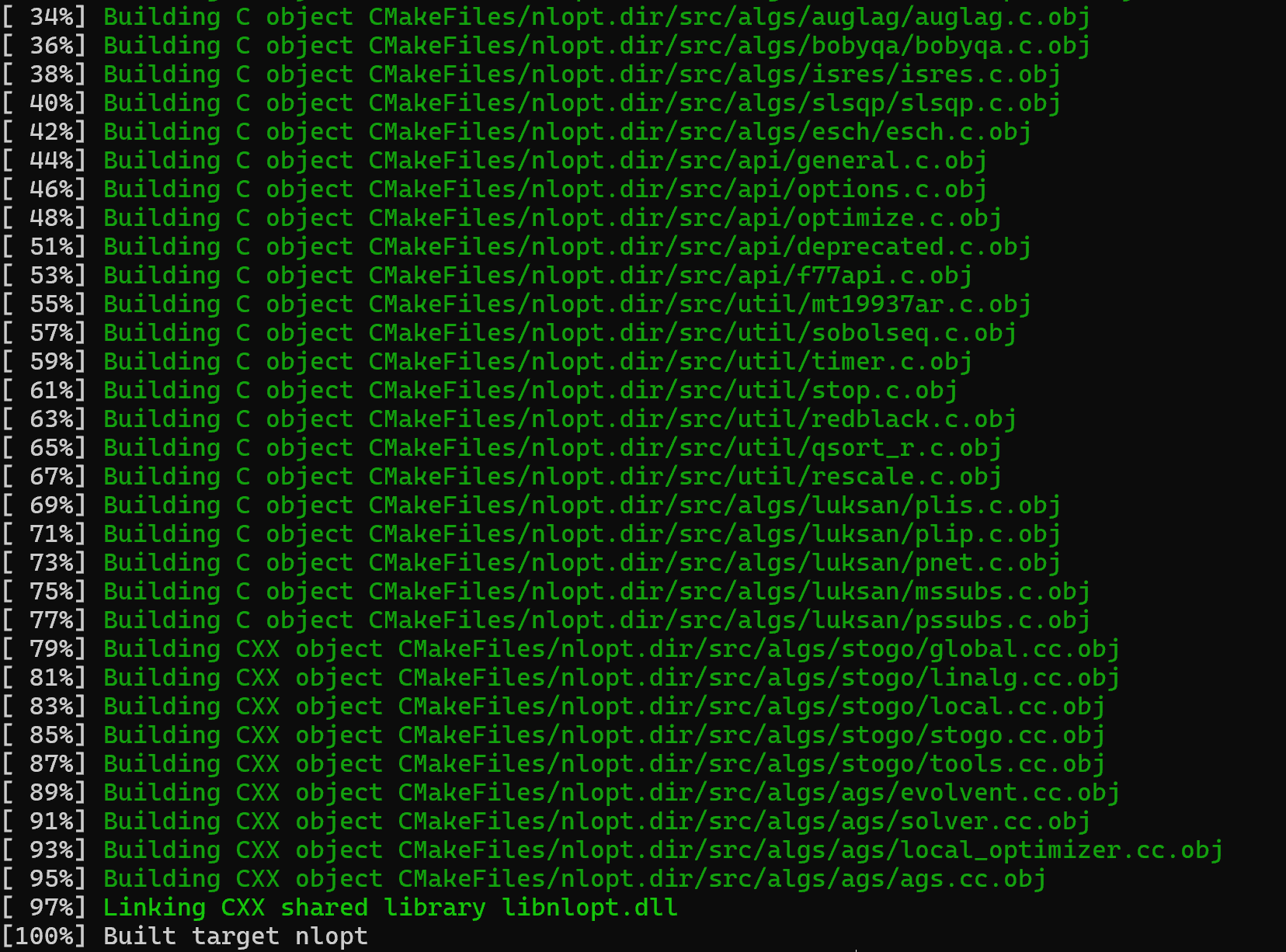
然后执行mingw32-make:

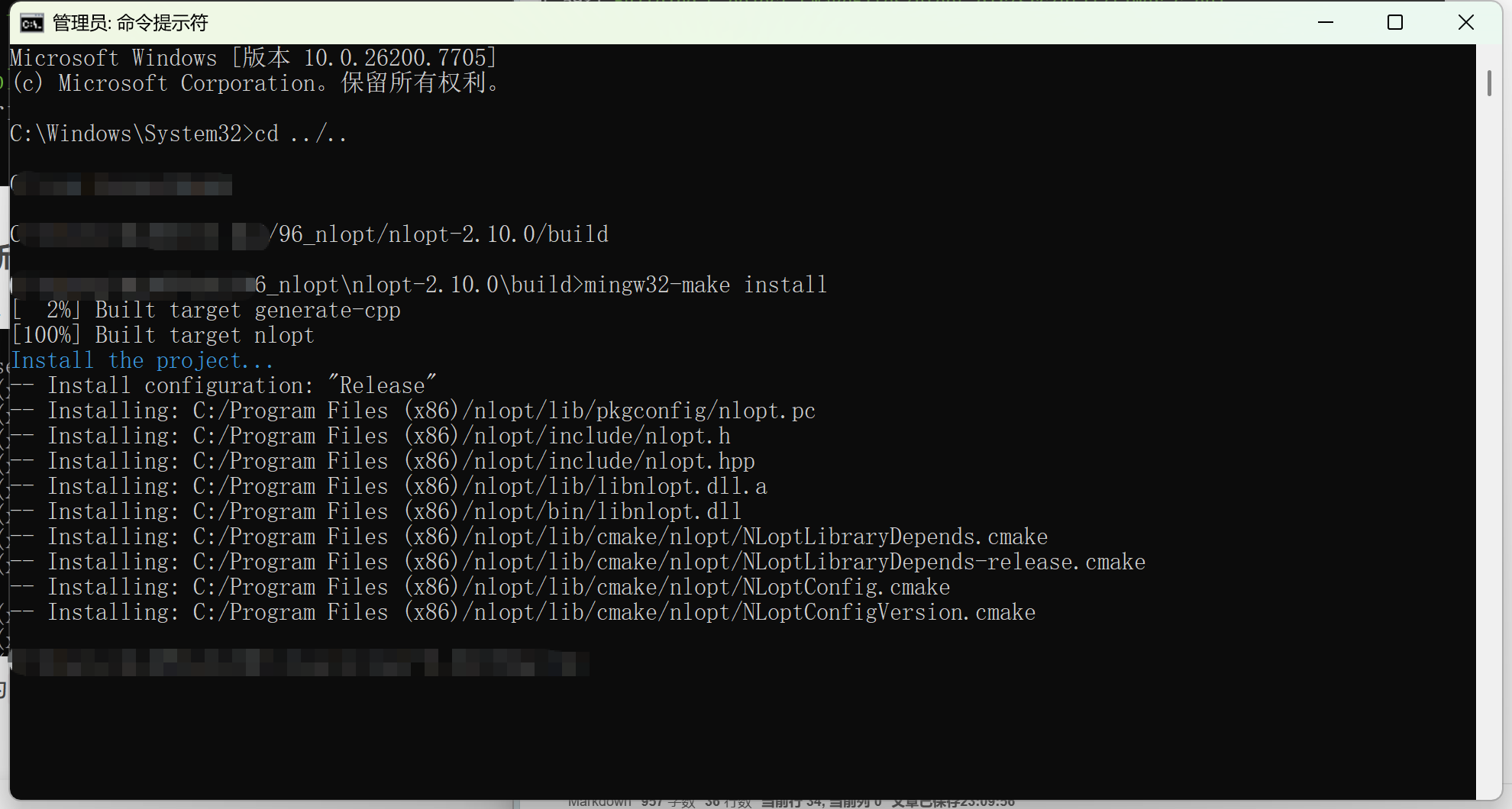
安装

管理员身份打开cmd,重新进入到build文件夹。输入

bash 复制代码
mingw32-make install

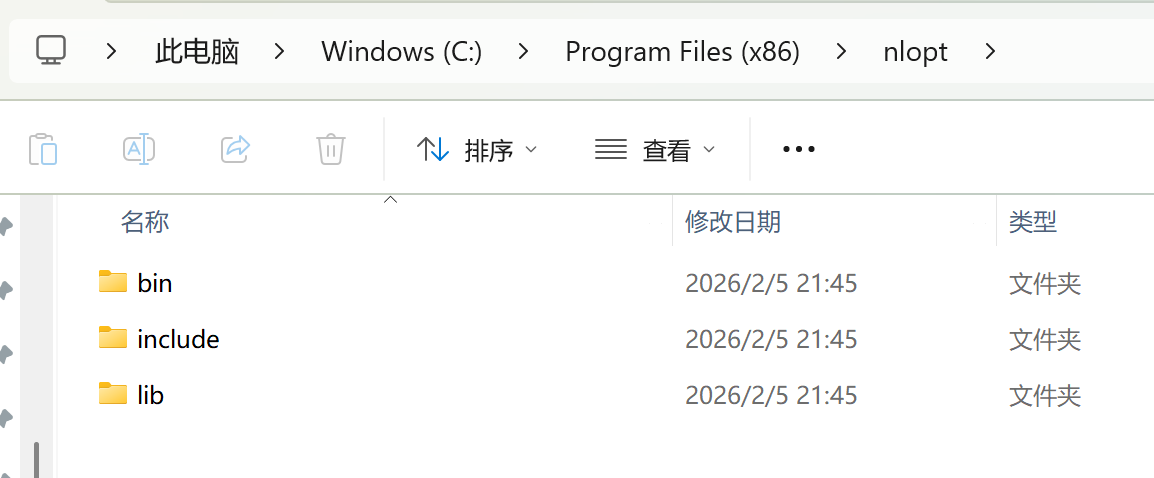
默认安装到C盘Program Files(x86)文件夹下。

相关推荐
木心术11 天前
Windows系统下MySQL与AI工具集成方案:数据存储与调用实践
人工智能·windows·mysql
beyond阿亮1 天前
Hermes Agent快速接入 QQ 完整教程|QQ聊天使用AI智能体
人工智能·windows·ai·openclaw·hermes agent
DONSEE广东东信智能读卡器1 天前
用PowerShell实现Windows 本地 WSS/HTTPS 自签名证书配置方法
windows·网络协议·https·powershell·身份证阅读器
DogDaoDao1 天前
Windows 下 Git 报错:`touch` 无法识别 —— 原因分析与 7 种解决方案(从入门到精通)
windows·git·程序员·npm·powershell·cmd·touch
Ai.den1 天前
Windows 安装 MinerU 3.x 实现本地批量解析 PDF
人工智能·windows·ai
xfddlm1 天前
在Windows上配置Claude Code
windows
AI行业学习1 天前
Notepad++ 下载+安装+插件集合 完整教程(Windows,安全无捆绑)
windows·notepad++
__zRainy__1 天前
uni-app 全局容器实战系列(二):Vite 虚拟模块
windows·uni-app
Omics Pro1 天前
前沿学科:量子生物学!
大数据·数据库·人工智能·windows·redis·量子计算
IceSugarJJ1 天前
Windows下VSCode+ WSL项目启动流程
linux·windows·vscode·ubuntu·wsl