Flutter仿ios液态玻璃效果
1、使用插件
liquid_glass_renderer,创建令人惊叹的"液态玻璃"或"雾化玻璃"效果的 Flutter 包。这个包可以让你将你的 Widget 变成漂亮的、可定制的玻璃状表面,可以相互融合和交互。 这个插件效果非常不错,还带交互,而且使用起来也非常方便。
2、组件封装和性能优化
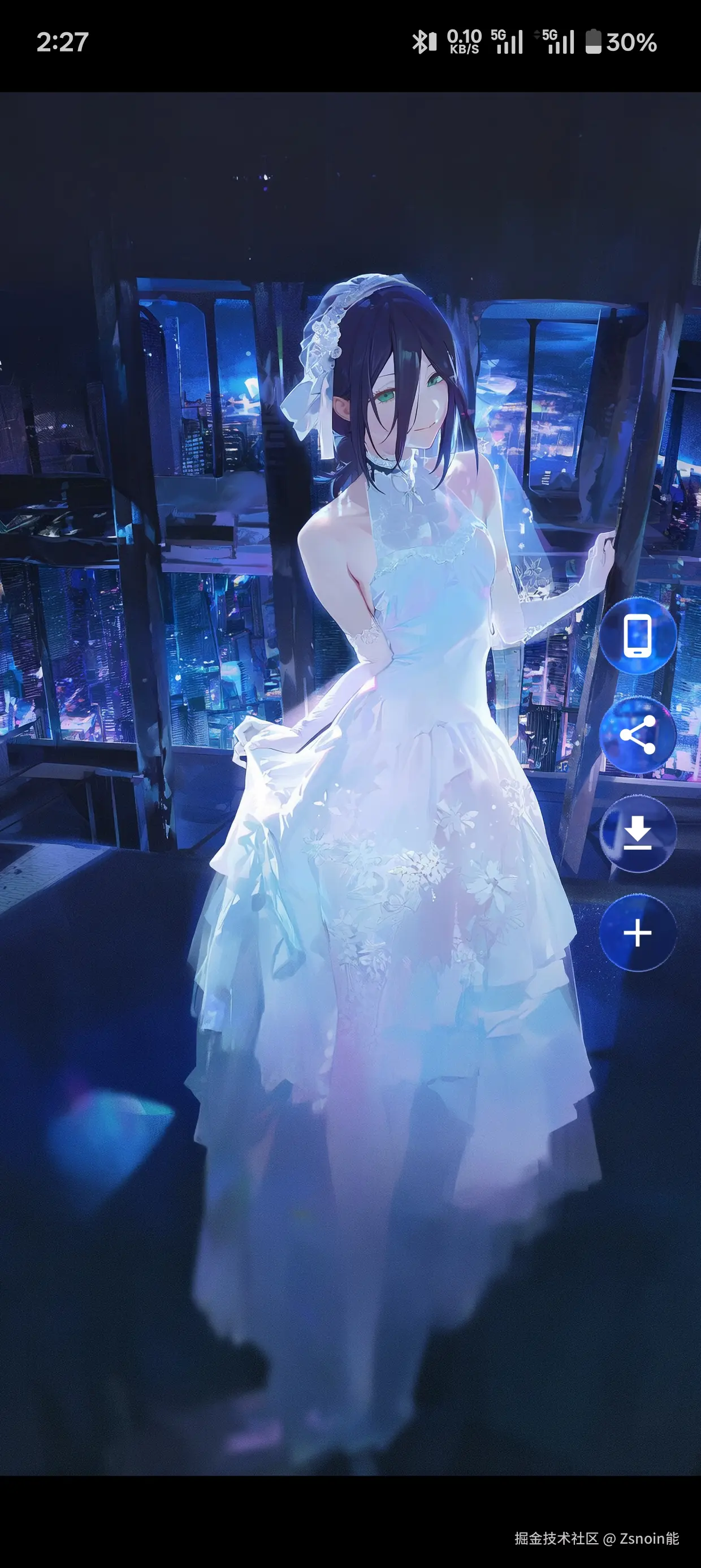
- 液态玻璃用在特定的地方确实很好看,比如壁纸界面的操作按钮,比直接用模糊要好看,但是性能开销也是真的大,不优化的话很容易造成卡顿。
- 我是在一个页面上面用了四个液态玻璃按钮,然后返回上一页时发现了明显卡顿,上一页也存在一个液态玻璃按钮。
优化方案: 我是简单粗暴在返回上一页前时提前销毁液态玻璃,具体如代码所示。
组件封装:
- 封装成有状态的小组件,在需要使用的地方直接调用即可。
- 通过一个变量控制液态玻璃组件的状态,离开页面时提前销毁。
- 优点:性能提升很大,一点卡顿都没有。
- 缺点:用到液态玻璃组件的地方会提前直接消失了,比较敏感的可能会觉得过渡不自然。
dart
import 'package:flutter/material.dart';
import 'package:liquid_glass_renderer/liquid_glass_renderer.dart';

class GlassButton extends StatefulWidget {
  final VoidCallback onTap;
  final IconData icon;
  final Color iconColor;
  final double size;
  final double radius;
  const GlassButton({
    super.key,
    required this.onTap,
    required this.icon,
    this.iconColor = const Color.fromARGB(255, 255, 255, 255),
    this.size = 40,
    this.radius = 20,
  });

  @override
  State<GlassButton> createState() => _GlassButtonState();
}

class _GlassButtonState extends State<GlassButton> {
  WillPopCallback? _routeCallback;
  ModalRoute<dynamic>? _route;
  bool isShow = true;
  bool _isGlobalReleased = false;

  @override
  void initState() {
    super.initState();
    WidgetsBinding.instance.addPostFrameCallback((_) {
      _route = ModalRoute.of(context);
      if (_route != null) {
        _routeCallback = () async {
          // 页面即将退出,提前隐藏操作栏释放 LiquidGlass 资源
          if (mounted && isShow && !_isGlobalReleased) {
            _isGlobalReleased = true;
            setState(() => isShow = false);
          }
          return true;
        };
        _route!.addScopedWillPopCallback(_routeCallback!);
      }
    });
  }

  @override
  void dispose() {
    if (_routeCallback != null && _route != null) {
      _route!.removeScopedWillPopCallback(_routeCallback!);
    }
    super.dispose();
  }

  @override
  Widget build(BuildContext context) {
    final theme = Theme.of(context).colorScheme;
    return RepaintBoundary(
      child: isShow
          ? GestureDetector(
              onTap: widget.onTap,
              child: LiquidGlassLayer(
                settings: LiquidGlassSettings(
                  blur: 0.63,
                ),
                child: LiquidStretch(
                  stretch: 0.036,
                  interactionScale: 1.10,
                  child: LiquidGlass(
                    shape: LiquidRoundedSuperellipse(
                      borderRadius: widget.radius,
                    ),
                    child: GlassGlow(
                      glowColor: theme.primary.withOpacity(0.36),
                      glowRadius: 0.6,
                      child: SizedBox(
                        height: widget.size,
                        width: widget.size,
                        child: Icon(widget.icon, color: widget.iconColor),
                      ),
                    ),
                  ),
                ),
              ),
            )
          : SizedBox.shrink(),
    );
  }
}
3、效果预览
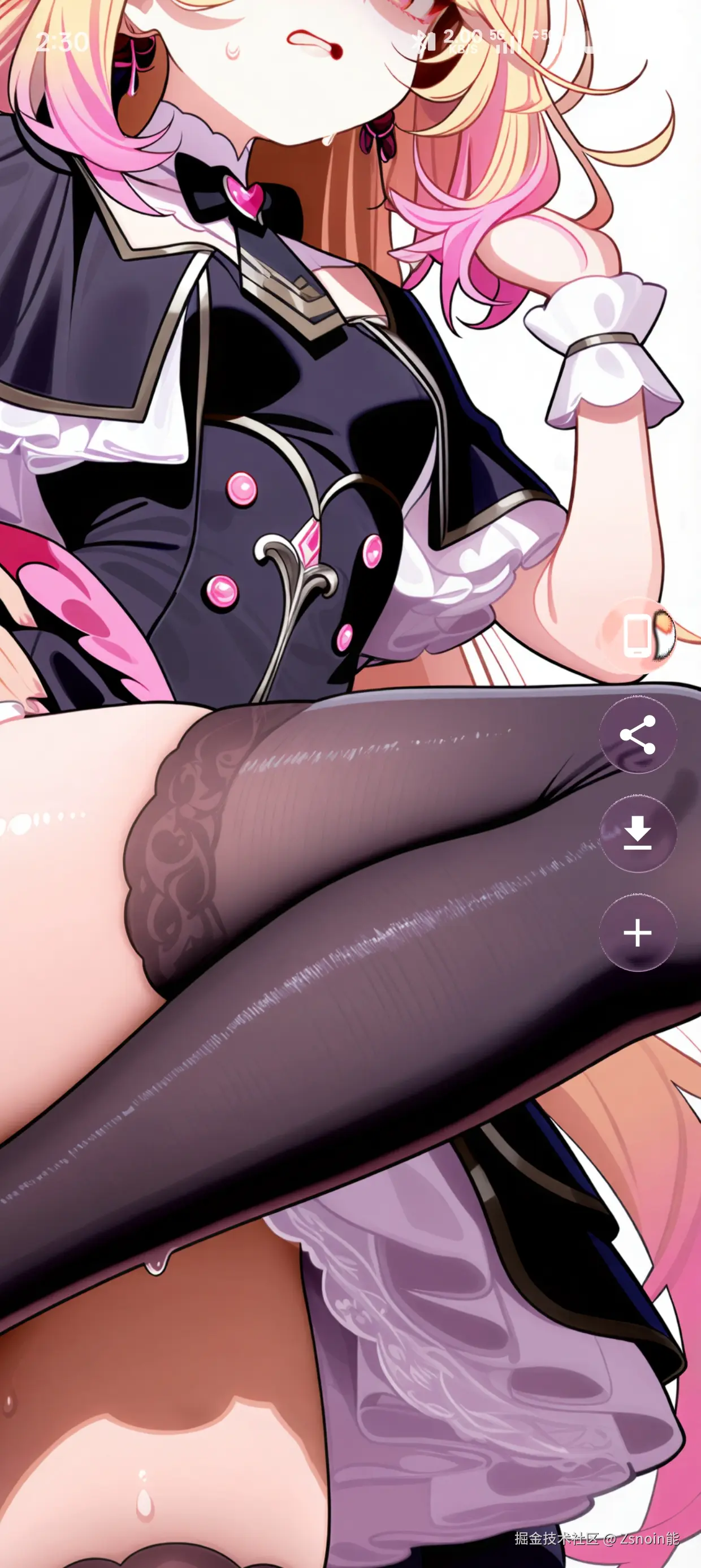
- 折射率,透明度等等都是可以自己修改的。
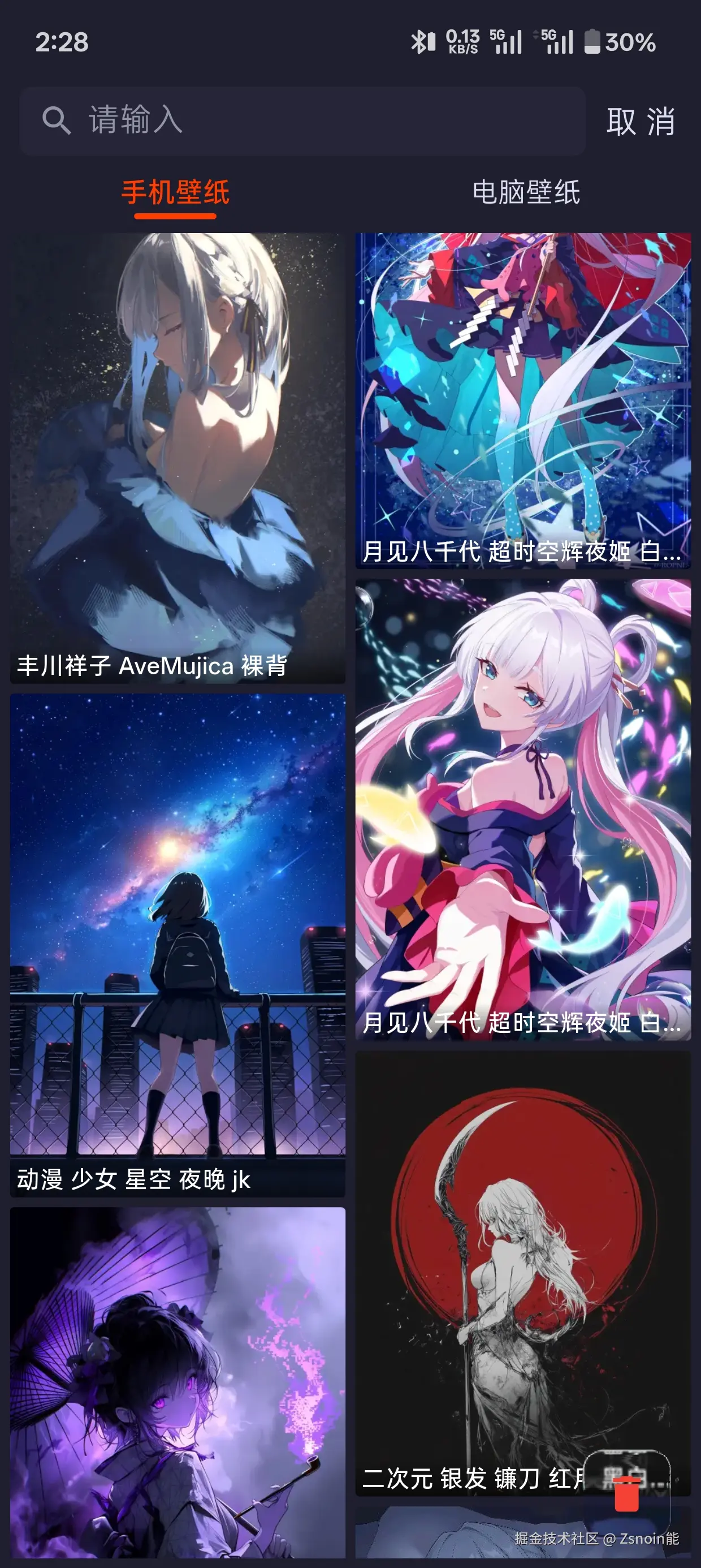
- 这是我自己开发的壁纸软件,需要体验实际效果的可直接下载 波奇壁纸,安卓的。