setup postgre
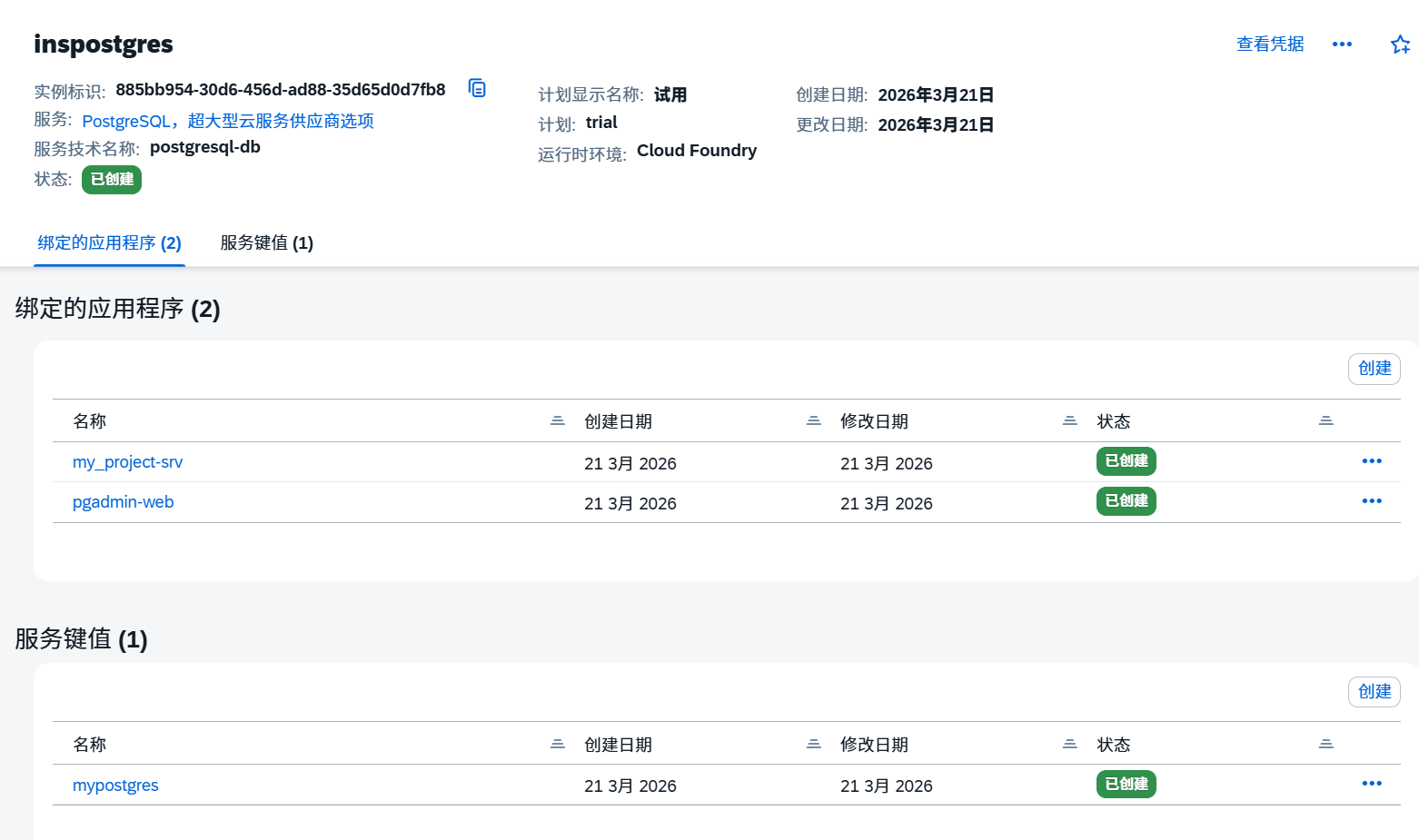
--PostgreSQL,超大型云服务供应商选项 创实例
登录,验证
cf api https://api.cf.us10-001.hana.ondemand.com
cf login
或
cf login -a https://api.cf.eu10.hana.ondemand.com
检查一下space 与orgname是否OK,否则命令如下:
cf target -o my-organization -s my-space
创建app
git clone https://github.com/alimert801/cf-sample-python-app.git
cf-sample-python-app
cf push

创建服务绑定
cf bind-service cf-sample-python-app inspostgres
重启一下
cf restage cf-sample-python-app
ssh
cf enable-ssh myapp
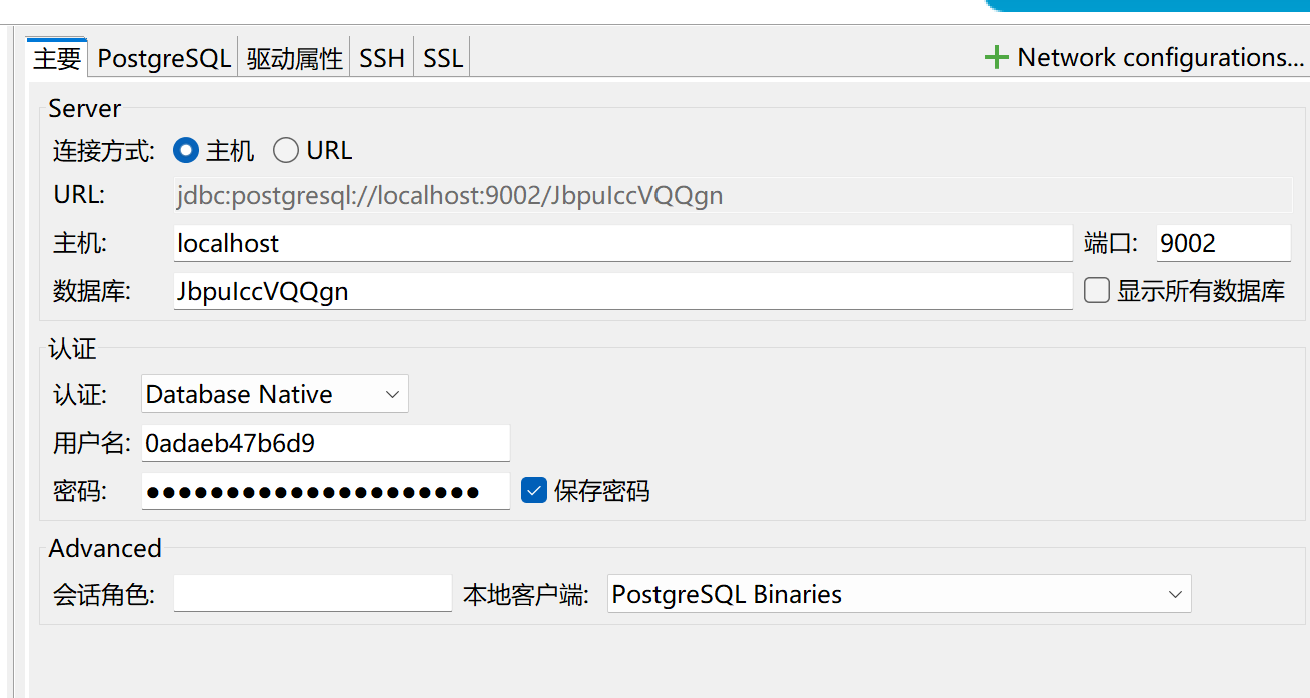
cf ssh -L localhost:9002:<你远程主机>:远程端口 myapp -N
DBeaver 工具连接的数据库,

pgadmin-web setup
- manifest.yml
bash
applications:
- name: pgadmin-web
  memory: 1G
  disk_quota: 1G
  health-check-type: process
  docker:
    image: dpage/pgadmin4:latest
  random-route: true
  env:
    PGADMIN_DEFAULT_EMAIL:
PGADMIN_DEFAULT_PASSWORD: - 执行
cf push
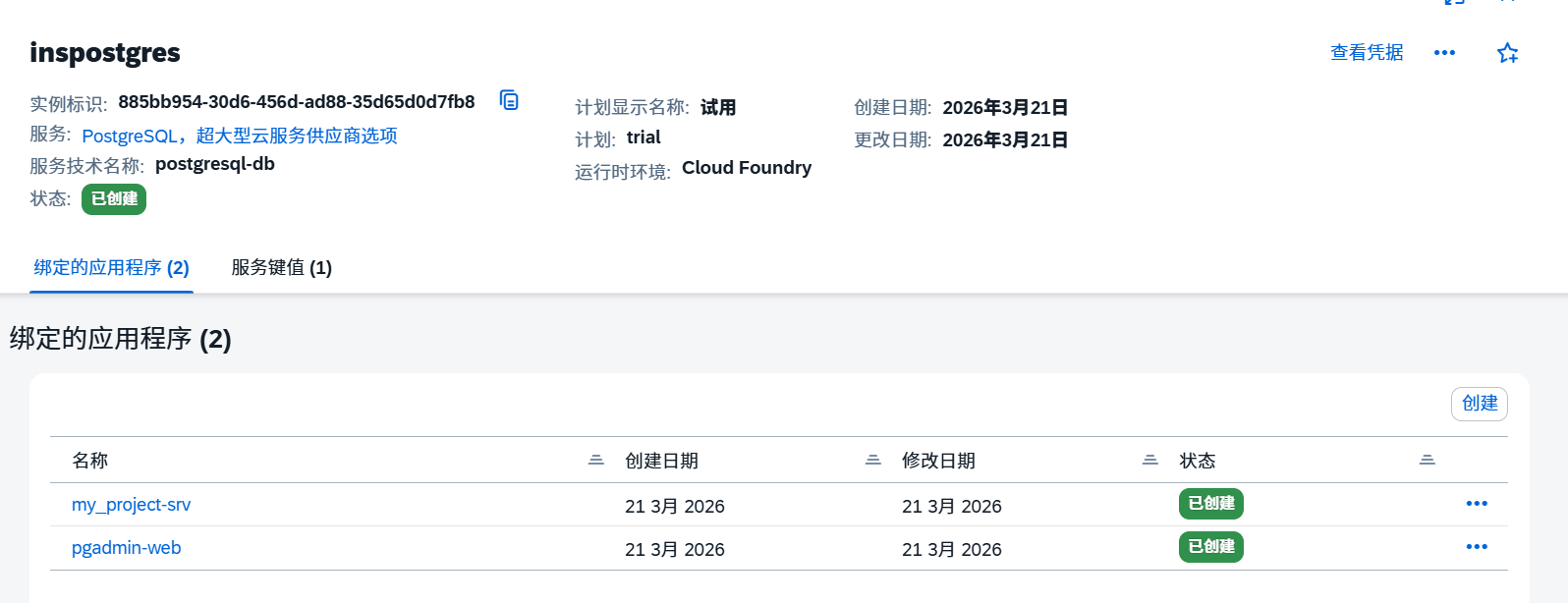
再绑定服务
other 命令
npx cds-dbm deploy
cds serve
npx cds-dbm diff
npx cds-dbm deploy
cf routes
cf app pgadmin-web-zany-bongo-kg
cf push pgadmin-web-zany-bongo-kg -p path/to/your/app
创建路由
cf create-route your-space cfapps.us10-001.hana.ondemand.com --hostname pgadmin-web-zany-bongo-kg
绑定路由到应用程序
cf map-route pgadmin-web-zany-bongo-kg cfapps.us10-001.hana.ondemand.com --hostname pgadmin-web-zany-bongo-kg
cf domains
cf logs pgadmin-web-zany-bongo-kg --recent
ping cfapps.us10-001.hana.ondemand.com
nslookup cfapps.us10-001.hana.ondemand.com
cf oauth-token
cf apps
cf servicescf service --guid
plugin
显示插件
cf plugins
安装目录:C:\Users<用户名>.cf\plugins
安装:
cf install-plugin "D:\Chocolatey\multiapps-plugin.win64.exe" -f
卸载
cf uninstall-plugin MtaPlugin