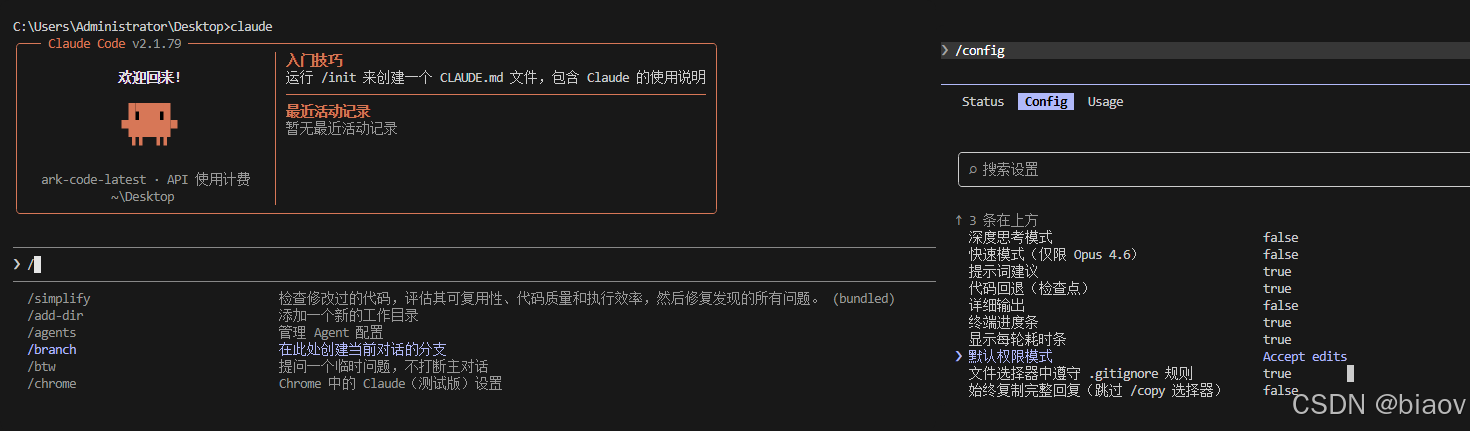
import { writeFileSync, readFileSync, existsSync, cpSync } from 'fs'
import { execSync } from 'child_process'
import { resolve } from 'path'

const getCliPath = () => {
  const pkgname = '@anthropic-ai/claude-code'
  try {
    const log = execSync(`npm list -g ${pkgname} --depth=0`)
    const result = log.toString().trim().includes(pkgname)
    if (!result) {
      console.error(`请使用 nodejs 安装 ${pkgname}`)
      process.exit(1)
    }
    const npmRoot = execSync('npm root -g').toString().trim()
    const cliPath = resolve(npmRoot, pkgname, 'cli.js')
    const cliPathBak = resolve(npmRoot, pkgname, 'cli.bak.js')
    !existsSync(cliPathBak) && cpSync(cliPath, cliPathBak)
    return { cliPath, cliPathBak }
  } catch {
    console.error(`请使用 nodejs 安装 ${pkgname}`)
    process.exit(1)
  }
}

/**
 * 汉化 Claude Code 命令
 */
export const useZH = async () => {
  const { cliPath } = getCliPath()
  const content = readFileSync(cliPath).toString()
  const keyword = (await import('./keyword.js')).default
  const newContent = Object.entries(keyword).reduce((prev, [key, value]) => {
    const escapedKey = key.replace(/\n/g, '\\\\n').replace(/[.*+?^${}()|[\]\\]/g, '\\$&')
    const newValue = value.replace(/\n/g, '\\n')
    const res =
      escapedKey[0] === '`'
        ? prev.replace(new RegExp(escapedKey), value)
        : prev.replace(new RegExp(`\"${escapedKey}\"`, 'g'), `\"${newValue}\"`).replace(new RegExp(`(\'${escapedKey}\')`, 'g'), `\'${newValue}\'`)
    return res
  }, content)

  writeFileSync(cliPath, newContent)
}

/**
 * 恢复成英文 Claude Code 命令
 */
export const useZHRestore = () => {
  const { cliPath, cliPathBak } = getCliPath()
  cpSync(cliPathBak, cliPath)
}