乱码问题通常是编码格式导致的。在 Windows 的 PowerShell 中,Git 默认使用 UTF-8 输出,而系统可能期望 GBK/GB2312 编码。
解决方案:
- 指定编码格式导出(推荐)
bash
# 方法 1:使用 chcp 切换代码页
chcp 65001
git log --pretty=format:"%h,%an,%ad,%s" --date=short > commits.csv

# 方法 2:切换到 GBK 编码
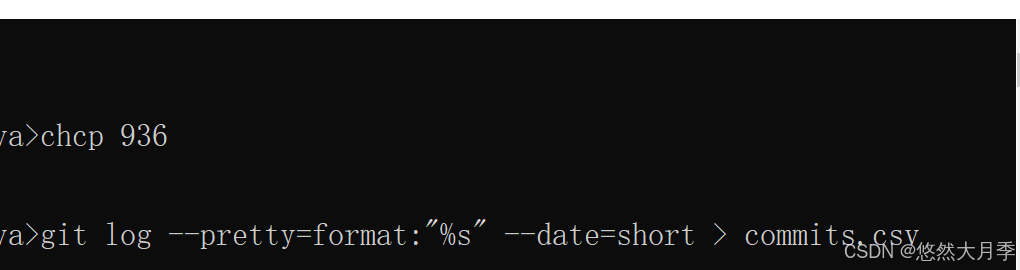
chcp 936
git log --pretty=format:"%h,%an,%ad,%s" --date=short > commits.csv
我在文件里用的936