OpenClaw 2026.3.24
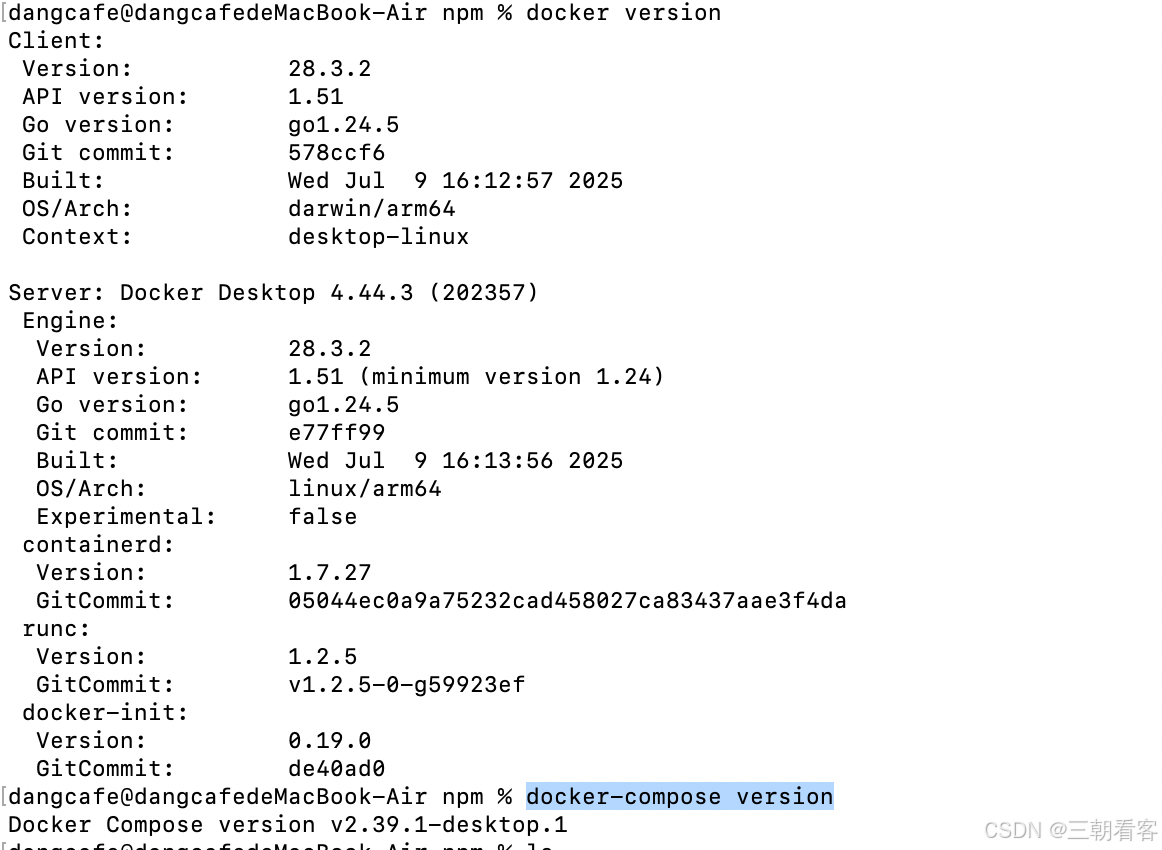
查看docker版本docker version
查看docker-compose版本docker-compose version
到github查看,点击code,复制命令并执行
git clone https://github.com/openclaw/openclaw.git cd openclaw ./docker-setup.sh
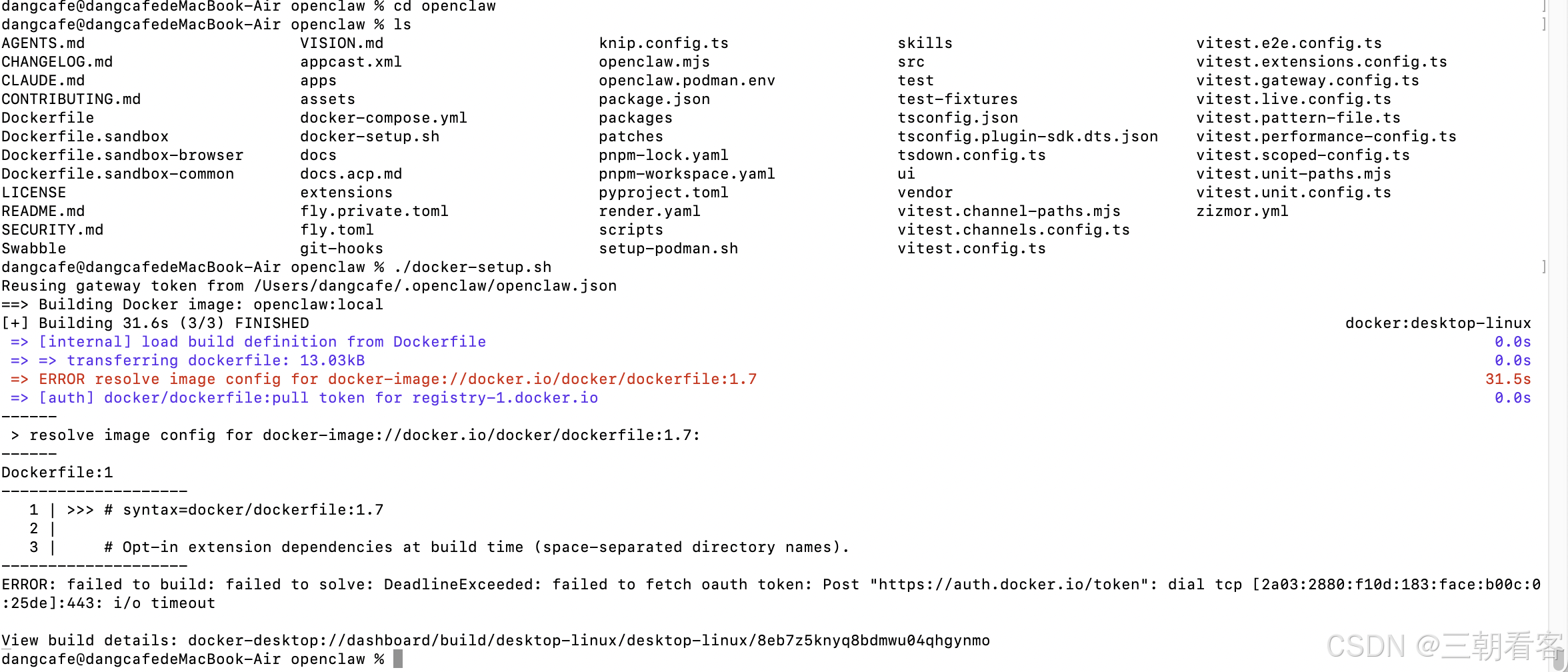
问题说是代理问题,配置国内源地址即可。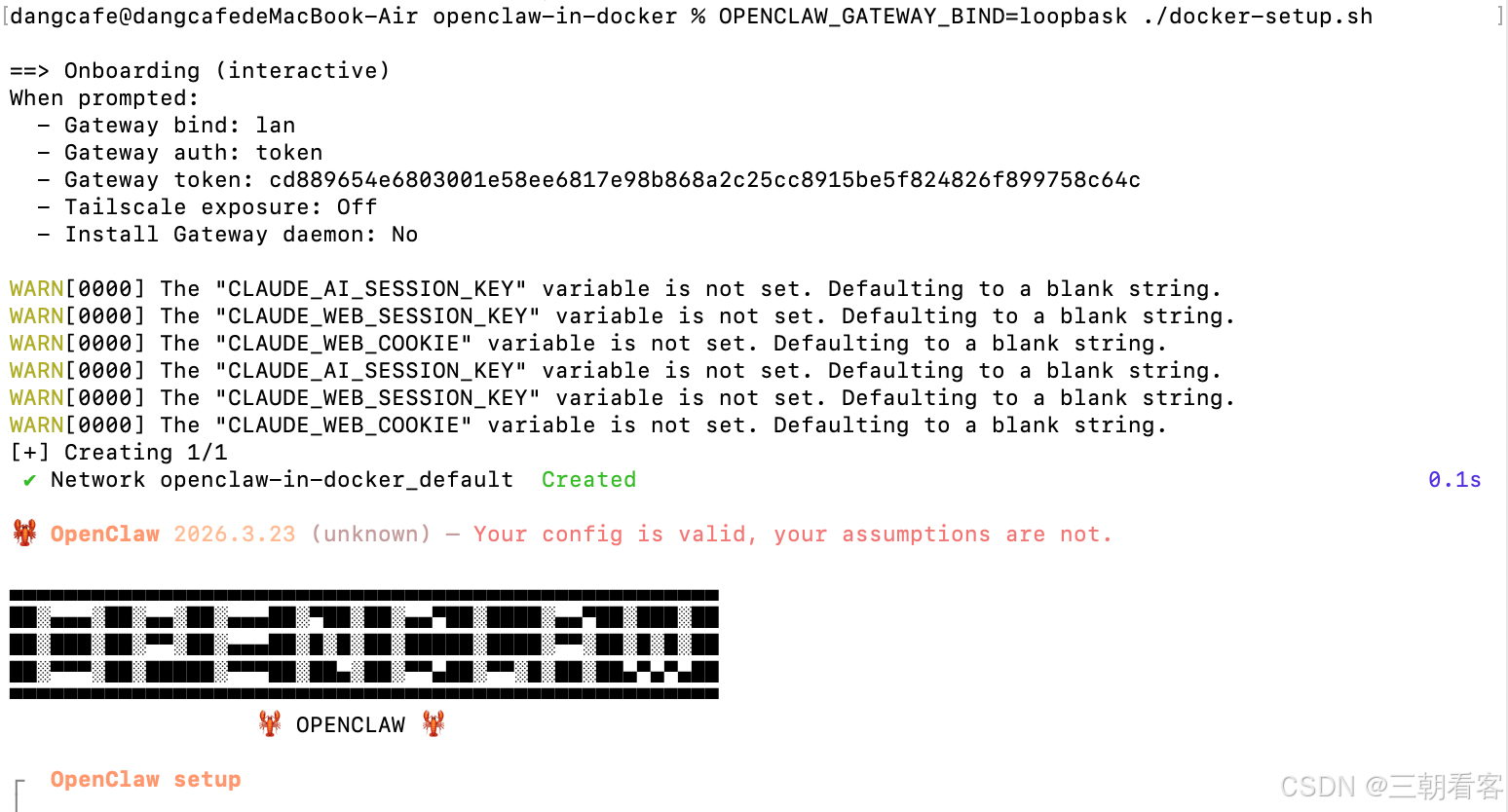 安装第一步:是否初始化:yes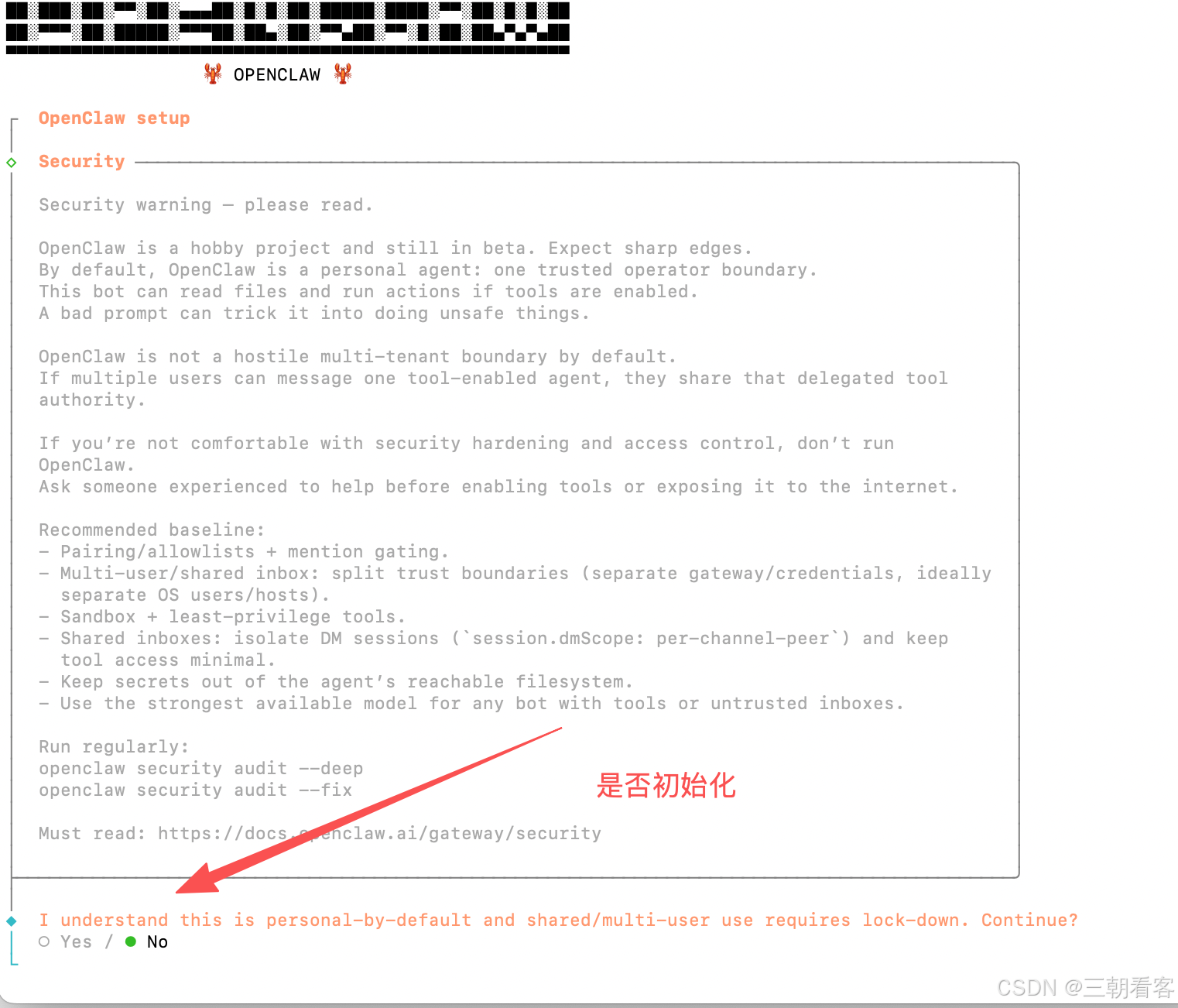
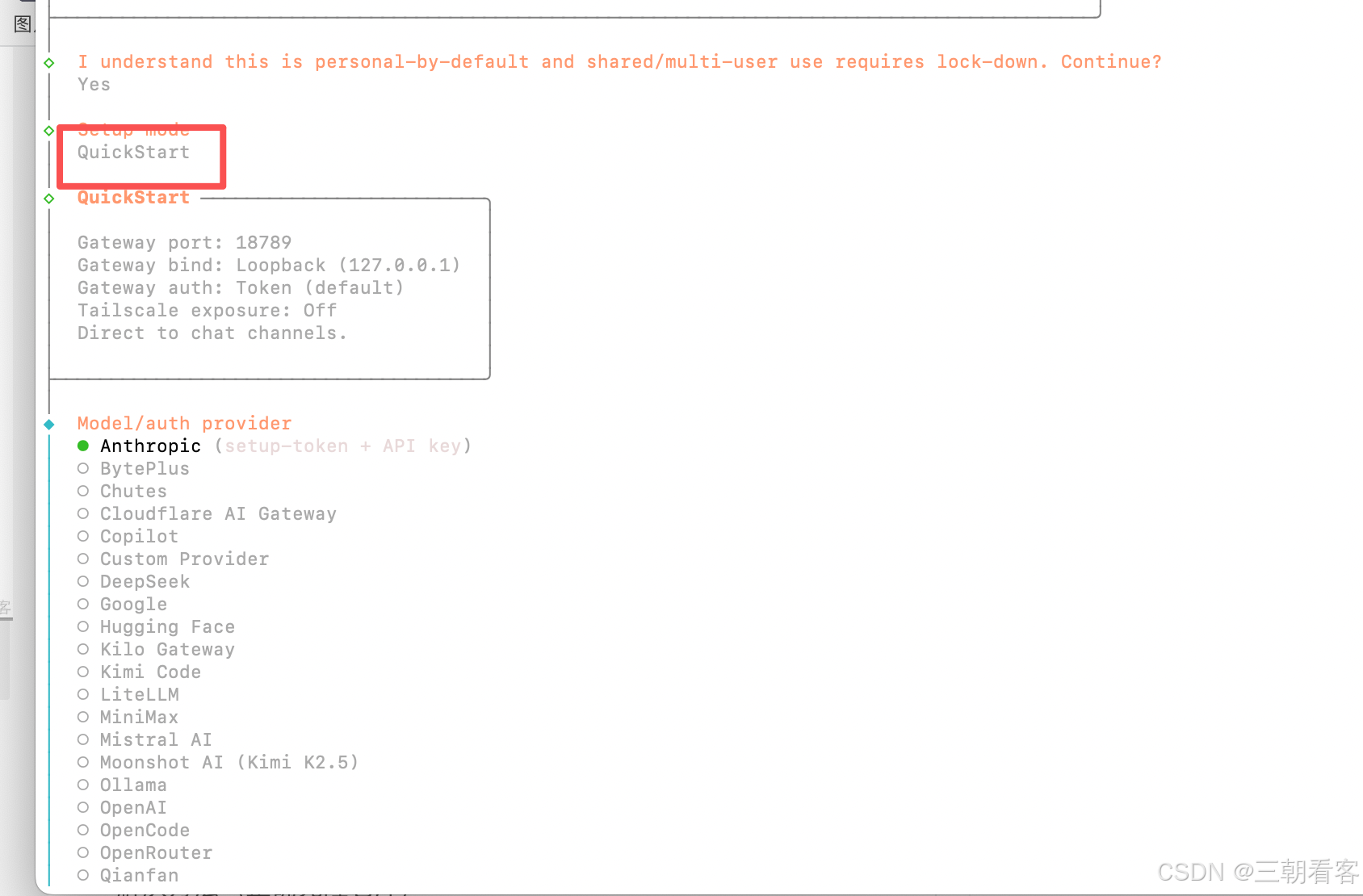
第二步:模式:QuickStart
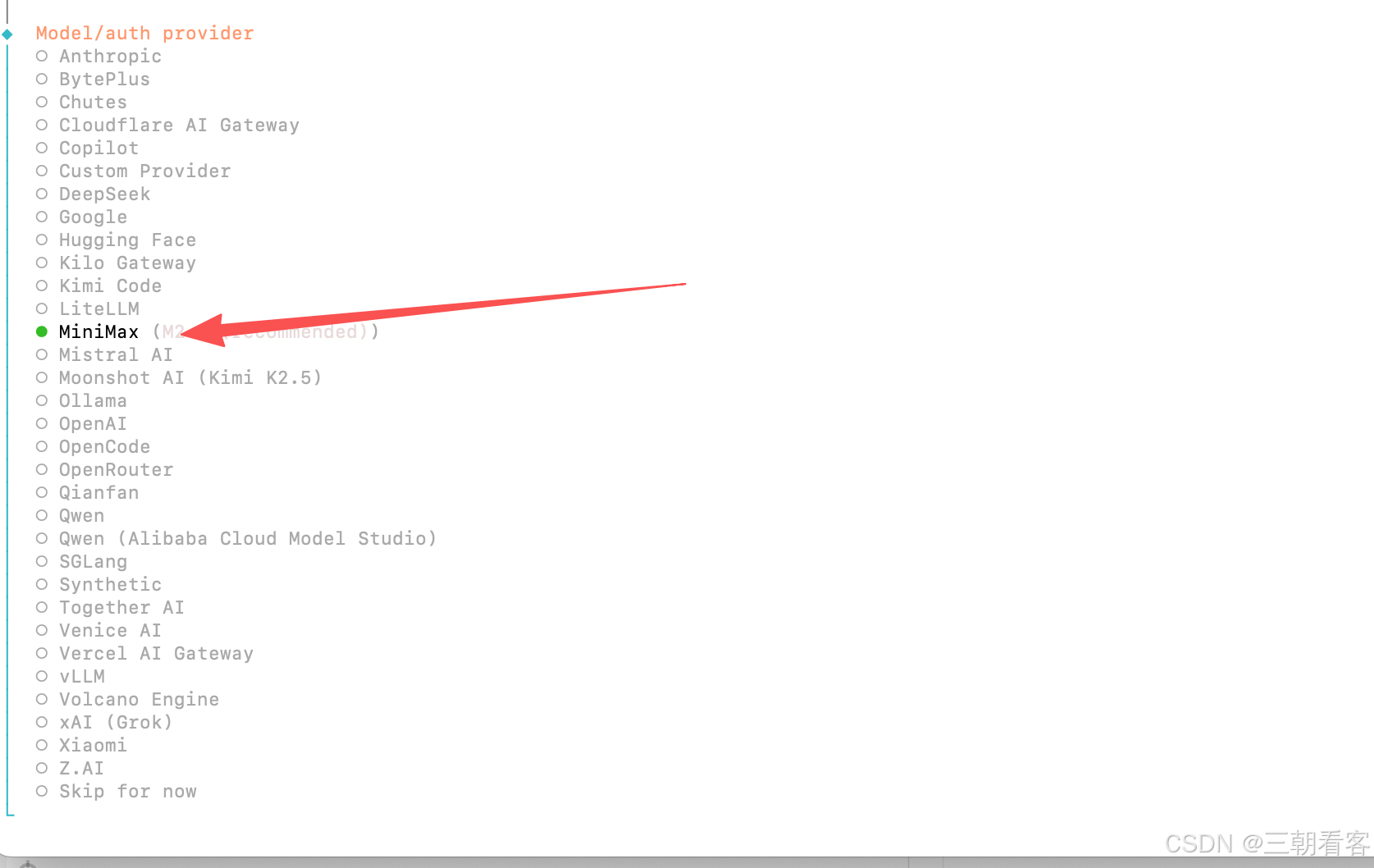
第三步:模型供应商:如MimiMax
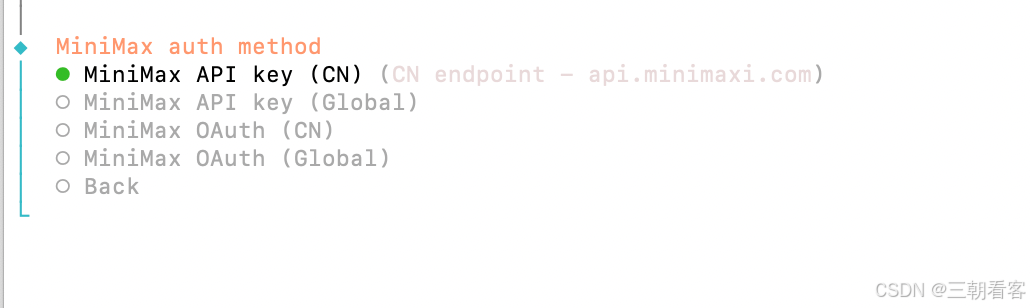
第四步:认证方式:国内选择带CN
第五步:输入key
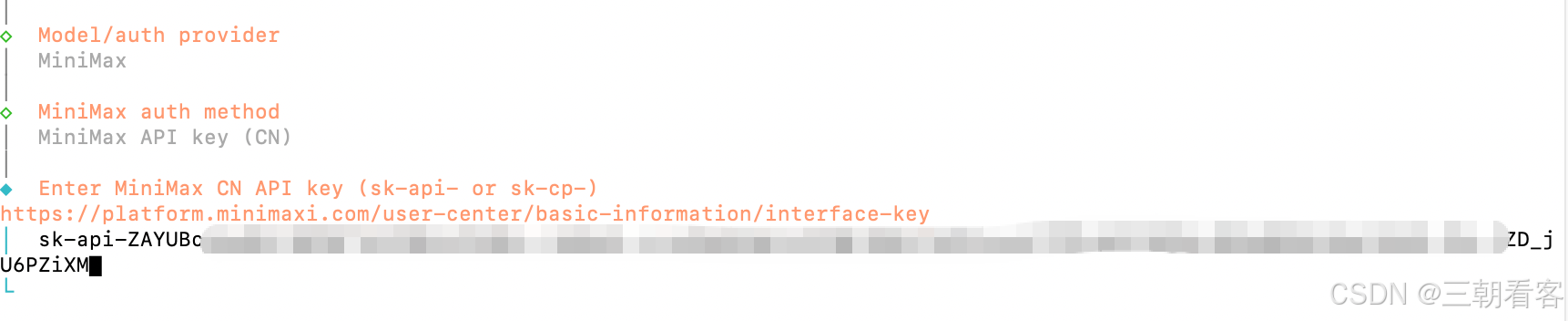
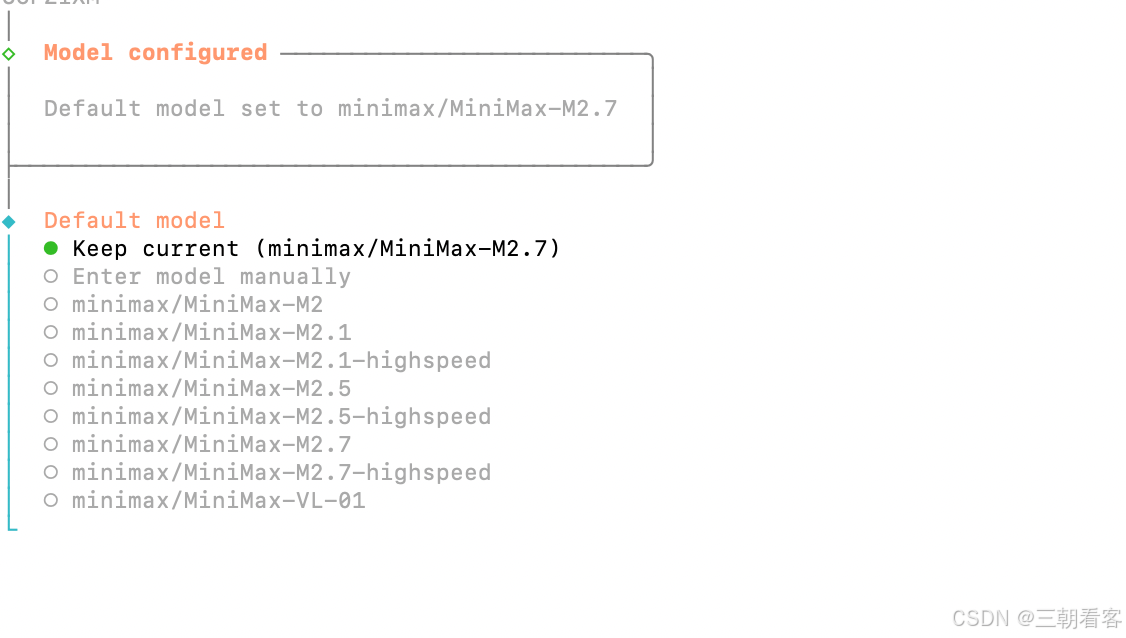
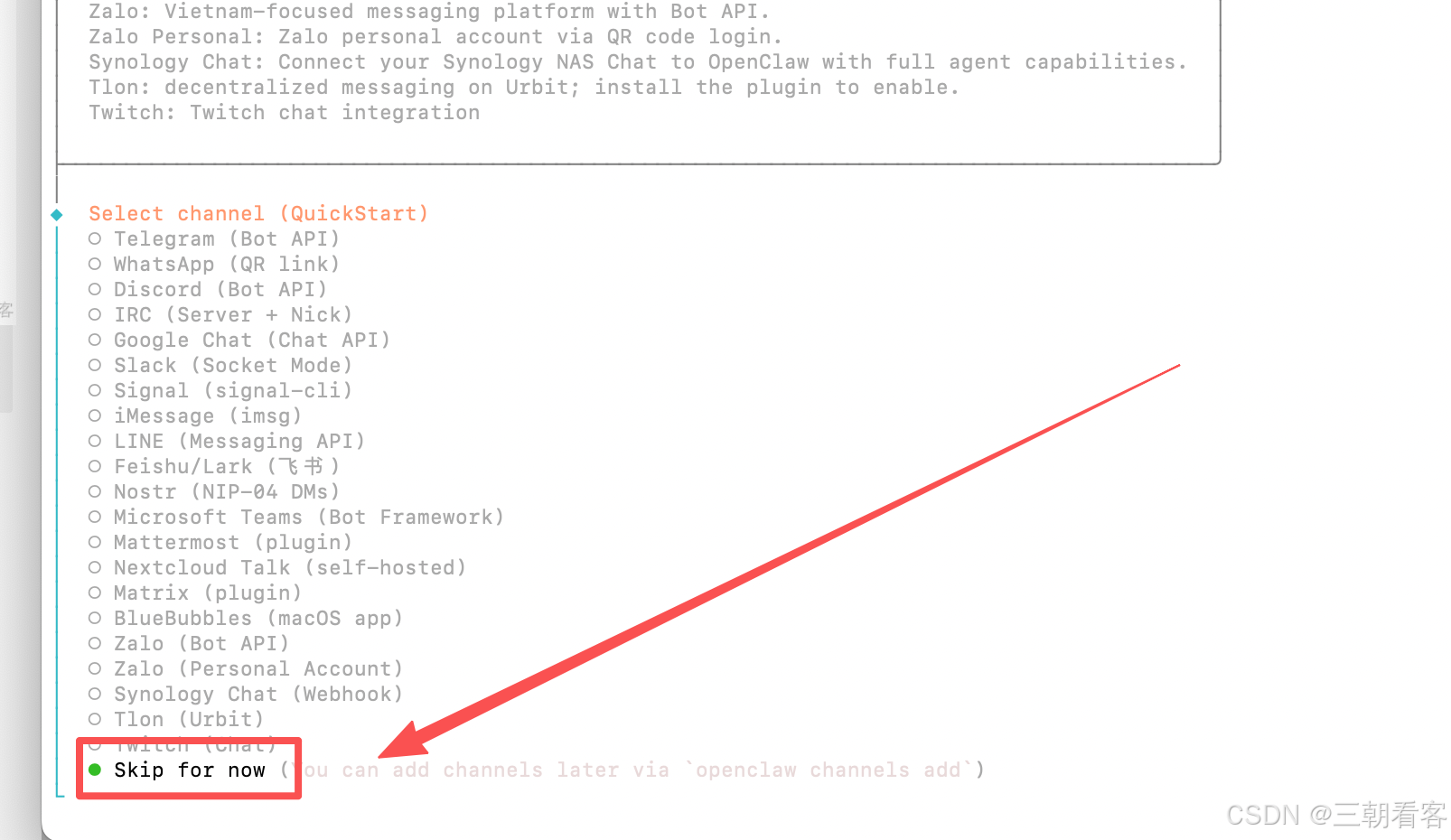
第六步:选择交互通道,可以选跳过
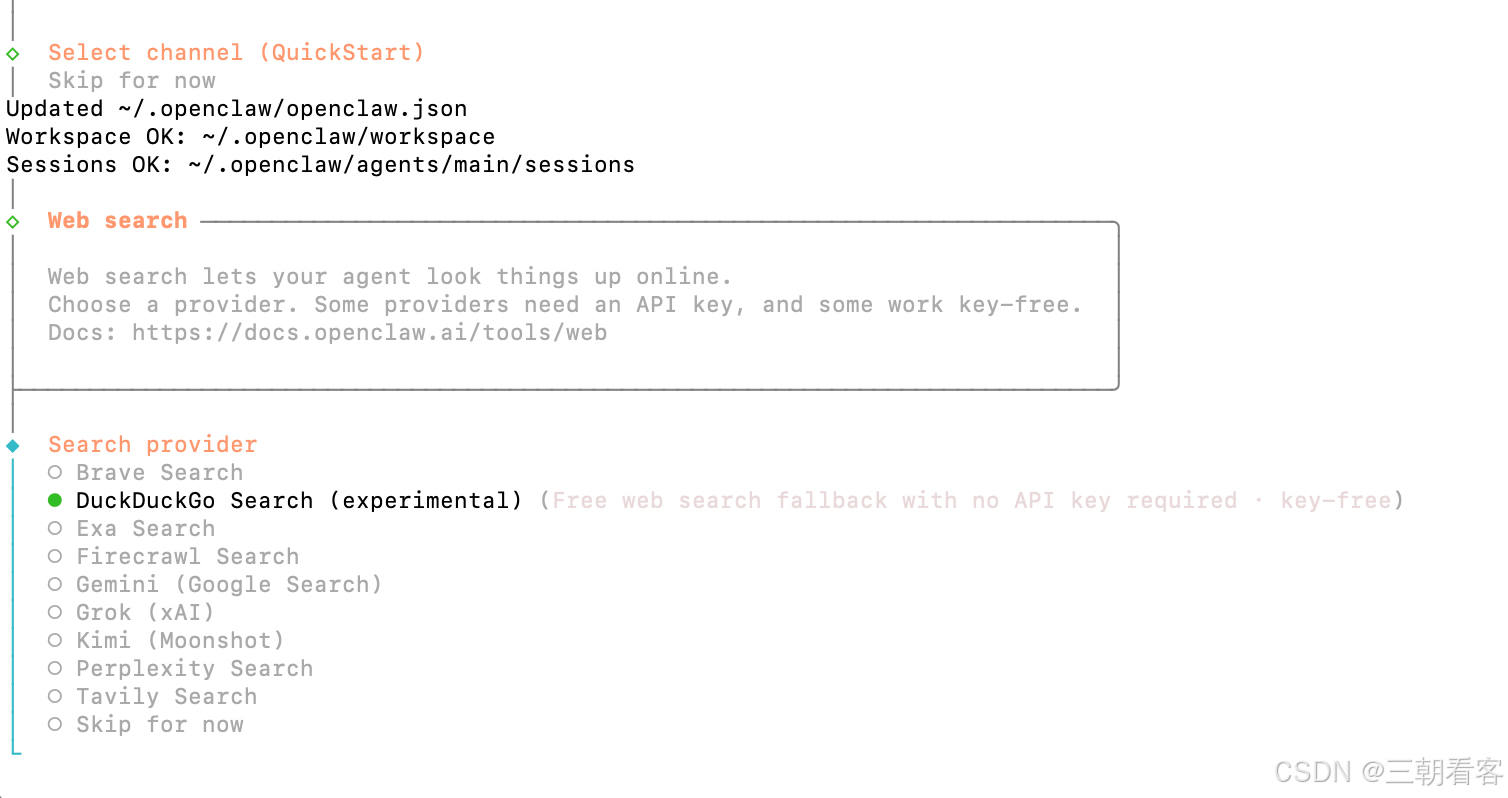
第七步:选择联网供应商,可以选跳过
第八步:是否需要配置技能:否
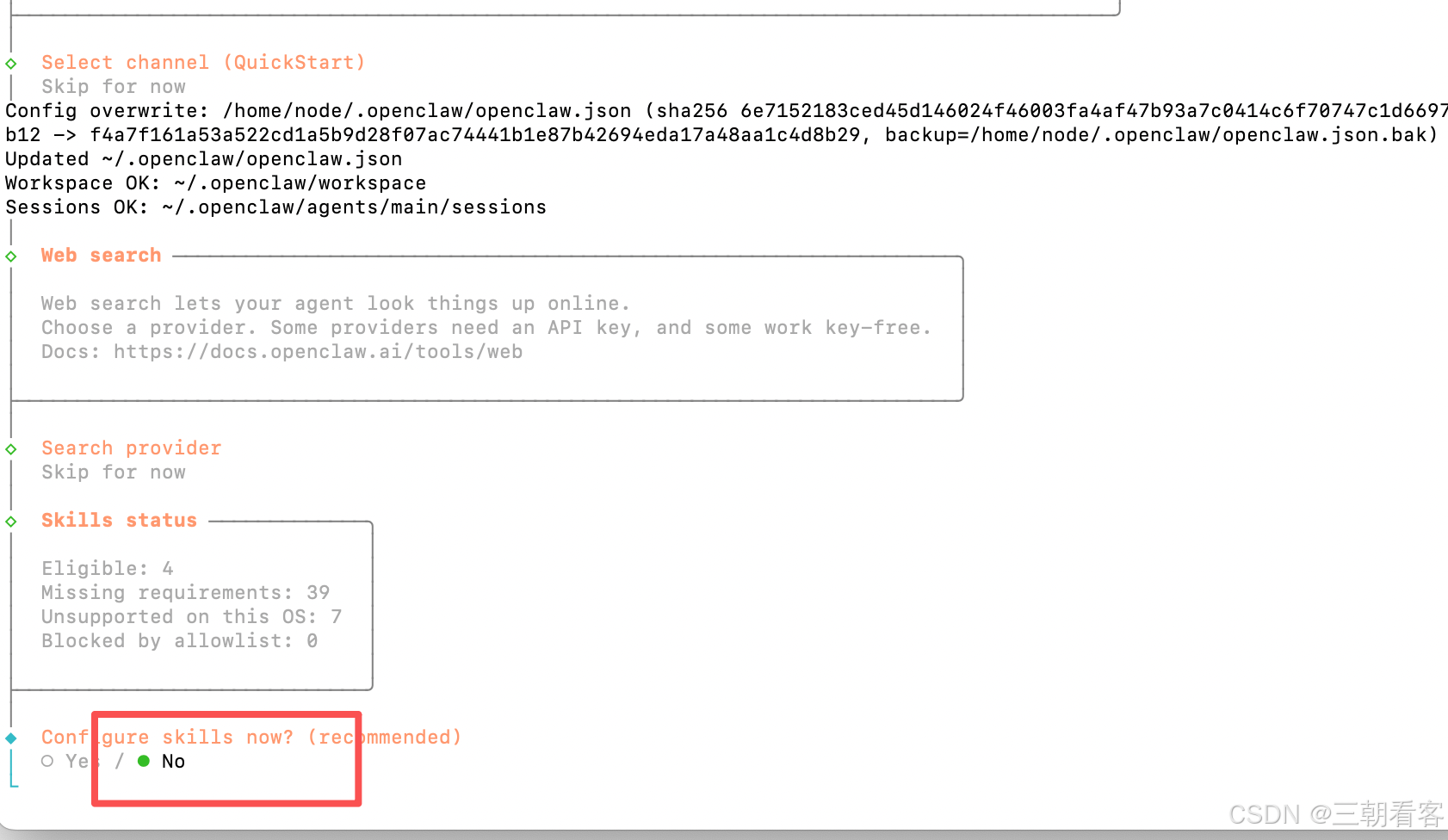
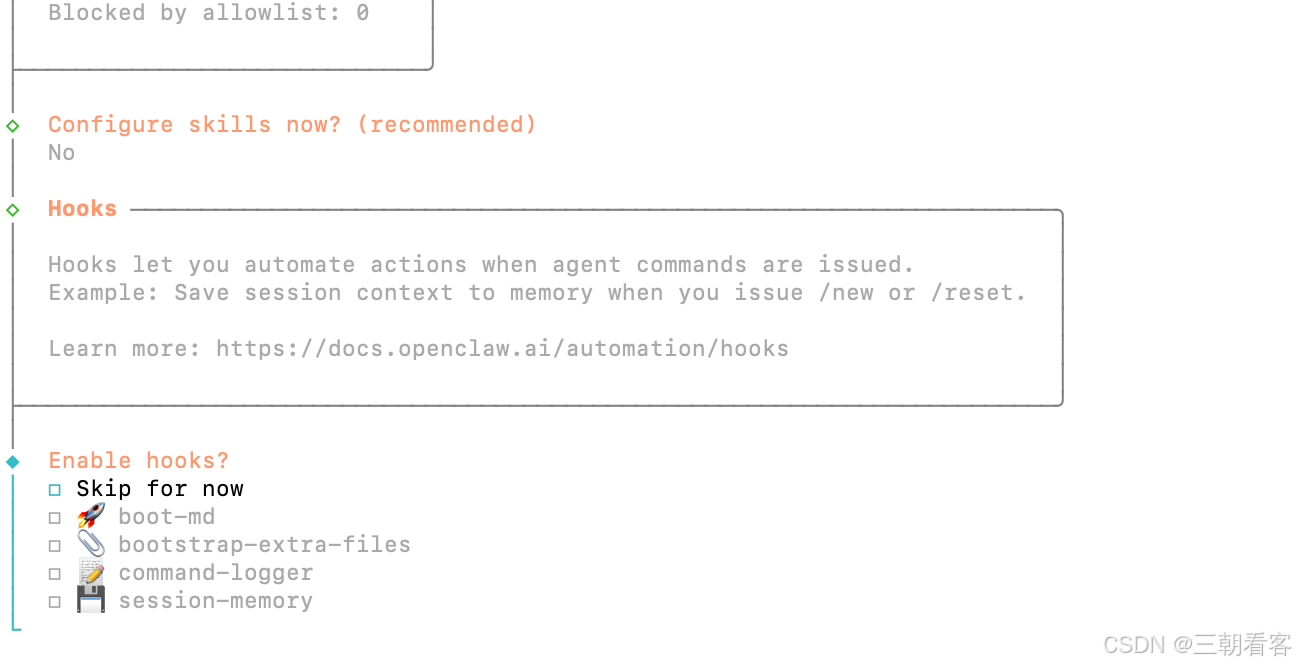
第九部:是否需要配置hooks:否(空格+回车)
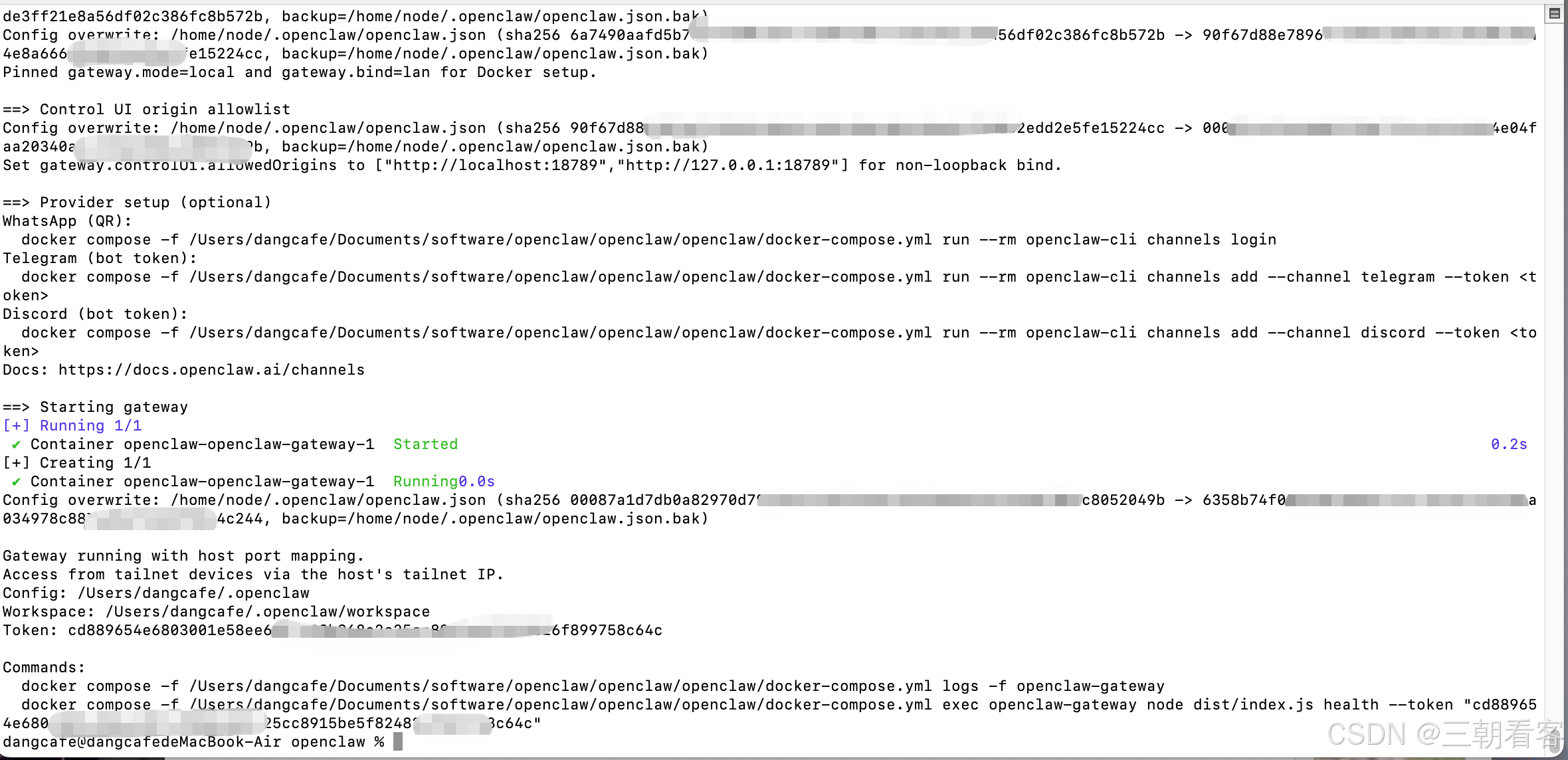
无法访问,放开openclaw对访问源的校验
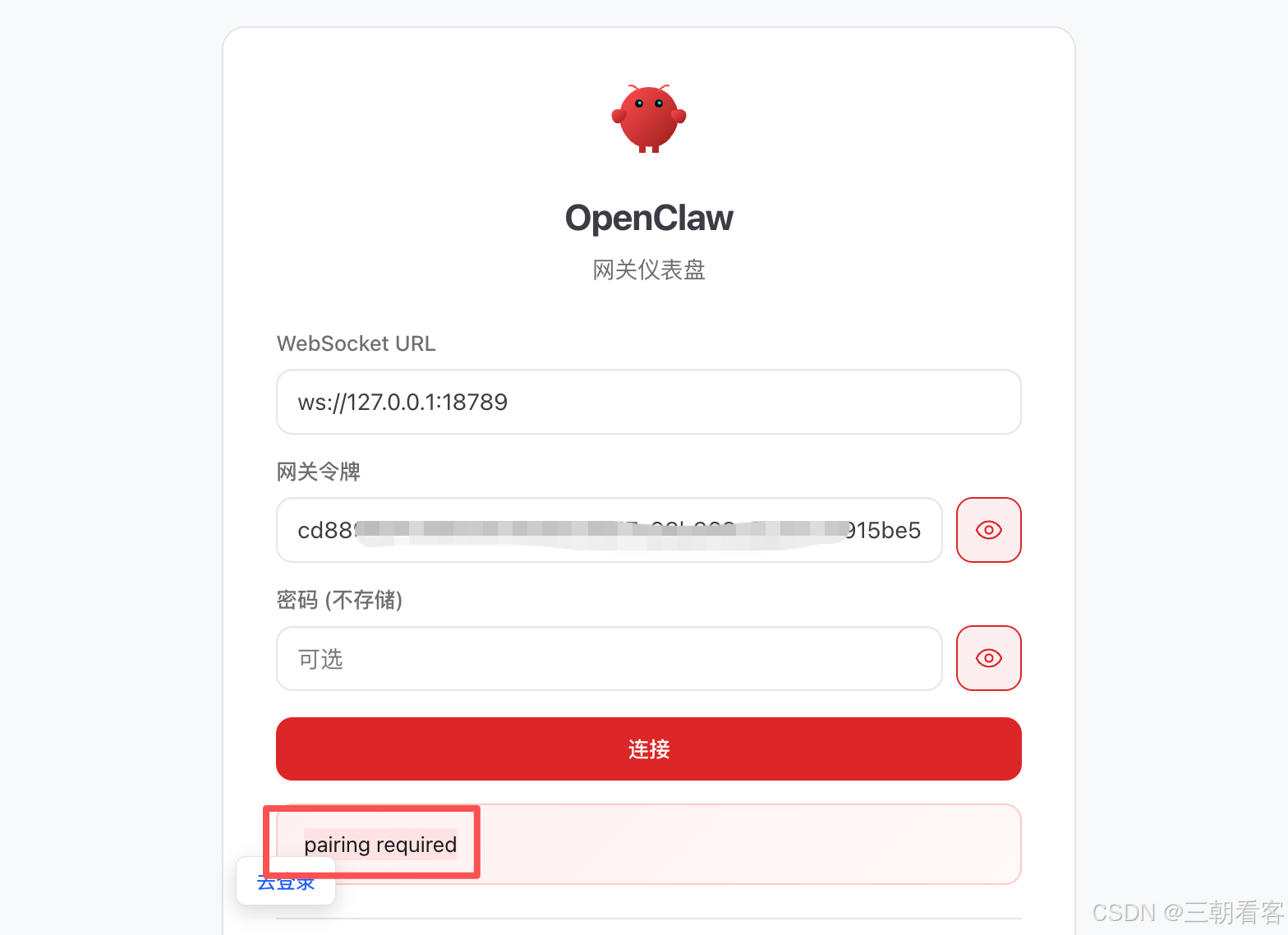
docker-compose -f docker-compose.yml run --rm openclaw-cli \
config set gateway.controlUi.allowedOrigins '["*"]' --strict-json

docker-compose -f docker-compose.yml run --rm openclaw-cli \config set gateway.controlUi.dangerouslyDisableDeviceAuth true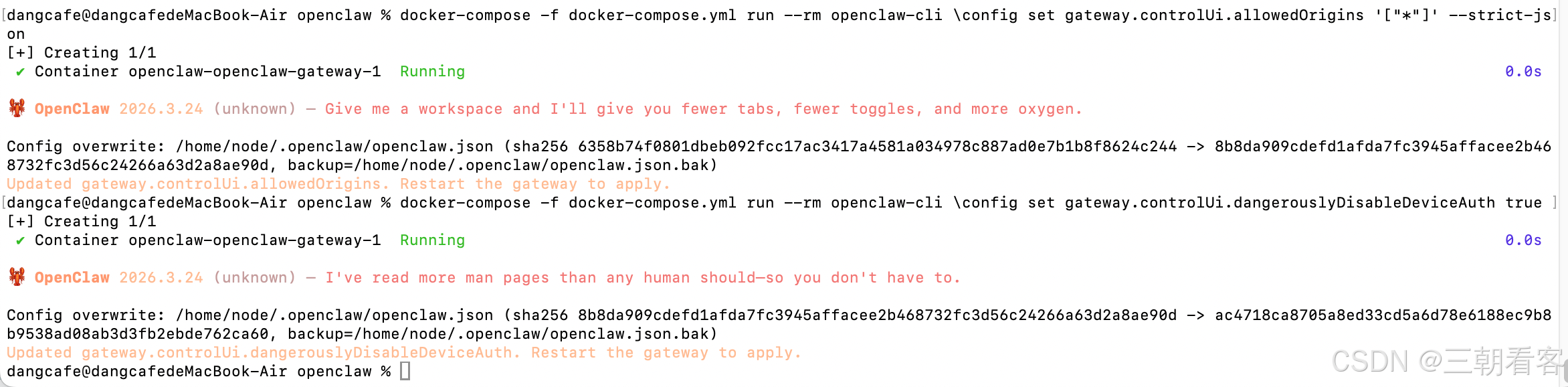
docker-compose up -d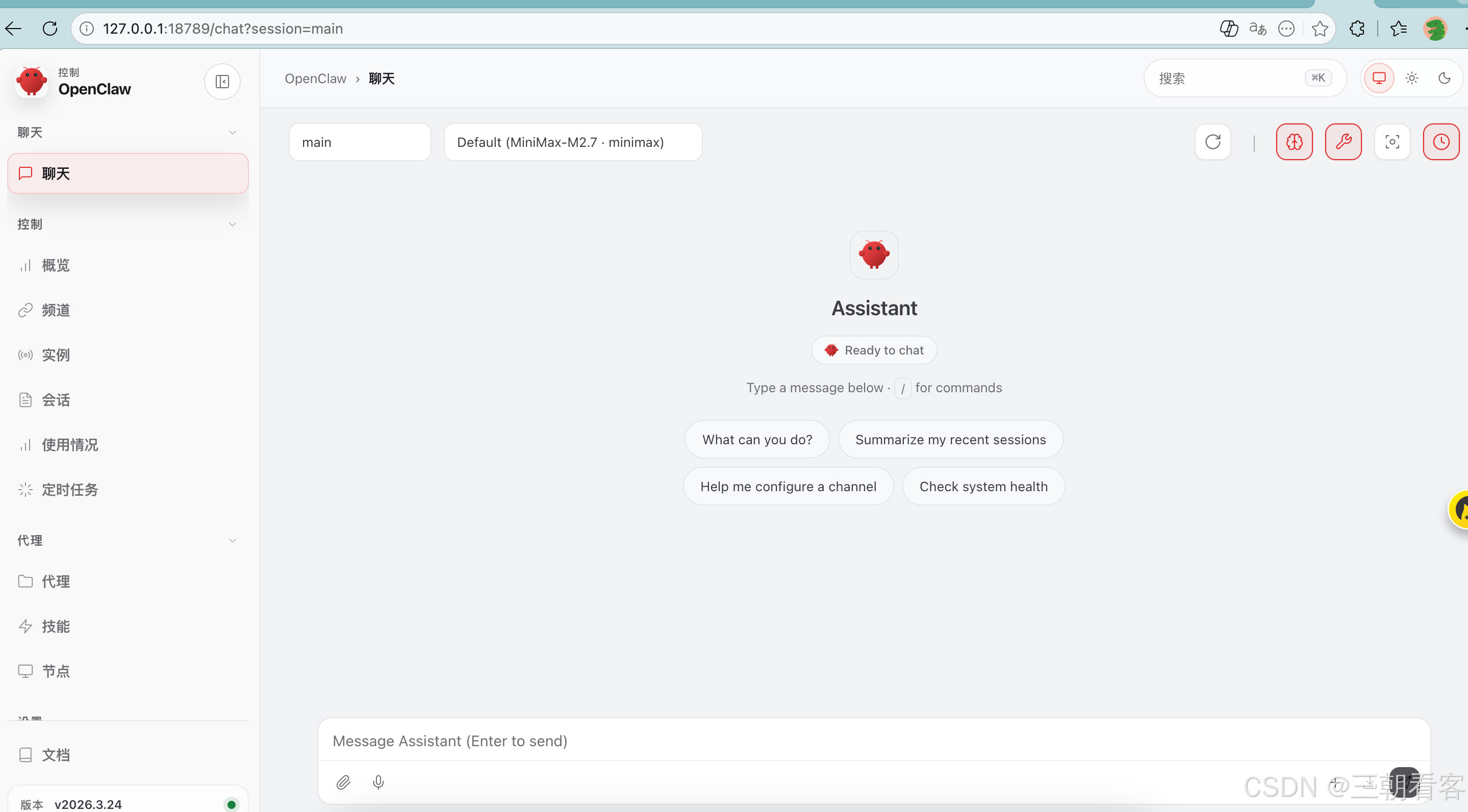
完成
tips:
报错信息 zsh: no such file or directory: git@github.com/ozbillwang/openclaw-in-docker.git
解决方法(正确克隆仓库):
在终端中,进入你想存放仓库的目录(比如当前已经在 openclaw目录,或者你可以先 cd到目标目录),然后执行带 git clone的命令:
git clone git@github.com/ozbillwang/openclaw-in-docker.git
或者用 HTTPS 协议(如果 SSH 配置有问题的话):
git clone https://github.com/ozbillwang/openclaw-in-docker.git
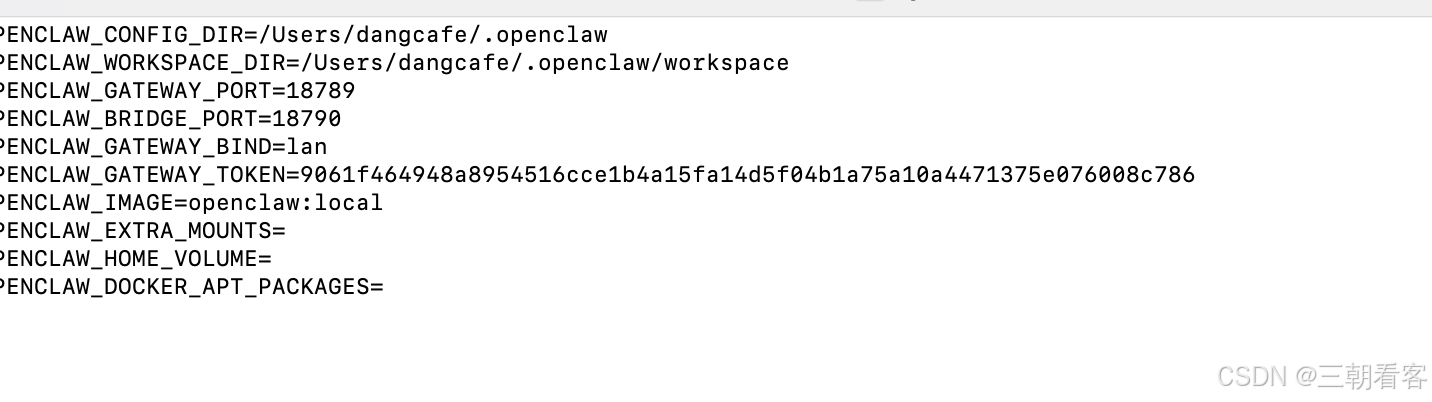
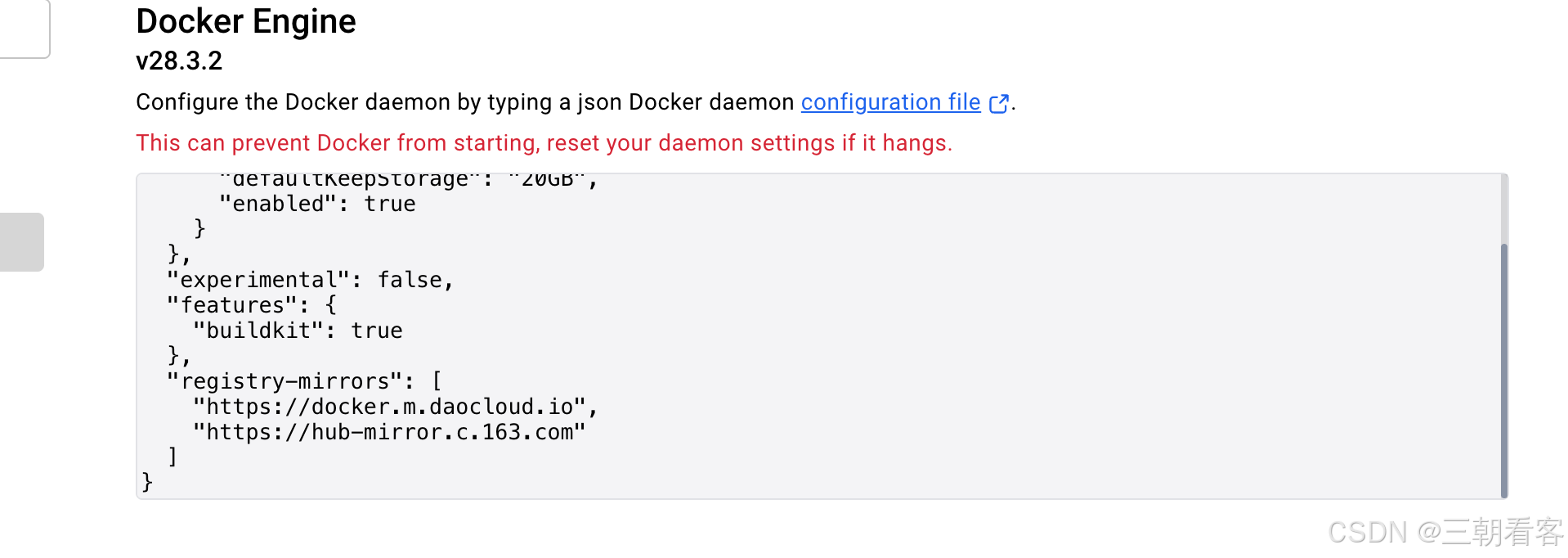
报错ERROR resolve image config for docker-image://docker.io/docker/dockerfile:1.7
配置国内镜像加速器
{
  "builder": {
    "gc": {
      "defaultKeepStorage": "20GB",
      "enabled": true
    }
  },
  "experimental": false,
  "features": {
    "buildkit": true
  },
  "registry-mirrors": [
    "https://docker.m.daocloud.io",
    "https://hub-mirror.c.163.com"
  ]
}