前面的开发,我们使用的是直接引入官网的插件地址链接,不能满足我们组件化开发的需要。所以需要进行适当的改造,以插件的方式作为依赖引入到我们的项目中
安装依赖
bash
pnpm install @arcgis/core现在最新的版本是^5.0.15
json
{
  "name": "arcgis-demo",
  "private": true,
  "version": "0.0.0",
  "type": "module",
  "scripts": {
    "dev": "vite",
    "build": "vite build",
    "preview": "vite preview",
    "copy": "npx ncp ./node_modules/@arcgis/core/assets ./public/assets"
  },
  "dependencies": {
    "@arcgis/core": "^5.0.15",
    "vue": "^3.5.30"
  },
  "devDependencies": {
    "@vitejs/plugin-vue": "^6.0.5",
    "vite": "^8.0.1"
  }
}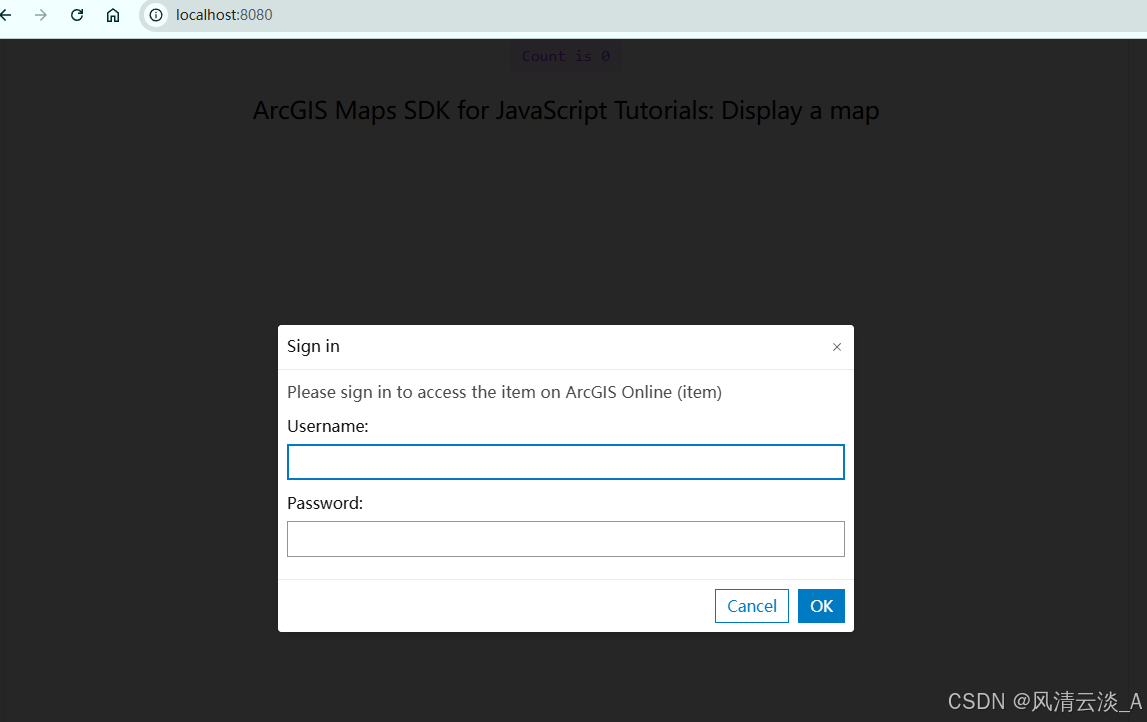
一定要在官网申请自己的账户,需要输入自己账号密码才能正常的显示
项目改造
- main.js
js
import { createApp } from 'vue'
import './style.css'
import App from './App.vue'

import esriConfig from "@arcgis/core/config";
esriConfig.assetsPath = "./assets";
esriConfig.apiKey ="自己key值"
import '@arcgis/core/assets/esri/themes/light/main.css';

createApp(App).mount('#app')esriConfig这里的配置是因为网络的原因,我们使用本地的资源来显示,加速开发
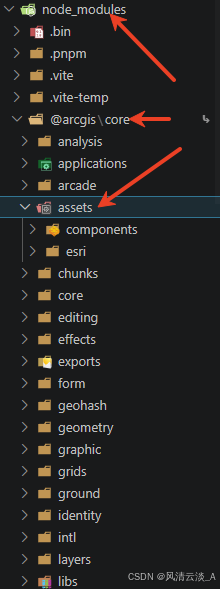
- 把node_modules里面的@argis资源copy到我们项目的public文件里面
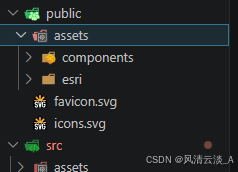
3.配置cop命令
bash
"copy": "npx ncp ./node_modules/@arcgis/core/assets ./public/assets"- 新建一个second.vue组件,填入一下的内容
html
<script setup>
    import Map from '@arcgis/core/Map'
    import MapView from '@arcgis/core/views/MapView'
    import { onMounted, ref } from 'vue';
    let view;
    const mapDiv = ref(null)

    const initArcGisMap = () => {
        const map = new Map({
            basemap: 'arcgis/topographic', // 使用矢量底图,减少图层加载
        });

        view = new MapView({
            center: [-118.805, 34.020],
            zoom: 4,
            container: mapDiv.value,
            map: map
        });
        view.ui.components = [];

         // 监听视图错误
        view.when(
            () => {
            console.log('地图加载成功')
            },
            (error) => {
            console.error('地图加载失败:', error)
            }
        )

    }
    onMounted(() => {
        initArcGisMap();
    })
</script>

<template>
    <h2>ArcGIS Maps SDK for JavaScript Tutorials: Display a map222</h2>
    <div id="container">
        <div ref="mapDiv" class="map-div"></div>
    </div>
</template>

<style>
   #container {
      height: 100%;
      margin: 0;
    }
    .map-div {
        height: 100%;
    }

</style>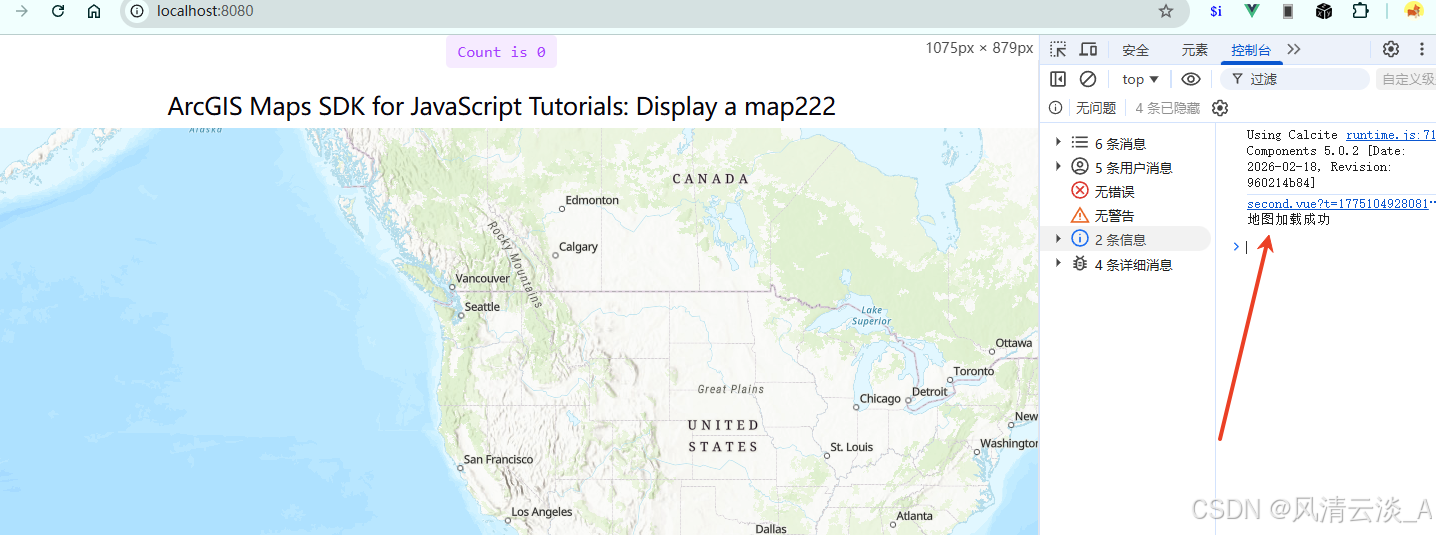
这样地图就加载成功了