openclaw-连接企业微信

目录

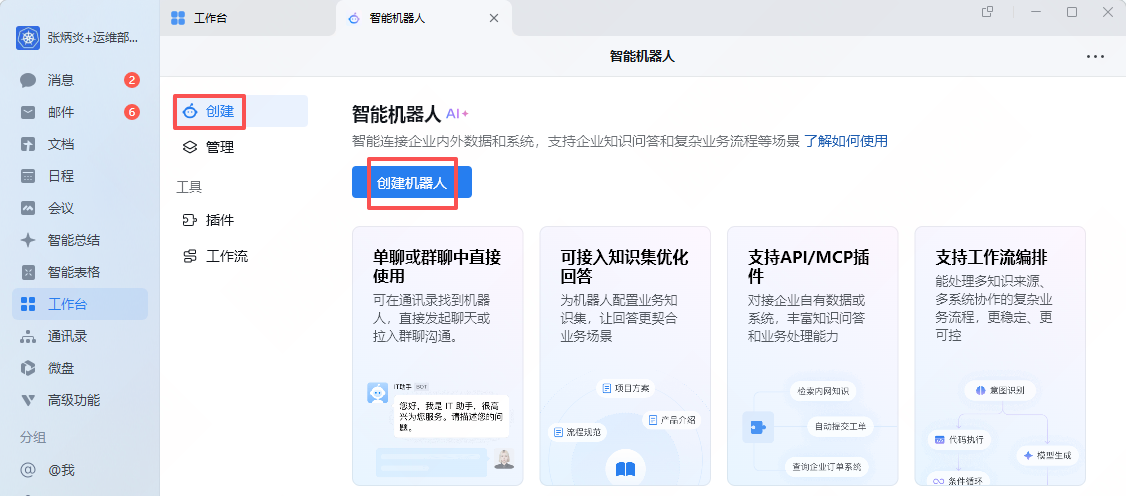
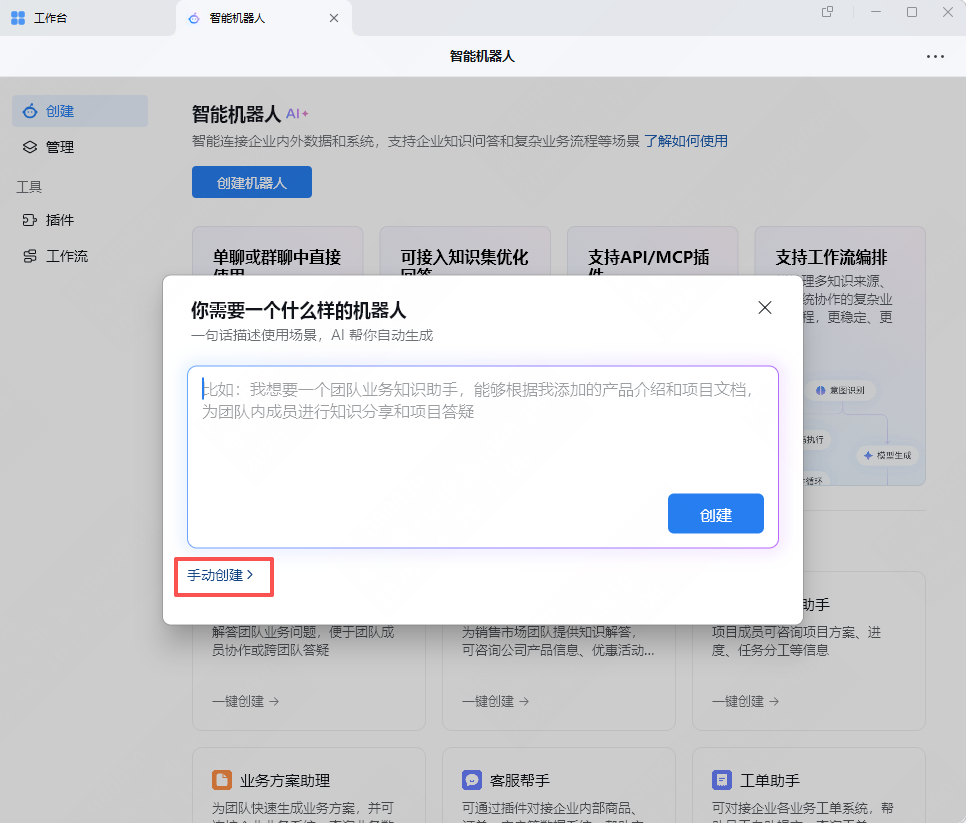
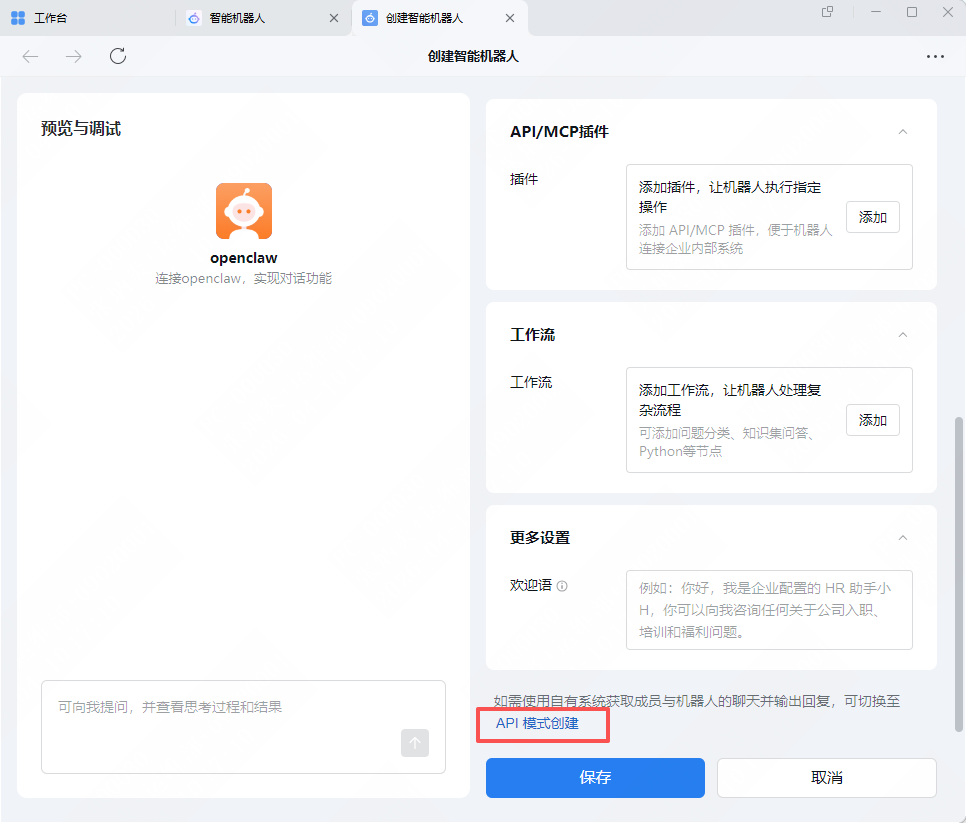
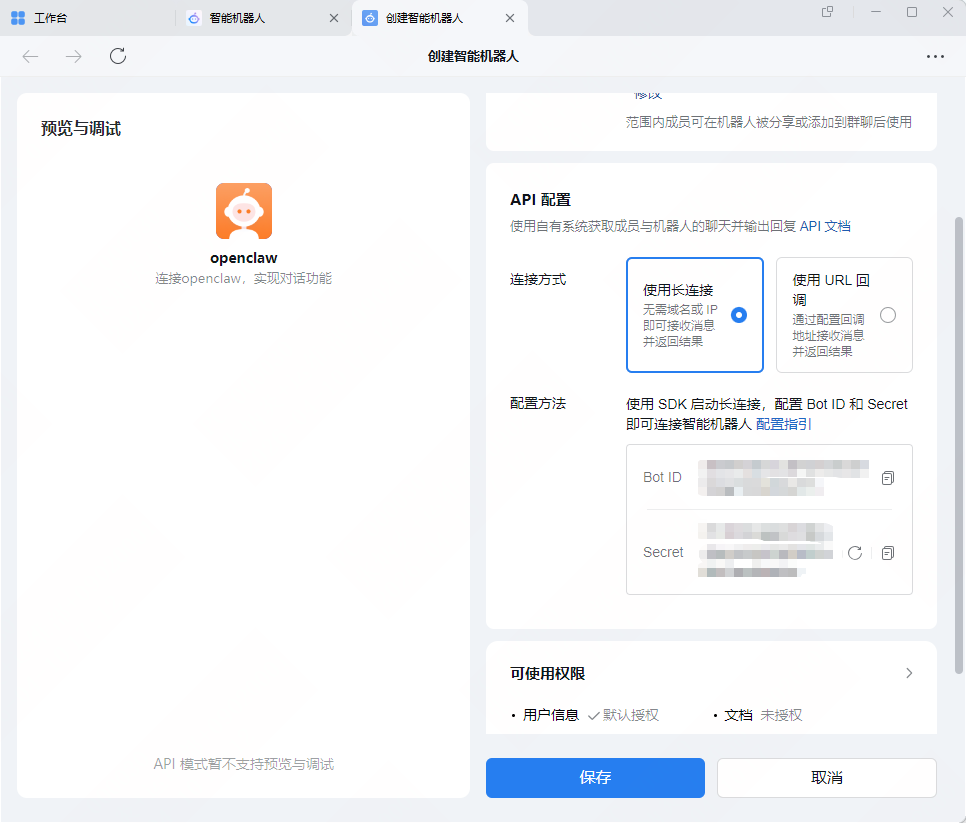
1.创建与配置企微机器人

2.openclaw配置企业微信插件

2.1安装企业微信插件

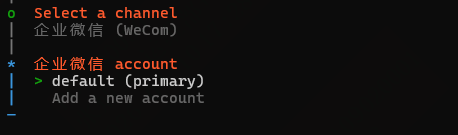
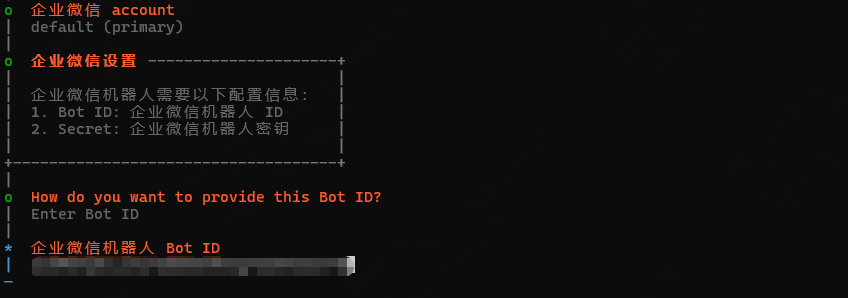
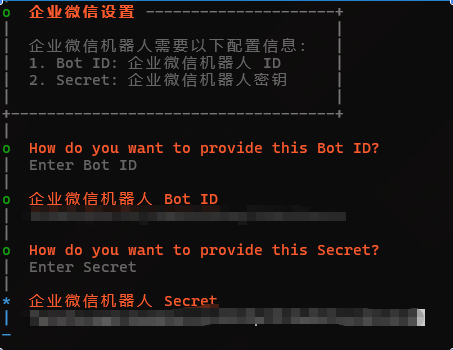
2.2配置插件

3.用户配对授权

4.运行测试


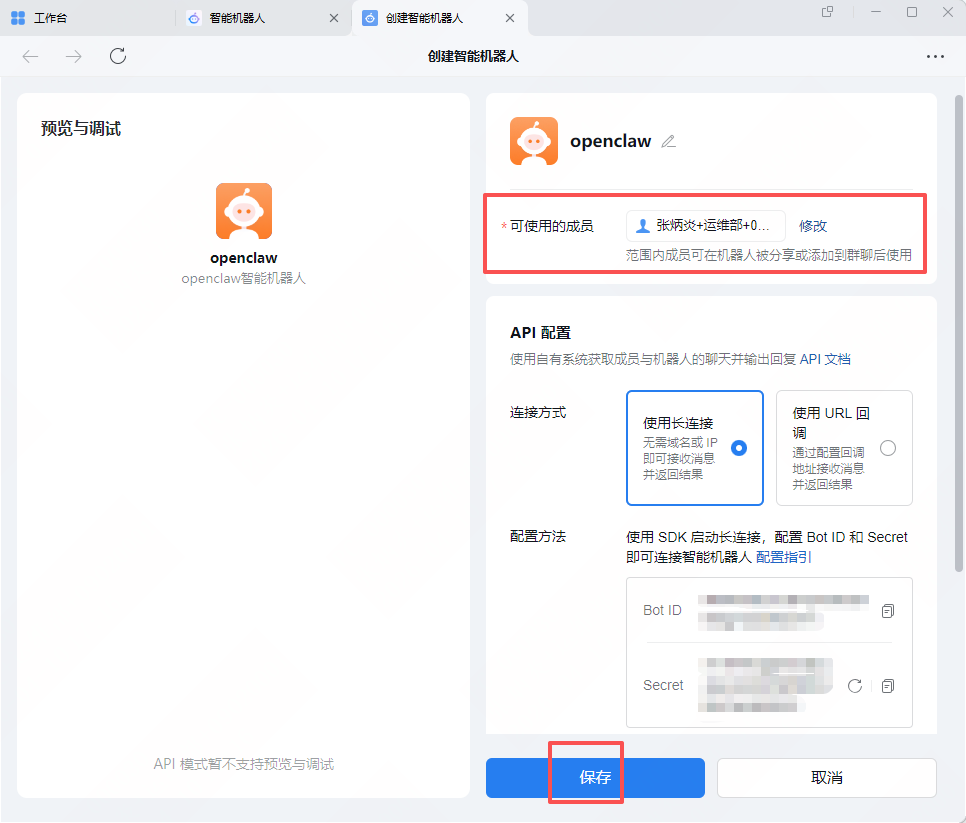
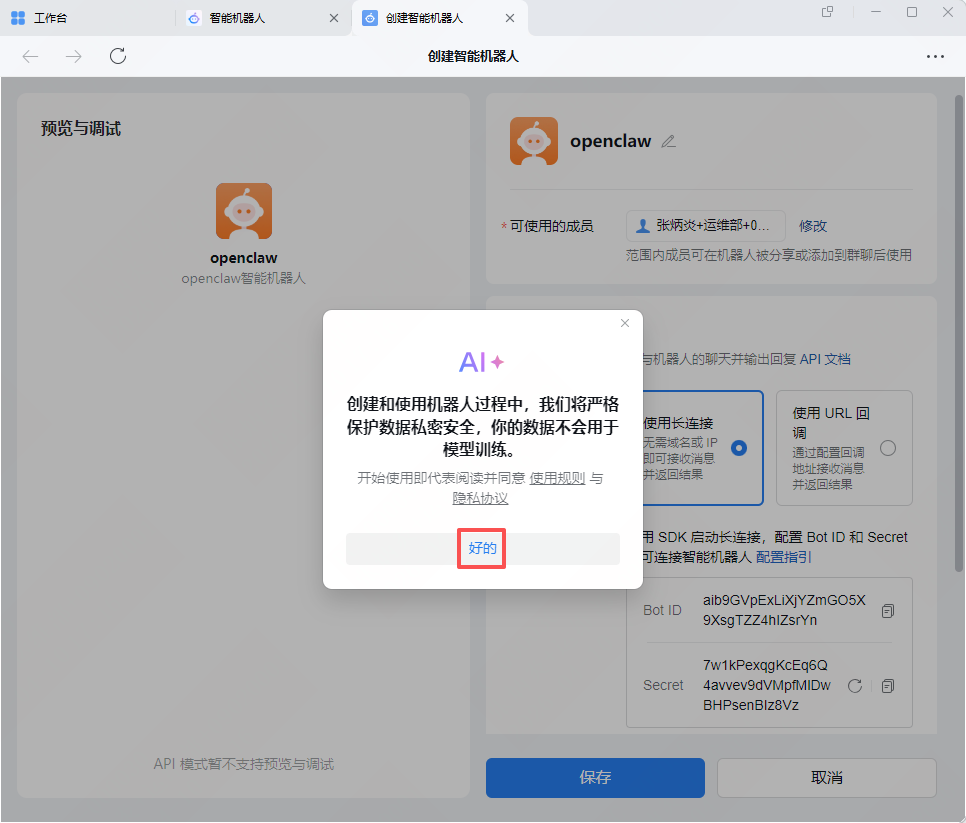
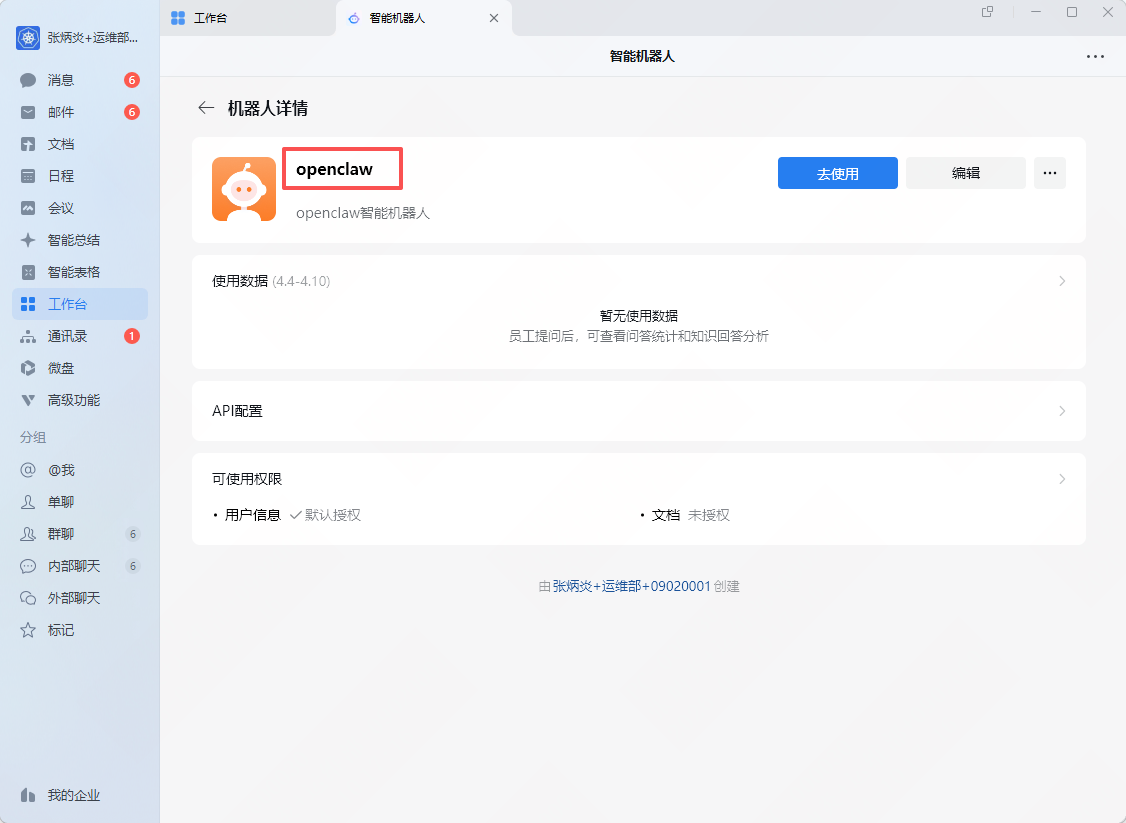
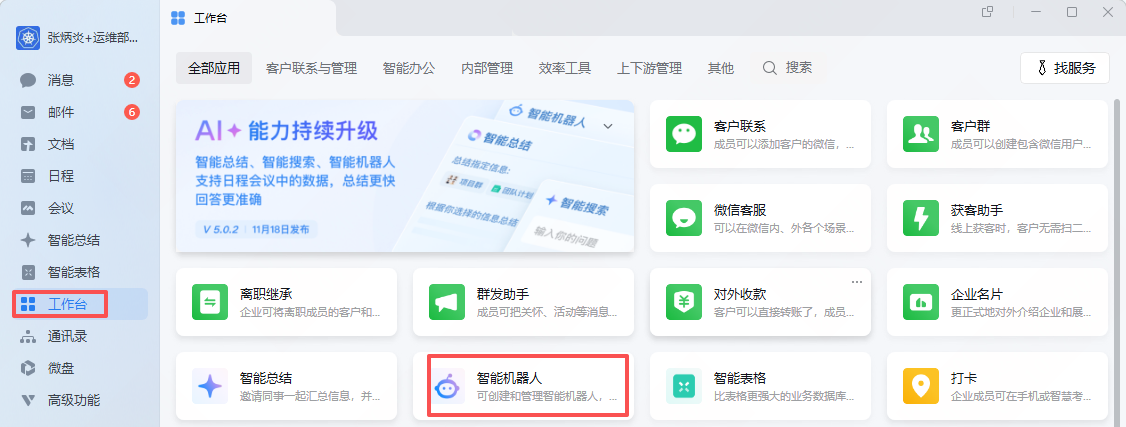
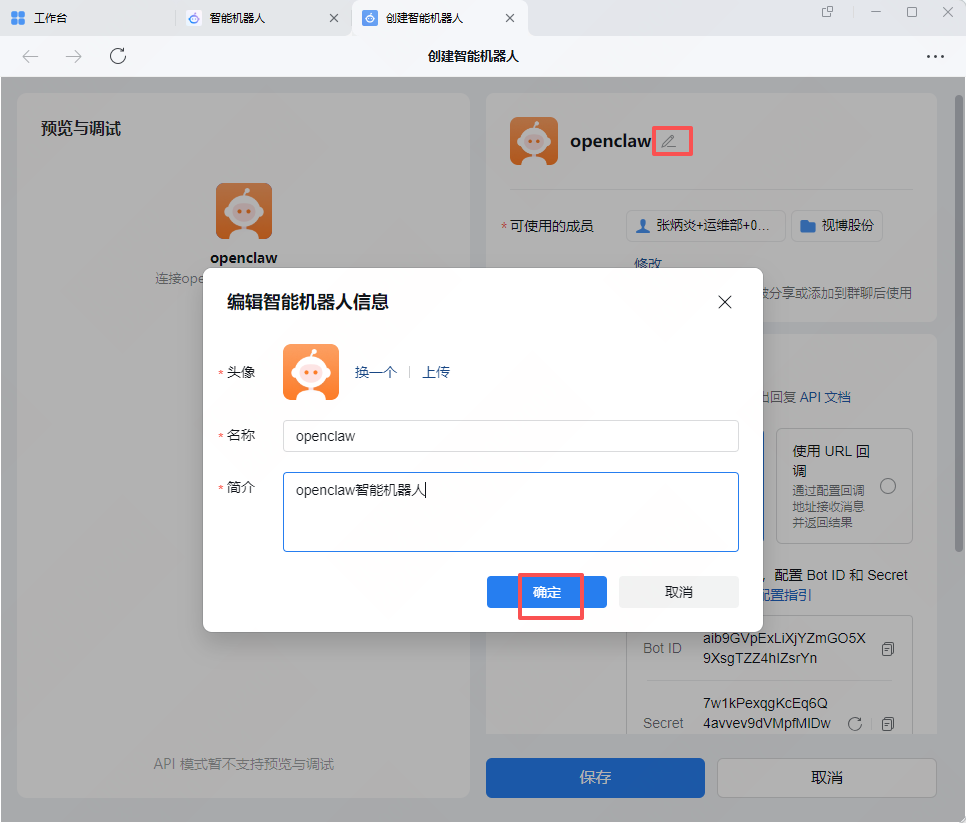
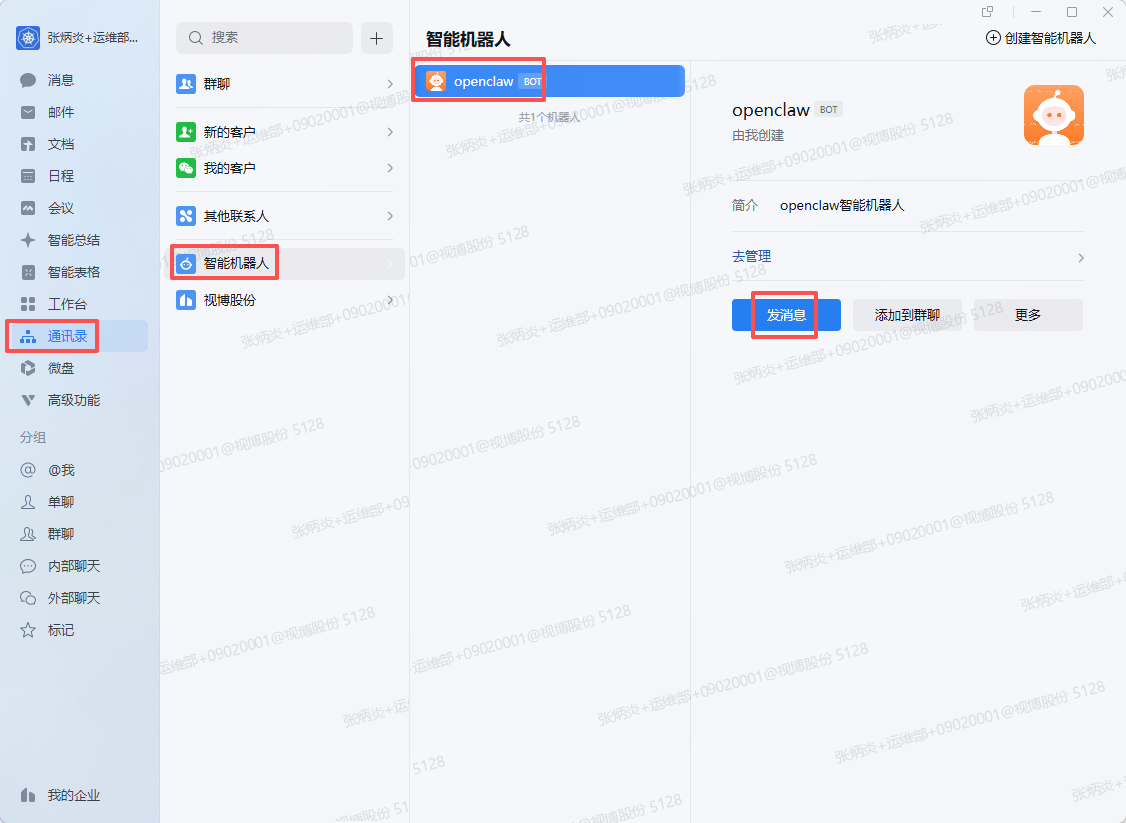
1.创建与配置企微机器人

BothID :xxxxxxxxxxxxxxxxxxxxxxxxxxxxxxxx

Secret : xxxxxxxxxxxxxxxxxxxxxxxxxxxxxxxx
2.openclaw配置企业微信插件

2.1安装企业微信插件

openclaw plugins install @wecom/wecom-openclaw-plugin
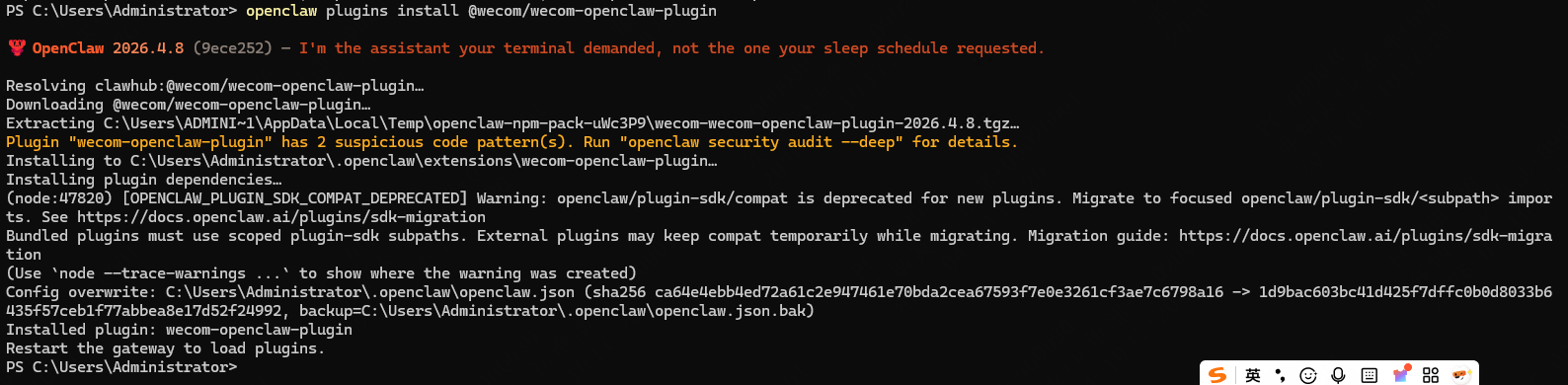
安装后会自动重启网关。

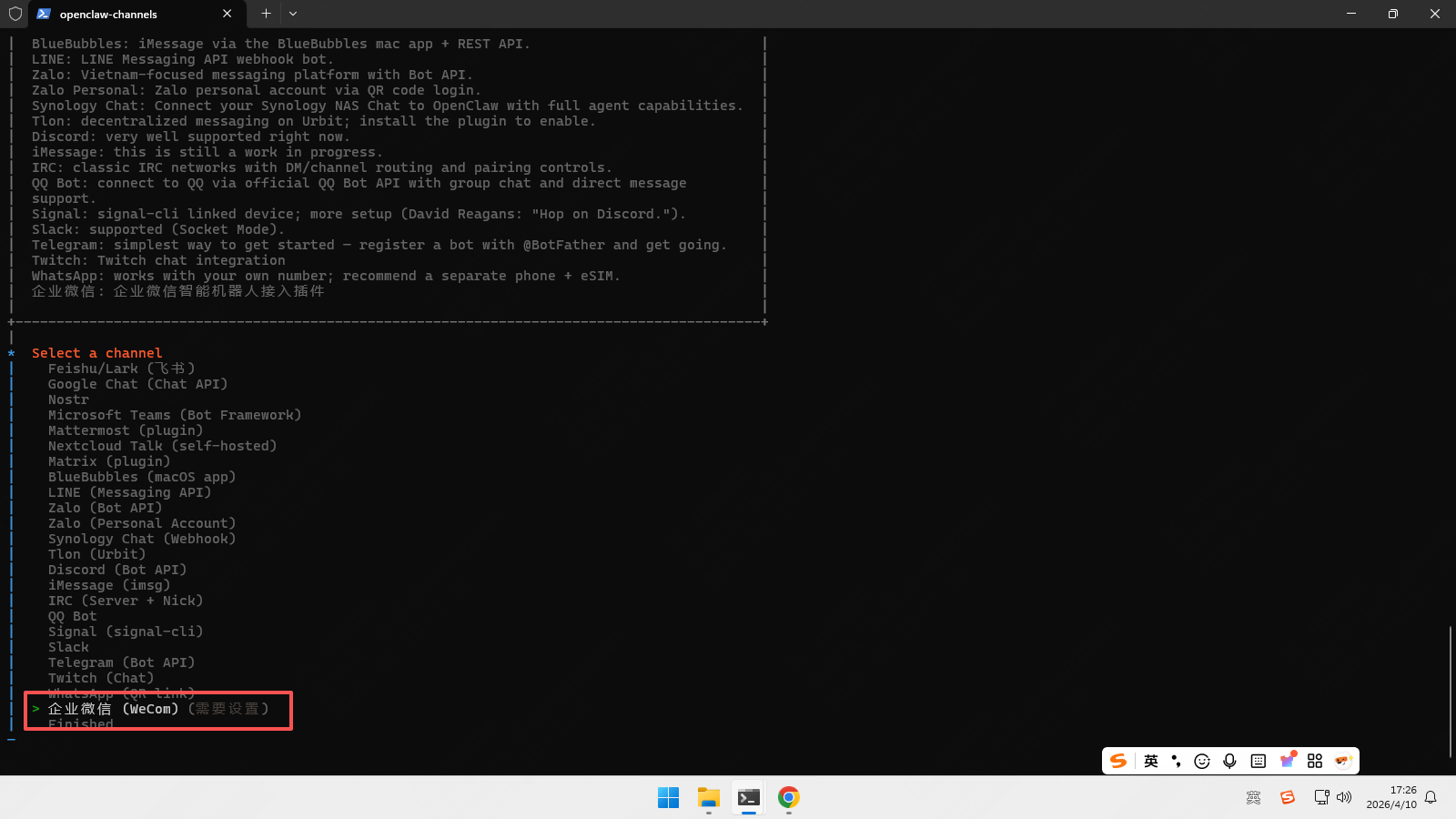
2.2配置插件

openclaw channels add
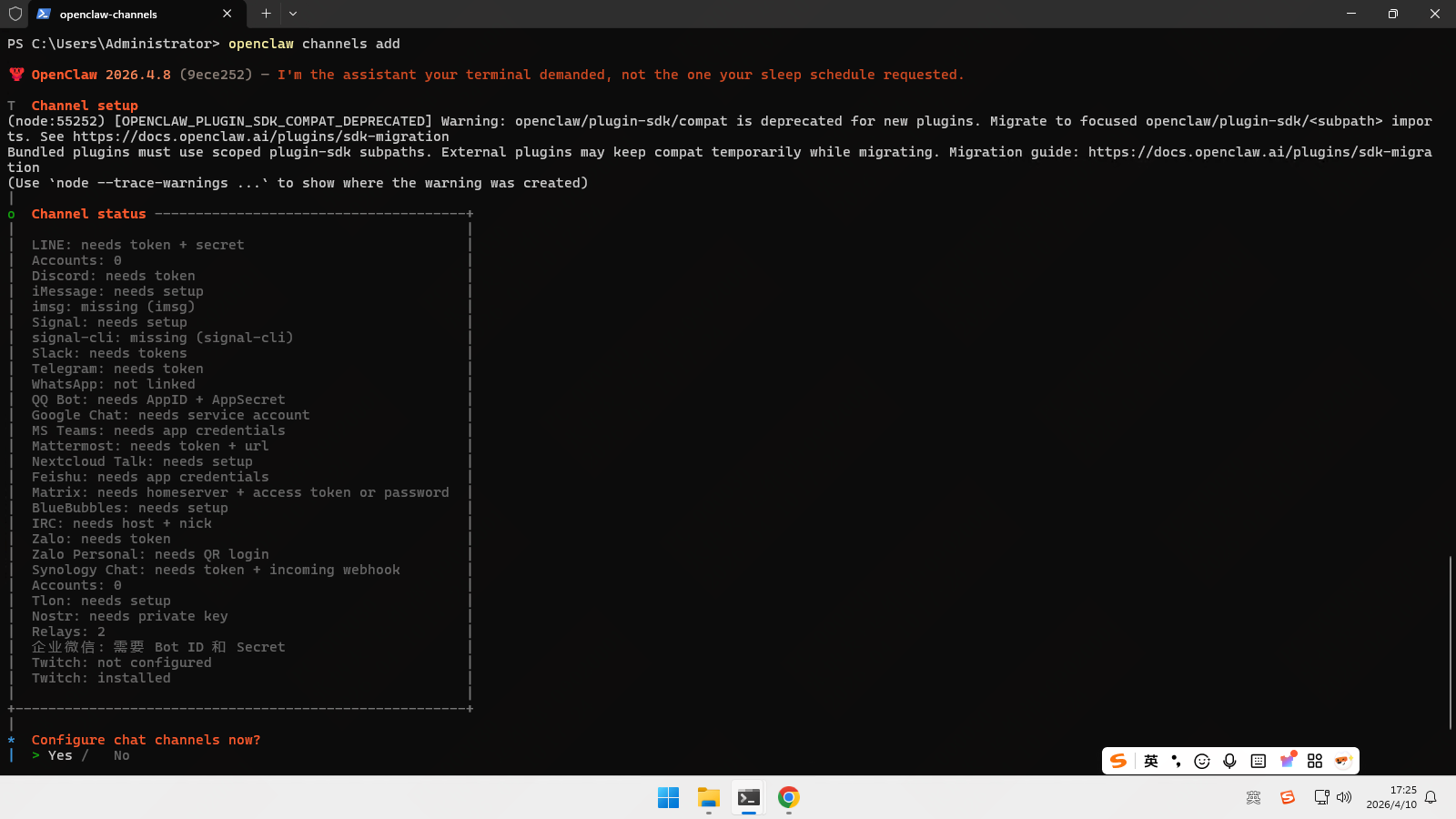
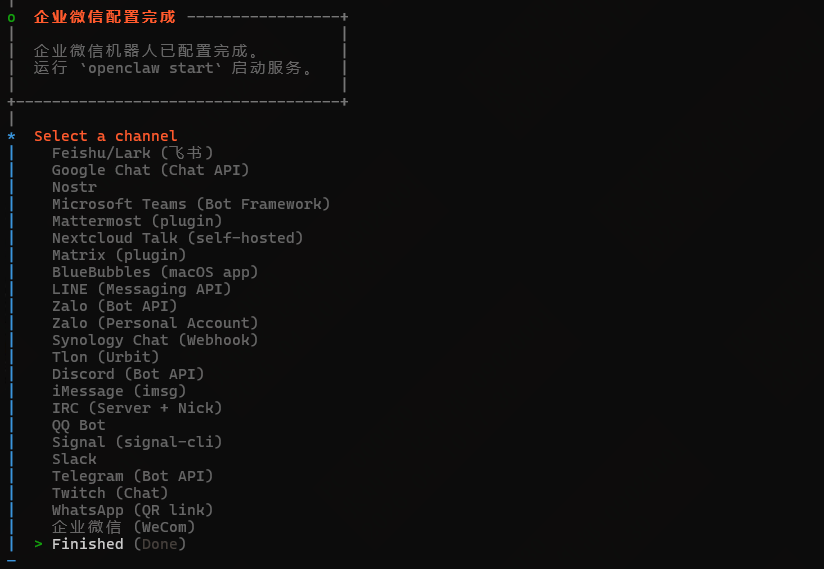
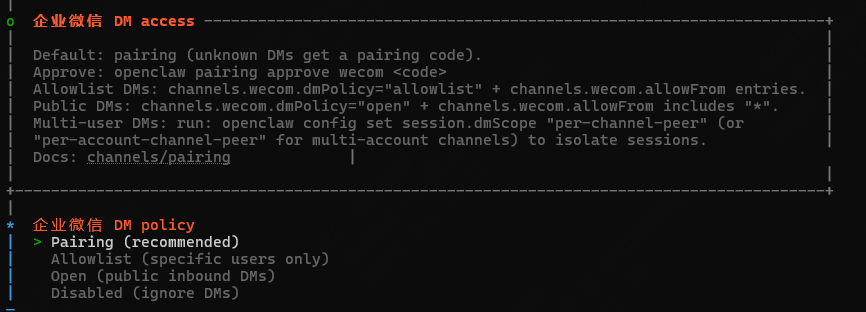
访问策略选择yes
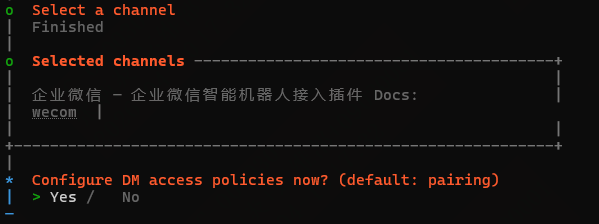
展示名称选择no

绑定代理选择no

配置完成

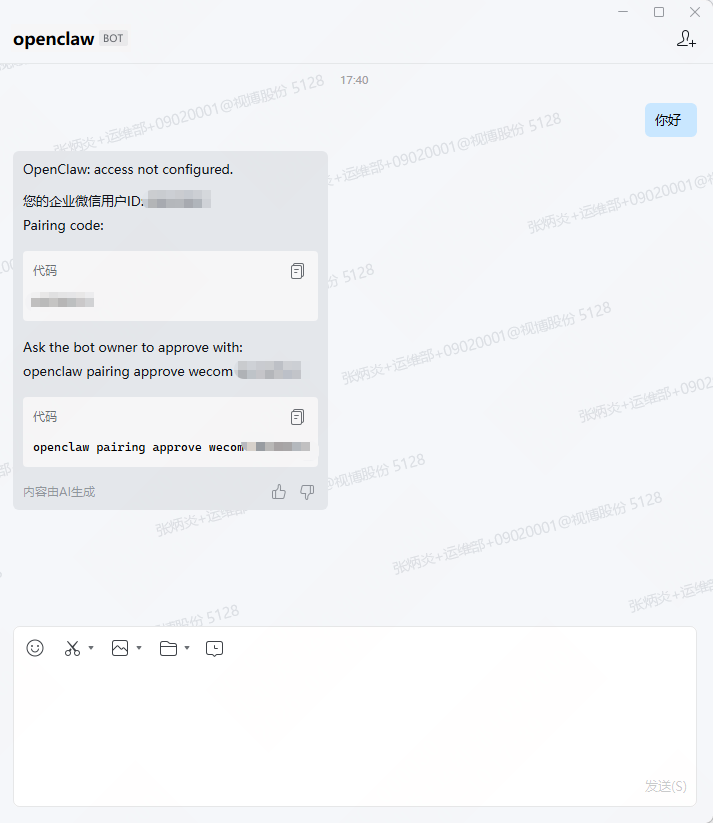
3.用户配对授权
回到OpenClaw窗口终端,粘贴授权指令 openclaw pairing approve wecom 你的配对码

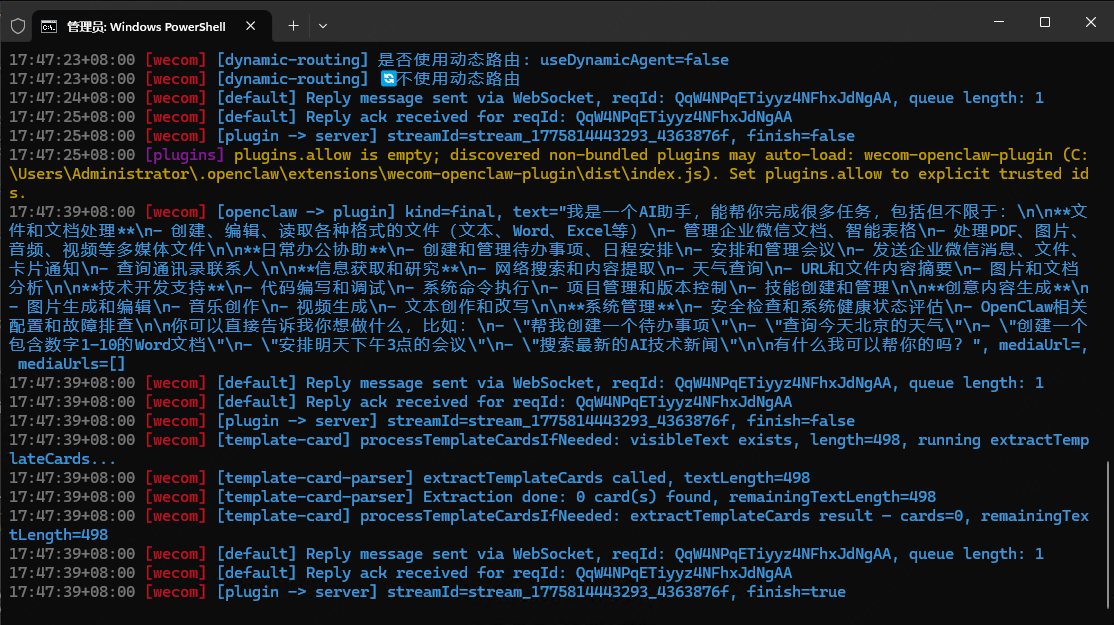
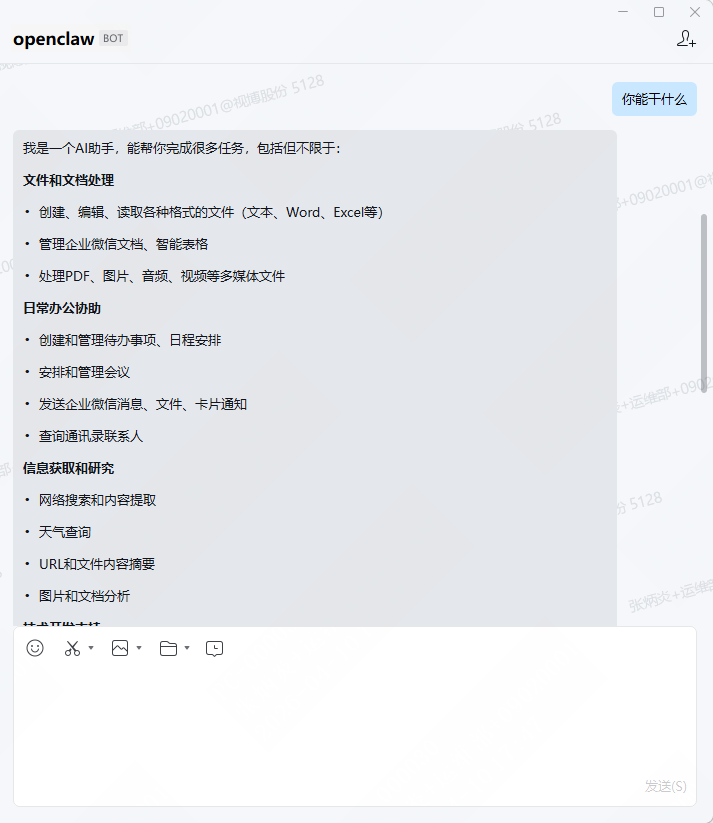
4.运行测试
相关推荐
海兰2 小时前
【实战】MemPalace 完整安装与使用指南
人工智能·openclaw
todoitbo3 小时前
装了 QClaw 之后,我卸掉了好几个 Mac 软件
人工智能·macos·ai·软件·openclaw·qclaw
Tianwen_Burning13 小时前
openclaw安装流程 +火山方舟
openclaw
熊猫钓鱼>_>13 小时前
从“流程固化“到“意图驱动“:大模型调智能体调Skill架构深度解析
ai·架构·大模型·llm·agent·skill·openclaw
xyz_CDragon14 小时前
OpenClaw Skills 完全指南:ClawHub 安装、安全避坑与自定义开发(2026)
人工智能·python·ai·skill·openclaw·clawhub
南师大蒜阿熏呀14 小时前
openclaw 多智能体协同简易版案例实战
ai·openclaw
AI航向标15 小时前
OpenClaw 完整本地部署安装(接入飞书)
人工智能·飞书·openclaw
zandy101115 小时前
【全新 3.0版本】openclaw github installation guide
github·openclaw·installation
AI航向标15 小时前
Openclaw一键本地部署接入豆包
人工智能·openclaw