环境:Nginx+Laraval+uniapp
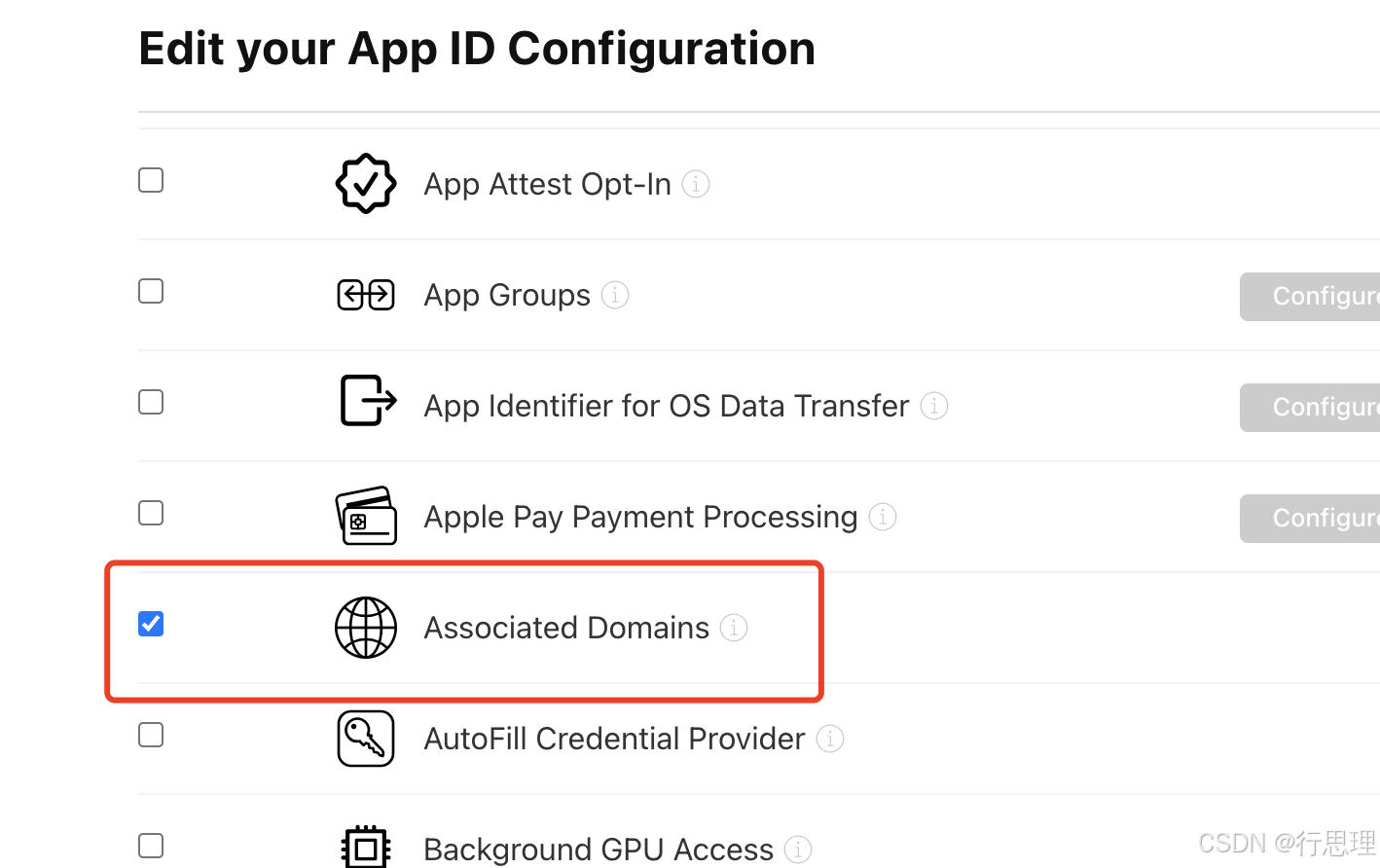
1、在苹果开发者中心:开启Associated Domains服务
如图
2、apple-app-site-association 配置并部署文件
bash
{
    "applinks": {
        "apps": [],
        "details": [
            {
                "appID": "xx.com.test.www",//appID 由"Team ID.Bundle ID"组成
                "paths": ["/mingchucs/*"]
            },{
                "appID": "xx.com.tests.www",
                "paths": ["/mingchu/*"]
            }
        ]
    }
}
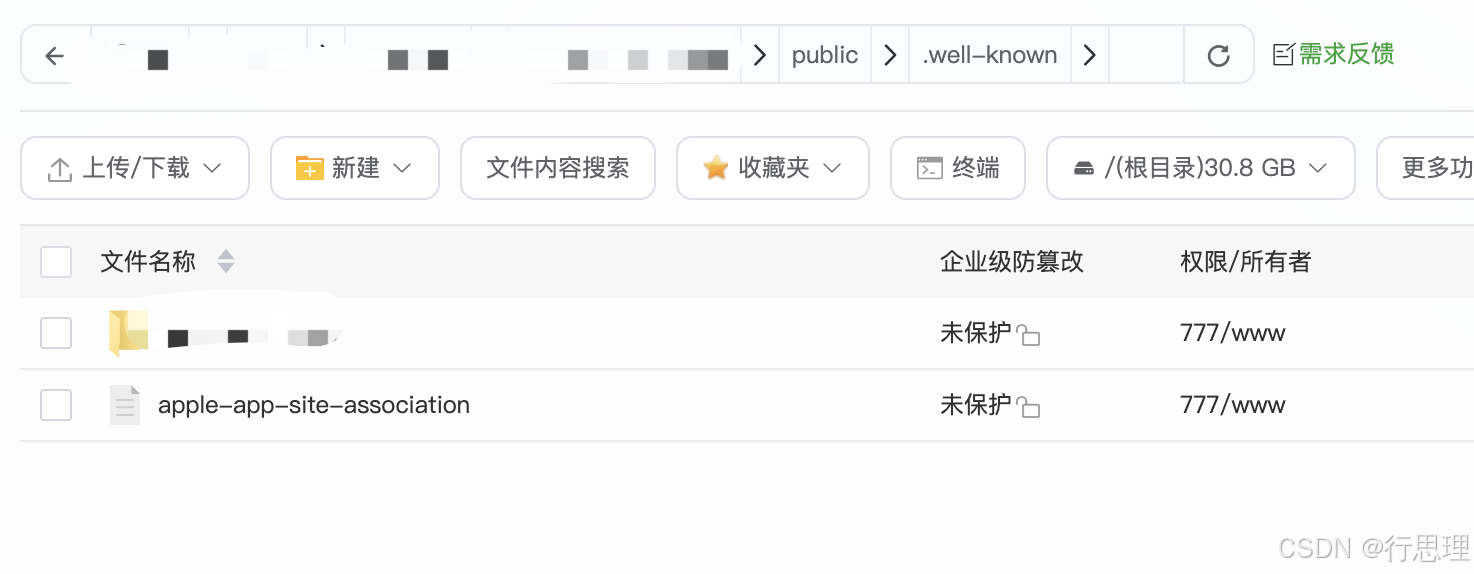
上传到服务,目录如下:
3、手动在manifest.json中配置Associated Domains(域名)
打开项目的 manifest.json,在对应位置填写你的域名:
路径 :App 模块配置 → iOS → 关联域
配置格式 :applinks:你的域名(不含 https://,例如 applinks:www.example.com)
如果需要直接在源码视图配置,找到 "app-plus" → "distribute" → "ios" → "capabilities" → "entitlements",添加以下内容
bash
"capabilities": {
    "entitlements": {
        "com.apple.developer.associated-domains": [
            "applinks:www.yourdomain.com"
        ]
    }
}注:用云服务打包,用传统模式,这是用来代替"Xcode中开启Associated Domains能力,并添加applinks:你的域名"这一步
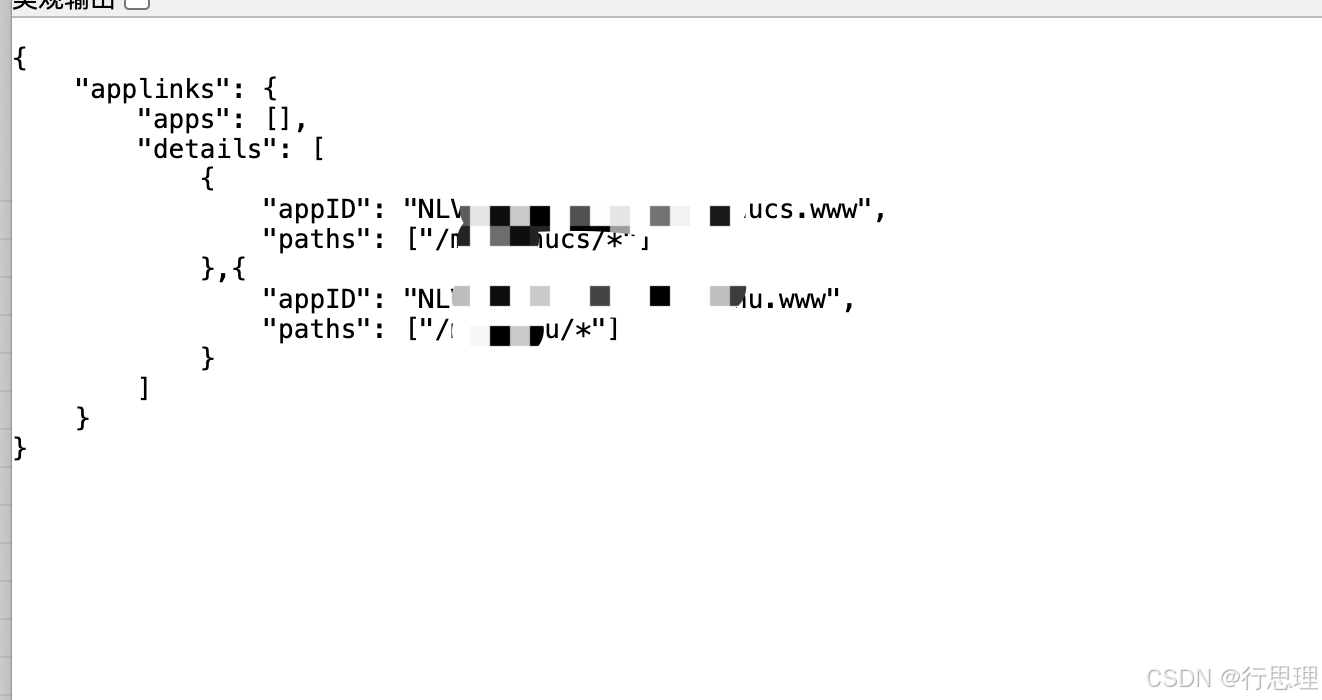
4、验证文件生效
bash
https://app-site-association.cdn-apple.com/a/v1/你的域名
//示例
https://app-site-association.cdn-apple.com/a/v1/www.test.com
返回内容如图:
5、 Laraval配置路由
编辑路由文件 routes/web.php,添加以下路由规则:
bash
<?php

use Illuminate\Support\Facades\Route;

// 为 Universal Link 添加路由,返回一个空响应或简单视图,确保状态码为 200
Route::get('/mingchucs', function () {
    // 返回空内容即可,Universal Link 只需要一个有效的 HTTP 200 响应
    return response('', 200);
});

Route::get('/mingchucs/{any}', function () {
    return response('', 200);
})->where('any', '.*');

Route::get('/mingchu', function () {
    return response('', 200);
});

Route::get('/mingchu/{any}', function () {
    return response('', 200);
})->where('any', '.*');
更简洁的写法(使用路由参数):
php
// 匹配 /mingchucs 以及 /mingchucs/任意路径
Route::get('/mingchucs/{path?}', function () {
    return response('', 200);
})->where('path', '.*');

Route::get('/mingchu/{path?}', function () {
    return response('', 200);
})->where('path', '.*');确保路由生效:
运行 php artisan route:clear 清除路由缓存。
再次访问 https://你的域名/mingchucs,应该不再返回错误,而是一个空白页面(HTTP 200)。
6、验证IOS的 Universal Link打开应用
将ios包安装到苹果手机上,使用 Safari 浏览器 访问 https://你的fakq/mingchucs,长按地址栏的链接,看菜单中是否有"在"您的App名称"中打开"的选项。
如图:
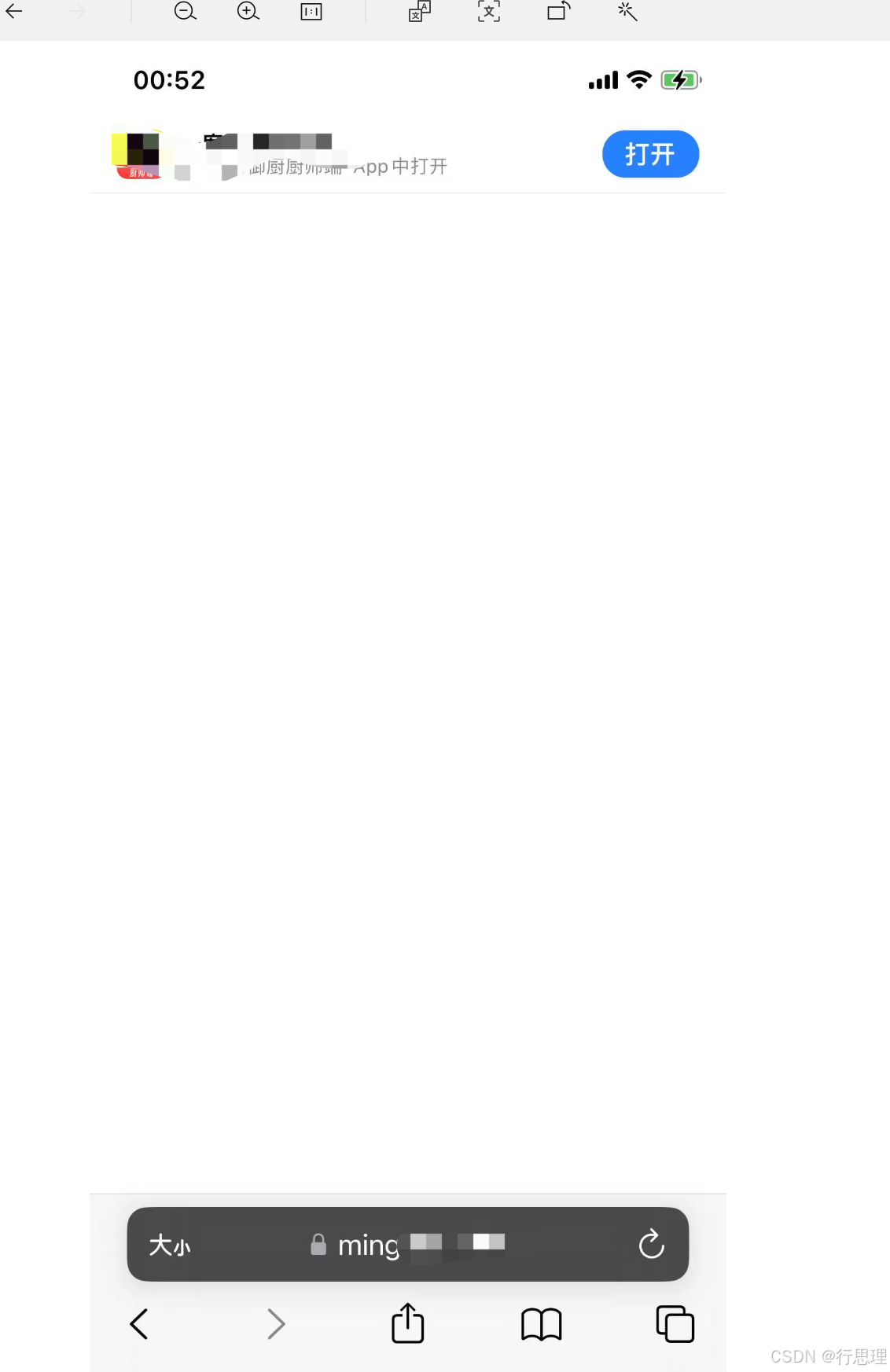
点击"打开"就可以直接打开应用了