下载源码
国内源下载
解压文件
源码目录创建个新文件夹
进入新文件夹
执行
cd build/
../configure -prefix /usr/local/lib/qt5.15.18 -opensource -confirm-license -qt-sqlite -qt-pcre -qt-zlib -qt-libpng -qt-libjpeg -qt-freetype -qt-harfbuzz -skip qtwebengine -nomake tests -nomake examples -mp -release -optimize-size -strip
../configure -prefix /usr/local/lib/qt5.15.18 -opensource -confirm-license -qt-sqlite -qt-pcre -qt-zlib -qt-libpng -qt-libjpeg -qt-freetype -qt-harfbuzz -skip qtwebengine -nomake tests -nomake examples -mp -release -no-fetaure-mapboxgl -no-opengl -force-debug-info -optimize-size -strip
../configure -prefix /usr/local/lib/qt5.15.18 -opensource -confirm-license -qt-sqlite -qt-pcre -qt-zlib -qt-libpng -qt-libjpeg -qt-freetype -qt-harfbuzz -skip qtwebengine -nomake tests -nomake examples -mp -release -no-opengl -skip qt3d -skip qtlocation -force-debug-info
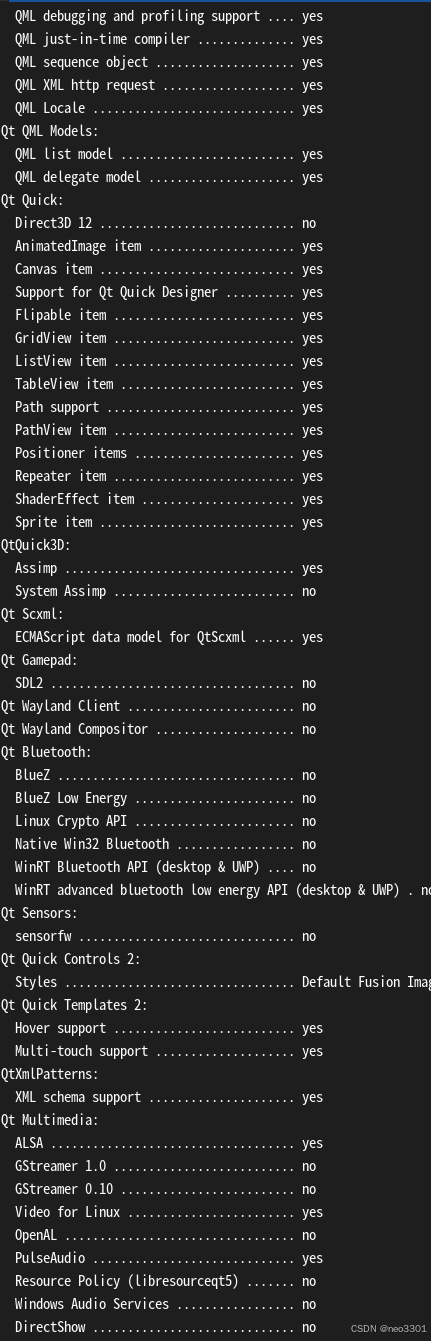
如果上步执行失败
需要手动删除.config.cache
make distclean
make clean
清除上次的make命令所产生的object文件(后缀为“.o”的文件)及可执行文件。
make distclean
类似make clean,但同时也将configure生成的文件全部删除掉,包括Makefile。
实在不行,就删除解压的代码文件,重新解压出来
config 结束后
执行
make -j$(nproc--ignore 2)添加安装目录到环境变量
export PATH=$PATH:/usr/sbin
export PATH=/usr/local/lib/qt5.15.18/bin:$PATH
export LD_LIBRARY_PATH=/usr/local/lib/qt5.15.18/lib:$LD_LIBRARY_PATH
刷新一下
source /.bashrc
验证安装完成
qmake -version