踩坑记录06:Slider组件blockSize参数的类型要求
阅读时长 :7分钟 | 难度等级 :初级 | 适用版本 :HarmonyOS NEXT (API 12+)
关键词 :Slider、blockSize、SizeOptions、原生组件
声明:本文基于真实项目开发经历编写,所有代码片段均来自实际踩坑场景。
欢迎加入开源鸿蒙PC社区 :https://harmonypc.csdn.net/
项目 Git 仓库 :https://atomgit.com/Dgr111-space/HarmonyOS
📖 前言导读
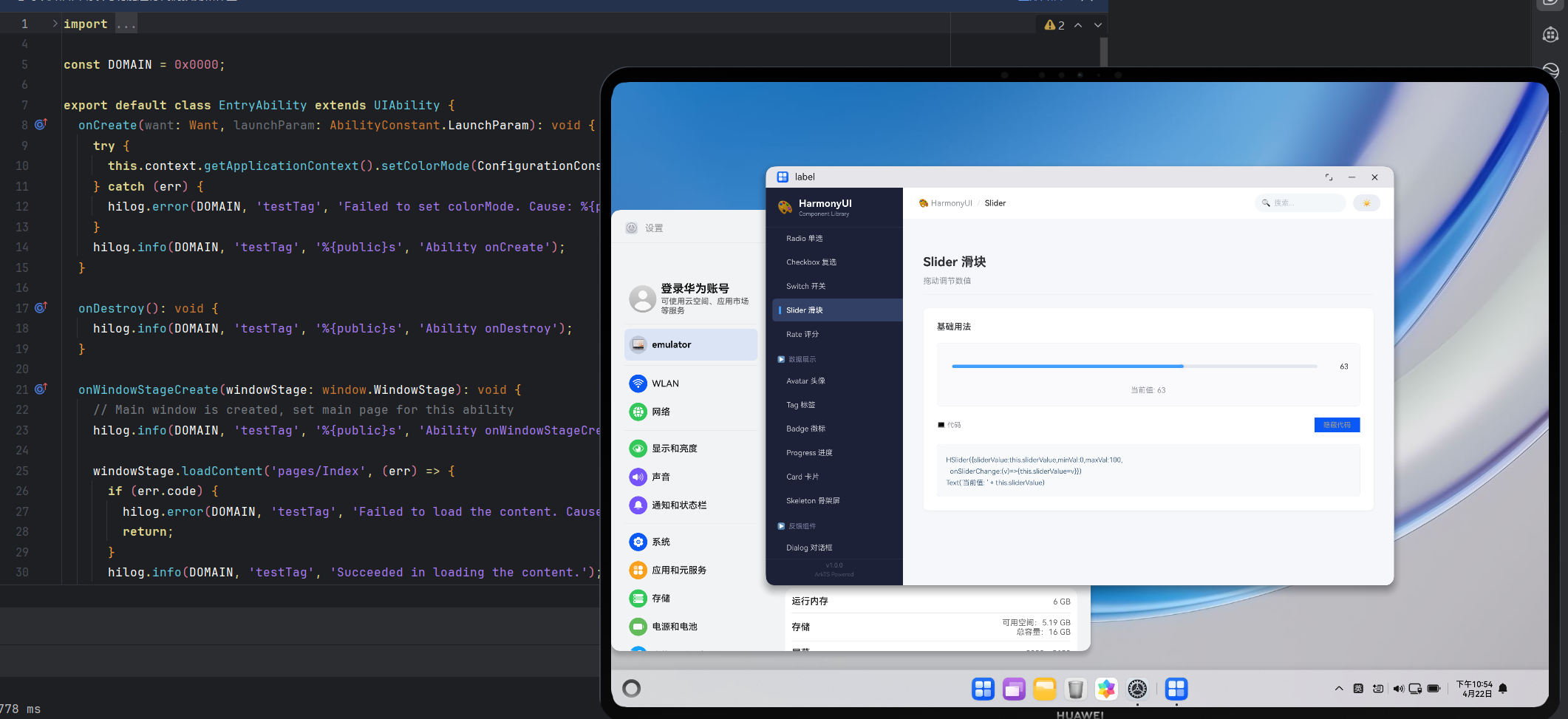
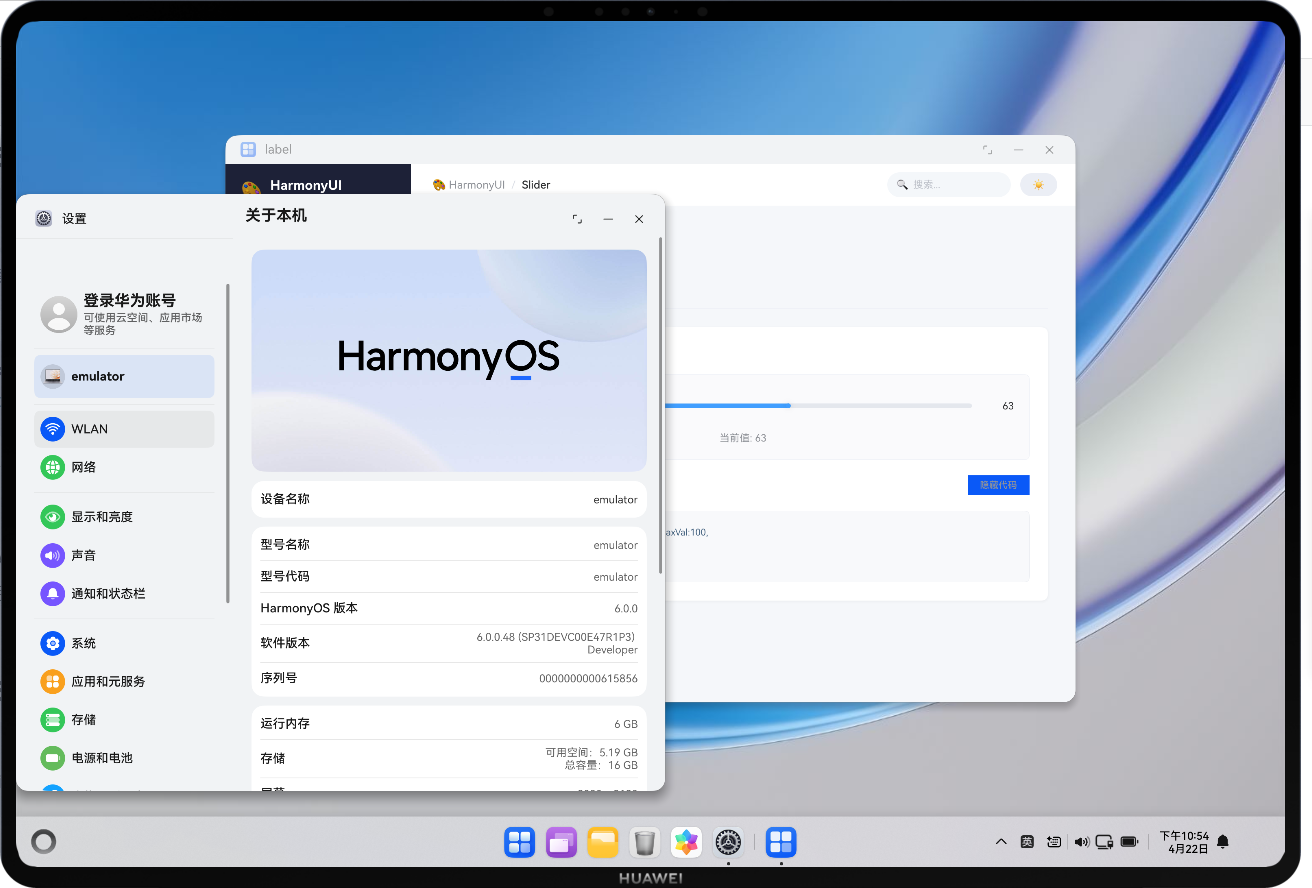
在 HarmonyOS 的 ArkTS 开发中,踩坑记录06:Slider 组件 blockSize 参数的类型要求 是很多新手都会遇到的问题。本文记录了完整的踩坑经历------从错误复现到根因定位再到解决方案,希望能帮助你在遇到类似问题时快速定位方向。
踩坑记录06:Slider 组件 blockSize 参数的类型要求
严重程度 :⭐⭐ | 发生频率 :中
涉及模块:原生 Slider 组件、SizeOptions 类型
一、问题现象
Type '16' has no properties in common with type 'SizeOptions'.给 Slider 组件的滑块设置大小时,传一个简单的数字竟然被编译器拒绝。
二、错误代码
typescript
// HSlider.ets - 编译失败
Slider({
  value: this.sliderValue,
  min: 0,
  max: 100,
  style: SliderStyle.InSet
})
.blockSize(16)  // ❌ Error: 数字类型不兼容
三、根因分析
ArkTS 原生 Slider.blockSize() 方法的签名要求 SizeOptions 类型:
typescript
// ArkTS 框架定义
interface SizeOptions {
  width: number | string
  height: number | string
}

// Slider API
blockSize(size: SizeOptions): SliderAttribute设计原因:滑块通常是圆形的,需要同时指定宽和高,框架强制使用对象确保完整性。
四、解决方案
typescript
// ✅ 正确写法
.blockSize({ width: 18, height: 18 })

// ✅ 非正方形滑块(罕见)
.blockSize({ width: 20, height: 12 })

// ✅ 使用 vp 单位
.blockSize({ width: '18vp', height: '18vp' })
五、完整的 HSlider 重构
typescript
import { ThemeColors } from './theme/types'

@Component
export struct HSlider {
  @Prop sliderValue: number = 0
  @Prop minVal: number = 0
  @Prop maxVal: number = 100
  @Prop stepVal: number = 1
  @Prop isDisabled: boolean = false
  onSliderChange?: (value: number) => void

  private getColors(): ThemeColors {
    return AppStorage.get<ThemeColors>('themeColors') ?? new ThemeColors()
  }

  build() {
    Row({ space: 12 })
      .width('100%')
      .alignItems(VerticalAlign.Center)
      .height(40)
      .padding({ left: 4, right: 4 }) {

      // 原生 Slider 组件
      Slider({
        value: this.sliderValue,
        min: this.minVal,
        max: this.maxVal,
        step: this.stepVal,
        style: SliderStyle.InSet
      })
        .layoutWeight(1)
        .blockColor(this.getColors().primary)
        .trackColor(this.getColors().borderLight)
        .selectedColor(this.getColors().primary)
        .trackThickness(6)
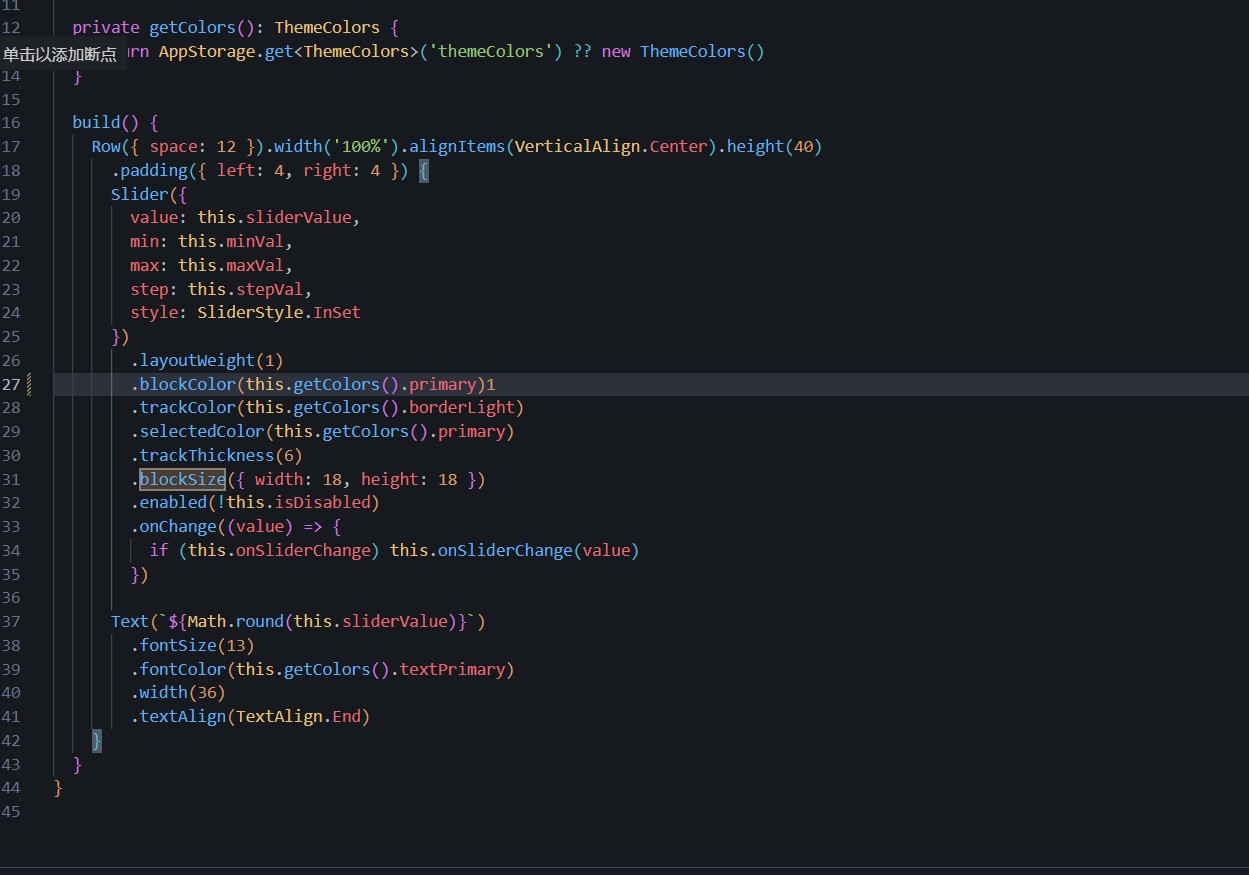
        .blockSize({ width: 18, height: 18 })  // ✅ SizeOptions 格式
        .enabled(!this.isDisabled)
        .onChange((value) => {
          if (this.onSliderChange) this.onSliderChange(value)
        })

      Text(`${Math.round(this.sliderValue)}`)
        .fontSize(13)
        .fontColor(this.getColors().textPrimary)
        .width(36)
        .textAlign(TextAlign.End)
    }
  }
}
六、Slider 样式对照
渲染错误: Mermaid 渲染失败: Parse error on line 4: ... AOutSet --> "滑块在轨道外部 传统样式" -----------------------^ Expecting 'AMP', 'COLON', 'PIPE', 'TESTSTR', 'DOWN', 'DEFAULT', 'NUM', 'COMMA', 'NODE_STRING', 'BRKT', 'MINUS', 'MULT', 'UNICODE_TEXT', got 'SQS'
| 属性 | OutSet | InSet(推荐) | SetIn |
|---|---|---|---|
| 视觉效果 | 滑块浮于轨道上方 | 滑块嵌入轨道 | 特殊内嵌 |
| 适用场景 | 传统控件 | 现代 UI 设计 | 特殊需求 |
| 推荐值 | --- | 本项目采用 | --- |
七、经验总结
- 不要假设 API 签名:即使是看起来"应该接受数字"的参数,也可能需要特定类型
- 自定义组件封装的价值:将原生组件包装为业务组件后,这类细节问题只需解决一次
- 保持组件库一致性:整个项目的 Slider 都走 HSlider 封装层,修改一处全局生效
参考资源与延伸阅读
官方文档
> 系列导航:本文是「HarmonyOS 开发踩坑记录」系列的第 06 篇。该系列共 30 篇,涵盖 ArkTS 语法、组件开发、状态管理、网络请求、数据库、多端适配等全方位实战经验。
工具与资源### 工具与资源
- DevEco Studio 官方下载 --- HarmonyOS 官方IDE
- HarmonyOS 开发者社区 --- 技术问答与经验分享
👇 如果这篇对你有帮助,欢迎点赞、收藏、评论!
你的支持是我持续输出高质量技术内容的动力 💪