一、什么是poweshell7
PowerShell 7 是新一代、跨平台、开源的命令行工具和脚本语言。
相比与Windows PowerShell,它的性能和兼容性更强。支持Windows, macOS, Linux三个平台。
安装:
winget install --id Microsoft.PowerShell或者访问官方网页:在 Windows 上安装 PowerShell 7 - PowerShell | Microsoft Learn
二、美化
1.安装posh-git 模块
功能:显示 Git 状态信息,并提供 Git 命令的自动补全。
bash
Install-Module posh-git2.安装oh-my-posh模块
首页 |哦,我的 Posh --- Home | Oh My Posh
功能:主题美化
bash
winget install JanDeDobbeleer.OhMyPosh -s winget安装成功验证:

3.初始化主题配置:
bash
oh-my-posh init pwsh --config "$env:POSH_THEMES_PATH\jandedobbeleer.omp.json" | Invoke-Expression如下:

4.更换主题
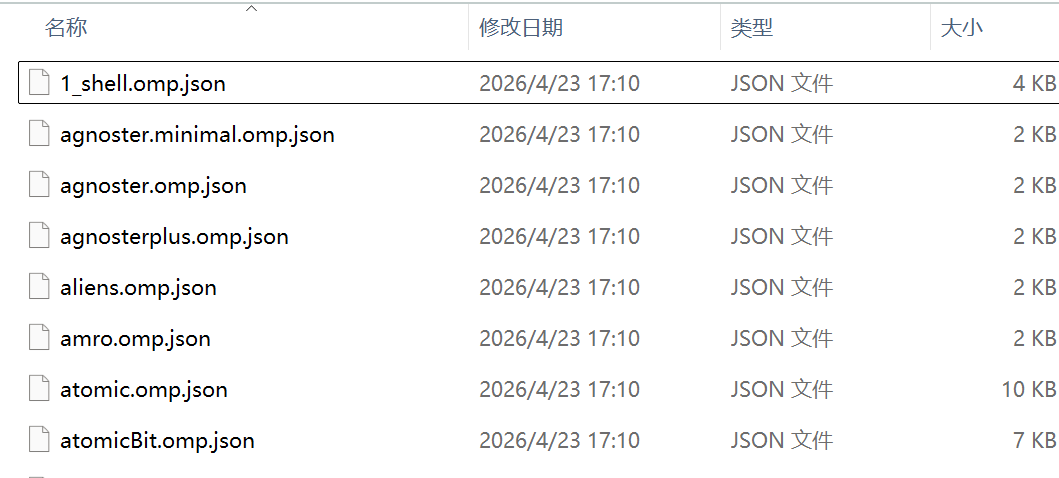
Share theme | Oh My Posh在主题页挑选自己喜欢的主题。
在终端输入notepad PROFILE,把主题名称换成自己选择的就行了,然后再. PROFILE重启更新。如果找不到环境变量就使用绝对路径。
5.安装字体
bash
oh-my-posh font install在终端设置中替换字体,我选的是MesloLGM Nerd Font Mono。
6.美化文件夹
bash
Install-Module -Name Terminal-Icons -Repository PSGallery打开配置文件
notepad $PROFILE最后一行粘贴
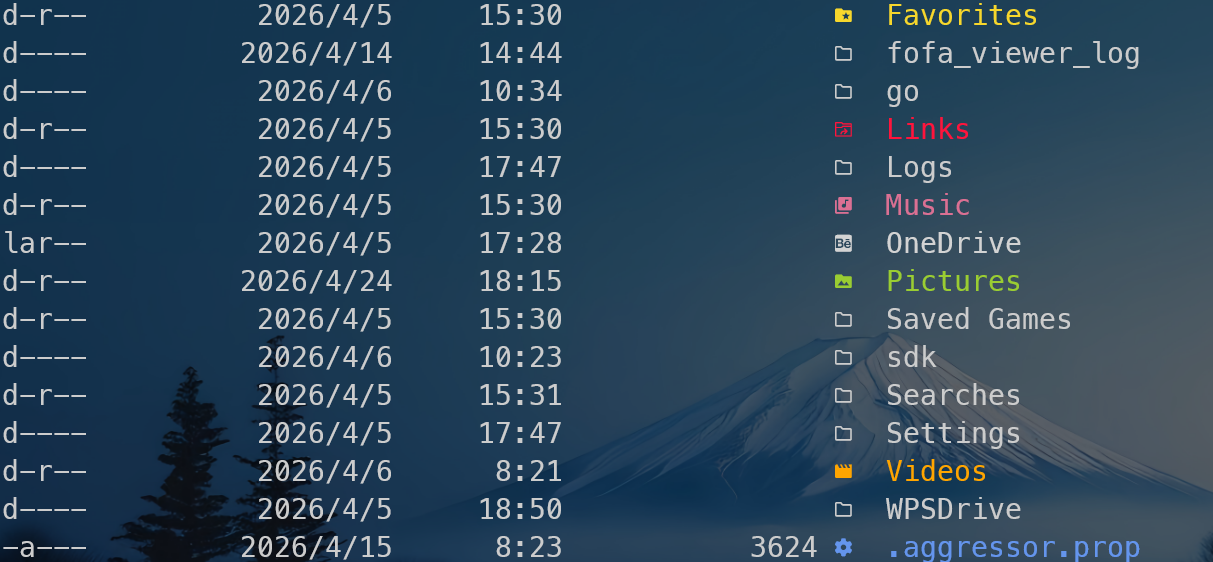
Import-Module -Name Terminal-Icons重载生效
. $PROFILE效果: