1、helm部署的postgresql服务出现了硬盘空间不足的日志,导致服务起不来
handlebars
postgresql 07:31:50.95 INFO  ==> Initializing PostgreSQL database...
postgresql 07:31:50.96 INFO  ==> pg_hba.conf file not detected. Generating it...
postgresql 07:31:50.97 INFO  ==> Generating local authentication configuration
postgresql 07:31:50.98 INFO  ==> Deploying PostgreSQL with persisted data...
postgresql 07:31:50.99 INFO  ==> Configuring replication parameters
postgresql 07:31:51.01 INFO  ==> Configuring fsync
postgresql 07:31:51.02 INFO  ==> Configuring synchronous_replication
postgresql 07:31:51.05 INFO  ==> Loading custom scripts...
postgresql 07:31:51.05 INFO  ==> Enabling remote connections
postgresql 07:31:51.06 INFO  ==> ** PostgreSQL setup finished! **
postgresql 07:31:51.07 INFO  ==> ** Starting PostgreSQL **
2026-04-30 07:31:51.082 GMT [1] LOG:  pgaudit extension initialized
2026-04-30 07:31:51.082 GMT [1] LOG:  listening on IPv4 address "0.0.0.0", port 5432
2026-04-30 07:31:51.082 GMT [1] LOG:  listening on IPv6 address "::", port 5432
2026-04-30 07:31:51.087 GMT [1] LOG:  listening on Unix socket "/tmp/.s.PGSQL.5432"
2026-04-30 07:31:51.101 GMT [94] LOG:  database system was interrupted while in recovery at 2026-04-30 07:31:46 GMT
2026-04-30 07:31:51.101 GMT [94] HINT:  This probably means that some data is corrupted and you will have to use the last backup for recovery.
2026-04-30 07:31:51.138 GMT [94] LOG:  database system was not properly shut down; automatic recovery in progress
2026-04-30 07:31:51.142 GMT [94] LOG:  redo starts at A8/110C68C8
2026-04-30 07:31:51.187 GMT [94] LOG:  redo done at A8/14FFF970
2026-04-30 07:31:51.187 GMT [94] LOG:  last completed transaction was at log time 2026-01-08 03:08:35.382836+00
2026-04-30 07:31:51.190 GMT [94] PANIC:  could not write to file "pg_wal/xlogtemp.94": No space left on device
2026-04-30 07:31:54.323 GMT [1] LOG:  startup process (PID 94) was terminated by signal 6: Aborted
2026-04-30 07:31:54.323 GMT [1] LOG:  aborting startup due to startup process failure
2026-04-30 07:31:54.325 GMT [1] LOG:  database system is shut down
2、本想通过kuboard控制台操作,发现控制台没有权限
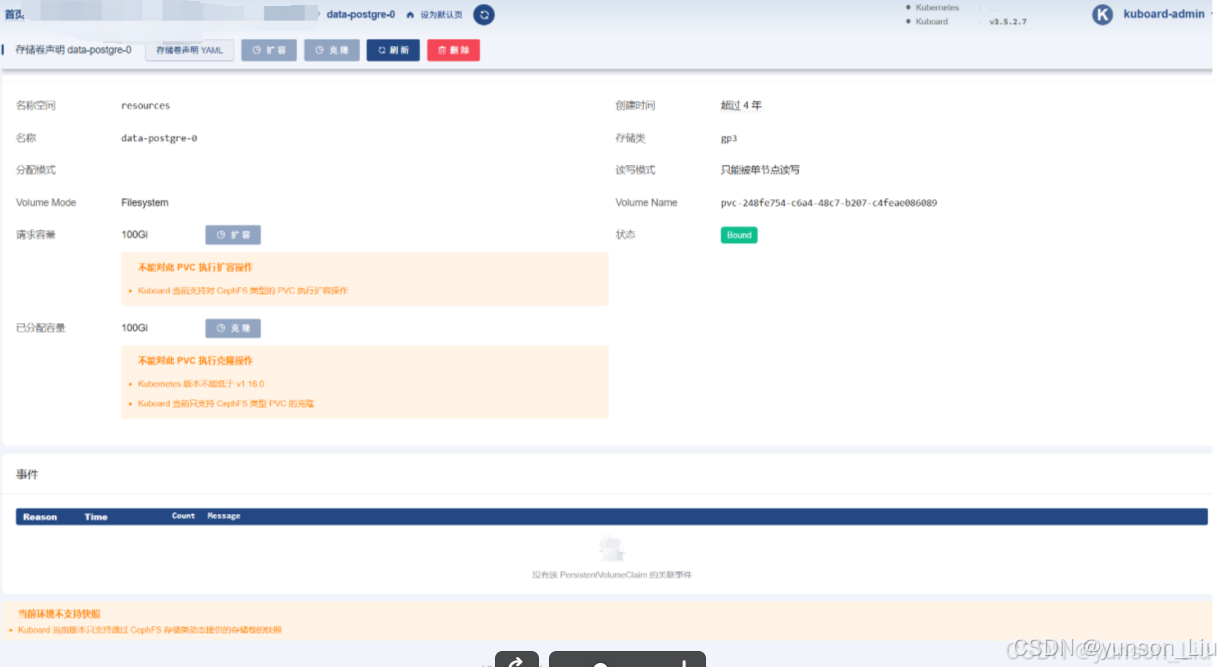
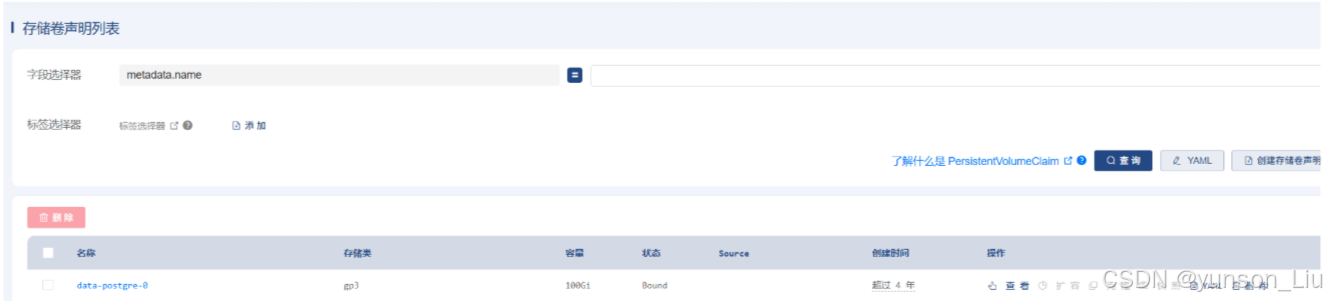
3、通过kubectl命令行直接操作
handlebars
root@devops-dev:~/openclaw-platform# kubectl patch pvc data-postgre-0 -n resources -p '{"spec":{"resources":{"requests":{"storage":"200Gi"}}}}'
persistentvolumeclaim/data-postgre-0 patched
4、回到控制台查看是否扩容成功