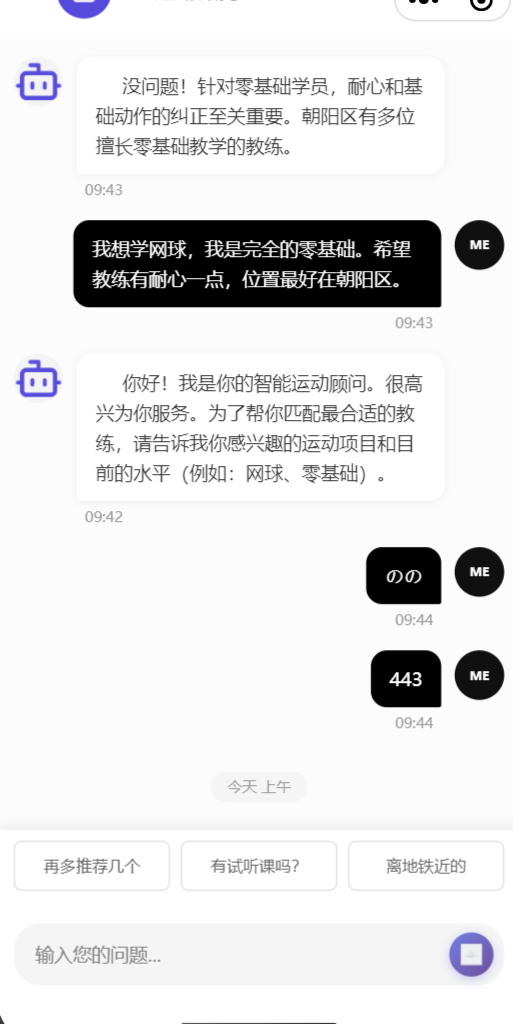
实现:每次页面进入,以及发送消息都自动定位到最后一条消息
对关键代码解读如下:
scroll-into-view : 值应为某子元素id(id不能以数字开头)。设置哪个方向可滚动,则在哪个方向滚动到该元素 。我设置scroll-y方向(垂直)
scrollToId : 值为 'scrollToBottom' 或 '' 【空字符】 ,值为 'scrollToBottom'的时候就会滚动到底部
id : 表示消息列表中第一个元素的时候,id为 'scrollToBottom'
unshift头部插入 : chatData聊天数据列表中,第一条数据是最新的数据,消息3,消息2,消息1
css样式:
flex-direction: column-reverse; // 将排列方式翻转, 因为chatData列表,第一条为最新数据,需要将它显示到界面的最底部,故翻转
overflow: hidden; // 将超出的数据隐藏
<scroll-view class="chat-container" scroll-y :scroll-into-view="scrollToId">
	<view class="msg-contant">
        <view v-for="(item, index) in chatData" :key="index">
            <view :id="index === 0 ? 'scrollToBottom' : ''">消息{{index}}</view>
        </view>
    </view>
</scroll-view>

---------js代码------
<script>
	export default {
		data() {
			return {
				scrollToId: 'scrollToBottom',
				chatData: [],// 所有聊天数据
			};
		},

		methods: {

			sendMessage() {
				if (!this.inputText.trim()) return;
				this.chatData.unshift('头部插入消息');
				this.inputText = '';
				this.scrollToBottom();
			},
			scrollToBottom() {
				this.$nextTick(() => {
					this.scrollToId = '';
					setTimeout(() => {
						this.scrollToId = 'scrollToBottom';
					}, 50);
				});
			},

		}
	};
</script>


-------css样式----
	.chat-container {
		flex: 1;
		padding: 24rpx;
		box-sizing: border-box;
		height: 100%;
		overflow: hidden;

	}

	.msg-contant {
		display: flex;
		flex-direction: column-reverse;


	}