一 安装claude
参考:
报错:
PS C:\Users\leaf> irm https://claude.ai/install.ps1 | iex
Setting up Claude Code...

✘ Installation failed

Failed to fetch version from https://downloads.claude.ai/claude-code-releases/latest: ECONNREFUSED


Try running with --force to override checks

✅ Installation complete!

PS C:\Users\leaf> claude --version
claude : 无法将"claude"项识别为 cmdlet、函数、脚本文件或可运行程序的名称。请检查名称的拼写,如果包括路径,请确保路径
正确,然后再试一次。
所在位置 行:1 字符: 1
+ claude --version
+ ~~~~~~
    + CategoryInfo          : ObjectNotFound: (claude:String) [], ParentContainsErrorRecordException
    + FullyQualifiedErrorId : CommandNotFoundException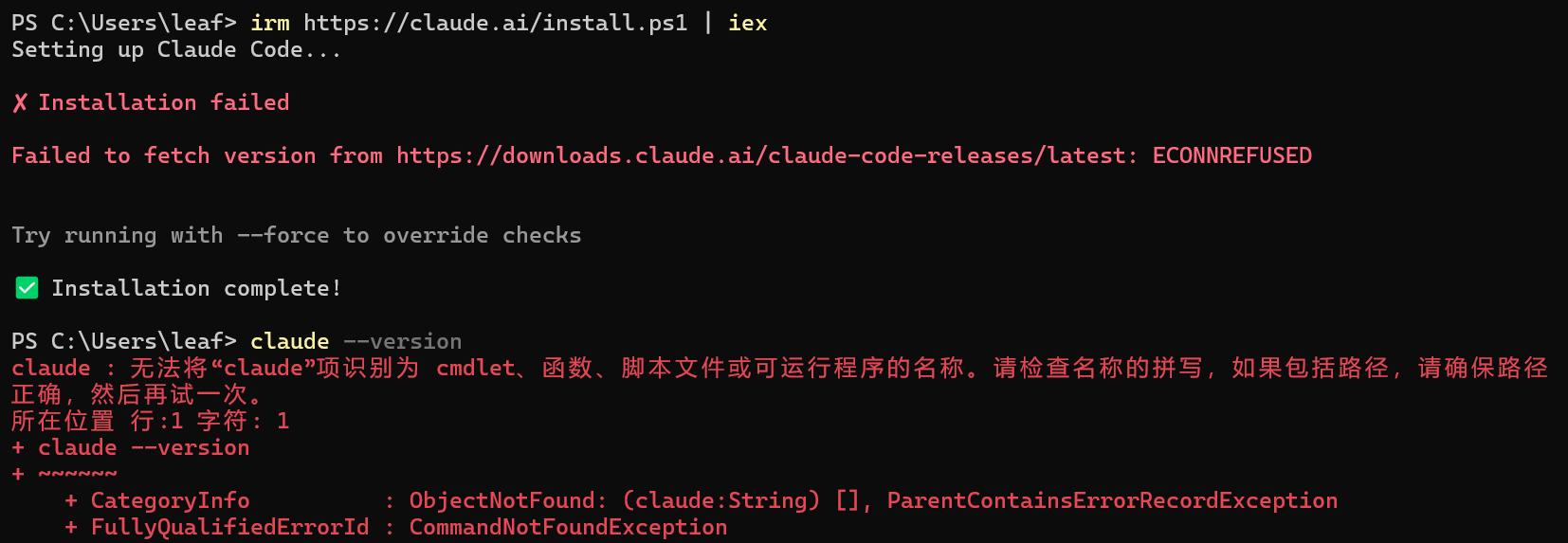
是代理问题,解决:
PS C:\Users\leaf> $env:HTTP_PROXY = "http://127.0.0.1:7897"
PS C:\Users\leaf> $env:HTTPS_PROXY = "http://127.0.0.1:7897"
PS C:\Users\leaf> irm https://claude.ai/install.ps1 | iex
Setting up Claude Code...

✔ Claude Code successfully installed!

  Version: 2.1.121

  Location: C:\Users\leaf\.local\bin\claude.exe


  Next: Run claude --help to get started

⚠ Setup notes:
  ● Native installation exists but C:\Users\leaf\.local\bin is not in your PATH. Add it by opening: System Properties →
    Environment Variables → Edit User PATH → New → Add the path above. Then restart your terminal.


✅ Installation complete!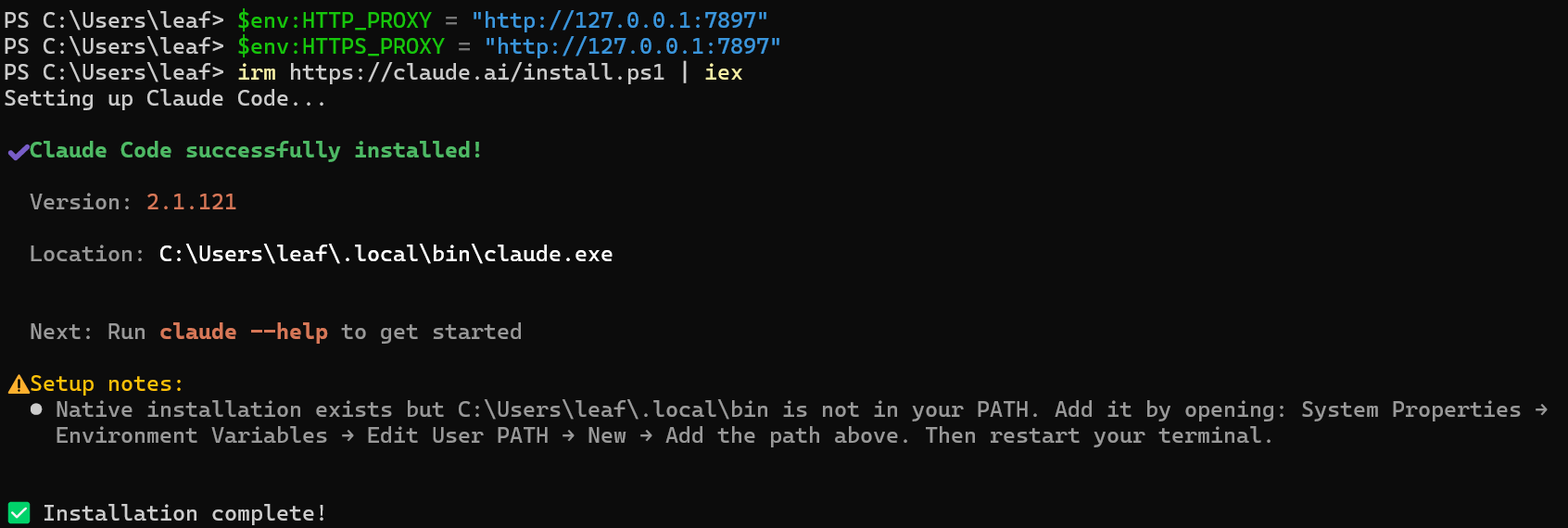
然后添加环境变量
把路径加入 PATH:
- 右键「此电脑」→ 属性 → 高级系统设置
- 点击「环境变量」
- 在上半部分「用户变量」中找到
Path,双击编辑 - 点击「新建」,粘贴:
C:\Users\leaf\.local\bin - 一路点 OK 保存
然后关掉当前 PowerShell,重新打开一个新窗口,运行:
claude --version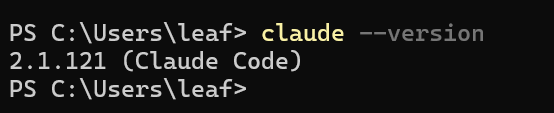
二 安装cc switch
参考: