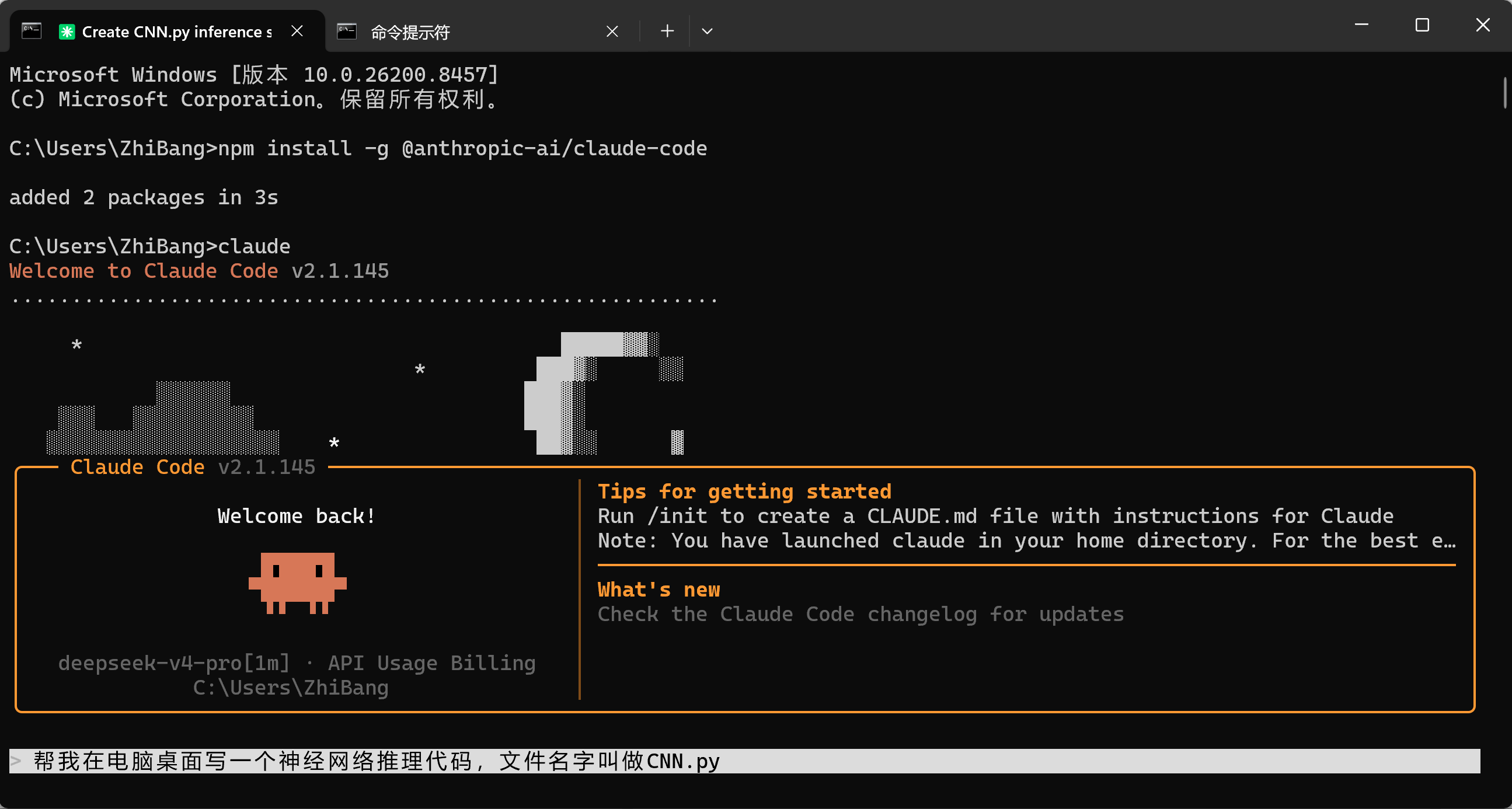
首先,在cmd终端使用如下命令安装Claude Code
bash
npm install -g @anthropic-ai/claude-code
# 如果安装过程中遇到网络问题,可以尝试使用国内 npm 镜像
npm install -g @anthropic-ai/claude-code --registry https://registry.npmmirror.com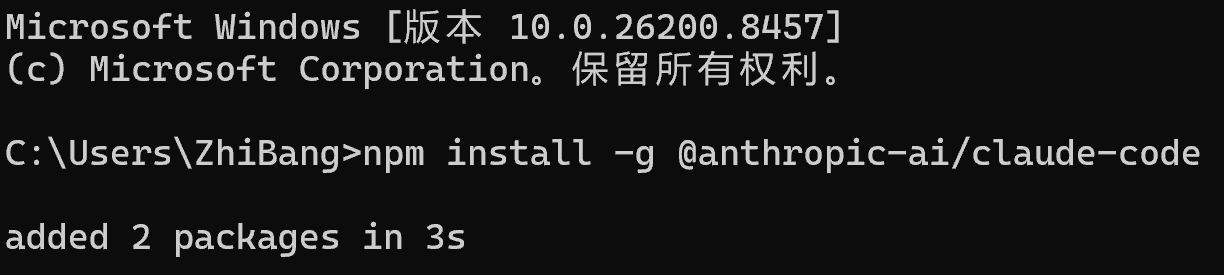
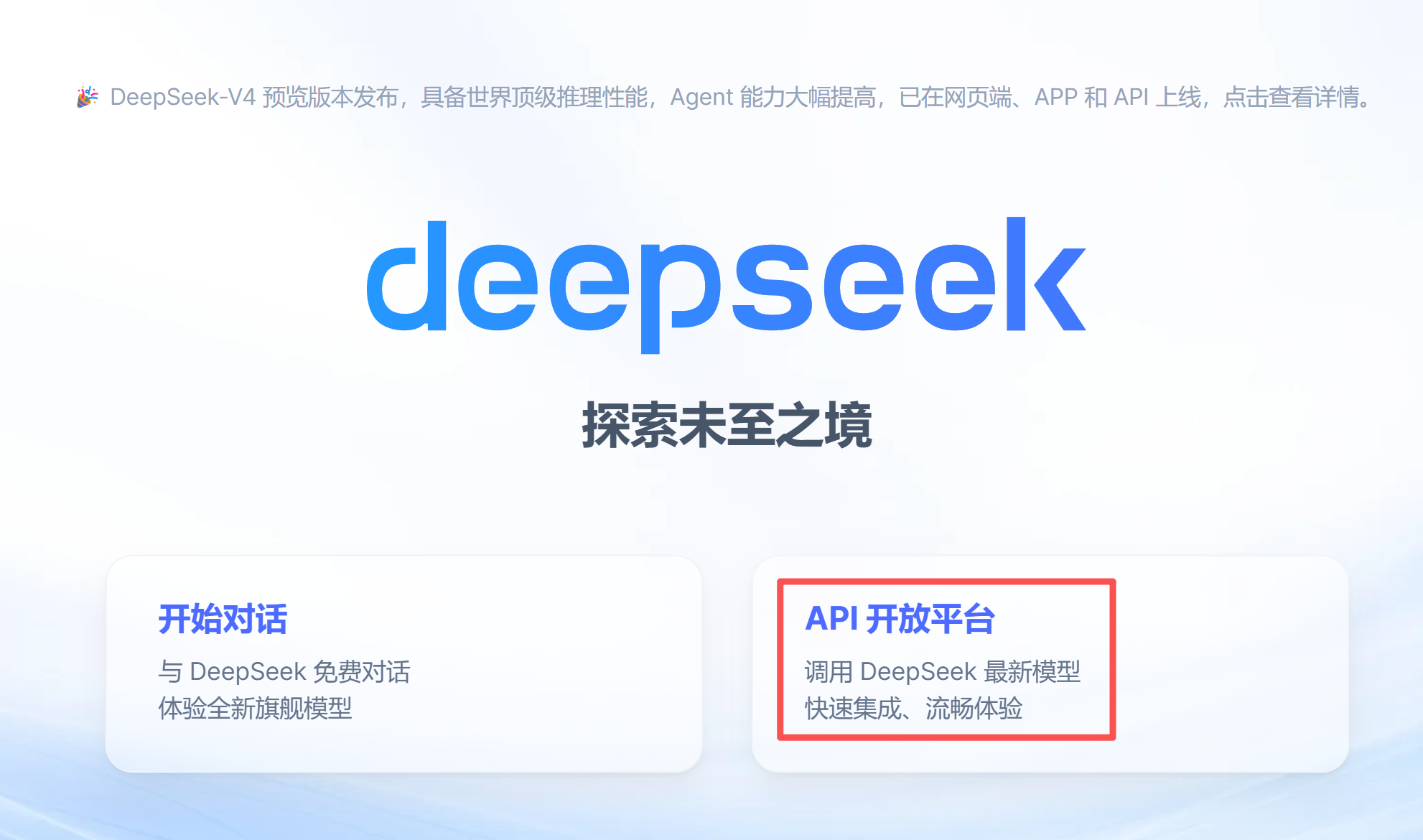
然后,进入DeepSeek官网充值并创建api密钥
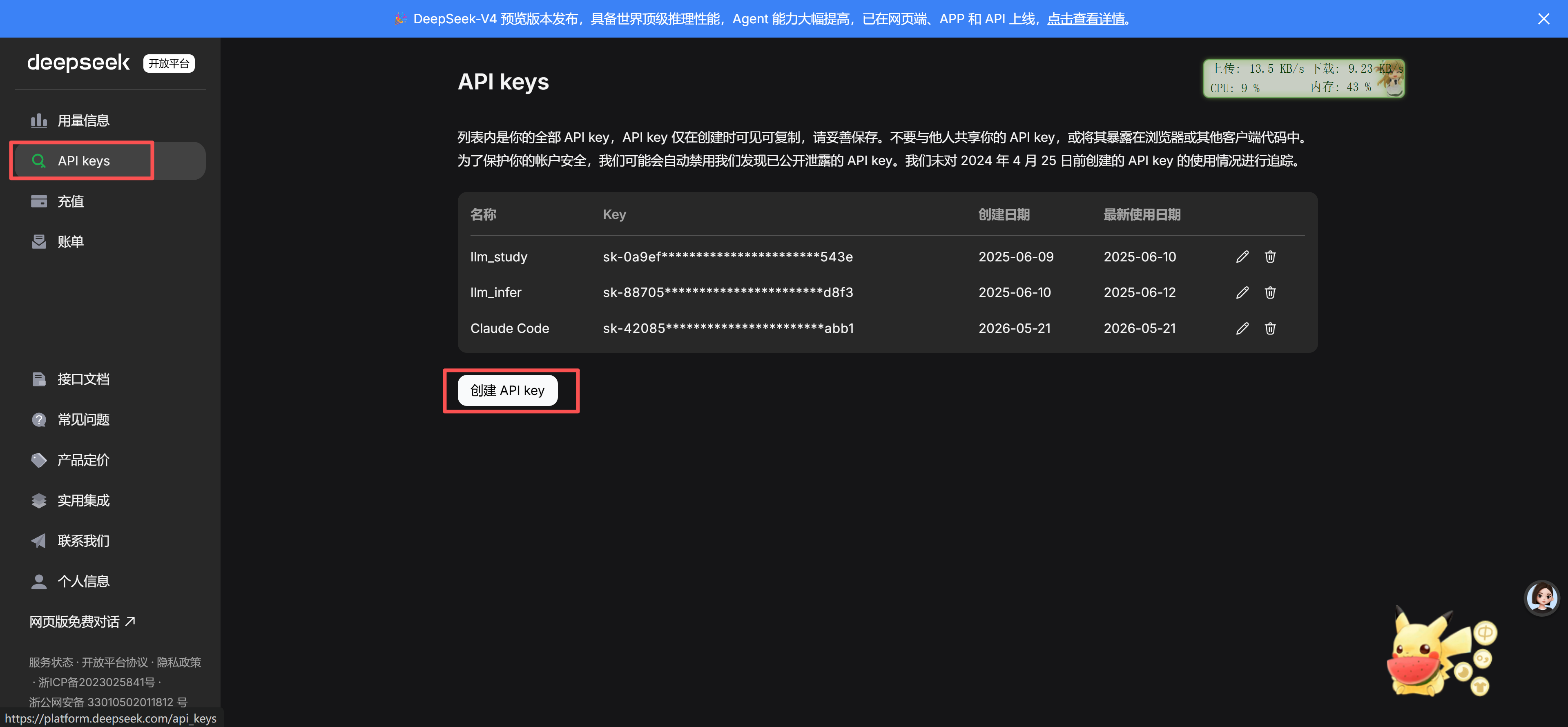
创建并保存后,进入C:\Users\ZhiBang.claude目录下(用户目录下的.claude)创建settings.json文件
文件中写入如下内容
bash
{
  "env": {
    "ANTHROPIC_AUTH_TOKEN": "sk-xxxxxxx",
    "ANTHROPIC_BASE_URL": "https://api.deepseek.com/anthropic",
    "ANTHROPIC_MODEL": "deepseek-v4-pro[1m]",
    "ANTHROPIC_DEFAULT_SONNET_MODEL": "deepseek-v4-pro[1m]",
    "ANTHROPIC_DEFAULT_OPUS_MODEL": "deepseek-v4-pro[1m]",
    "ANTHROPIC_DEFAULT_HAIKU_MODEL": "deepseek-v4-flash",
    "CLAUDE_CODE_DISABLE_NONESSENTIAL_TRAFFIC": "1",
    "CLAUDE_CODE_EFFORT_LEVEL": "max"
  },
  "enabledPlugins": {
    "superpowers@claude-plugins-official": true,
    "ui-ux-pro-max@ui-ux-pro-max-skill": true
  },
  "extraKnownMarketplaces": {
    "superpowers-marketplace": {
      "source": {
        "source": "github",
        "repo": "obra/superpowers-marketplace"
      }
    },
    "ui-ux-pro-max-skill": {
      "source": {
        "source": "github",
        "repo": "nextlevelbuilder/ui-ux-pro-max-skill"
      }
    }
  },
  "codemossProviderId": "cc0a6495-b127-4605-b636-2a3b770870af"
}
保存并退出之后,再此开启终端,然后输入如下命令开启Claude Code
bash
claude