一、GitHub地址
PPT-Master https://github.com/hugohe3/ppt-master
二、环境准备
Python安装https://blog.csdn.net/weixin_51621359/article/details/161351131
三、安装PPT-Master
1. 下载项目
# GitHub
git clone https://github.com/hugohe3/ppt-master.git
# AtomGit(国内网速更快)
git clone https://atomgit.com/hugohe3/ppt-master.git
2. 安装依赖
// 安装依赖
cd ppt-master
pip install -r requirements.txt
四、测试是否安装成功
在ppt-master项目根目录打开Cloude Code,输入以下提示词进行测试:
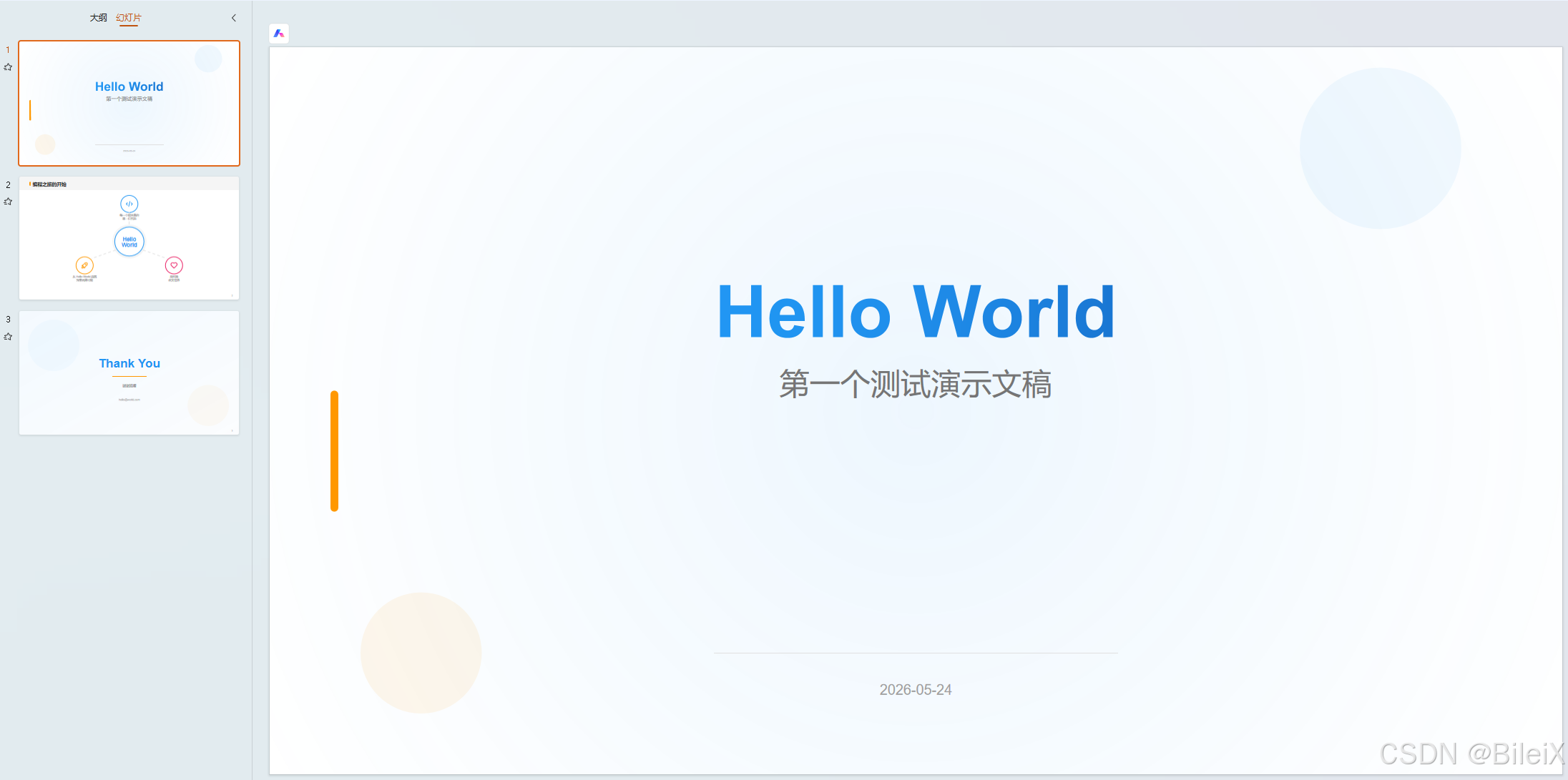
请创建一个3页测试PPT,包括封面、内容页和封底,主题为"Hello World"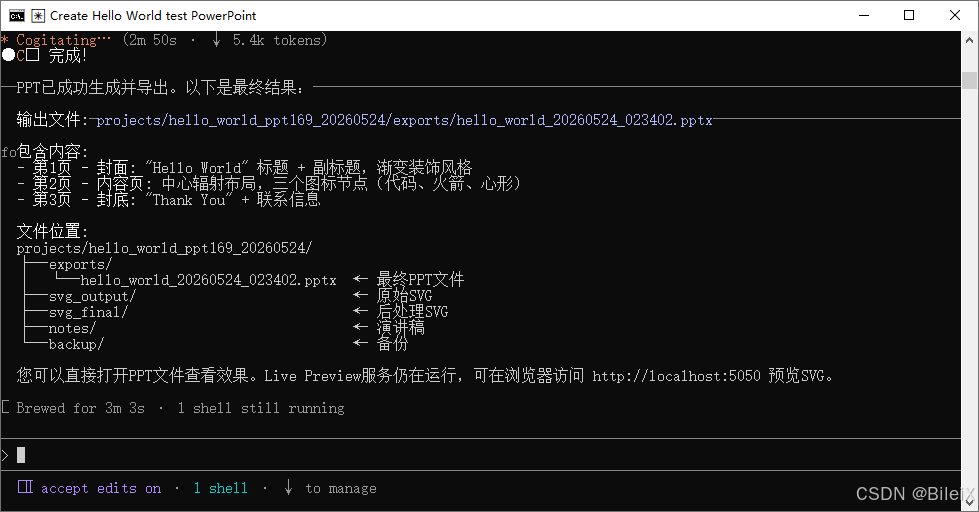
五、提示词用法
// 案例一
请用 projects/q3-report/sources/report.pdf 这份文件生成一份 PPT

//案例二
请根据以下内容制作成 PPT:[粘贴你的文字内容...]