背景
创建小项目的方法如下:
bash
cd /Users/samking/workspace/pump-gprs
npx degit dcloudio/uni-preset-vue#vite-ts pump-gprs-uni-app-ts
cd pump-gprs-uni-app-ts
npm install
运行项目
bash
npm run dev:mp-weixin然后使用微信开发者工具打开对应的dist/dev/mp-weixin 目录
现象
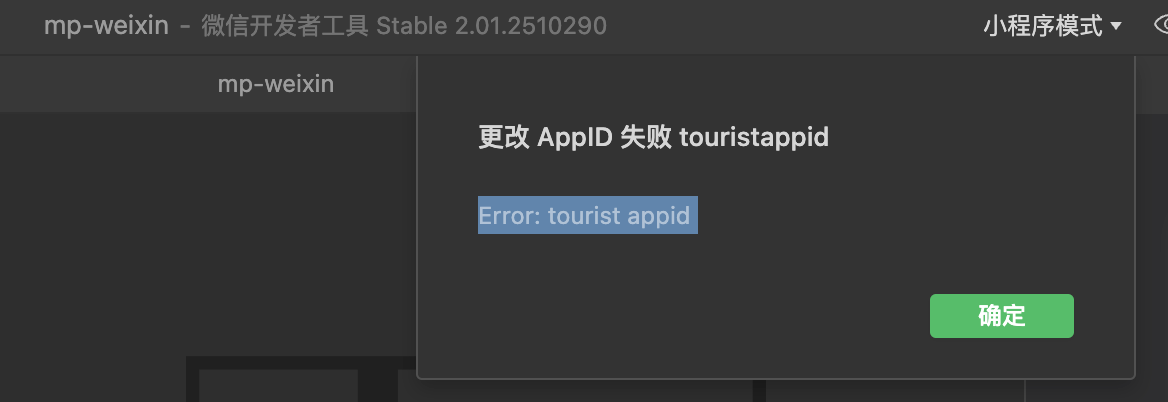
使用微信开发者工具 打开 基于uniapp 开发的微信小程序时,提示报错
标题:更改AppID失败 touristappid
内容: Error:tourist appid
解决办法
这个模板默认不会知道你的微信小程序 AppID,所以很可能 src/manifest.json 里没有配置:
bash
"mp-weixin": {
  "appid": "xxx"
}
最终微信开发者工具拿到的是 touristappid,于是报错。
结论:把真实微信小程序 AppID 写进 src/manifest.json 的 mp-weixin.appid,删除 dist/dev/mp-weixin 后重新编译,基本就能解决。
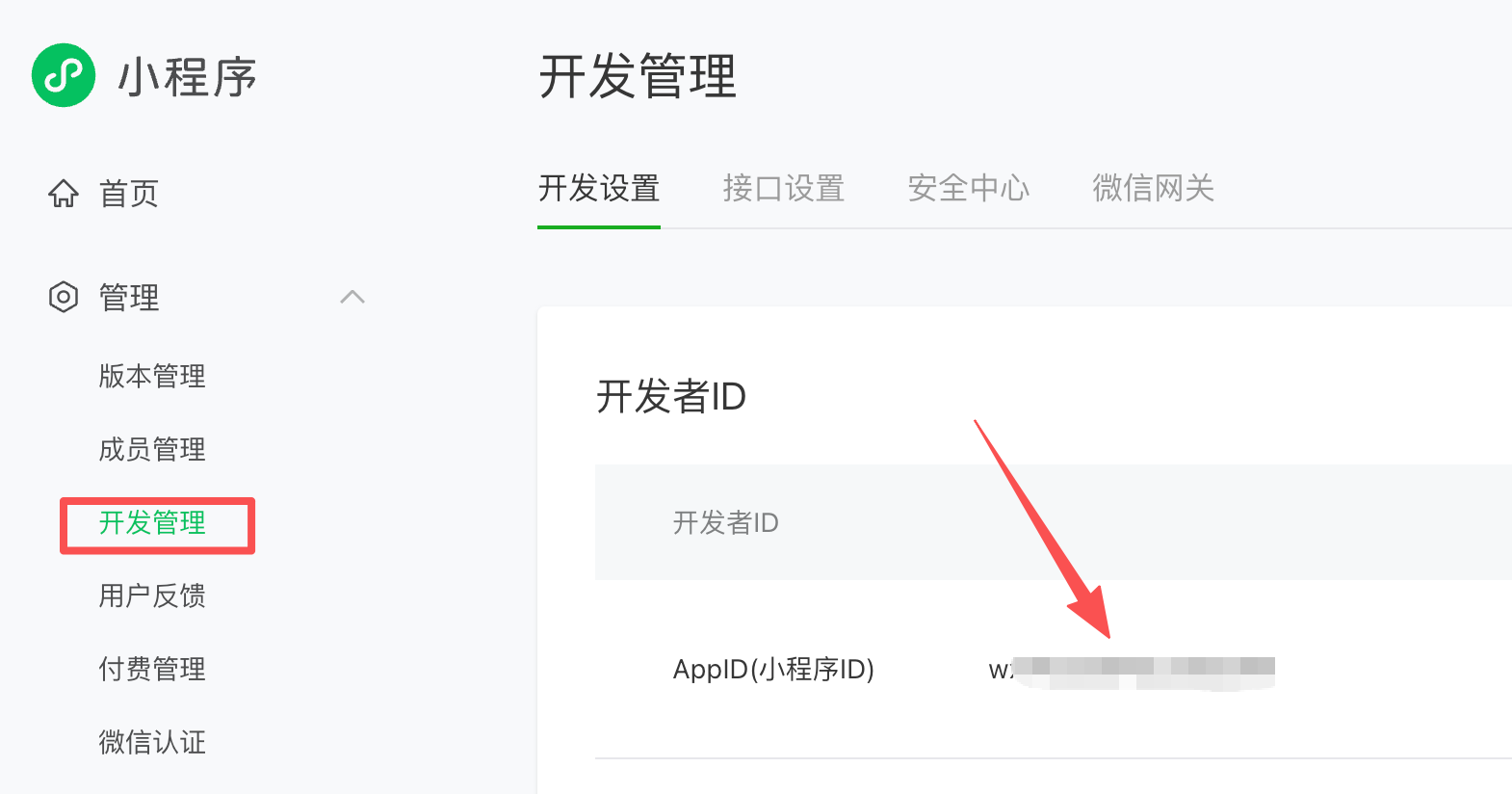
小程序的AppID可以在管理后台找到