官方文档
获取登录凭证code:点击跳转
获取手机号:点击跳转
注意: 获取手机号功能针对非个人开发者,且完成认证的小程序开放!
工作场景: 使用 企业小程序 appid ,且把微信号添加到开发者列表中
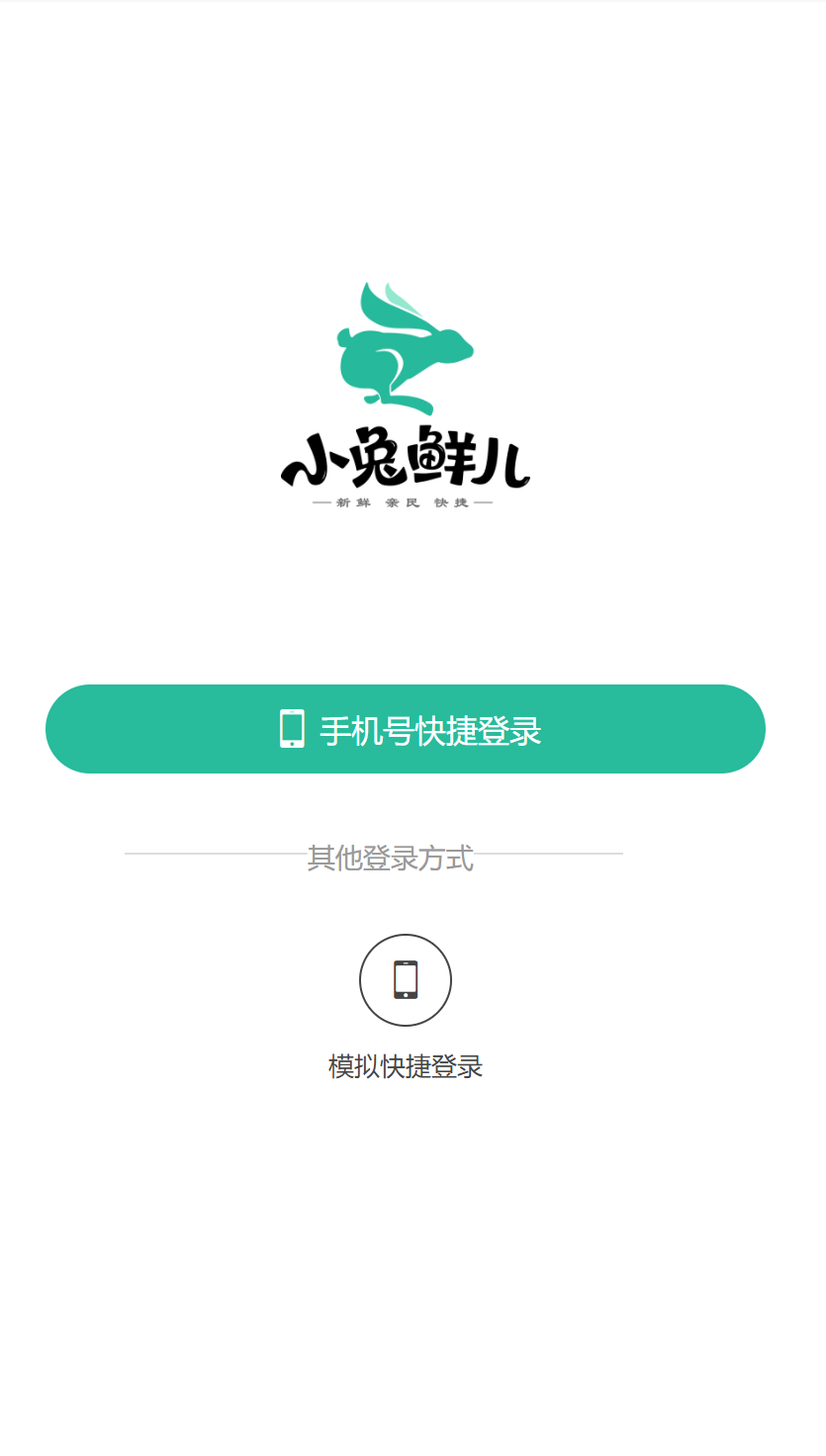
一、登录页面
// src/pages/login/login.vue
<script setup lang="ts">
//
</script>

<template>
  <view class="viewport">
    <view class="logo">
      <image
        src="https://pcapi-xiaotuxian-front-devtest.itheima.net/miniapp/images/logo_icon.png"
      ></image>
    </view>
    <view class="login">
      <!-- 网页端表单登录 -->
      <!-- <input class="input" type="text" placeholder="请输入用户名/手机号码" /> -->
      <!-- <input class="input" type="text" password placeholder="请输入密码" /> -->
      <!-- <button class="button phone">登录</button> -->

      <!-- 小程序端授权登录 -->
      <button class="button phone">
        <text class="icon icon-phone"></text>
        手机号快捷登录
      </button>
      <view class="extra">
        <view class="caption">
          <text>其他登录方式</text>
        </view>
        <view class="options">
          <!-- 通用模拟登录 -->
          <button>
            <text class="icon icon-phone">模拟快捷登录</text>
          </button>
        </view>
      </view>
      <view class="tips">登录/注册即视为你同意《服务条款》和《小兔鲜儿隐私协议》</view>
    </view>
  </view>
</template>

<style lang="scss">
page {
  height: 100%;
}

.viewport {
  display: flex;
  flex-direction: column;
  height: 100%;
  padding: 20rpx 40rpx;
}

.logo {
  flex: 1;
  text-align: center;
  image {
    width: 220rpx;
    height: 220rpx;
    margin-top: 15vh;
  }
}

.login {
  display: flex;
  flex-direction: column;
  height: 60vh;
  padding: 40rpx 20rpx 20rpx;

  .input {
    width: 100%;
    height: 80rpx;
    font-size: 28rpx;
    border-radius: 72rpx;
    border: 1px solid #ddd;
    padding-left: 30rpx;
    margin-bottom: 20rpx;
  }

  .button {
    display: flex;
    align-items: center;
    justify-content: center;
    width: 100%;
    height: 80rpx;
    font-size: 28rpx;
    border-radius: 72rpx;
    color: #fff;
    .icon {
      font-size: 40rpx;
      margin-right: 6rpx;
    }
  }

  .phone {
    background-color: #28bb9c;
  }

  .wechat {
    background-color: #06c05f;
  }

  .extra {
    flex: 1;
    padding: 70rpx 70rpx 0;
    .caption {
      width: 440rpx;
      line-height: 1;
      border-top: 1rpx solid #ddd;
      font-size: 26rpx;
      color: #999;
      position: relative;
      text {
        transform: translate(-40%);
        background-color: #fff;
        position: absolute;
        top: -12rpx;
        left: 50%;
      }
    }

    .options {
      display: flex;
      justify-content: center;
      align-items: center;
      margin-top: 70rpx;
      button {
        padding: 0;
        background-color: transparent;
      }
    }

    .icon {
      font-size: 24rpx;
      color: #444;
      display: flex;
      flex-direction: column;
      align-items: center;

      &::before {
        display: flex;
        align-items: center;
        justify-content: center;
        width: 80rpx;
        height: 80rpx;
        margin-bottom: 6rpx;
        font-size: 40rpx;
        border: 1rpx solid #444;
        border-radius: 50%;
      }
    }
    .icon-weixin::before {
      border-color: #06c05f;
      color: #06c05f;
    }
  }
}

.tips {
  position: absolute;
  bottom: 80rpx;
  left: 20rpx;
  right: 20rpx;
  font-size: 22rpx;
  color: #999;
  text-align: center;
}
</style>
二、定义接口
//src/services/login.ts
export type LoginParams = {
  code: string
  encryptedData: string
  iv: string
}

/**
 * 小程序登录
 * @param data 请求参数
 */
export const postLoginWxMin = (data: LoginParams) => {
  return http({
    method: 'POST',
    url: '/login/wxMin',
    data,
  })
}
三、获取登录凭证code

四、获取手机号并登录
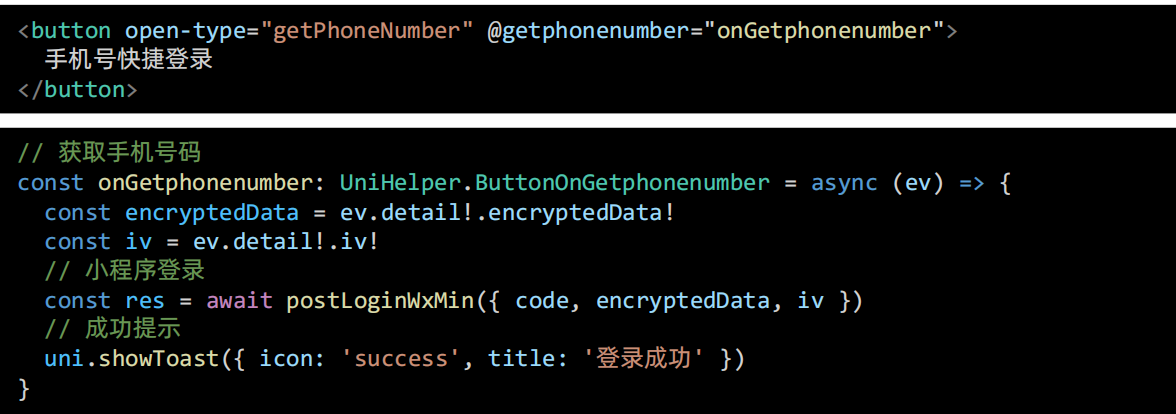
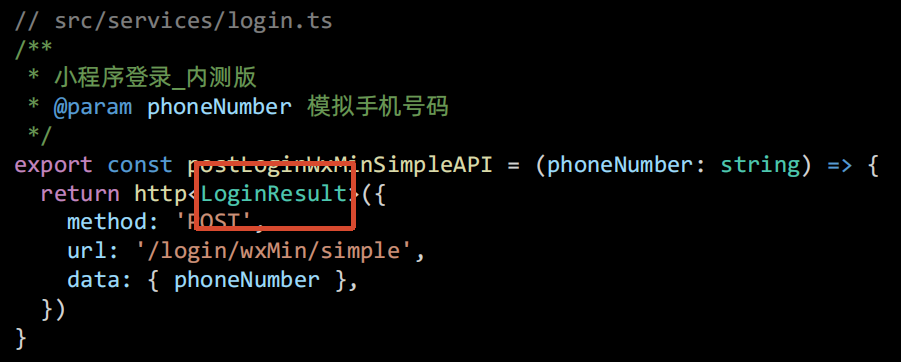
五、模拟快捷登录
说明: 获取手机号功能 对个人开发者 不开放 官方链接
1、封装模拟登录API
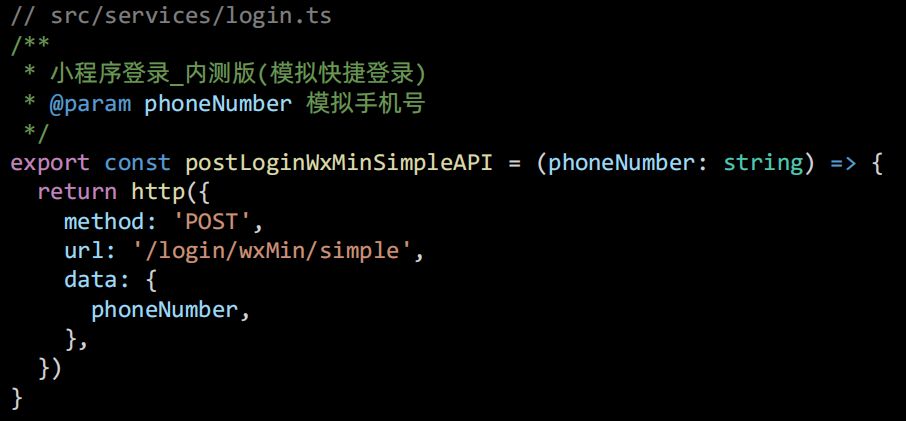
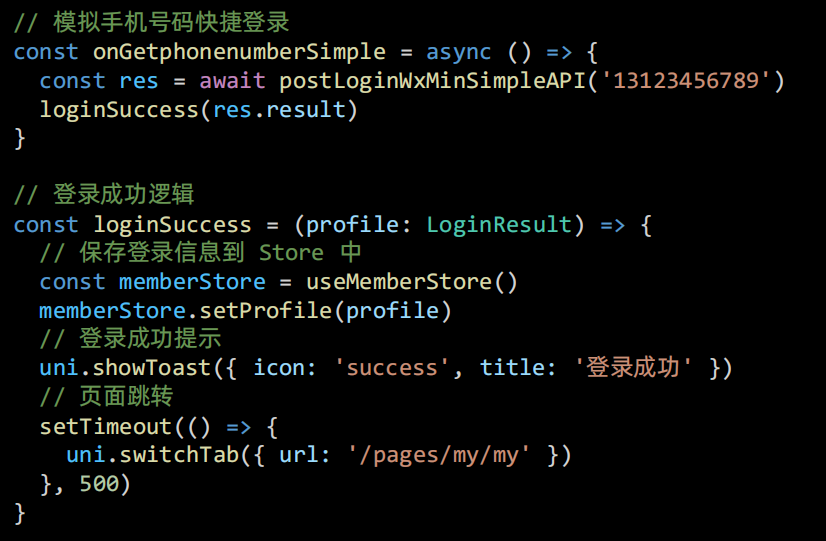
2、调用模拟登录
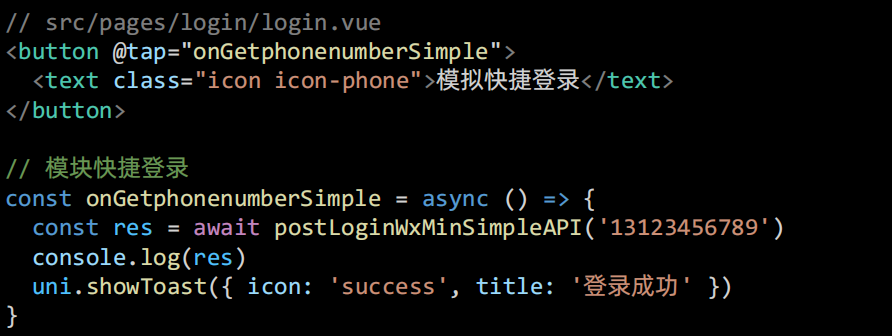
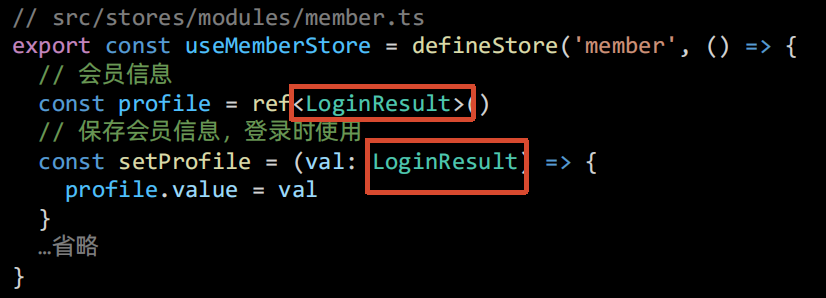
六、保存登录会员信息
1、类型声明
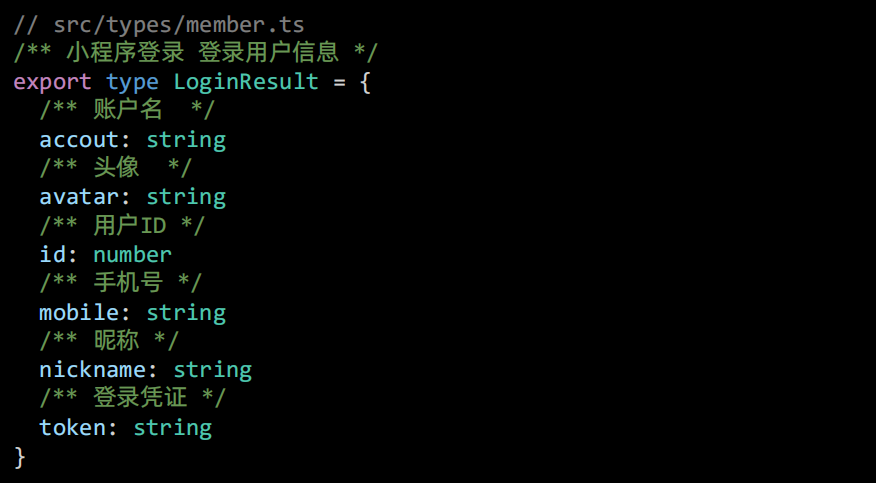
2、状态管理
3、页面跳转
觉得有帮助的话,打赏一下呗。。