1.猜你喜欢
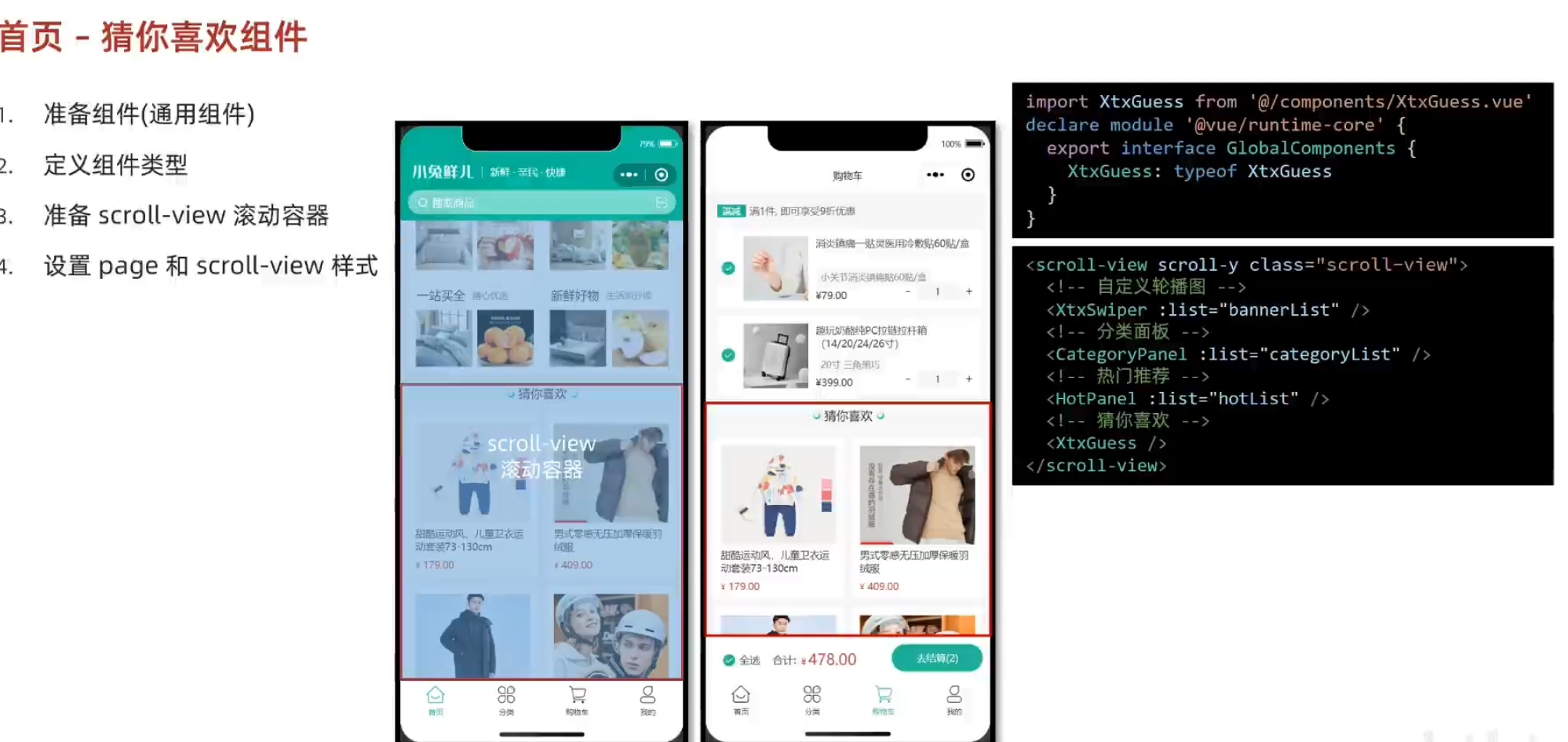
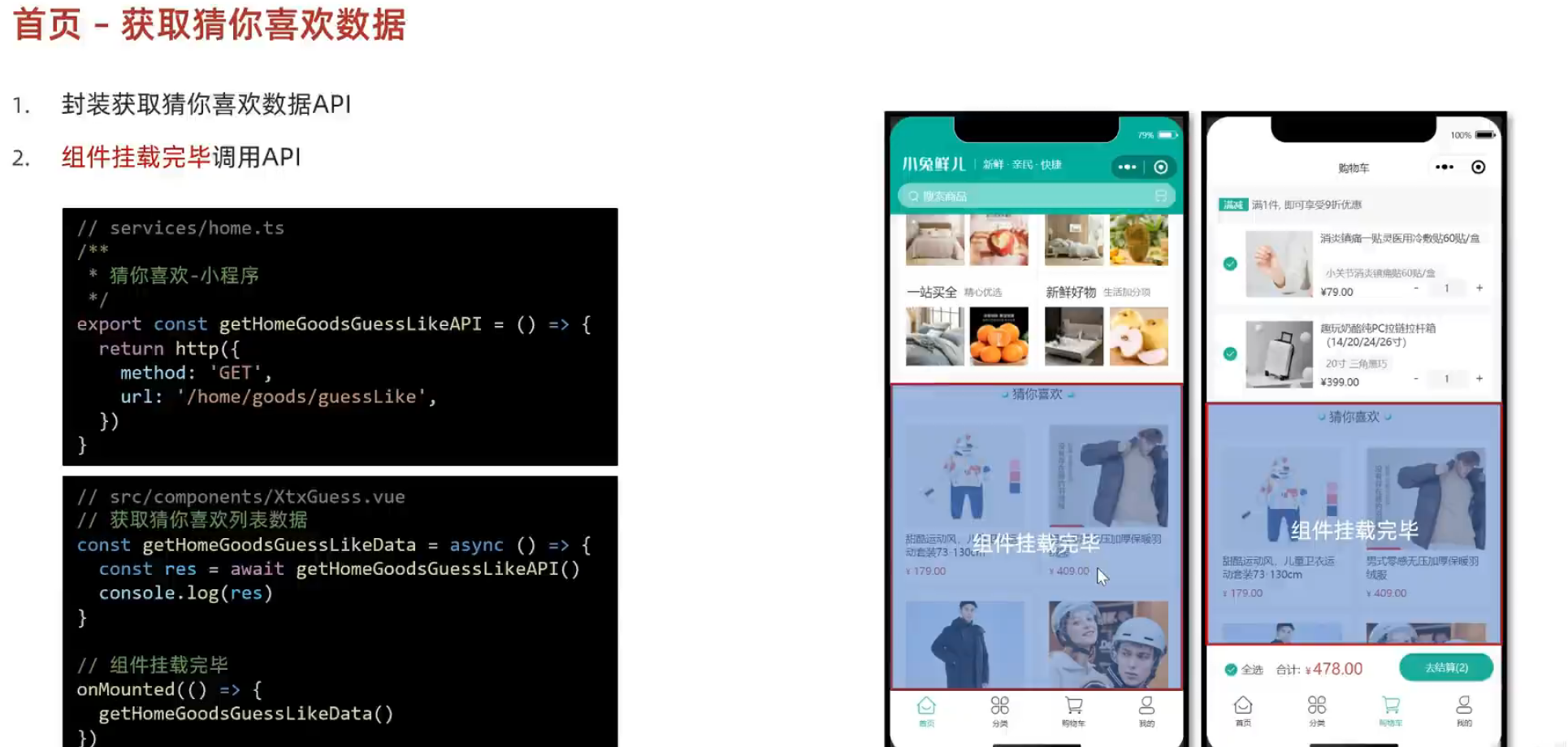
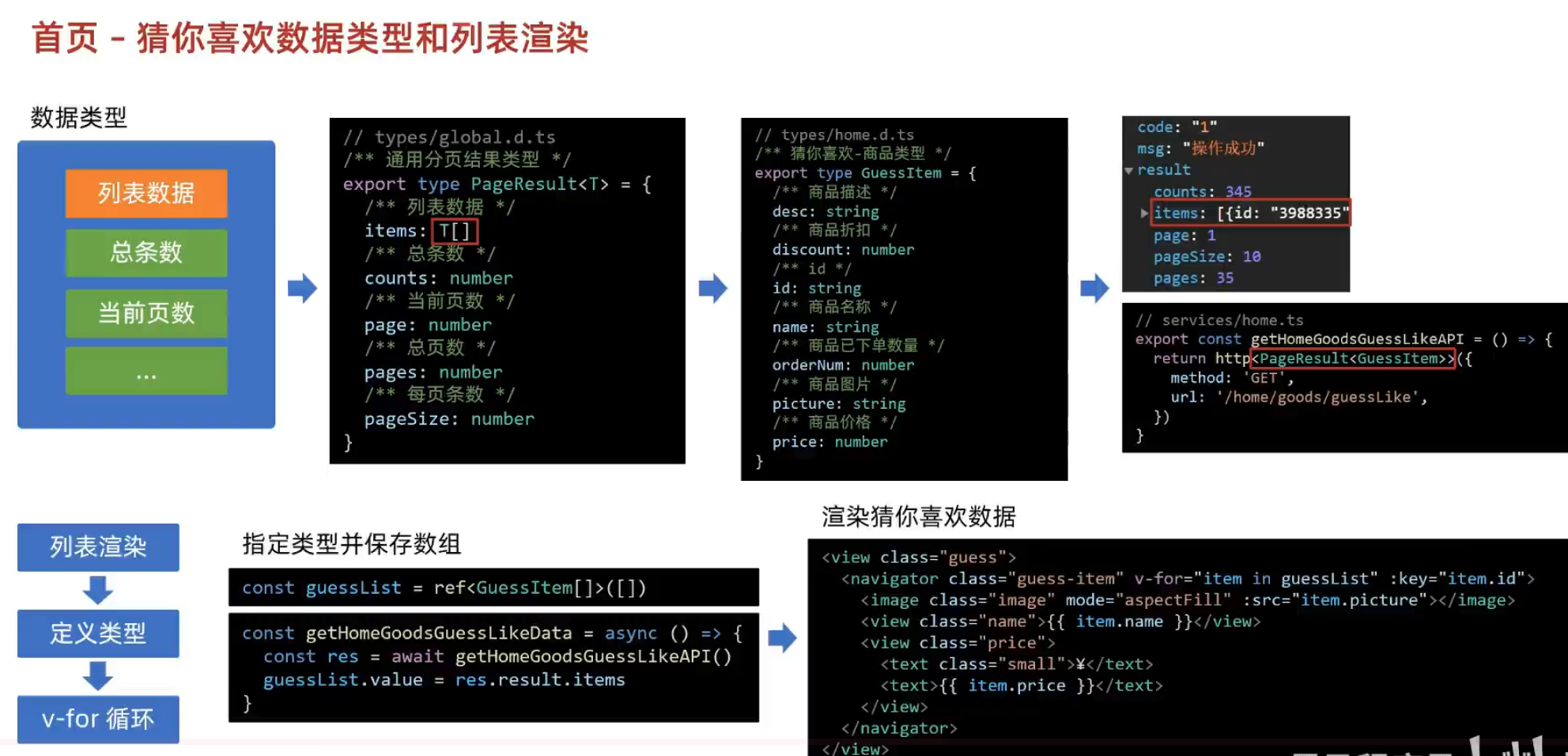
2.分页准备
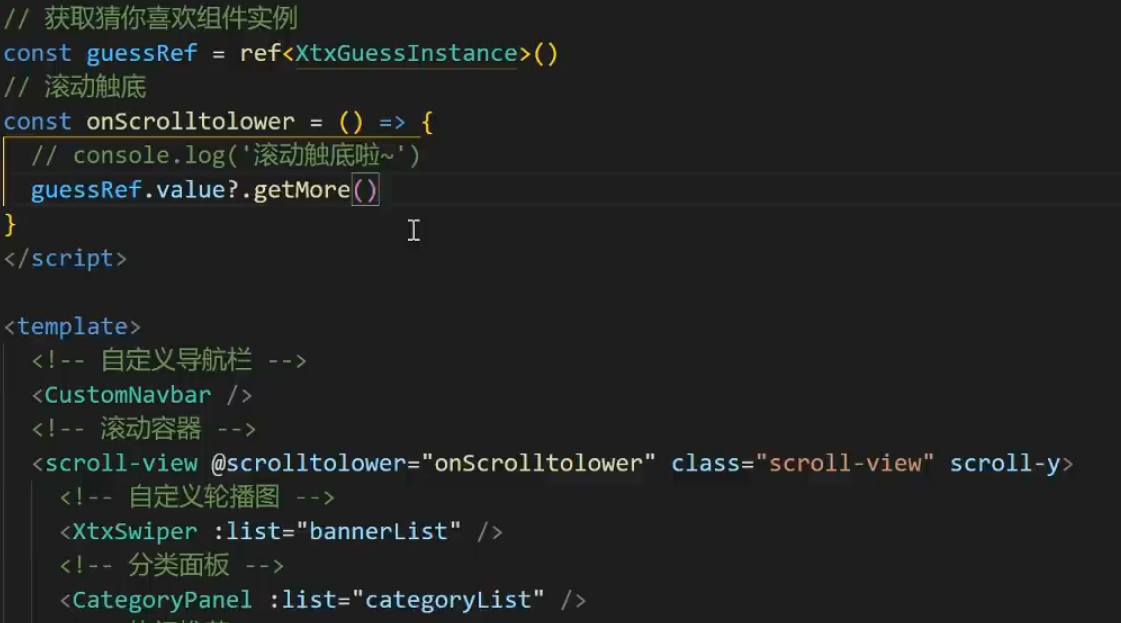
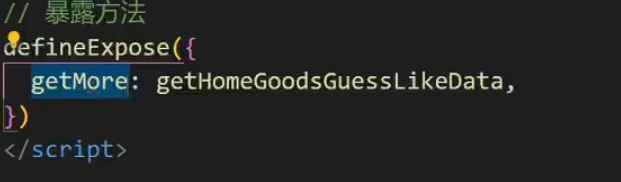
#让子组件触发getMore
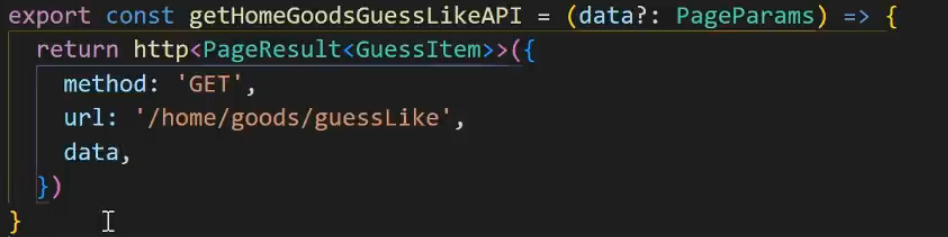
#添加data参数,ts中参数必须有类型
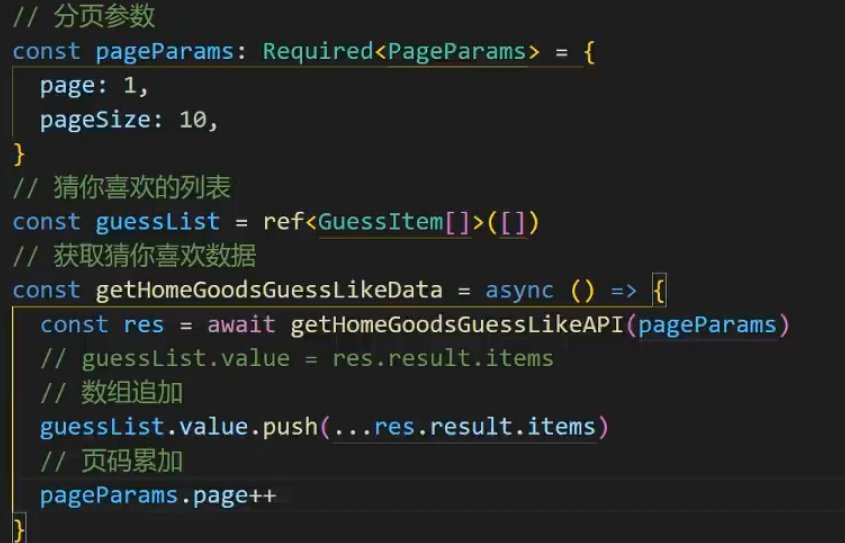
#添加分页函数.加上required防止出现累加引起的undefined情况

#分页参数类型

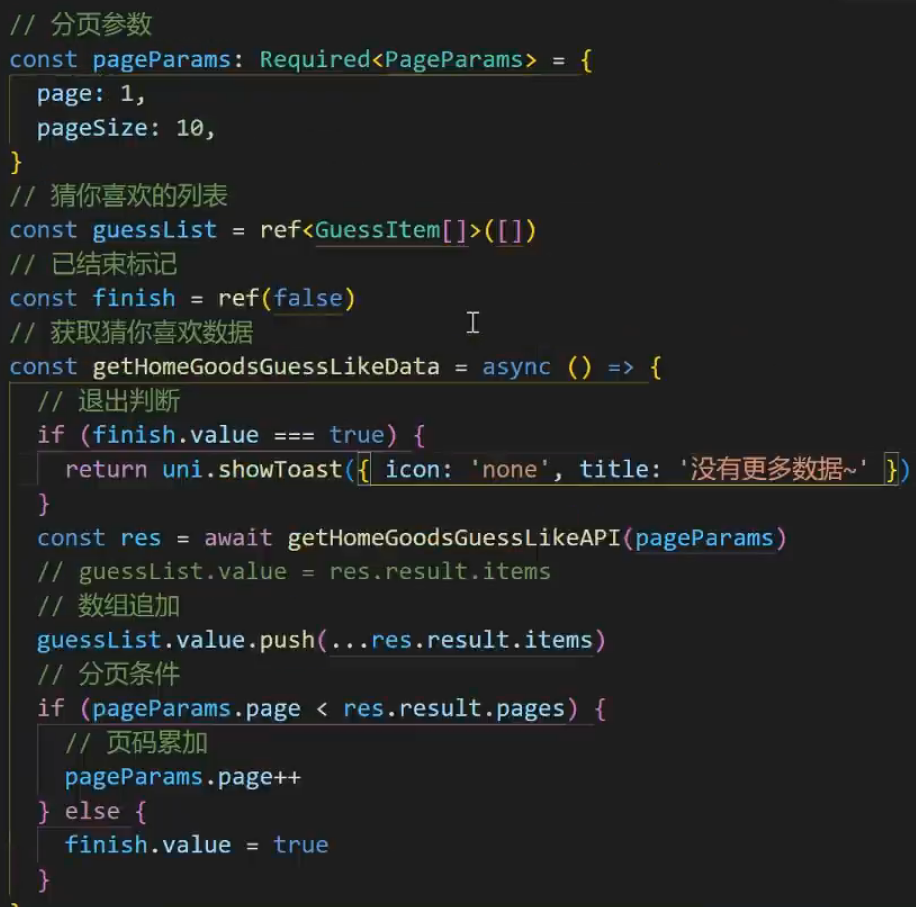
#设置分页条件
3.下拉刷新
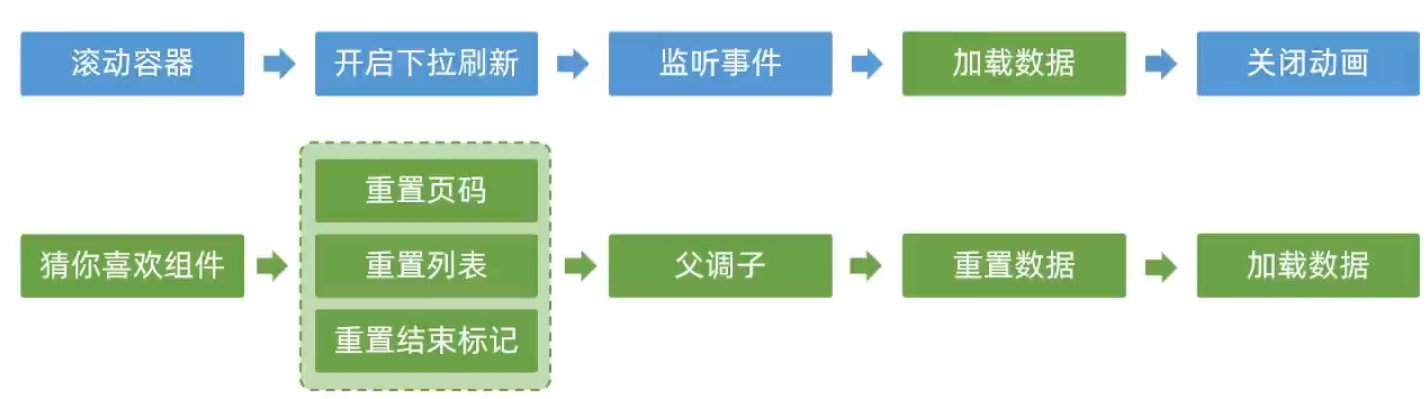
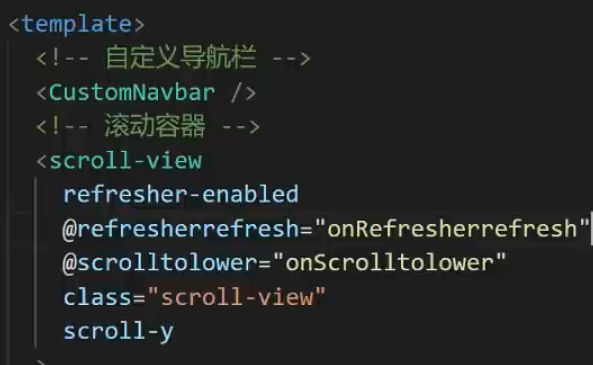
#开启下拉属性
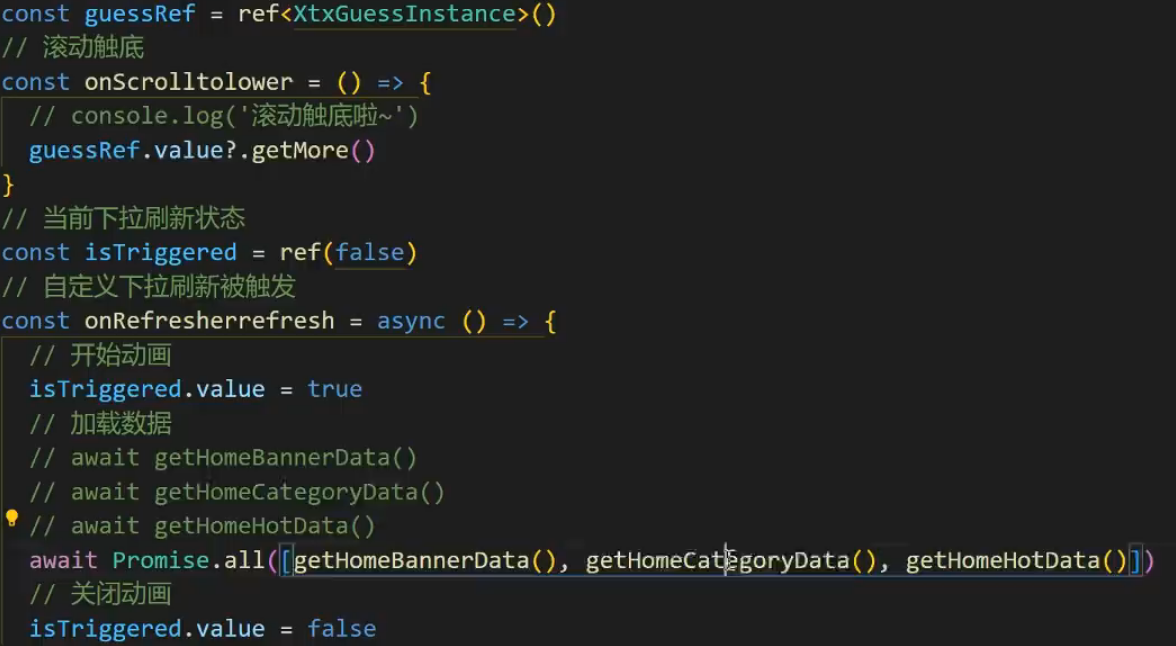
#加载数据和关闭动画
4.骨架图

5.热门推荐
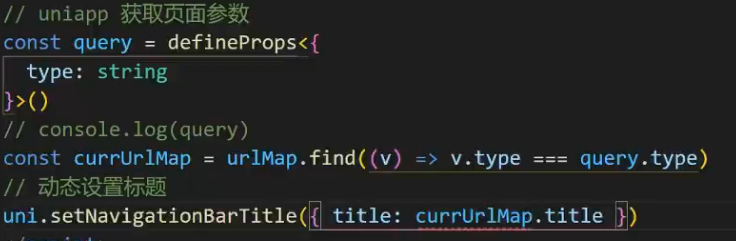
#获取页面信息,得到推荐信息,动态设置标题
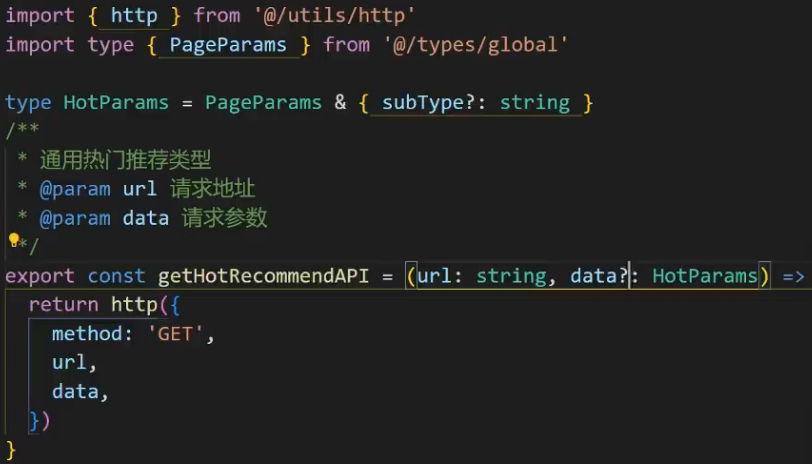
#封装通用接口,url是变化的,作为参数开发出来
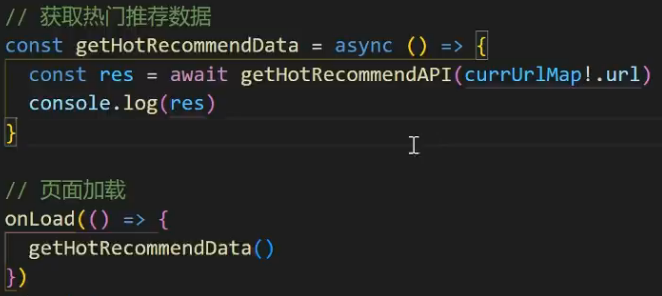
#初始化调用
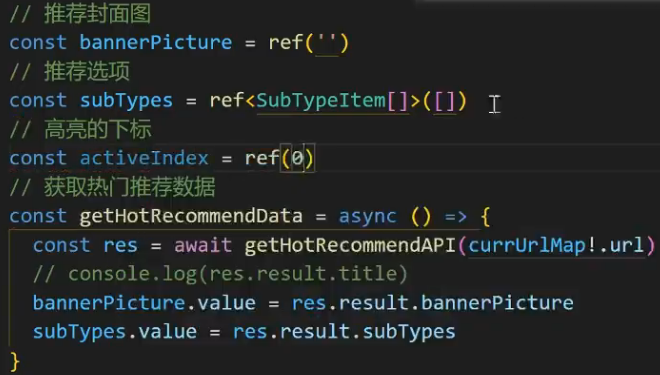
#保存需要渲染的数据
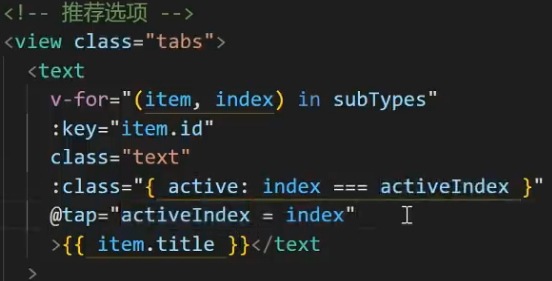
#封面渲染与切换
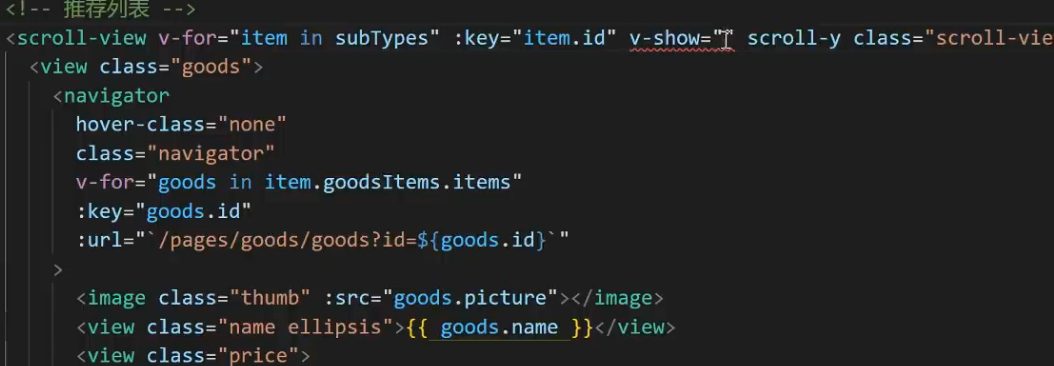
6.分页加载
#列表数据切换

javascript
<script>
//滚动触底
const onScrolltolower = async () => {
  //获取当前选项
  const currsubTypes = subTypes.value[activeIndex.value]
  //当前页面累加
  currsubTypes.goodsItems.page++
  //调用API传参
  const res = await getHotRecommendAPI(currUrlMap!.url, {
    subType: currsubTypes.id,
    page: currsubTypes.goodsItems.page,
    pageSize: currsubTypes.goodsItems.pageSize
  })
  //新的列表选项
  const newSubTypes = res.result.subTypes[activeIndex.value]
  //数组追加
  currsubTypes.goodsItems.items.push(...newSubTypes.goodsItems.items)
}
</script>

<template>
<scroll-view
      v-for="(item, index) in subTypes"
      :key="item.id"
      v-show="activeIndex === index"
      scroll-y
      class="scroll-view"
      @scrolltolower="onScrolltolower"
    >
</template>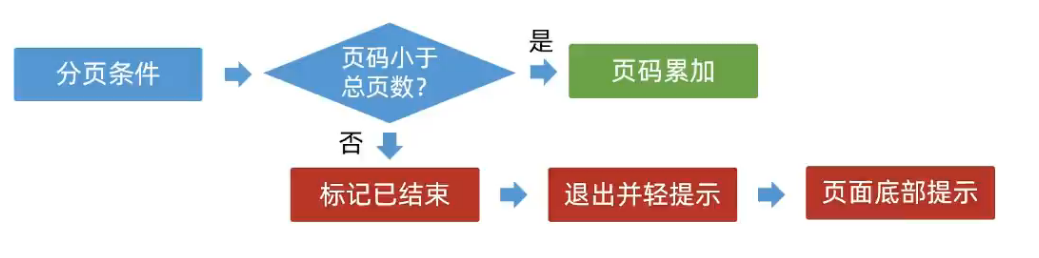
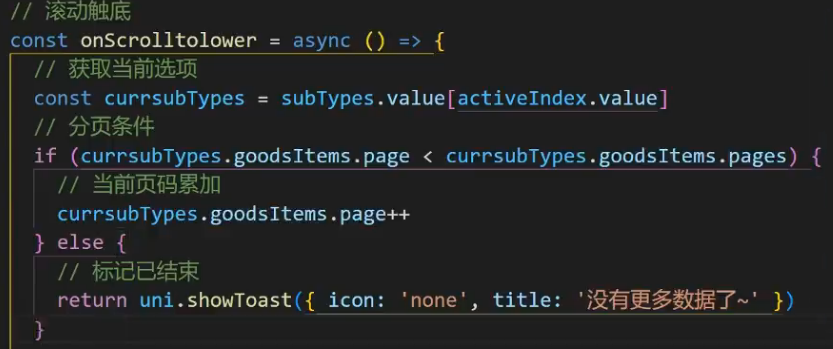
#使页面与总码对比
8.前台分类

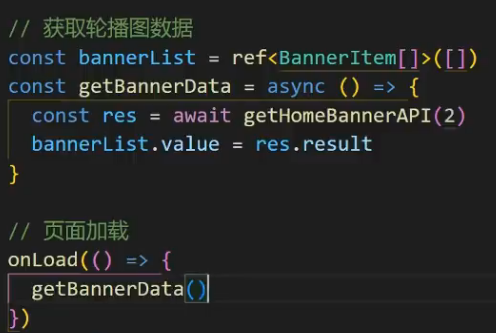
#获取轮播图数据
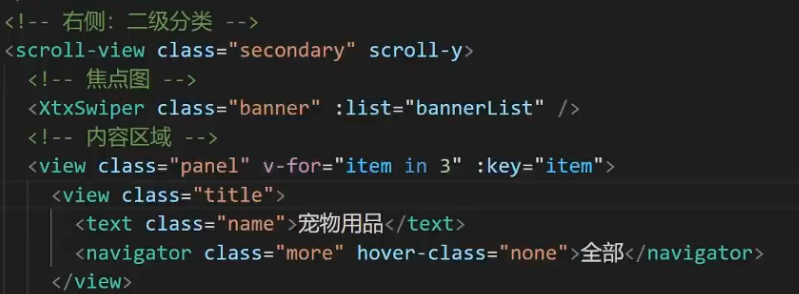
#渲染轮播图
9.商品详情

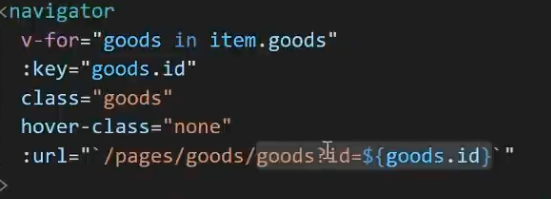
#传参
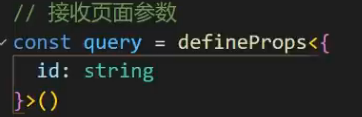
#接受参数
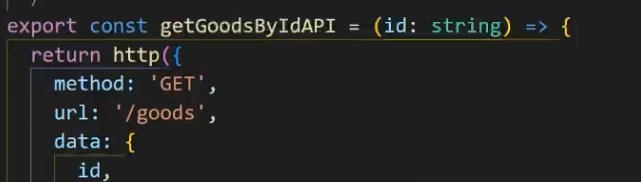
#封装API接口
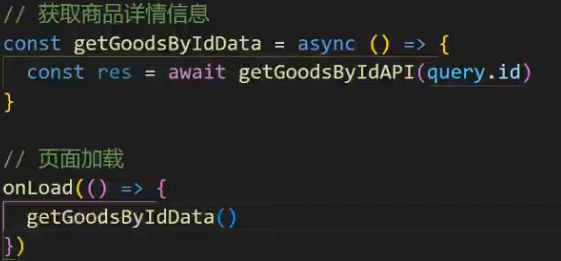
#初始化调用
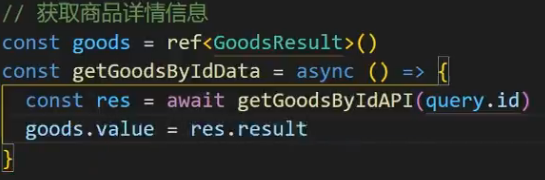
#指定类型
10.轮播图
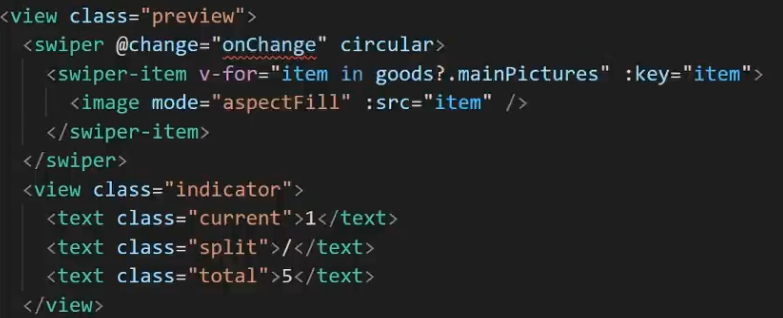
#change监听轮播图变化

#大图预览
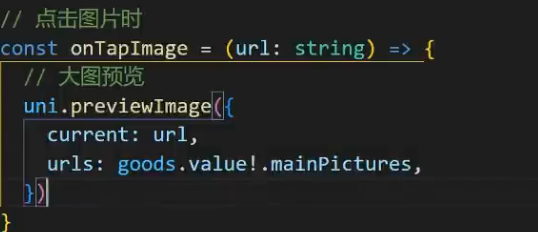
#用uni的自带预览函数
11.弹出层组件
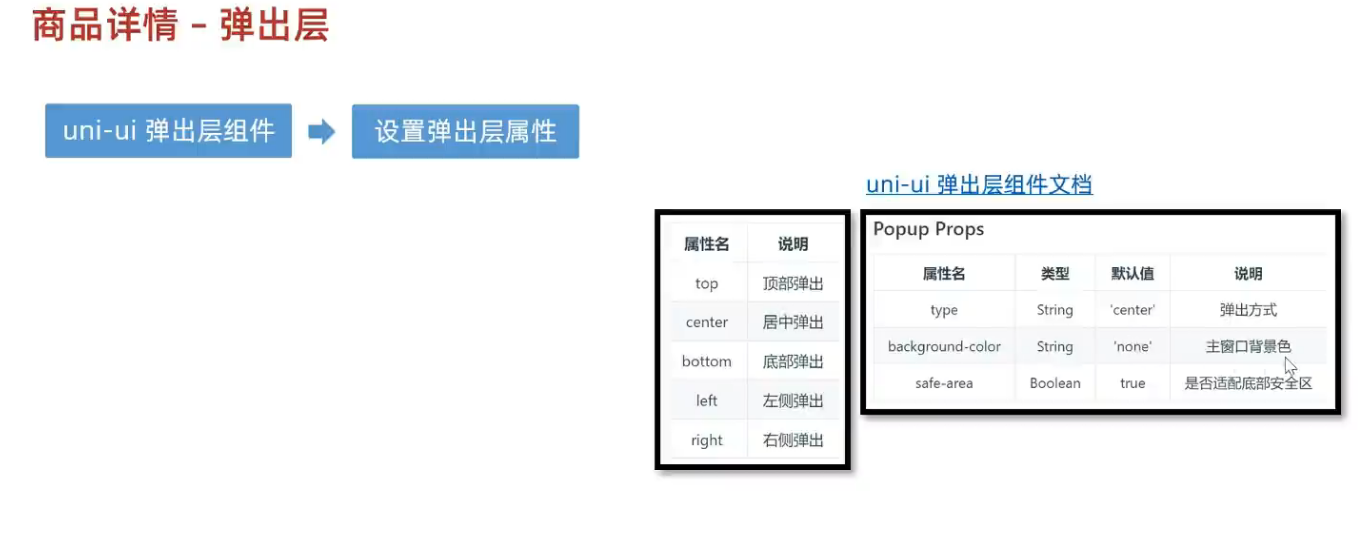
javascript
<template>
    <view>
        <button @click="open">打开弹窗</button>
        <uni-popup ref="popup" type="bottom" border-radius="10px 10px 0 0">底部弹出 Popup 自定义圆角</uni-popup>
    </view>
</template>
<script>
export default {
   methods:{
      open(){
        // 通过组件定义的ref调用uni-popup方法 ,如果传入参数 ,type 属性将失效 ,仅支持 ['top','left','bottom','right','center']
        this.$refs.popup.open('top')
      }
   }
}
</script>