官方主页
bash
https://www.sqlite.org/index.html使用示例
bash
'''
Author: xudawu
Date: 2026-06-25 14:27:04
LastEditors: xudawu
LastEditTime: 2026-06-25 14:29:38
'''
import sqlite3

import sqlite3

# 1. 连接到数据库(如果文件不存在,会自动创建)
sqlite_db_path = 'sqlite_demo.db'
conn = sqlite3.connect(sqlite_db_path)

# 2. 创建游标对象,用于执行 SQL 语句
cursor = conn.cursor()

# 3. 创建表
cursor.execute('''
    CREATE TABLE IF NOT EXISTS users (
        id INTEGER PRIMARY KEY AUTOINCREMENT,
        name TEXT NOT NULL,
        age INTEGER
    )
''')

# 4. 插入数据(单条)
cursor.execute("INSERT INTO users (name, age) VALUES (?, ?)", ('xudawu', 16))

# 5. 批量插入数据
users_data = [('test1', 22), ('test2', 35), ('test3', 40)]
cursor.executemany("INSERT INTO users (name, age) VALUES (?, ?)", users_data)

# 6. 提交事务(保存更改)
conn.commit()

# 7. 查询数据
print("--- 所有用户 ---")
cursor.execute("SELECT * FROM users")
rows = cursor.fetchall()
for row in rows:
    print(f"ID: {row[0]}, 姓名: {row[1]}, 年龄: {row[2]}")

# 8. 关闭游标和连接
cursor.close()
conn.close()
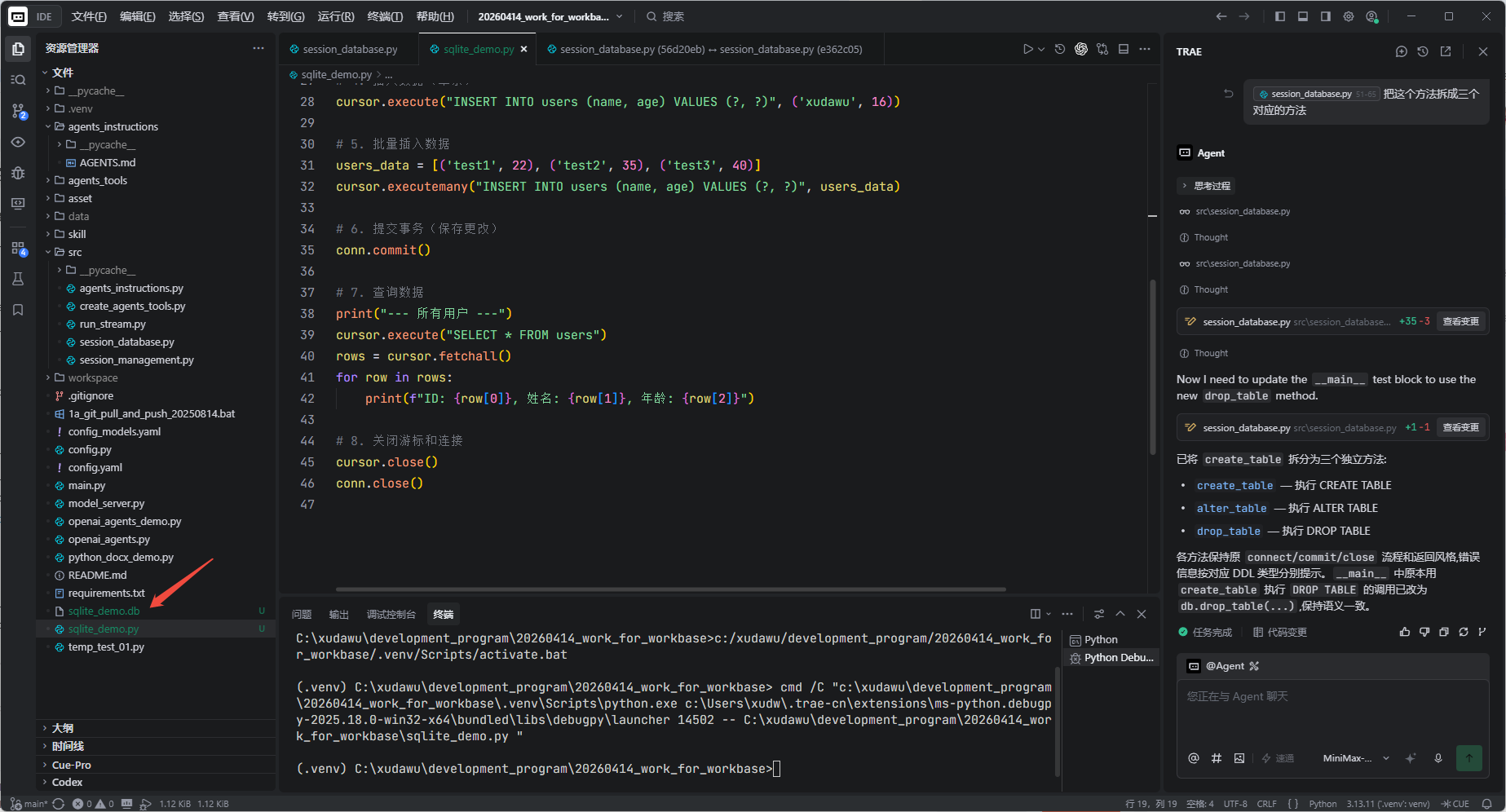
会自动创建sqlite文件
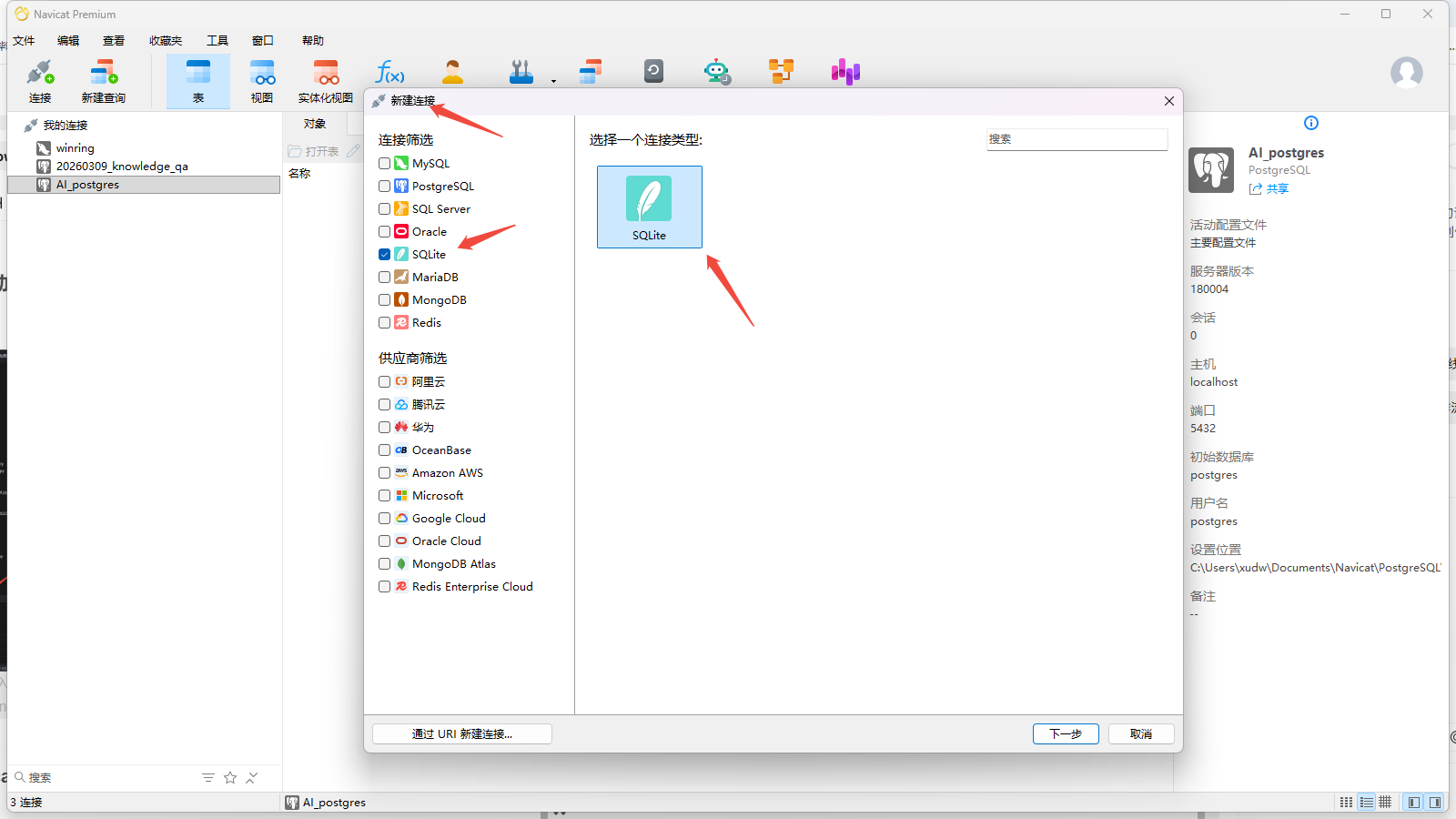
navicat查看数据库内容
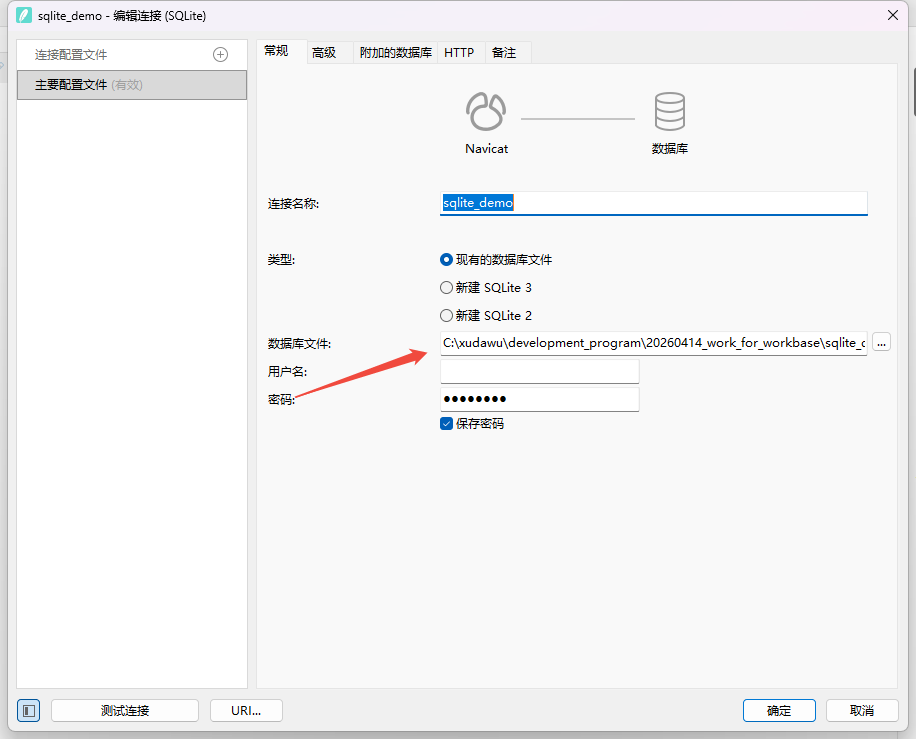
输入文件地址即可连接,不需要用户名和密码
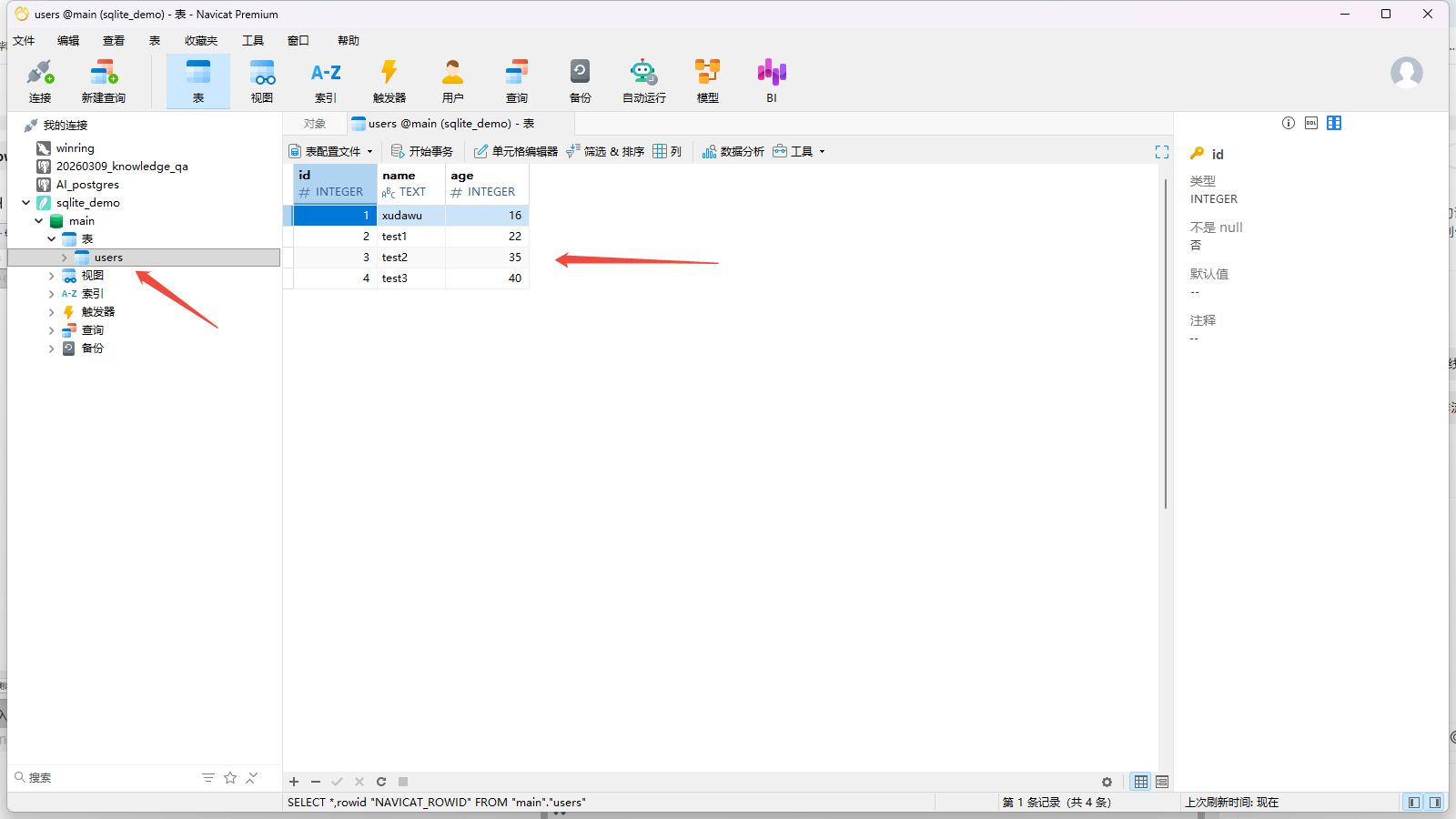
查看数据库数据
python中的sqlite3的doc
源码
bash
https://github.com/python/cpython/tree/3.14/Lib/sqlite3/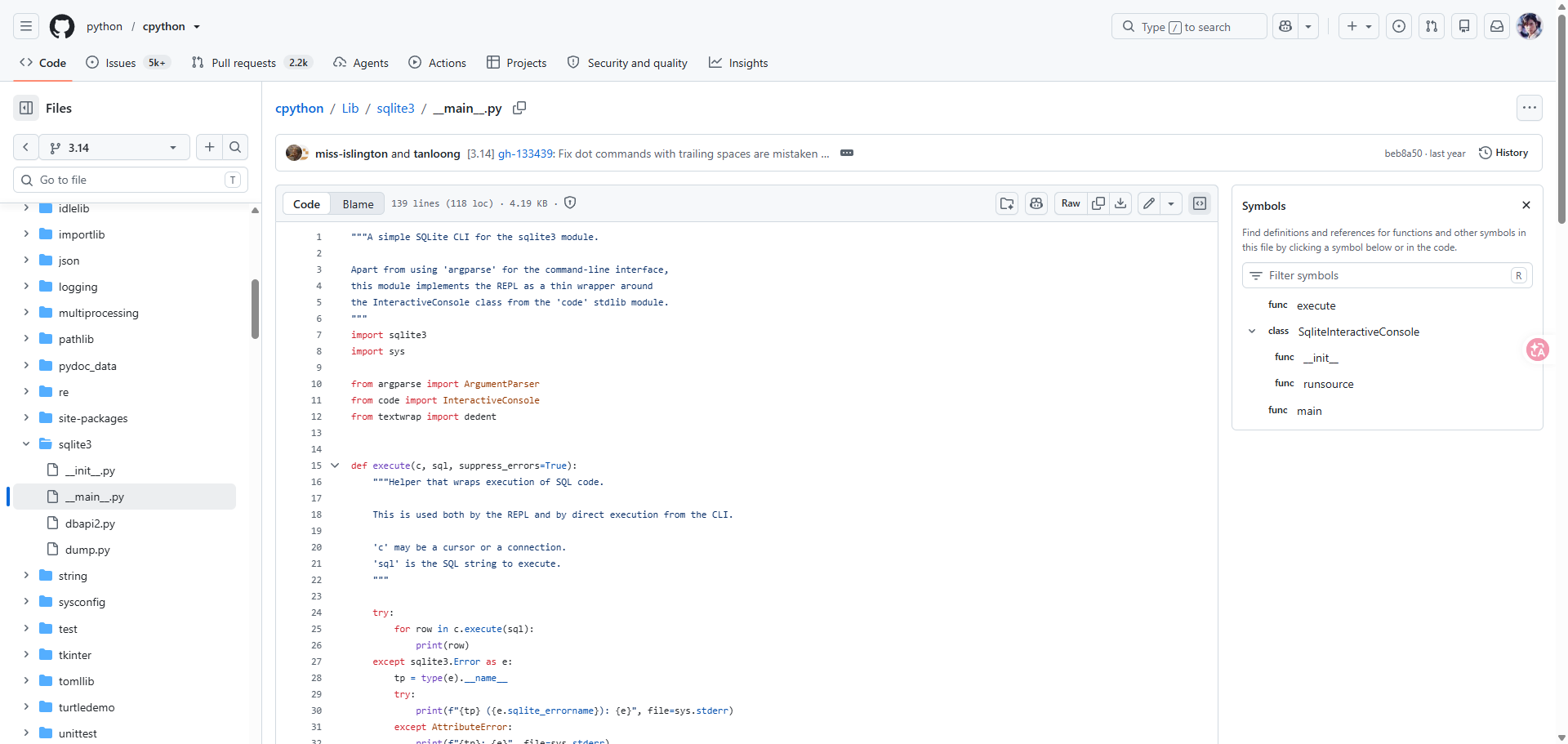
python库文档
bash
https://docs.python.org/3.14/library/sqlite3.html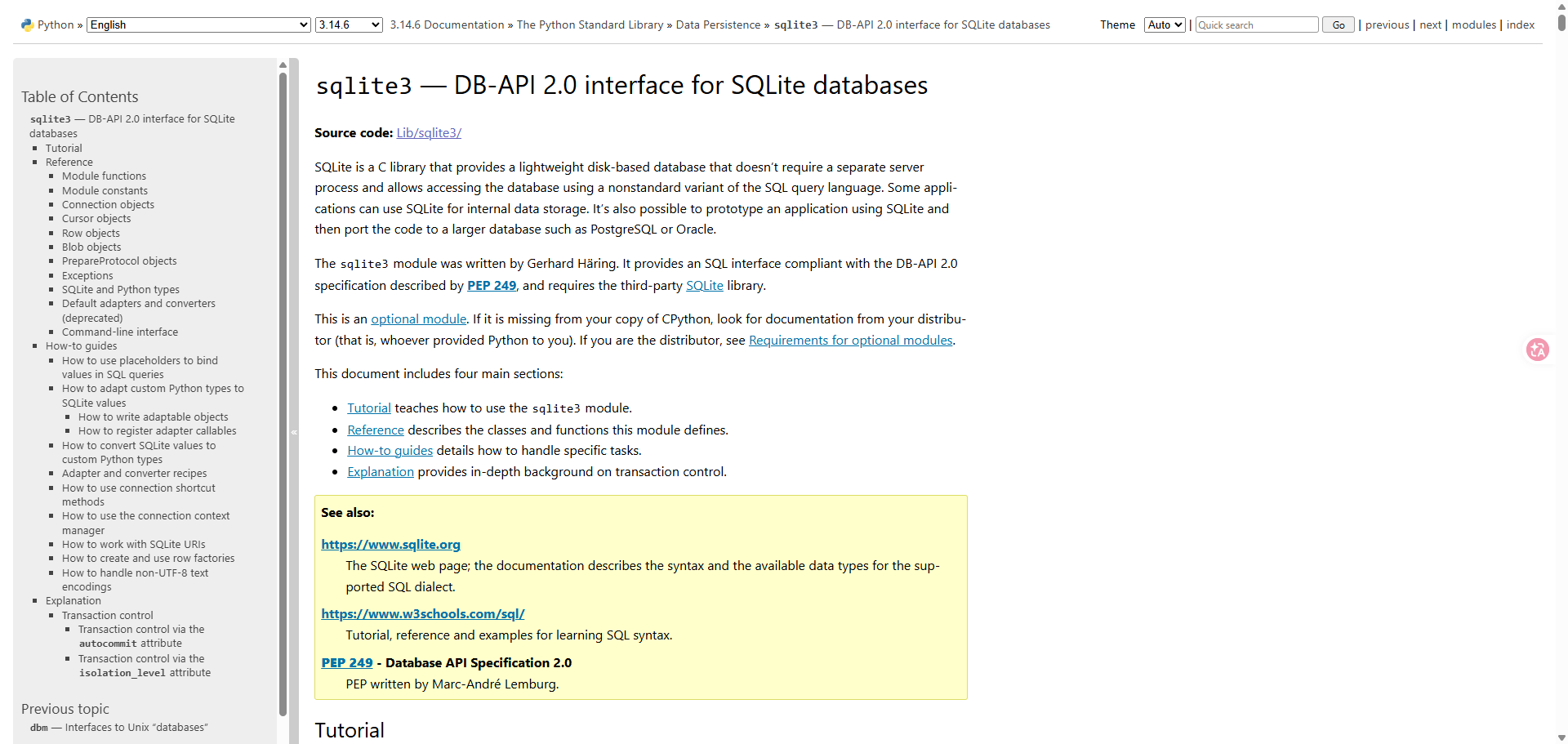
常见sql
建表
设置默认时间,为utc-0
bash
CREATE TABLE IF NOT EXISTS movie(
        id INTEGER PRIMARY KEY AUTOINCREMENT,
        title TEXT NOT NULL,
        year INTEGER NULL DEFAULT '2026',
        score REAL,
        created_at TIMESTAMP DEFAULT CURRENT_TIMESTAMP
        )
使用本地电脑时间
bash
created_at TIMESTAMP DEFAULT (datetime('now', 'localtime'))固定使用utc+8
bash
created_at TIMESTAMP DEFAULT (datetime('now', '+8 hours'))