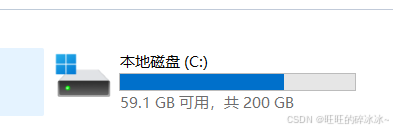
原因是C盘的容量不多了,200G的空间只剩下18.8G。
第一步:系统自带的清理
找到设置------系统------存储------临时文件
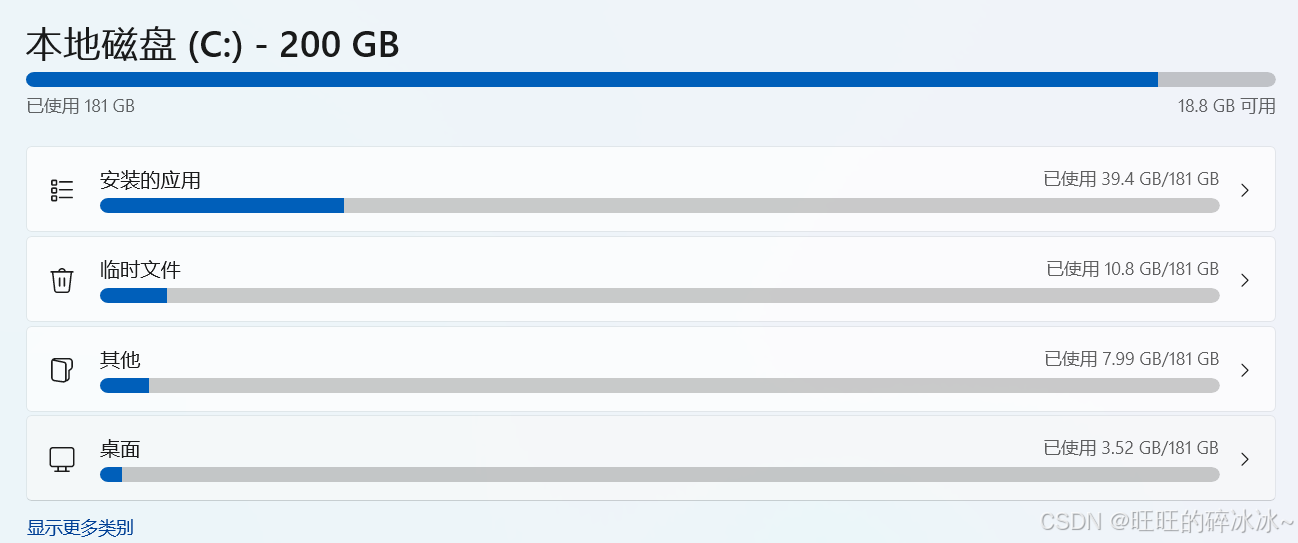
点进去临时文件,如下:
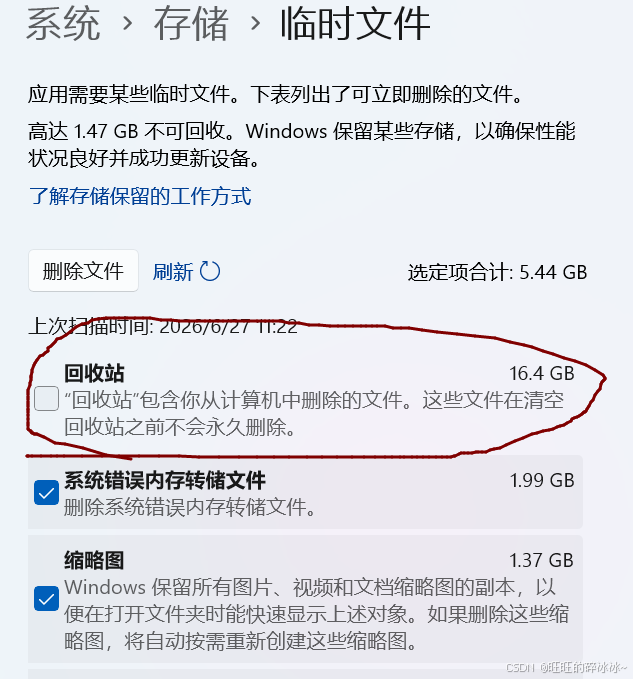
我的回收站很久没清理了,因为里面的文件都是很久以前删除的,没什么用了,我就直接把回收站给清空了。
这一步清理出了21个G的 空间。
深入清理,查找C盘到底谁占空间
搜索栏输入PowerShell,输入以下命令:
bash
Get-ChildItem -LiteralPath C:\ -Directory -Force -ErrorAction SilentlyContinue |
ForEach-Object {
    $folder = $_.FullName
    $size = 0
    Get-ChildItem -LiteralPath $folder -Recurse -File -Force -ErrorAction SilentlyContinue |
    ForEach-Object {
        $size += $_.Length
    }
    [PSCustomObject]@{
        Folder = $folder
        GB = [math]::Round($size / 1GB, 2)
    }
} |
Sort-Object GB -Descending |
Format-Table -AutoSize
显示如下:
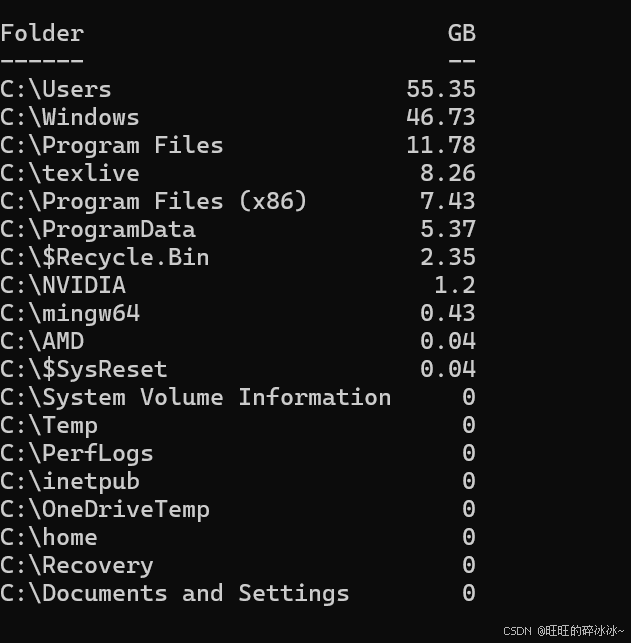
主要是用户目录占用空间较多。
打开回收站,把回收站的信息也给清空。
windows文件夹下面也有46个G的空间被占用,在CMD以管理员身份执行以下代码:
bash
Dism.exe /Online /Cleanup-Image /StartComponentCleanup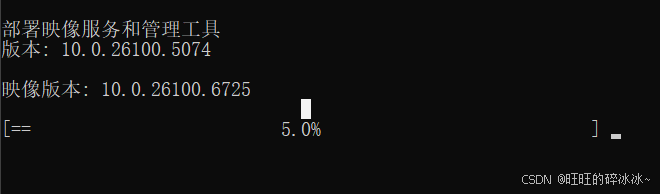
可以看到系统在清理 Windows 系统组件存储,也就是 WinSxS 文件夹里的旧组件、旧更新备份和不再需要的系统文件。
等待完成既可以了
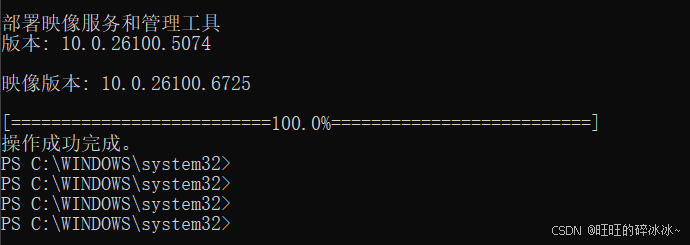
腾出四个G的空间。

此时就有50多个G的空间了。
我的用户下的文件夹为15670,继续执行以下代码:
bash
$path="C:\Users\15670"

Get-ChildItem $path -Force -ErrorAction SilentlyContinue | ForEach-Object {
    $item = $_
    if ($item.PSIsContainer) {
        $size = (Get-ChildItem $item.FullName -Recurse -Force -File -ErrorAction SilentlyContinue | Measure-Object -Property Length -Sum).Sum
    } else {
        $size = $item.Length
    }

    [PSCustomObject]@{
        Folder = $item.FullName
        GB = [math]::Round(($size / 1GB), 2)
    }
} | Sort-Object GB -Descending | Format-Table -AutoSize
下面的结果:
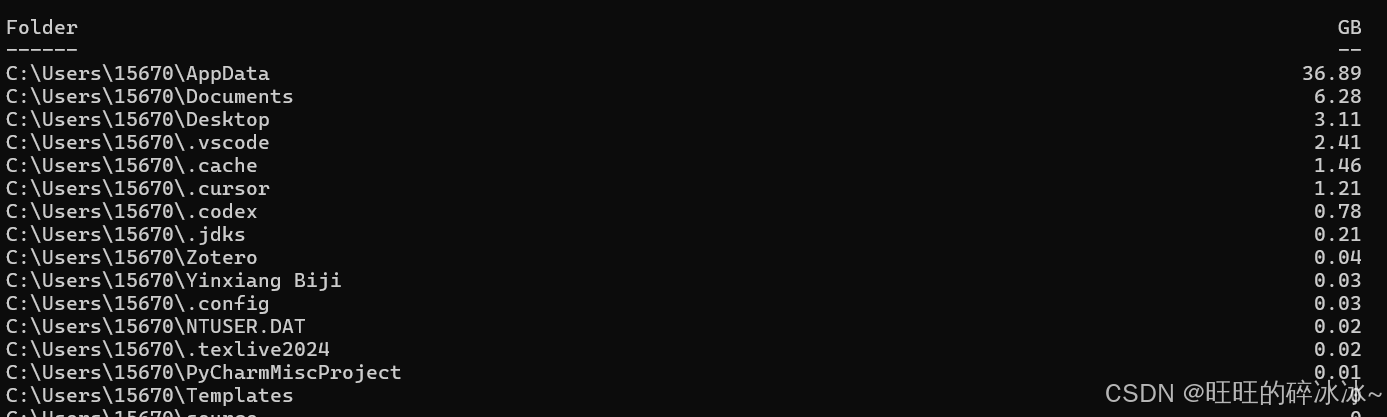
可以看到系统数据占据了36.89G的空间。
首先整理AppData中的数据
输入以下代码:
bash
$path="C:\Users\15670\AppData"

Get-ChildItem $path -Force -ErrorAction SilentlyContinue | ForEach-Object {
    $item = $_
    $size = (Get-ChildItem $item.FullName -Recurse -Force -File -ErrorAction SilentlyContinue | Measure-Object -Property Length -Sum).Sum
    [PSCustomObject]@{
        Folder = $item.FullName
        GB = [math]::Round($size / 1GB, 2)
    }
} | Sort-Object GB -Descending | Format-Table -AutoSize
结果如下:
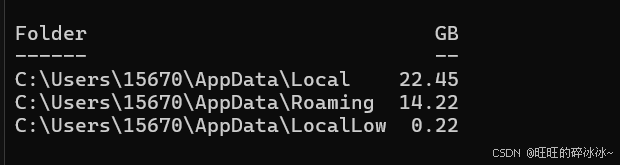
我依次打开看了下,没有可清理的文件。
删除临时文件
输入命令:
bash
Remove-Item "$env:TEMP\*" -Recurse -Force -ErrorAction SilentlyContinue删除AppData中的Temp
bash
Remove-Item "C:\Users\15670\AppData\Local\Temp\*" -Recurse -Force -ErrorAction SilentlyContinue清理.cache
bash
Remove-Item "C:\Users\15670\.cache\*" -Recurse -Force -ErrorAction SilentlyContinue检查特定软件
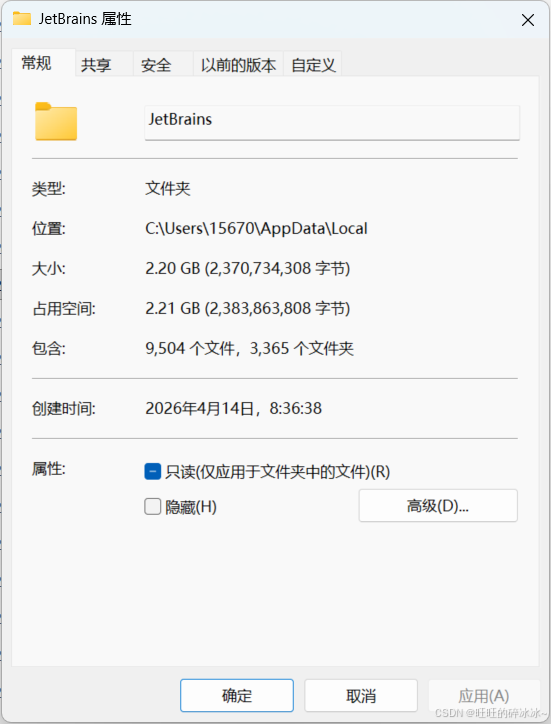
进入:C:\Users\你的用户名\AppData\Local
我直接使用过pycharm,JetBrains下载了很多文件,这不是我使用的主流编辑器,所以直接给清空了,2个G的空间。
完成。这是目前的C盘容量。