一、Ubuntu安装nodejs
# 导入源
curl -fsSL https://deb.nodesource.com/setup_lts.x | sudo -E bash -
# 安装
sudo apt install nodejs -y   //安装包管理器
(1)curl -fsSL https://deb.nodesource.com/setup_lts.x | sudo -E bash - 导入源的作用:
Node 官网下载配置软件源的脚本,并用管理员权限直接运行脚本,给 Ubuntu/Debian 系统新增 Node.js 专属软件仓库。
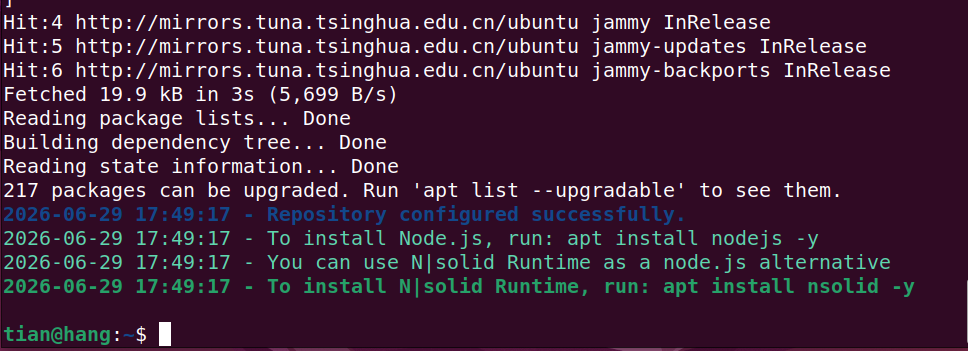
(2)然后使用suo apt install nodejs -y 安装nodejs;npm 也会安装好。
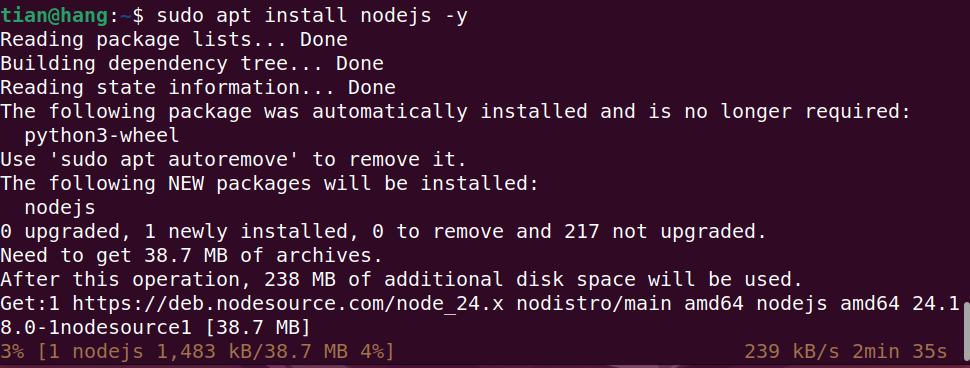
(3)查看版本
tian@hang:~$ npm --version
11.16.0
tian@hang:~$ node -v
v24.18.0
二、threejs库下载
国外github下载慢,库可以从gitee上面下载
bash
https://threejs.org/                  //threejs库官网

https://github.com/mrdoob/three.js/  //最新库,下载速度慢

https://gitee.com/i_have/three.js    //比较落后,学习够用,下载速度快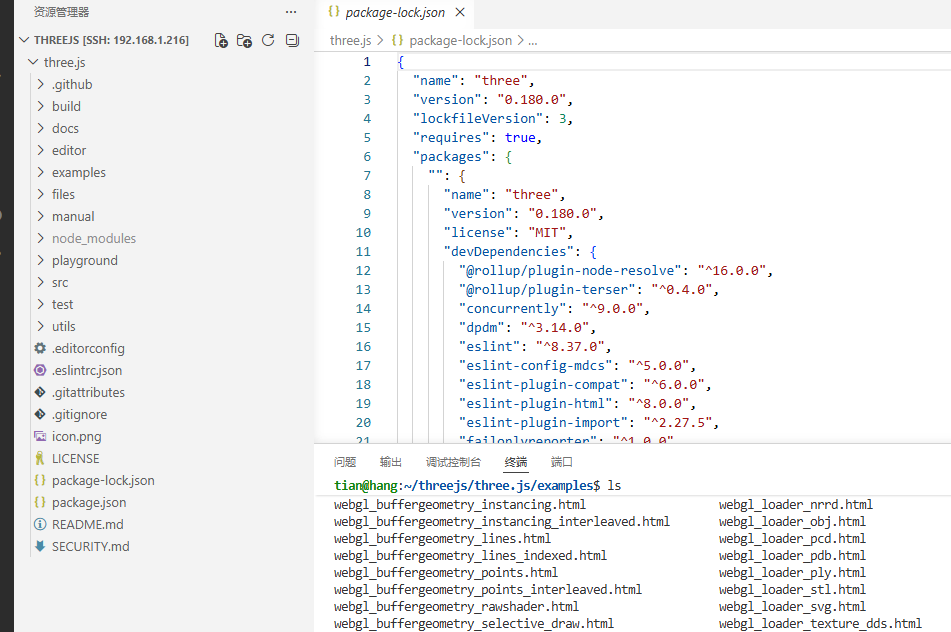
进入到examples文件夹,运行npm install;自动读取 package.json 里记录的所有依赖,批量下载全部包到 node_modules 文件夹。
使用npm run dev 运行
bash
npm install    //安装包依赖

npm run dev    //运行