这篇文章讲解如何通过Codea软件用Lua语言编写一个画线、删线的游戏。
游戏要求:
单击屏幕,不做任何动作。
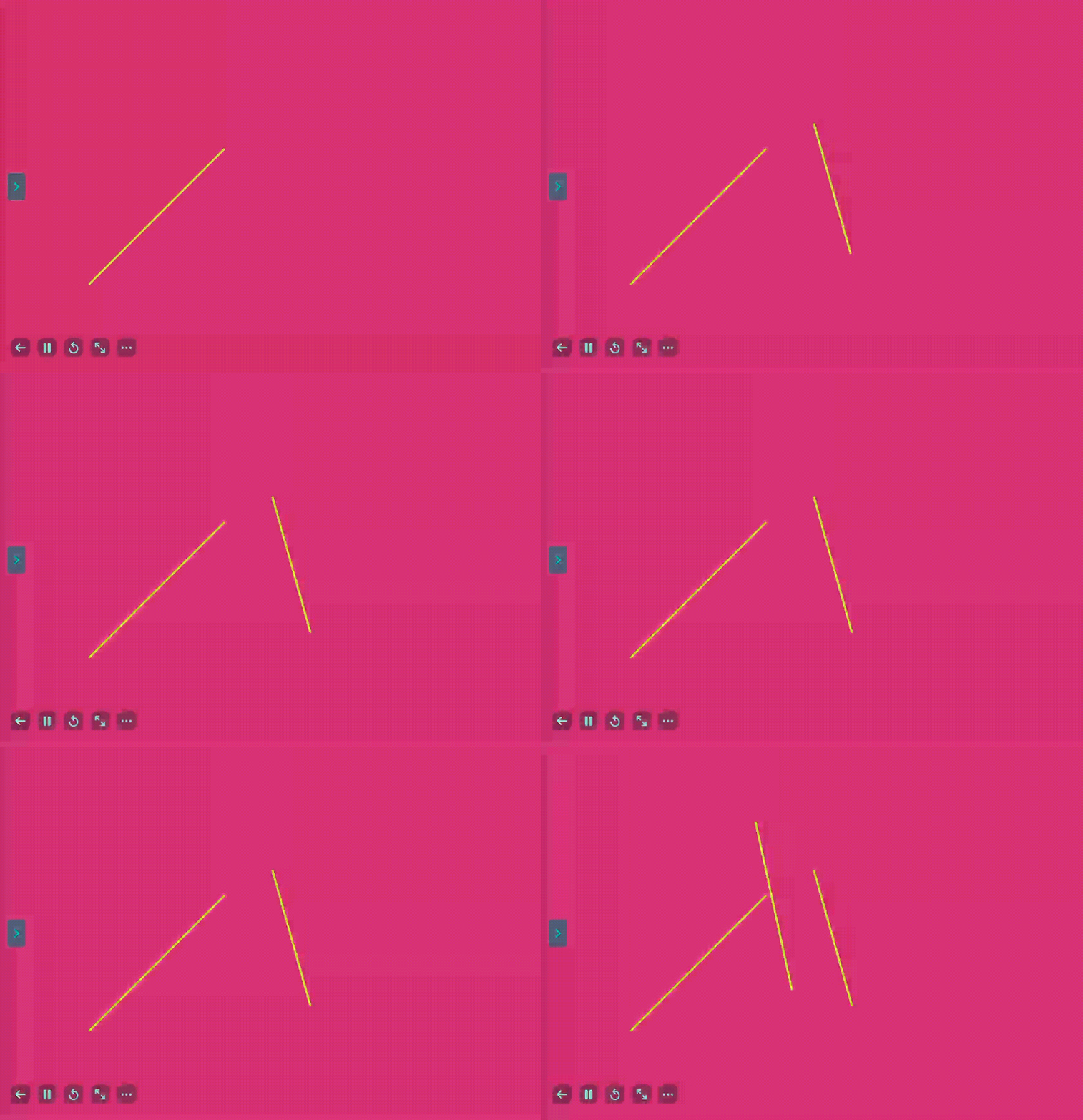
点击屏幕后拖动手指然后放开,则在屏幕上添加线段。刚点击的位置作为线段起点,放开的地方作为线段终点。线段保留在屏幕上,直至手动删除。
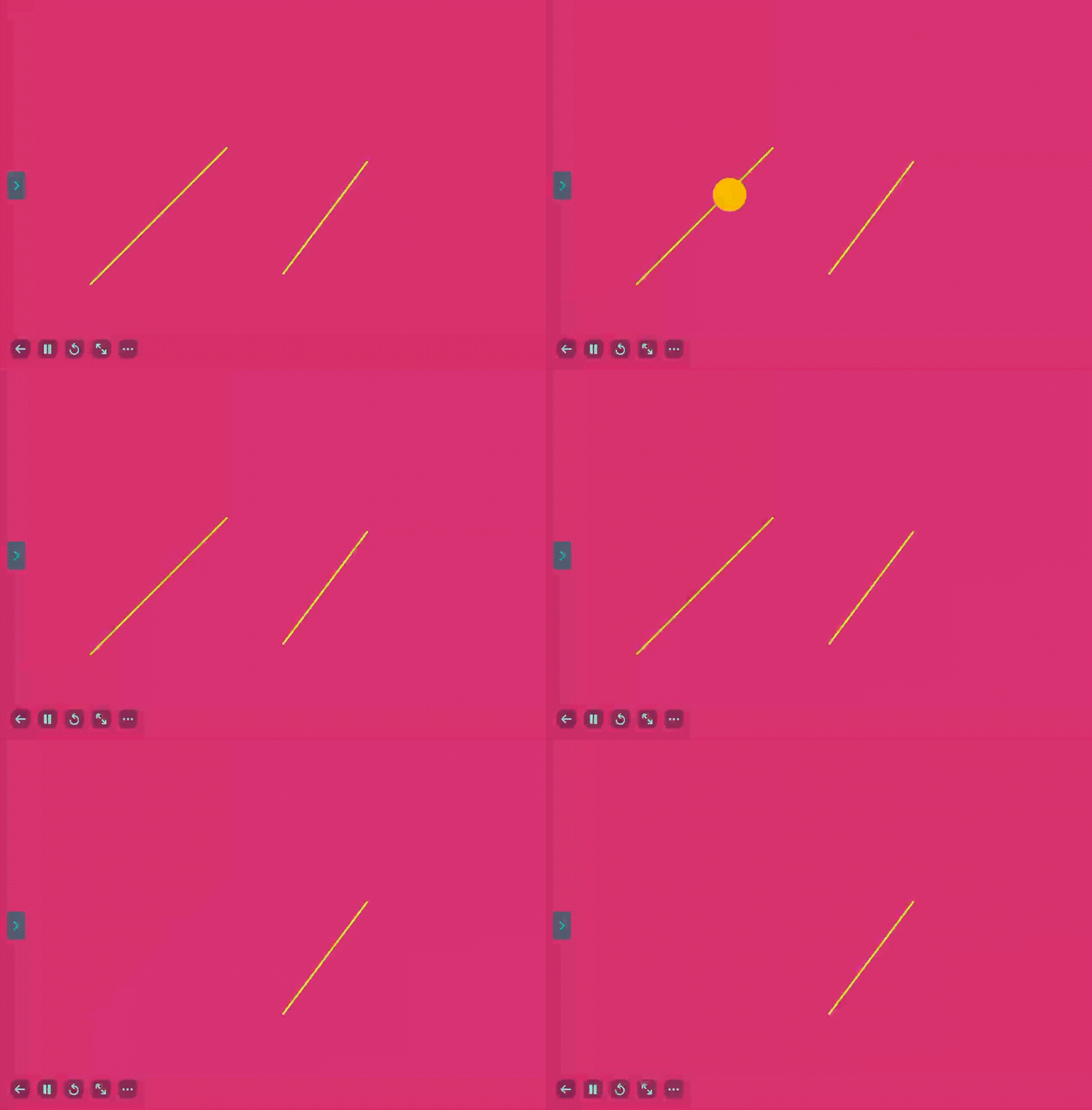
双击屏幕上有线段的位置,则将线段删除。
建议在阅读该教程前,先阅读Codea入门。
一、游戏所需的基本元素
首先,既然屏幕上要保留多个线段,那就需要一个Lua表,把线段都保留在表里。
而这个表里的每一个元素都是线段。线段是由两个点组成的,而每一个点都有x,y坐标,所以表示线段的元素也是一个表,且有4个索引:x1,y1,x2,y2。
除了保留的已画线段外,还要有一个表示线段的表,用于存放正在画的线段。如果不在画线,其值就为nil。
因此,这些元素需要在游戏开始时,就初始化。所以,在程序刚开始就运行一次的setup()函数里,要定义这些变量。
lua
-- Use this function to perform your initial setup
function setup()
    lines_list = {{["x1"] = 200, ["y1"] = 200, ["x2"] = 500, ["y2"] = 500}} -- A list of all the lines that has drawn
    current_line = nil -- The line that is currently drawing
end在代码中,表lines_list用于保留所有的线段。这里为了便于理解,在最开始就有一个元素,即从点(200, 200)到点(500, 500)的线段。另外current_line存放正在画的线段。
或许有人会问:把这些变量的定义都写在setup()函数里,那么其它的函数能读到它们吗?答案是可以。因为在Lua中,除非有local声明,否则任何函数里的所有变量都是全局变量。
二、把表里的线段画在屏幕上
除了设置背景色和线条颜色以及线条粗细外,draw()函数还需根据lines_list里的内容显示出所有线段。此外,如果正在画新线段,则current_line不为nil,因此也要显示出正在画的线段。lines_list里的每一个元素,以及current_line,都有x1,y1,x2,y2索引,因此代表从点(x1, y1)到点(x2, y2)的线段。
lua
-- This function gets called once every frame
function draw()
    -- This sets a dark background color
    background(215, 50, 116)
    stroke(197, 232, 40)

    -- This sets the line thickness
    strokeWidth(5)
    -- Do your drawing here
    for _, l in pairs(lines_list) do
        line(l.x1, l.y1, l.x2, l.y2) -- draw the line in the lines_list
    end
    if current_line ~= nil and current_line.x1 ~= nil and current_line.y1 ~= nil and current_line.x2 ~= nil and current_line.y2 ~= nil then -- currently in "drawing mode"
        line(current_line.x1, current_line.y1, current_line.x2, current_line.y2) -- the line that is currently drawing
    end
end在代码中,for循环里的l就是lines_list里的每一个元素。所以每一个元素代表的线段都被显示出来了。同样,如果current_line不为nil,且四个索引都存在,那么就显示出该线段。
三、画出新线段,以及删除线段
(一)通过单击、拖动添加线段
在该游戏中,单击屏幕然后拖动,松开后就保存新线段。这里涉及到touch输入的几个属性:x,y表示触摸屏幕的位置,tapCount表示点击次数,以及state表示触摸状态(是已经松开,还是刚点击,还是在移动手指)。touch的属性详情见Touch & Gestures
基本思路:首先,只有单击时,才能生成线段。如果是双击或多击则不予生成。因此要把tapCount <= 1作为判断条件。
当点击时,新线段的初始位置就确定了。刚点击时state是BEGAN。此时,current_line应当有x1和y1的值了。
当手指在屏幕上移动时,新线段的结束位置随着手指的位置的移动而不断变化。此时state是MOVING。current_line的x2和y2的值不断变化。
当松手后,新线段的结束位置就定了。此时state是ENDED。这时,current_line有了x1,y1,x2,y2的确定值,已经完整,所以应当加入lines_list。此时,画新线的状态已经结束,应当将current_line重置为nil。
(二)通过双击删除线段
在该游戏中,要通过双击某线段,来删除线段。这就涉及到判断点击屏幕处是在哪一条线段上的问题。当然,点击屏幕处恰好落在线段上的概率为无限小,所以应该是找到一条线段,离双击屏幕处的距离最小,且小于某个阈值。因此,这个问题的很大一部分,是计算点到线段的距离。
关于这个距离的计算,已经有现成的算法了,只要把它写成Codea的Lua函数即可。这里,算法参考:点到线段的最短距离。
这个算法涉及向量的运算。而Codea的Lua有向量运算的对象和方法。具体参见:Vector。
其中vec2()函数创建2维向量,:dot()函数求点积,:len()和:lenSqr()函数求向量的模,以及模的平方。
以下代码,用于计算点P(x, y)到线段A(x1, y1)B(x2, y2)的距离。
lua
function dist_to_segment(x,y,x1,y1,x2,y2)
    A = vec2(x1, y1)
    B = vec2(x2, y2)
    P = vec2(x, y)
    AB = B - A
    AP = P - A
    r = AP:dot(AB)/(AB:lenSqr())
    dis = 100
    if r > 0 and r < 1 then
        PC = (AB * r - AP)
        dis = PC:len()
    elseif r < 0 then
        dis = AP:len()
    else
        PB = B - P
        dis = PB:len()
    end
    return dis
end然后,通过双击删除线段的基本思路是,先要用tapCount判断点击次数是否为2。只有为2,方可进行接下来的步骤。遍历lines_list里的所有元素,找到离点击处距离最小且小于10的线段(用函数dist_to_segment()计算距离),然后将其从lines_list中删除。
要注意一点:当手指已经抬起,即state为ENDED时,无论点击数为多少,都应当结束画新线状态。如果current_line完整,就把新线加入。
所以,定义点击屏幕时的程序的代码:
lua
function touched(touch)
    -- The following code shows how to add a line
    if touch.state == ENDED then
        if current_line ~= nil and current_line.x1 ~= nil and current_line.y1 ~= nil and current_line.x2 ~= nil and current_line.y2 ~= nil then
            table.insert(lines_list, current_line)
        end
        current_line = nil
    end
    if touch.tapCount <= 1 then -- if tapCount <= 1 then it is in "add line" mode
        -- drawing is finished so add the new line in list, then quit drawing mode
        if touch.state == BEGAN then -- just begin with drawing
            current_line = {["x1"] = touch.x, ["y1"] = touch.y, ["x2"] = nil, ["y2"] = nil}
        elseif touch.state == MOVING and current_line ~= nil and current_line.x1 ~= nil and current_line.y1 ~= nil then -- if moving then drawing mode of adding new line
            current_line.x2 = touch.x
            current_line.y2 = touch.y
        end
    elseif touch.tapCount == 2 then --double tap, then delete the line closest to the tap place
        min_dist = 10
        min_i = 0
        for i, l in pairs(lines_list) do
            dist_to_this = dist_to_segment(touch.x, touch.y, l.x1, l.y1, l.x2, l.y2)
            if dist_to_this < 10 then
                min_dist = dist_to_this
                min_i = i
            end
        end
        if min_dist < 10 then
            lines_list[min_i] = nil
        end
    end

end在代码中,if touch.state == ENDED代码不在touch.tapCount的判断中。因为当点击已经结束了,无论点击数多少,都要退出画新线状态。而touch.tapCount <= 1则是画新线状态,touch.tapCount == 2则是删除线段。
四、完整程序及效果
lua
-- Line drawing and deleting

-- Use this function to perform your initial setup
function setup()
    lines_list = {{["x1"] = 200, ["y1"] = 200, ["x2"] = 500, ["y2"] = 500}} -- A list of all the lines that has drawn
    current_line = nil -- The line that is currently drawing
end

-- This function gets called once every frame
function draw()
    -- This sets a dark background color
    background(215, 50, 116)
    stroke(197, 232, 40)

    -- This sets the line thickness
    strokeWidth(5)
    -- Do your drawing here
    for _, l in pairs(lines_list) do
        line(l.x1, l.y1, l.x2, l.y2) -- draw the line in the lines_list
    end
    if current_line ~= nil and current_line.x1 ~= nil and current_line.y1 ~= nil and current_line.x2 ~= nil and current_line.y2 ~= nil then -- currently in "drawing mode"
        line(current_line.x1, current_line.y1, current_line.x2, current_line.y2) -- the line that is currently drawing
    end
end

function touched(touch)
    -- The following code shows how to add a line
    if touch.state == ENDED then
        if current_line ~= nil and current_line.x1 ~= nil and current_line.y1 ~= nil and current_line.x2 ~= nil and current_line.y2 ~= nil then
            table.insert(lines_list, current_line)
        end
        current_line = nil
    end
    if touch.tapCount <= 1 then -- if tapCount <= 1 then it is in "add line" mode
        -- drawing is finished so add the new line in list, then quit drawing mode
        if touch.state == BEGAN then -- just begin with drawing
            current_line = {["x1"] = touch.x, ["y1"] = touch.y, ["x2"] = nil, ["y2"] = nil}
        elseif touch.state == MOVING and current_line ~= nil and current_line.x1 ~= nil and current_line.y1 ~= nil then -- if moving then drawing mode of adding new line
            current_line.x2 = touch.x
            current_line.y2 = touch.y
        end
    elseif touch.tapCount == 2 then --double tap, then delete the line closest to the tap place
        min_dist = 10
        min_i = 0
        for i, l in pairs(lines_list) do
            dist_to_this = dist_to_segment(touch.x, touch.y, l.x1, l.y1, l.x2, l.y2)
            if dist_to_this < 10 then
                min_dist = dist_to_this
                min_i = i
            end
        end
        if min_dist < 10 then
            lines_list[min_i] = nil
        end
    end

end

function dist_to_segment(x,y,x1,y1,x2,y2)
    A = vec2(x1, y1)
    B = vec2(x2, y2)
    P = vec2(x, y)
    AB = B - A
    AP = P - A
    r = AP:dot(AB)/(AB:lenSqr())
    dis = 100
    if r > 0 and r < 1 then
        PC = (AB * r - AP)
        dis = PC:len()
    elseif r < 0 then
        dis = AP:len()
    else
        PB = B - P
        dis = PB:len()
    end
    return dis
end
画新线:
删除线
五、知识点
这个小游戏主要涉及以下知识点:
- Lua的表,包括遍历,添加、删除元素
- Lua的变量默认为全局变量
- Codea画线段
- Codea里的向量
- Codea里的点击屏幕输入