ClaudeCode 安装加切换 DeepSeek 大模型
一、准备环境
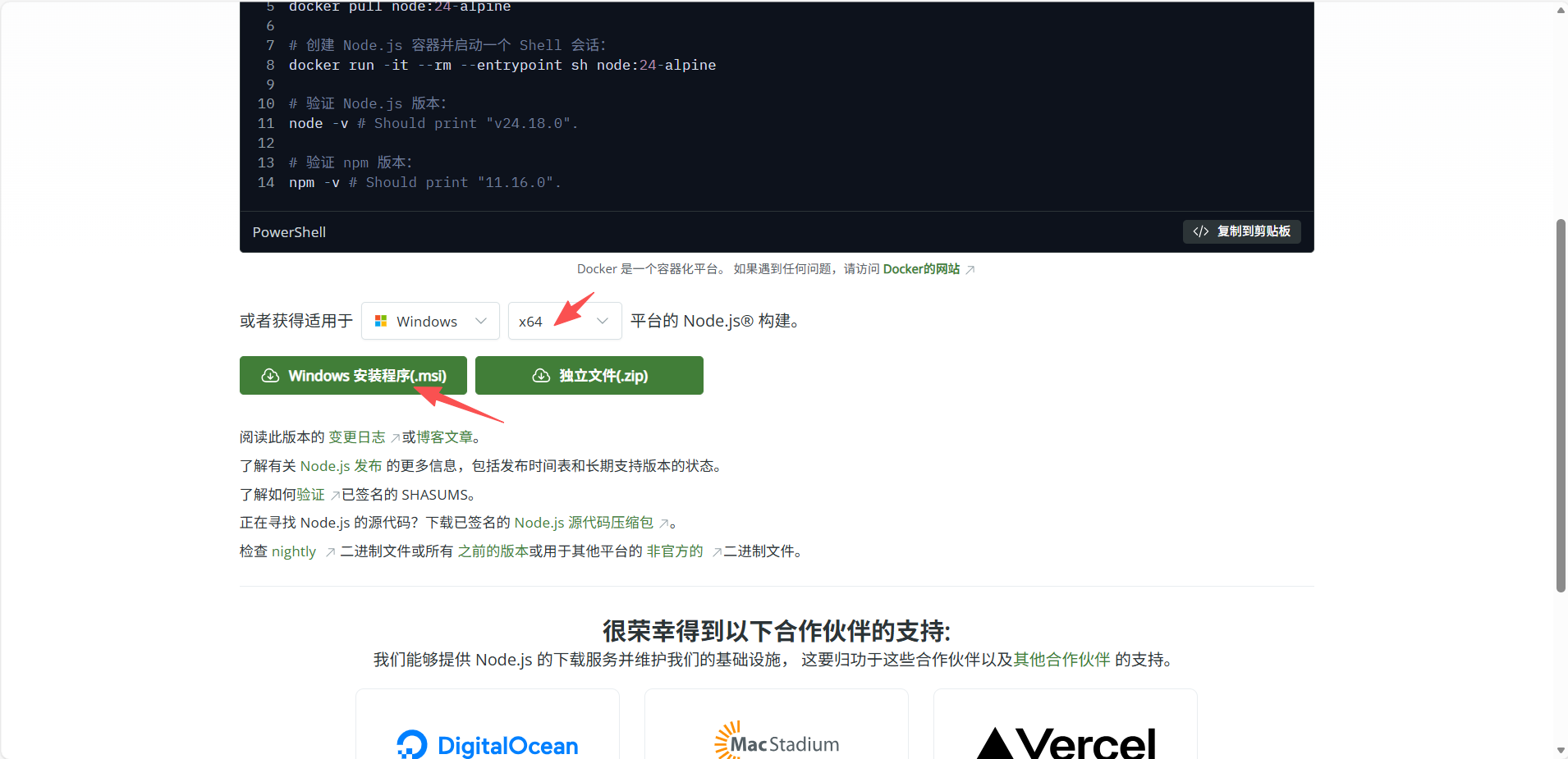
1.1、安装 Node.js
1.2、设置 node.js npm 镜像仓库
bash
# 打开 powershell 执行这个命令
npm config set registry https://registry.npmmirror.com
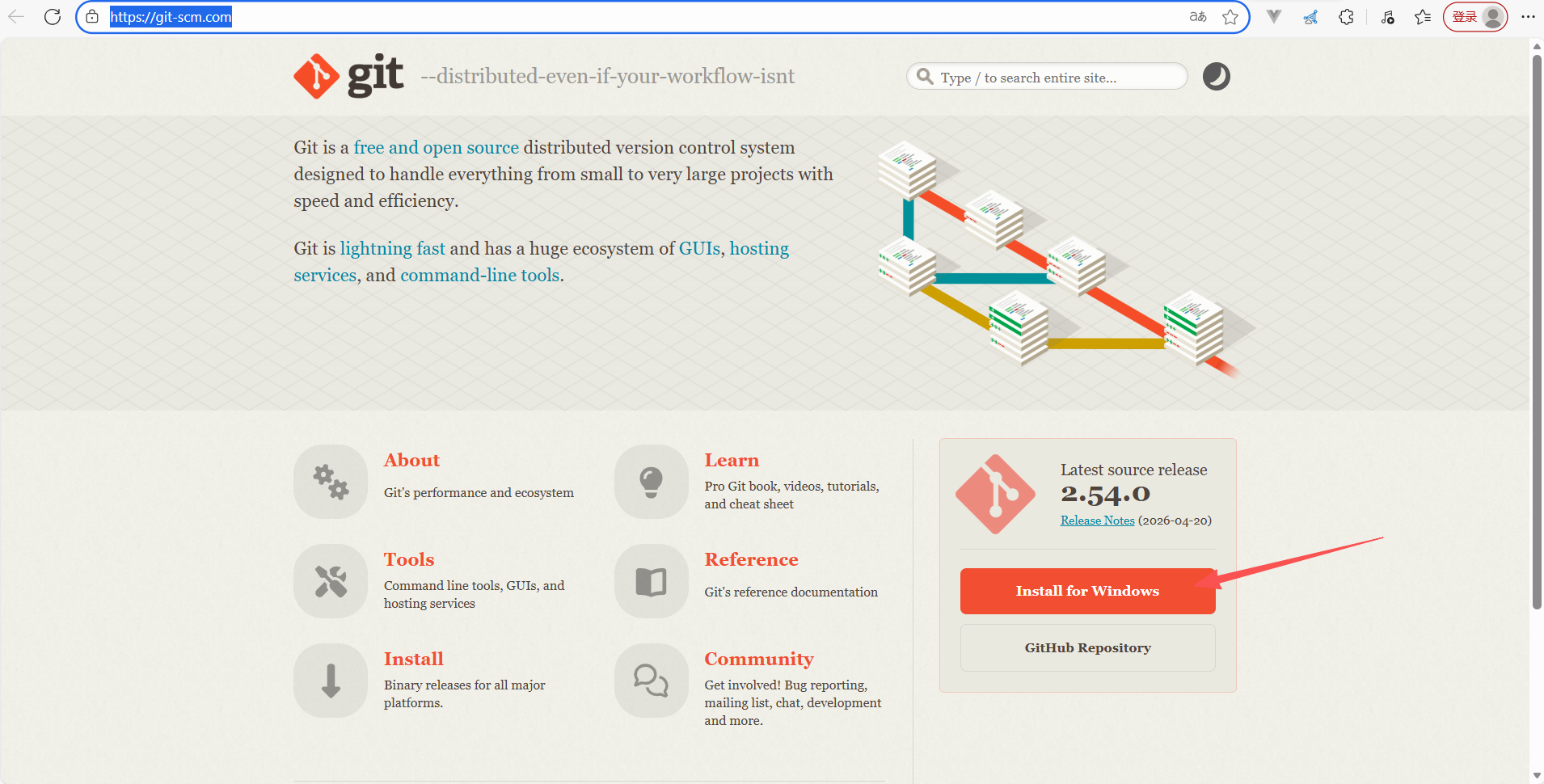
1.3、安装 Git
1.4、设置 Git 用户名和邮箱
bash
# 打开 powershell 执行这个命令
git config --global user.name "你的用户名"
git config --global user.email "你的邮箱@example.com"
二、使用 ClaudeCode
2.1、安装 ClaudeCode
bash
# 打开 powershell 执行这个命令
npm install -g @anthropic-ai/claude-code
# 完成后验证是否安装成功
claude --version
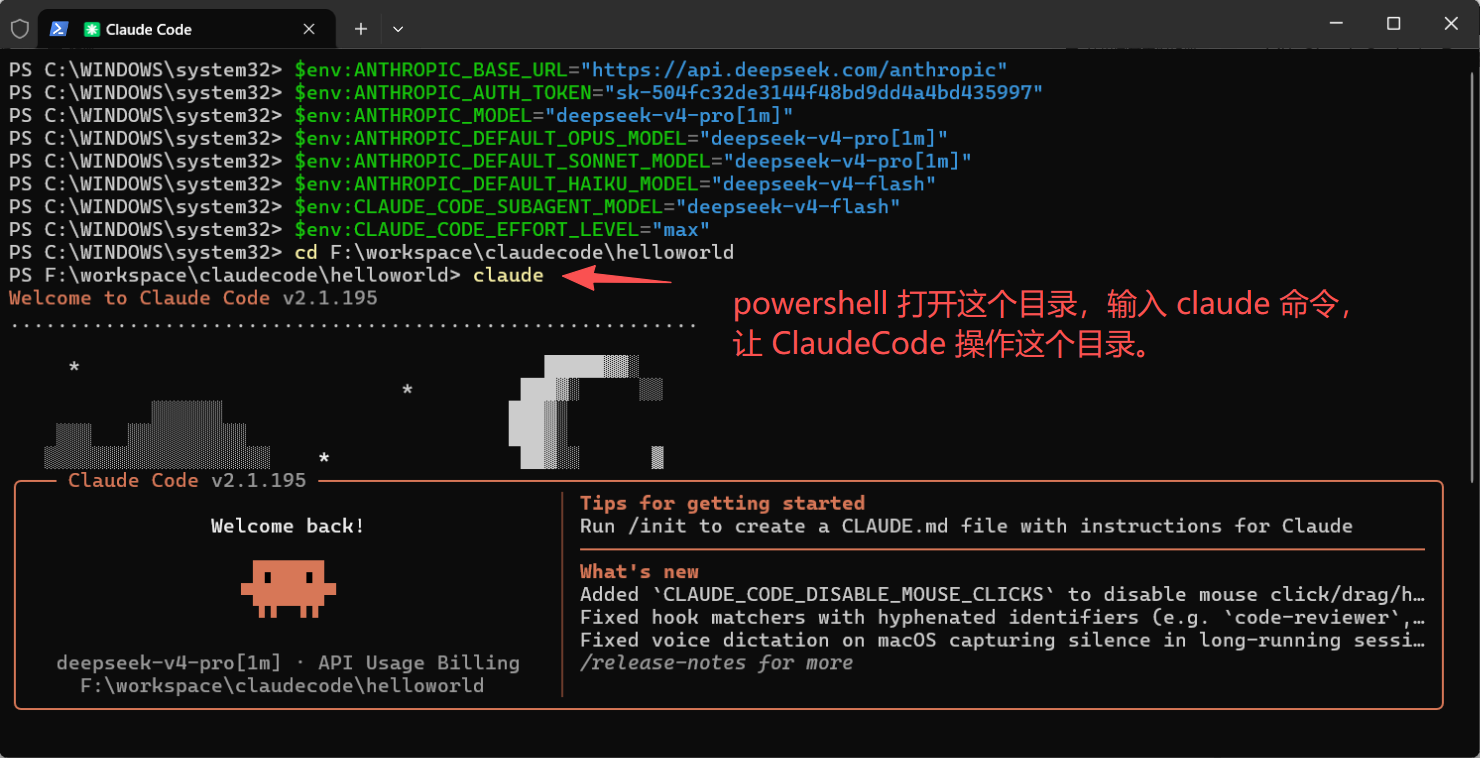
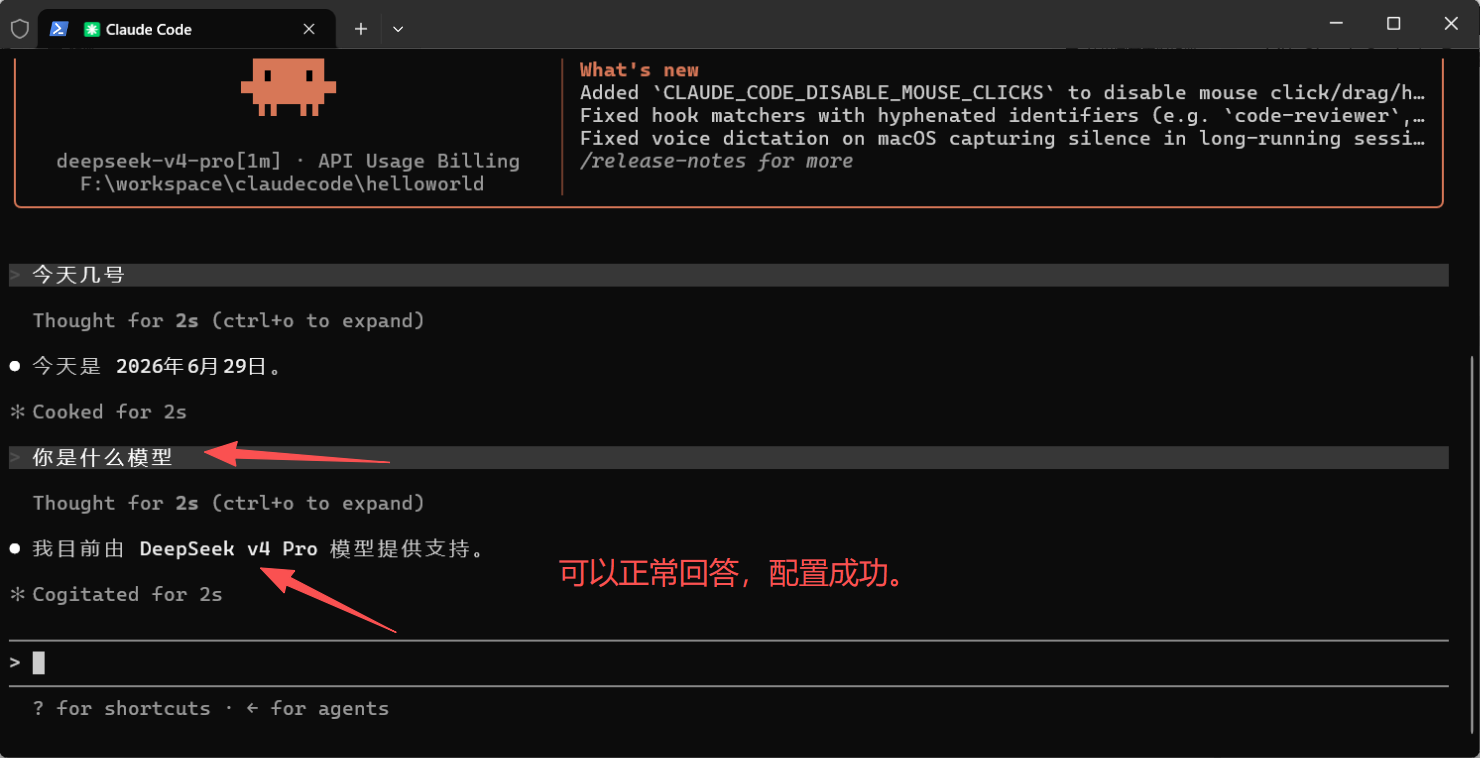
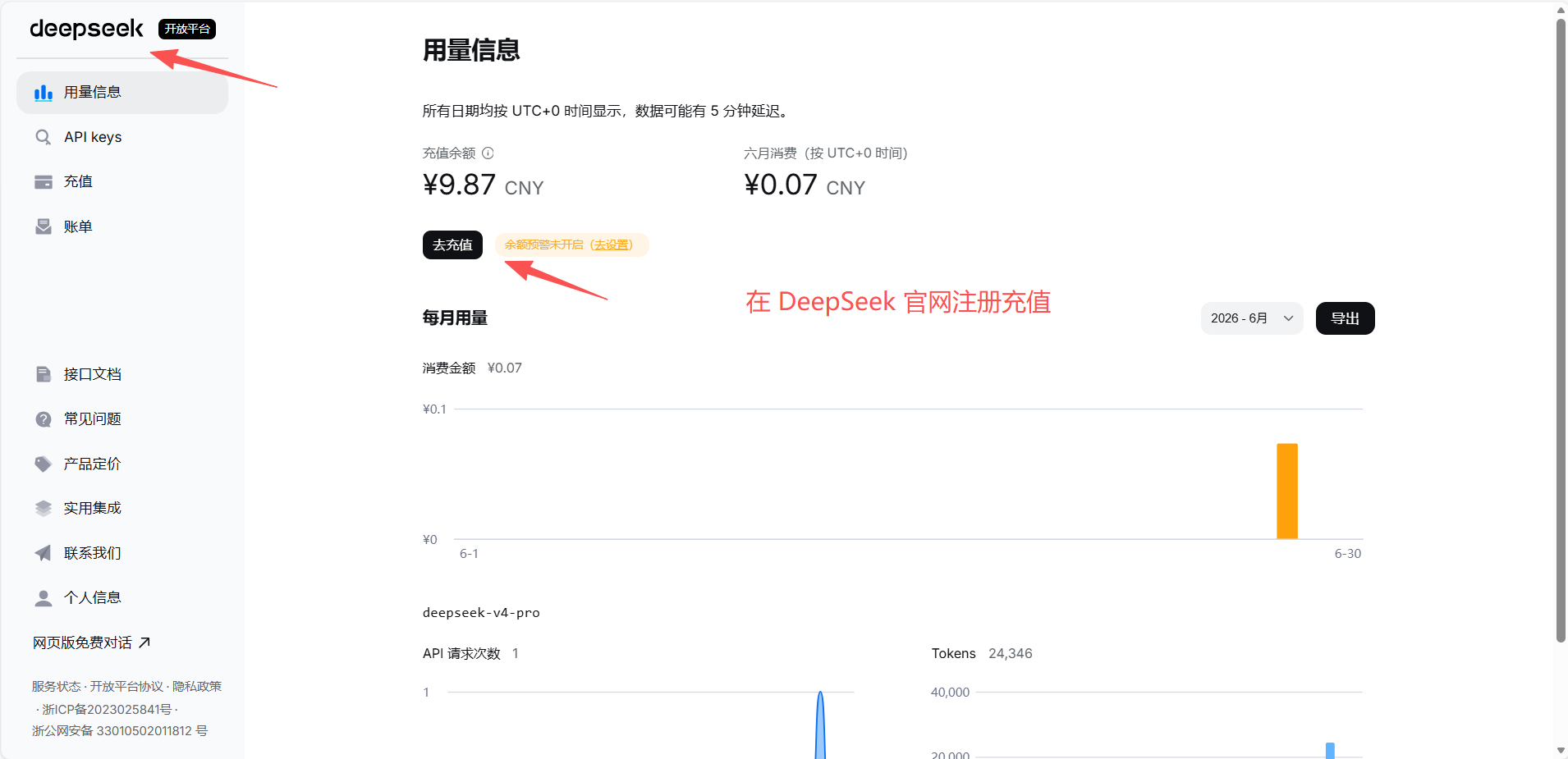
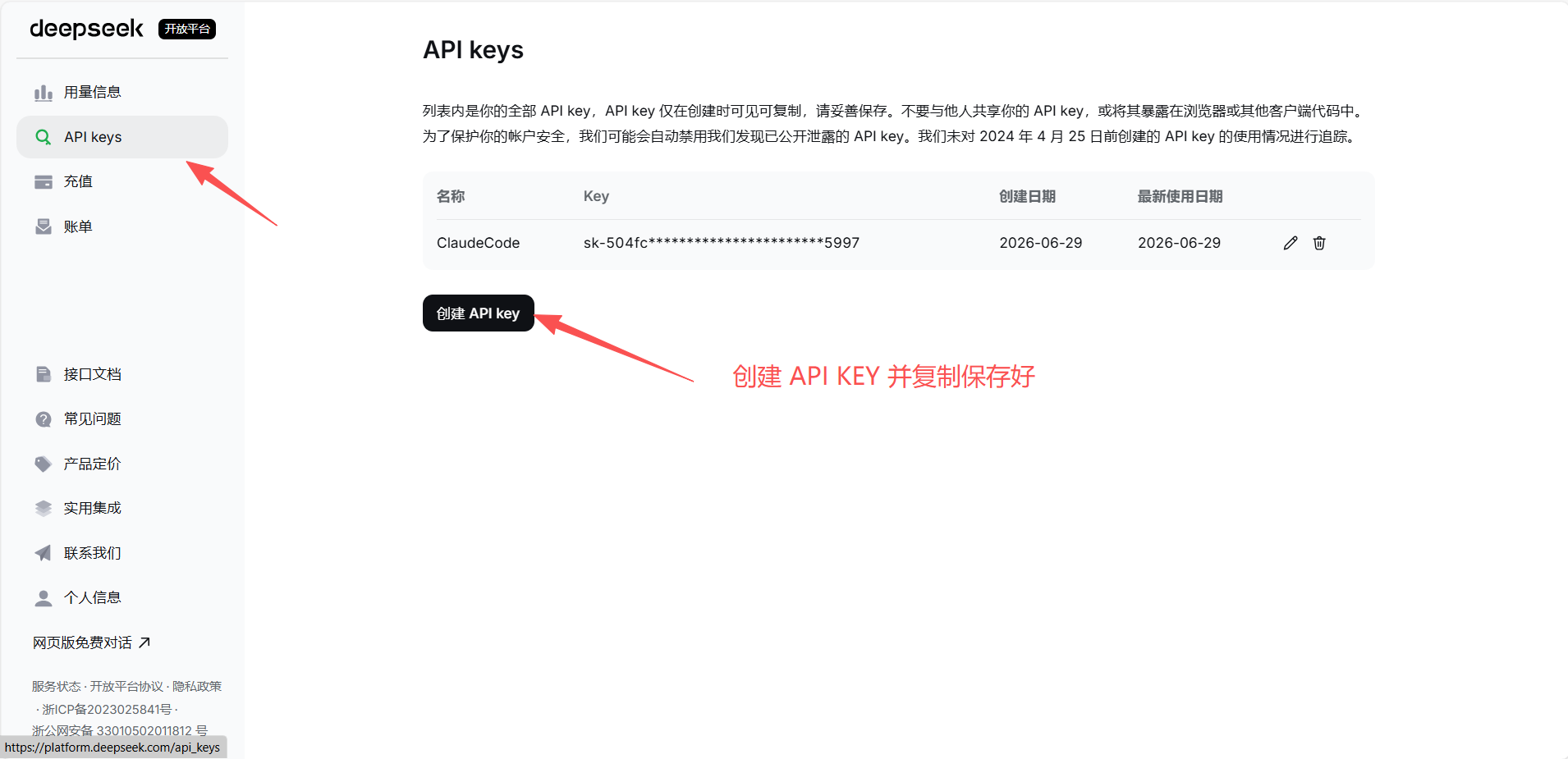
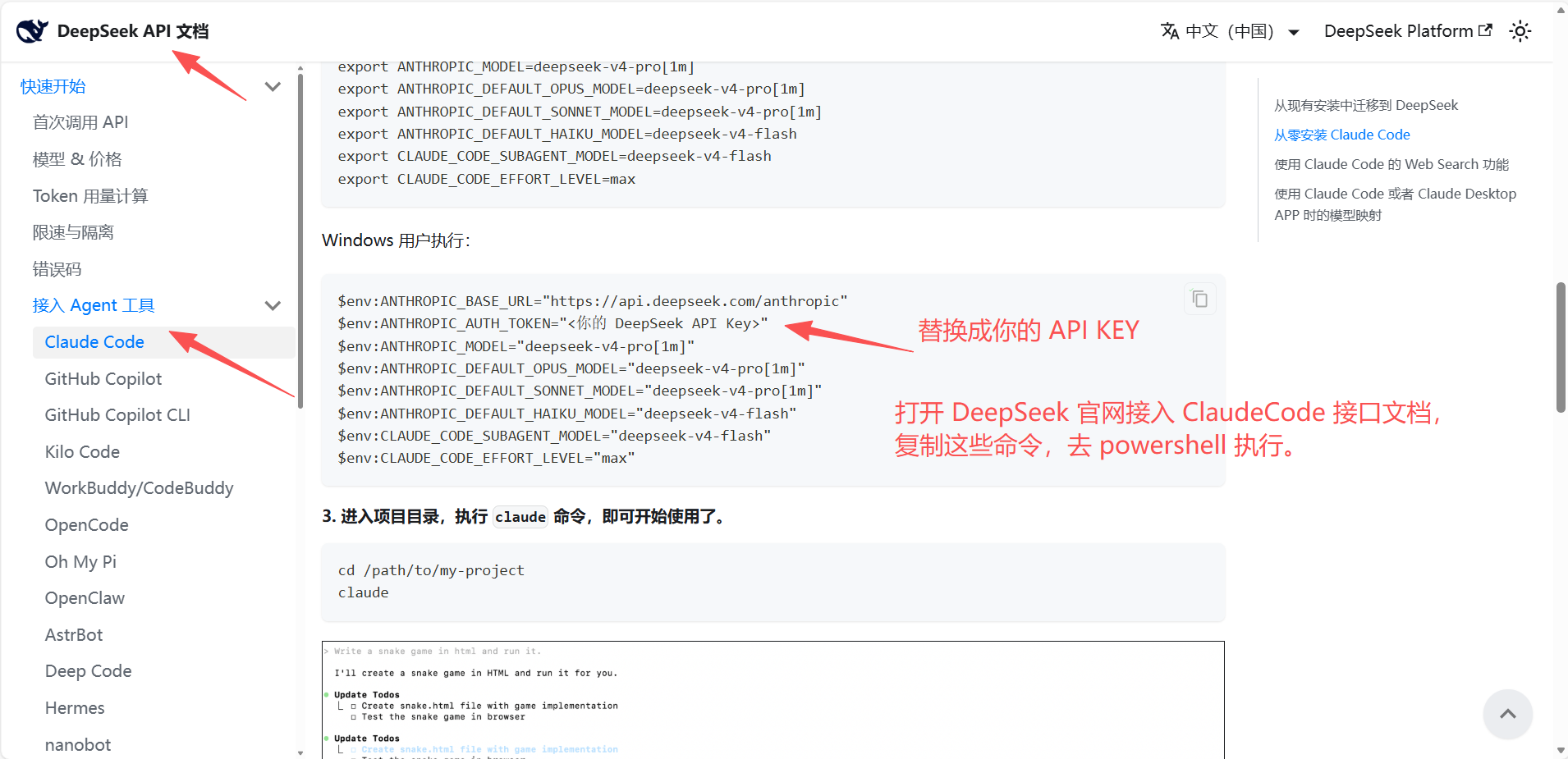
2.2、切换 DeepSeek 大模型
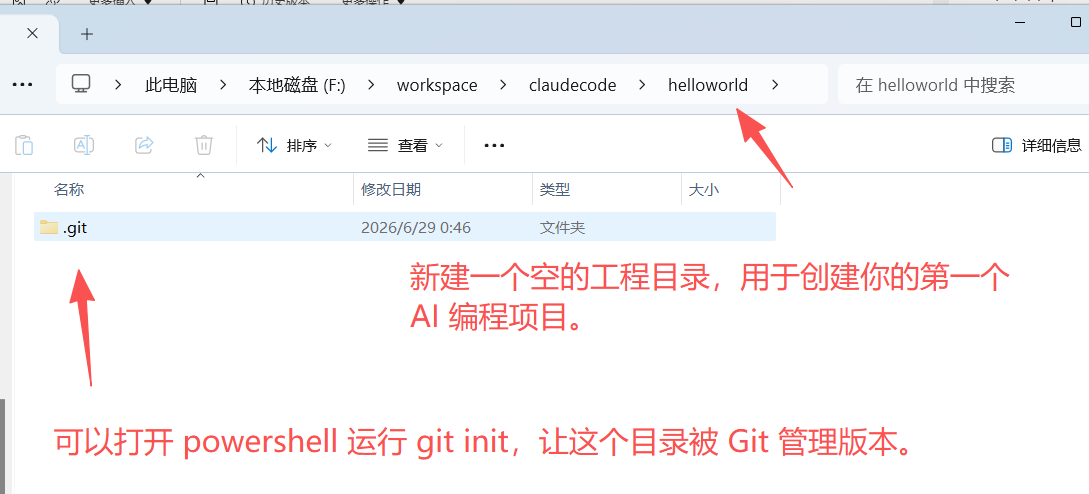
2.3、创建工程目录