大前端监控体系搭建实战
1. 问题概述
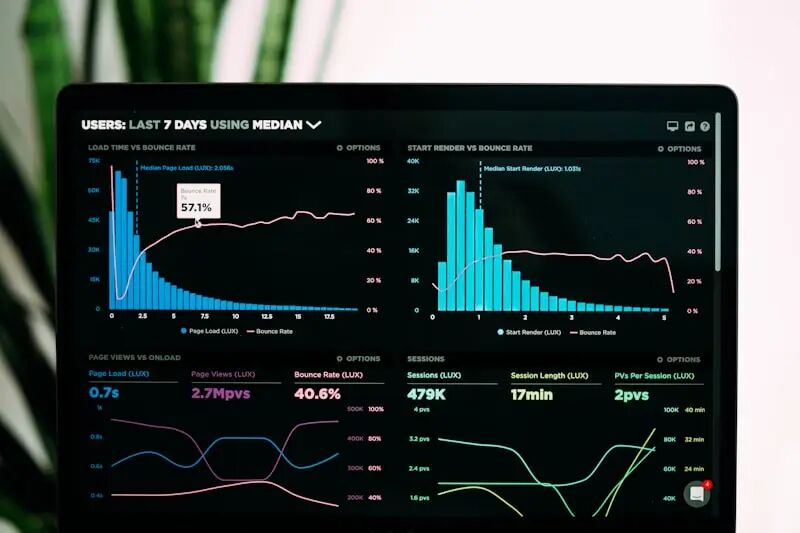
前端监控从简单的错误上报发展到涵盖性能、用户行为、业务指标的完整体系。如何搭建可靠、低成本的前端监控系统是每个技术团队的刚需。
2. 监控体系架构
┌────────────────────────────────────────────────┐
│                   监控体系                       │
├──────────┬──────────┬──────────┬──────────────┤
│ 性能监控  │ 错误监控  │ 行为监控  │  业务监控     │
├──────────┼──────────┼──────────┼──────────────┤
│ LCP/FCP  │ JS 错误  │ PV/UV    │ 转化率        │
│ INP/CLS  │ 资源错误  │ 点击流    │ 留存率        │
│ TTFB     │ Promise  │ 页面停留  │ 漏斗分析      │
│ 自定义指标 │ 接口异常  │ 用户路径  │ 自定义事件    │
└──────────┴──────────┴──────────┴──────────────┘
3. 核心实现
3.1 1. 错误监控
// 全局 JS 错误
window.addEventListener('error', (event) => {
reportError({
    type: 'js_error',
    message: event.message,
    filename: event.filename,
    line: event.lineno,
    column: event.colno,
    stack: event.error?.stack
  })
})

// Promise 错误
window.addEventListener('unhandledrejection', (event) => {
reportError({
    type: 'promise_error',
    message: event.reason?.message,
    stack: event.reason?.stack
  })
})

// React 错误边界
classErrorBoundaryextendsReact.Component {
componentDidCatch(error, info) {
    reportError({
      type: 'react_error',
      message: error.message,
      componentStack: info.componentStack
    })
  }
}
3.2 2. 性能监控
// Core Web Vitals
import { onLCP, onINP, onCLS, onFCP, onTTFB } from'web-vitals'

onLCP((metric) =>reportMetric('LCP', metric.value))
onINP((metric) =>reportMetric('INP', metric.value))
onCLS((metric) =>reportMetric('CLS', metric.value))
onFCP((metric) =>reportMetric('FCP', metric.value))
onTTFB((metric) =>reportMetric('TTFB', metric.value))

// 自定义性能指标
const observer = newPerformanceObserver((list) => {
for (const entry of list.getEntries()) {
    if (entry.initiatorType === 'fetch') {
      reportMetric('api_duration', entry.duration, {
        url: entry.name
      })
    }
  }
})
observer.observe({ entryTypes: ['resource'] })
3.3 3. 用户行为监控
// 点击事件采集
document.addEventListener('click', (e) => {
const target = e.target
reportBehavior({
    type: 'click',
    selector: getSelector(target),
    text: target.textContent?.substring(0, 50),
    timestamp: Date.now()
  })
}, true)

// 页面停留时间
let pageEnterTime = Date.now()
window.addEventListener('beforeunload', () => {
reportBehavior({
    type: 'page_stay',
    duration: Date.now() - pageEnterTime,
    url: location.href
  })
})
3.4 4. 接口监控
// 拦截 fetch
const originalFetch = window.fetch
window.fetch = async (...args) => {
const startTime = Date.now()
try {
    const response = awaitoriginalFetch(...args)
    reportAPI({
      url: args[0],
      duration: Date.now() - startTime,
      status: response.status,
      success: response.ok
    })
    return response
  } catch (error) {
    reportAPI({
      url: args[0],
      duration: Date.now() - startTime,
      success: false,
      error: error.message
    })
    throw error
  }
}
4. 数据上报策略
class Reporter {
constructor() {
    this.queue = []
    this.maxSize = 10
    this.flushInterval = 5000
    this.startFlushTimer()
  }

// 合并上报减少请求
push(data) {
    this.queue.push(data)
    if (this.queue.length >= this.maxSize) {
      this.flush()
    }
  }

// 页面卸载时使用 sendBeacon
flush() {
    if (this.queue.length === 0) return
    const data = this.queue.splice(0)
    if (navigator.sendBeacon) {
      navigator.sendBeacon('/api/monitor', JSON.stringify(data))
    } else {
      fetch('/api/monitor', {
        method: 'POST',
        body: JSON.stringify(data),
        keepalive: true
      })
    }
  }
}
5. 开源方案对比
| 方案 | 特点 | 适合场景 |
|---|---|---|
| Sentry | 错误监控 + 性能 | 中小团队首选 |
| 腾讯 TAM | 全链路监控 | 腾讯生态 |
| 阿里 ARMS | 企业级 APM | 大型企业 |
| 自建方案 | 灵活可控 | 有特殊需求 |
| Grafana Faro | 开源可观测 | 自建监控 |
6. 告警配置
告警规则:
  -5分钟内错误率>1%→企业微信通知
-LCP>4s持续10分钟→告警升级
-API成功率<95%→立即通知
-JS错误新增类型→通知+自动创建 Issue
7. 参考资源
-
• Web Vitals 库
-
• Sentry 文档
-
• Performance API