前言
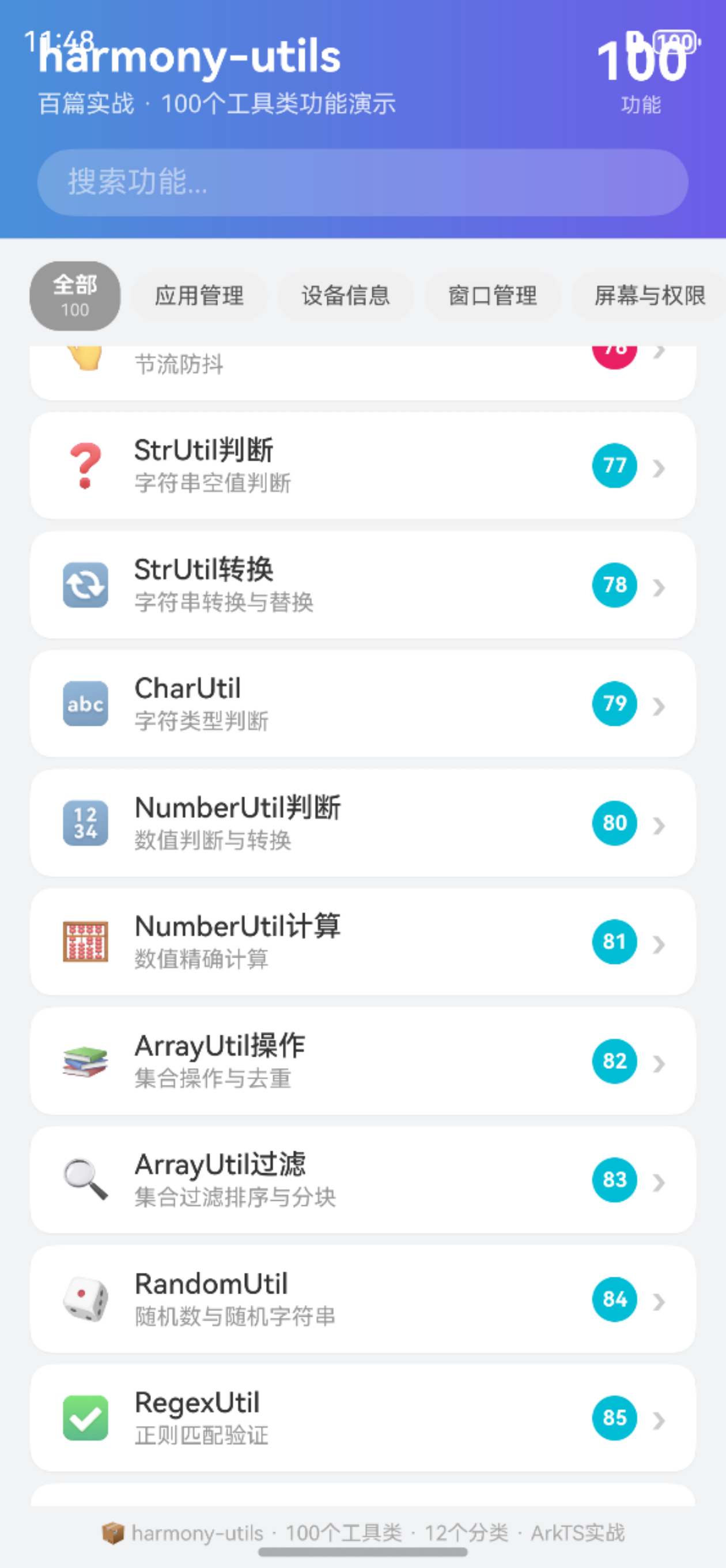
字符串转换和替换是文本处理的基础操作,如大小写转换、首字母大写、字符串替换等。@pura/harmony-utils 的 StrUtil 封装了丰富的字符串转换方法。本文将从API说明、代码实战、进阶用法、常见问题等多个维度进行全面讲解,帮助开发者快速掌握并应用到实际项目中。
一、StrUtil转换核心API
StrUtil 提供了以下字符串转换方法:
| 方法 | 说明 | 返回类型 | 使用场景 |
|---|---|---|---|
toUpperCase(str) |
转大写 | string | 大写转换 |
toLowerCase(str) |
转小写 | string | 小写转换 |
capitalize(str) |
首字母大写 | string | 标题格式 |
reverse(str) |
反转字符串 | string | 特殊处理 |
replace(str, old, new) |
替换字符串 | string | 文本替换 |
replaceAll(str, regex, new) |
正则替换 | string | 批量替换 |
1.1 核心特性
- 简洁易用:封装复杂逻辑为一行调用,降低使用门槛
- 类型安全:完整的TypeScript类型定义,编译期即可发现错误
- 异常处理:内置异常捕获机制,避免运行时崩溃
- 丰富方法:覆盖大小写、首字母、反转、替换等场景
1.2 转换方法对照
| 方法 | 输入 | 输出 | 说明 |
|---|---|---|---|
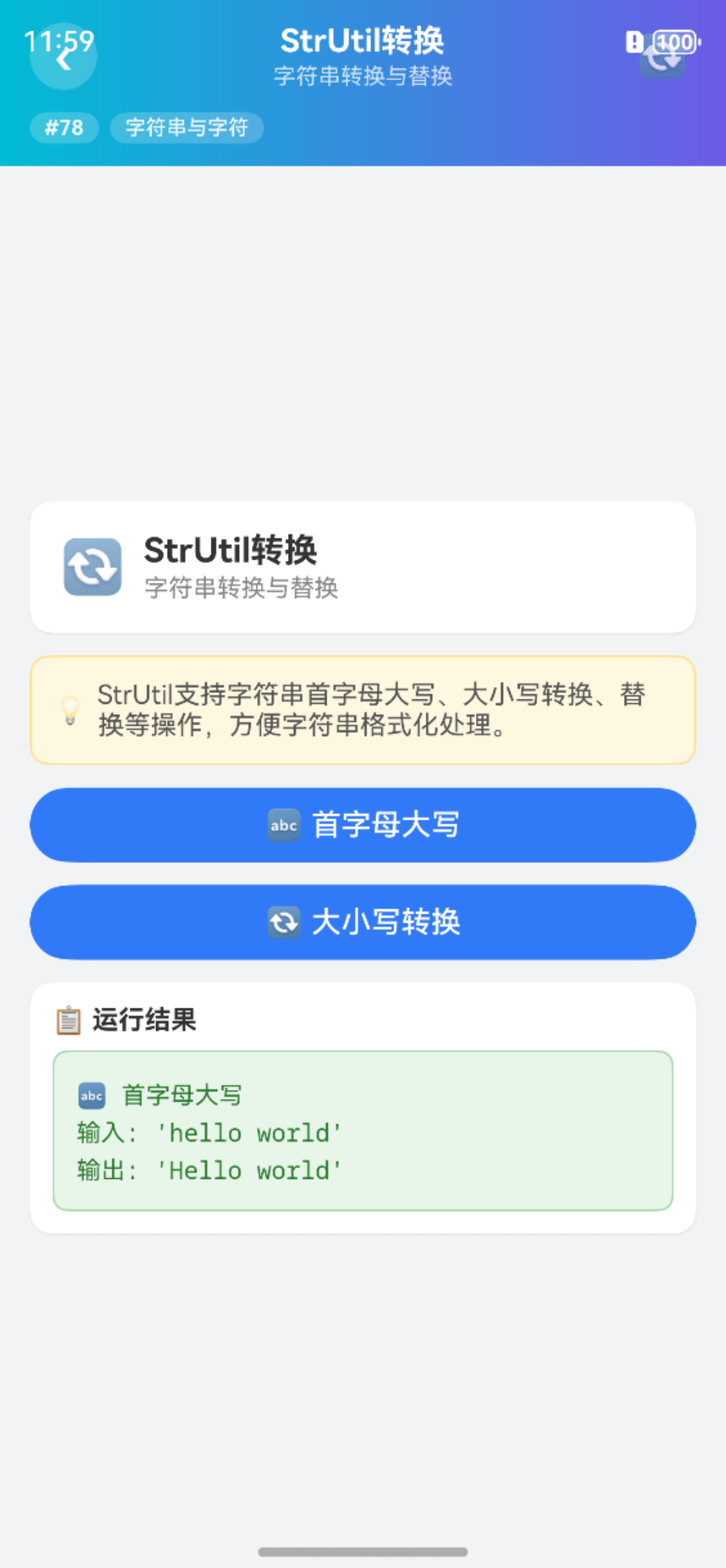
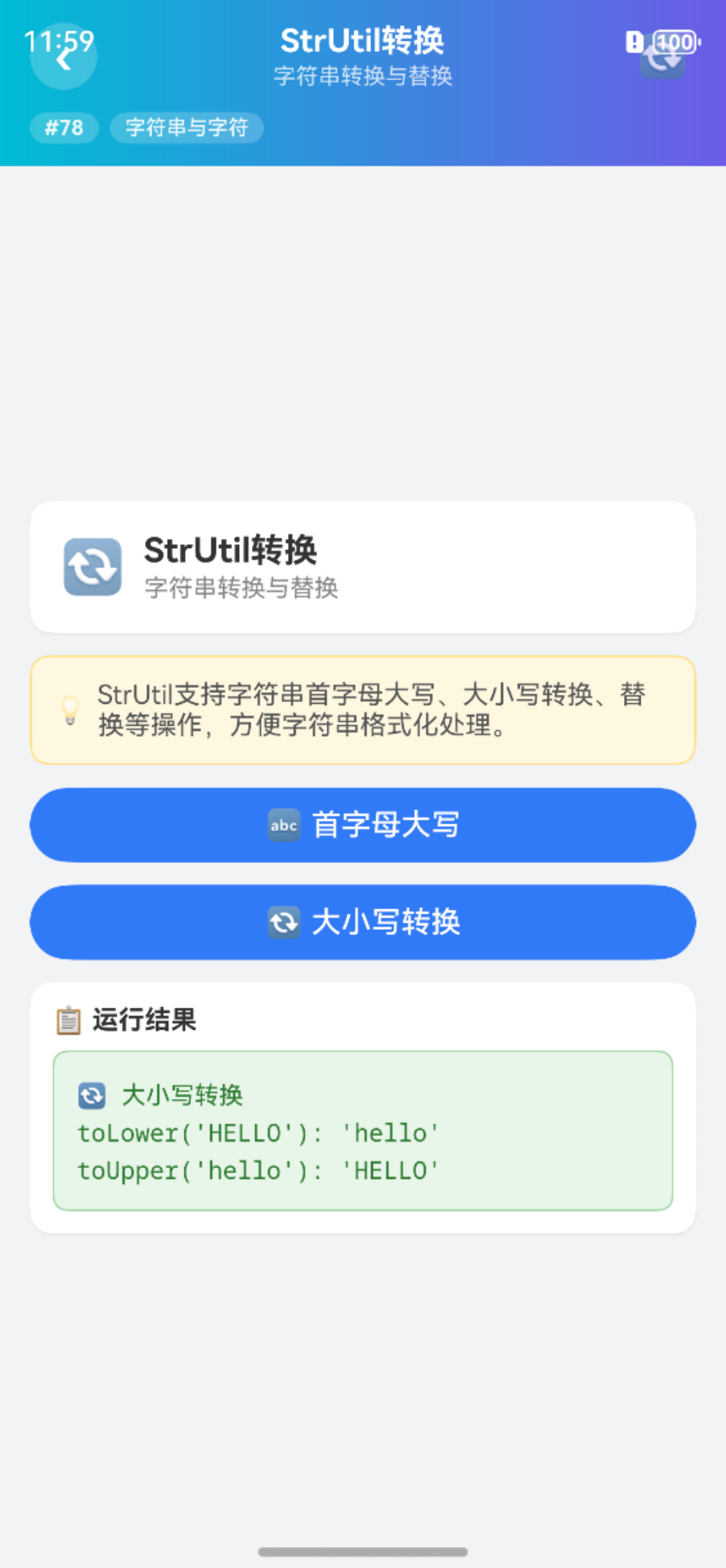
| toUpperCase | 'hello' | 'HELLO' | 全部大写 |
| toLowerCase | 'WORLD' | 'world' | 全部小写 |
| capitalize | 'harmony' | 'Harmony' | 首字母大写 |
| reverse | 'abc' | 'cba' | 字符反转 |
二、完整使用步骤
2.1 安装依赖
bash
ohpm install @pura/harmony-utils2.2 大小写转换
typescript
import { StrUtil } from '@pura/harmony-utils';

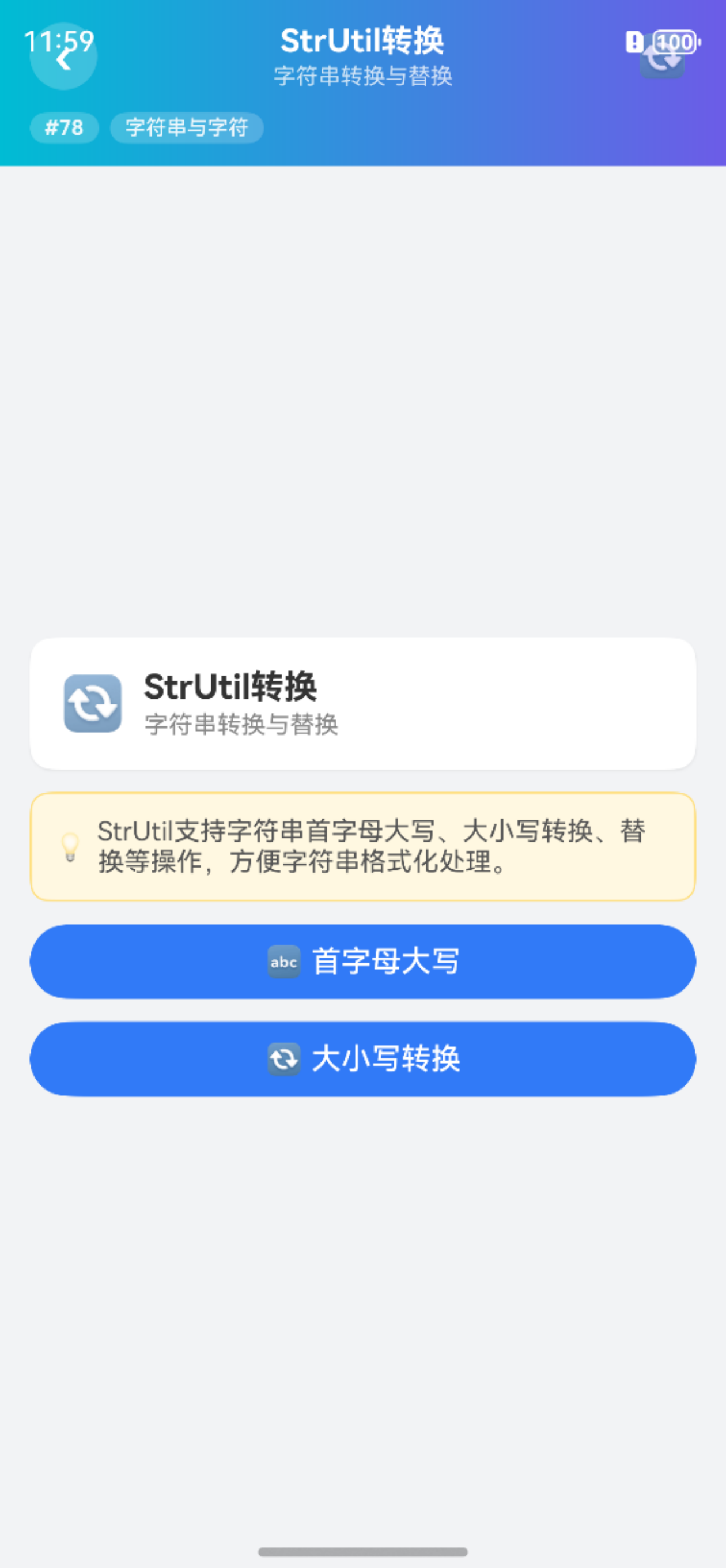
Button('大小写转换')
  .width('100%')
  .onClick(() => {
    try {
      let upper = StrUtil.toUpperCase('hello');
      let lower = StrUtil.toLowerCase('WORLD');
      let cap = StrUtil.capitalize('harmony');
      this.result = `大写: ${upper}\n小写: ${lower}\n首字母大写: ${cap}`;
    } catch (e) {
      this.result = '异常: ' + e;
    }
  })
2.3 字符串替换
typescript
Button('字符串替换')
  .width('100%')
  .onClick(() => {
    try {
      let replaced = StrUtil.replace('hello world', 'world', 'harmony');
      let reversed = StrUtil.reverse('hello');
      this.result = `替换: ${replaced}\n反转: ${reversed}`;
    } catch (e) {
      this.result = '异常: ' + e;
    }
  })
三、完整页面示例
typescript
import { StrUtil } from '@pura/harmony-utils';

@Entry
@Component
struct StrConvertDemo {
  @State result: string = '';

  build() {
    Column({ space: 12 }) {
      Button('大小写转换').width('100%').onClick(() => {
        this.result = `大写: ${StrUtil.toUpperCase('hello')}\n首字母: ${StrUtil.capitalize('world')}`;
      });
      Button('替换反转').width('100%').onClick(() => {
        this.result = `替换: ${StrUtil.replace('abc', 'a', 'x')}\n反转: ${StrUtil.reverse('hello')}`;
      });
      Text(this.result).fontSize(14).fontColor('#333333')
    }
    .padding(16)
  }
}
四、进阶用法
4.1 用户名格式化
typescript
import { StrUtil } from '@pura/harmony-utils';

function formatUsername(name: string): string {
  let trimmed = name.trim();
  return StrUtil.capitalize(StrUtil.toLowerCase(trimmed));
}
4.2 敏感词替换
typescript
function maskSensitiveWords(text: string, words: string[]): string {
  let result = text;
  words.forEach(word => {
    result = StrUtil.replaceAll(result, word, '*'.repeat(word.length));
  });
  return result;
}
五、注意事项
- null安全:传入null或undefined时方法会安全处理
- 编码问题:中文大小写转换可能不符合预期
- 正则替换:replaceAll使用正则,注意特殊字符转义
- 初始化依赖 :使用前需确保
AppUtil.init()已调用 - 性能考虑:大量字符串操作时注意性能影响
六、常见问题
Q1: capitalize对中文有效吗?
中文没有大小写概念,capitalize对中文无效,原样返回。
Q2: replace只替换第一个匹配吗?
是的,replace只替换第一个匹配,需要替换所有请使用replaceAll。
Q3: reverse对emoji有效吗?
部分emoji由多个Unicode码点组成,reverse可能拆散emoji。
Q4: toUpperCase对特殊字符有效吗?
特殊字符(如数字、标点)不受大小写转换影响,原样返回。
总结
StrUtil 的字符串转换和替换方法为文本处理提供了便捷支持。本文详细介绍了核心API、使用步骤、完整示例、进阶用法以及常见问题的解决方案。开发者可以利用这些方法简化大小写转换、文本替换等操作。
本文基于
@pura/harmony-utils工具库,更多功能请参考官方文档与后续系列文章。