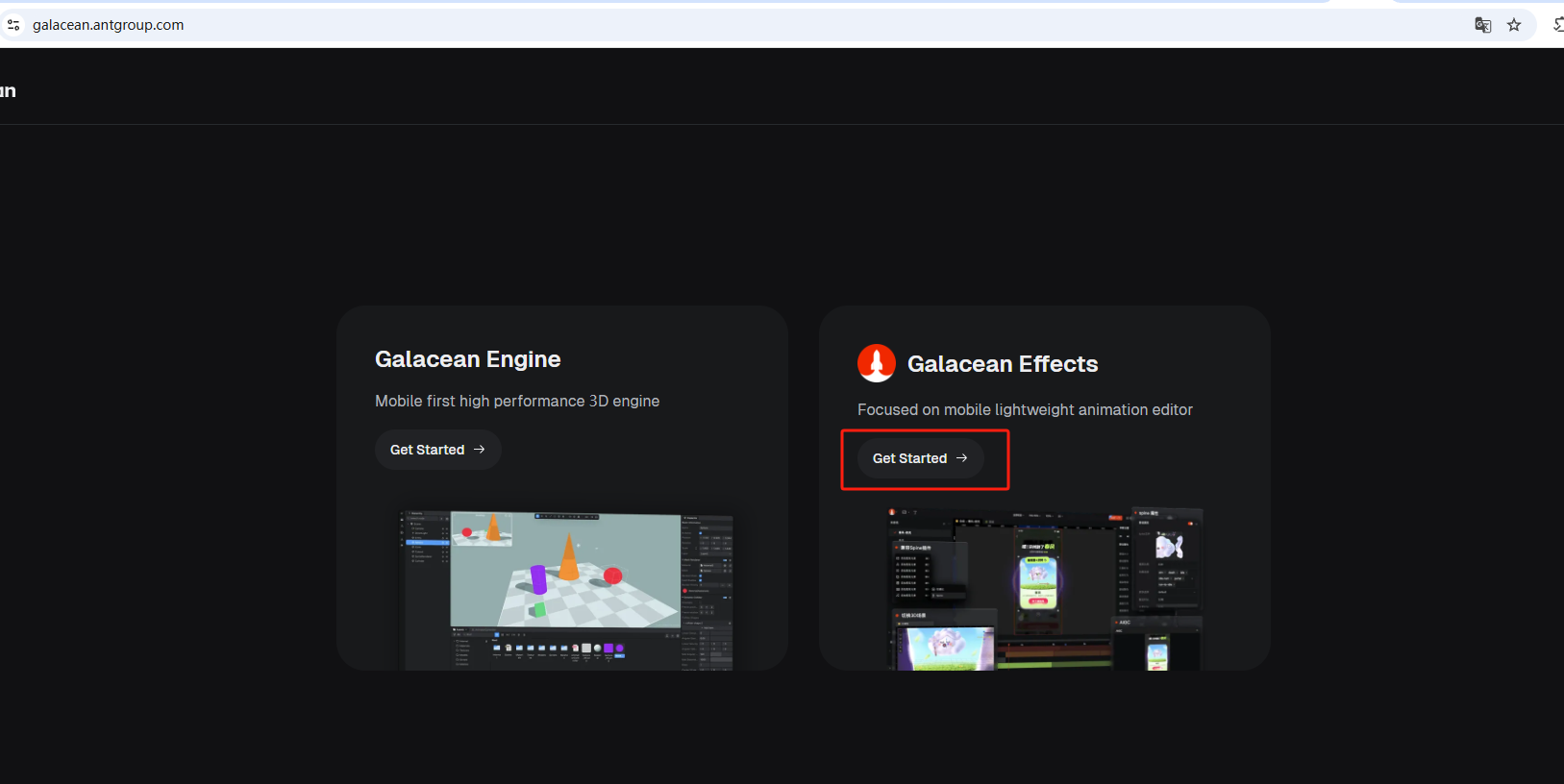
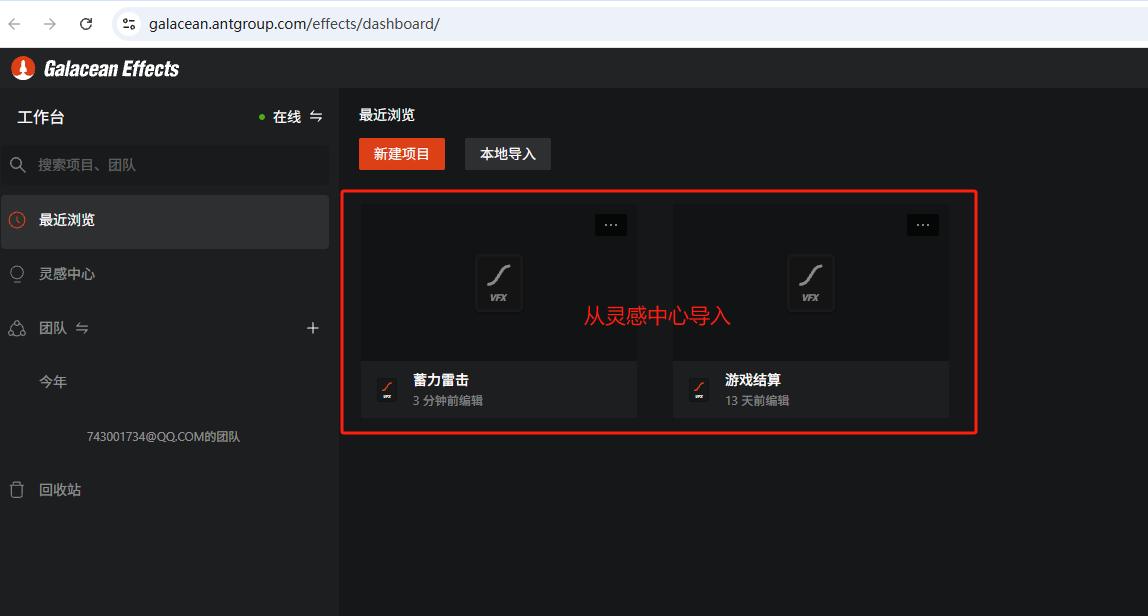
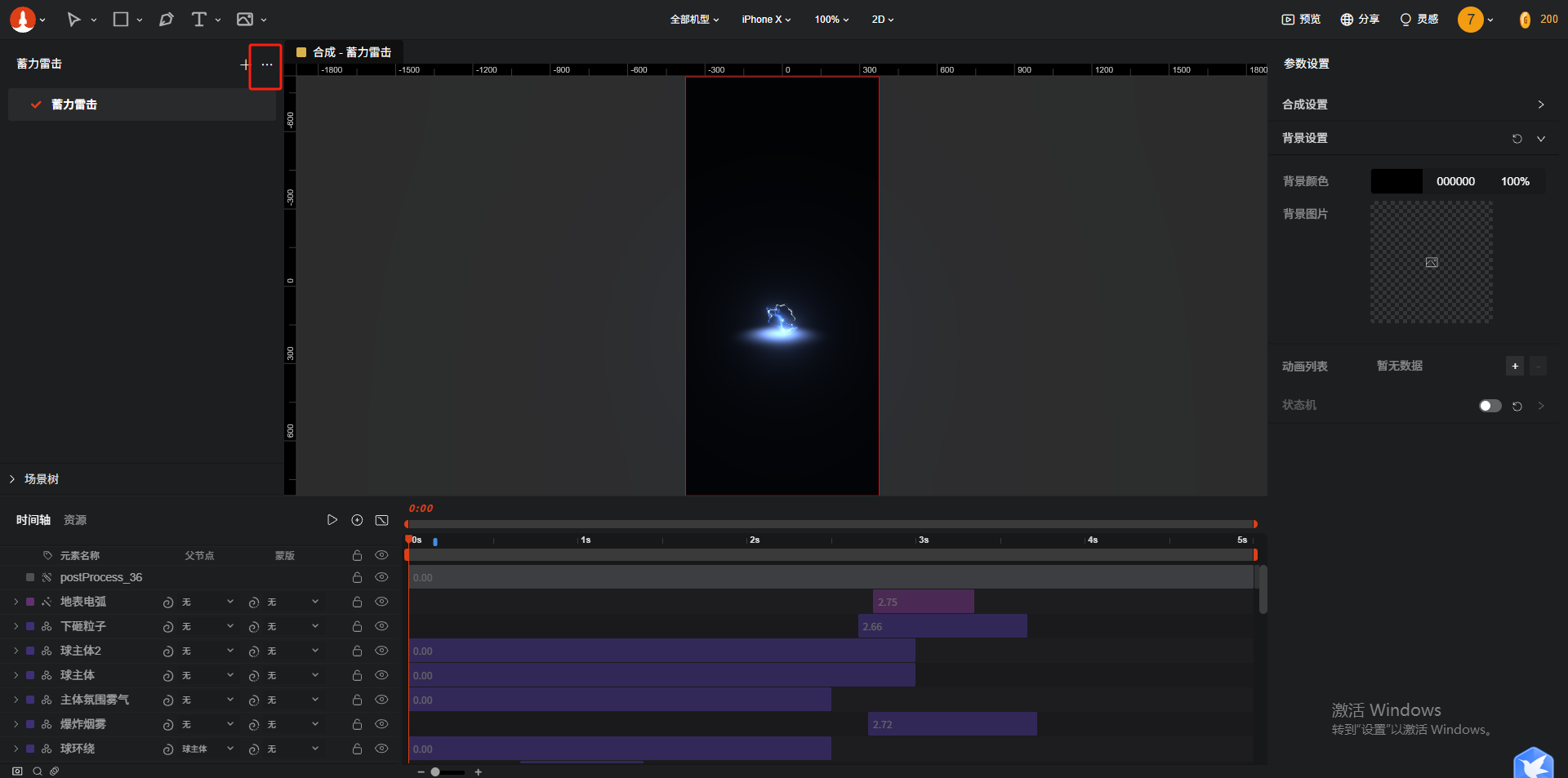
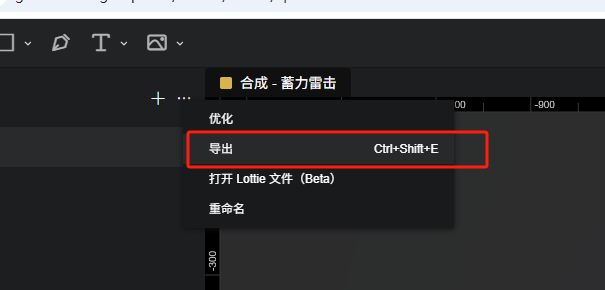
新建test1文件夹,将导出的内容复制进去
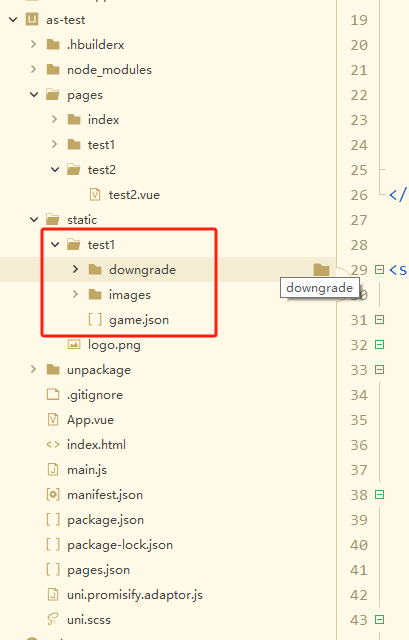
新建test2.vue文件
<template>
	<view v-html="html">

	</view>
	<view v-show="false" :data="url" :change:data="requestModule.realRequest"></view>
</template>

<script setup>
	import { onMounted } from 'vue'
	import { ref } from 'vue'


	const html = ref('<div id="container" style="width: 100vw; height: 100vh;"></div>')

	const url = ref('')

	onMounted(() => {
	  //let container = document.getElementById('container');


	  //console.log(12232262323);
	  //console.log(container);

	  url.value = './static/test1/game.json';
	})
</script>


<script module="requestModule" lang="renderjs">
	import { Player } from '@galacean/effects';
	export default {
		methods: {
			realRequest(newValue, oldValue) {
				console.log(4111);
				console.log(newValue);
				//console.log(oldValue);

				if(newValue != null && newValue != ''){
					let container = document.getElementById('container');
					console.log(container);

					// 1. 实例化一个播放器
					const player = new Player({
					  container: container,
					  // 初始化 Player 或 loadScene 时遇到的异常
					  onError: (err, ...args) => {
					    // 降级逻辑,以下仅供参考
					    container.style.backgroundImage = 'url("替换为降级图路径/链接")';
					  },
					});

					// 2. 加载并播放动效资源
					void player.loadScene(newValue);
				}
			}
		}
	};
</script>

<style>

</style>
修改 url.value = './static/test1/game.json'; 为你复制进test1目录下的.json文件的路径,即可看到特效