0 Preface/Foreword
1 查看文件换行符方法
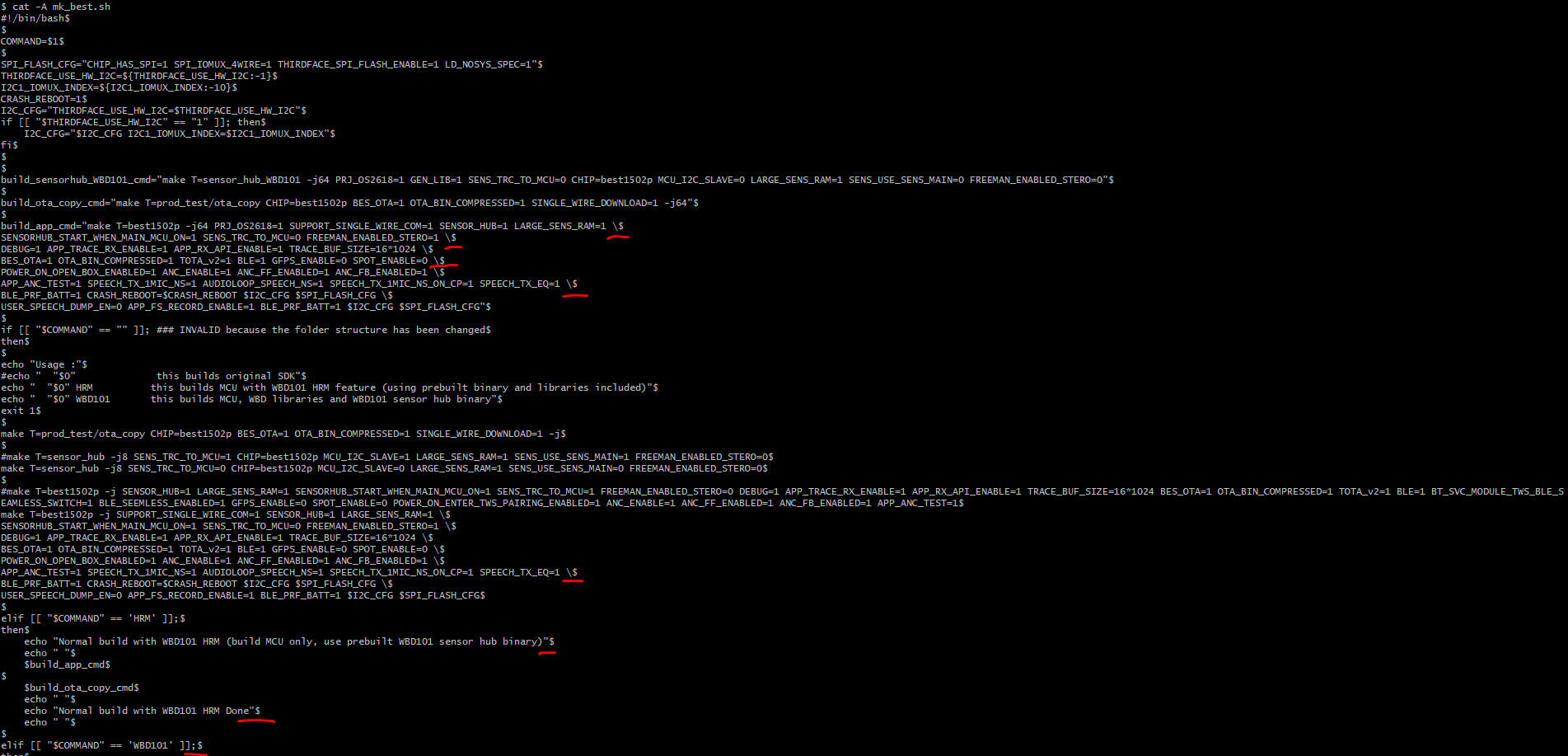
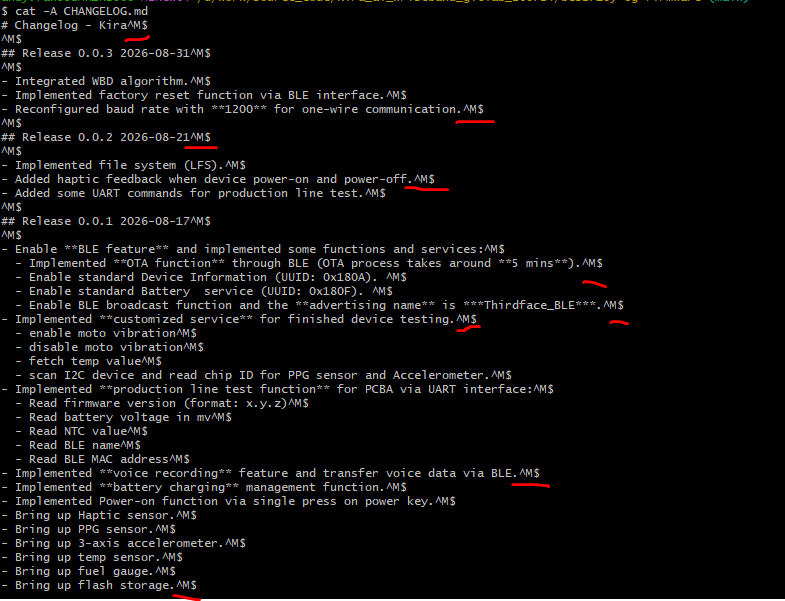
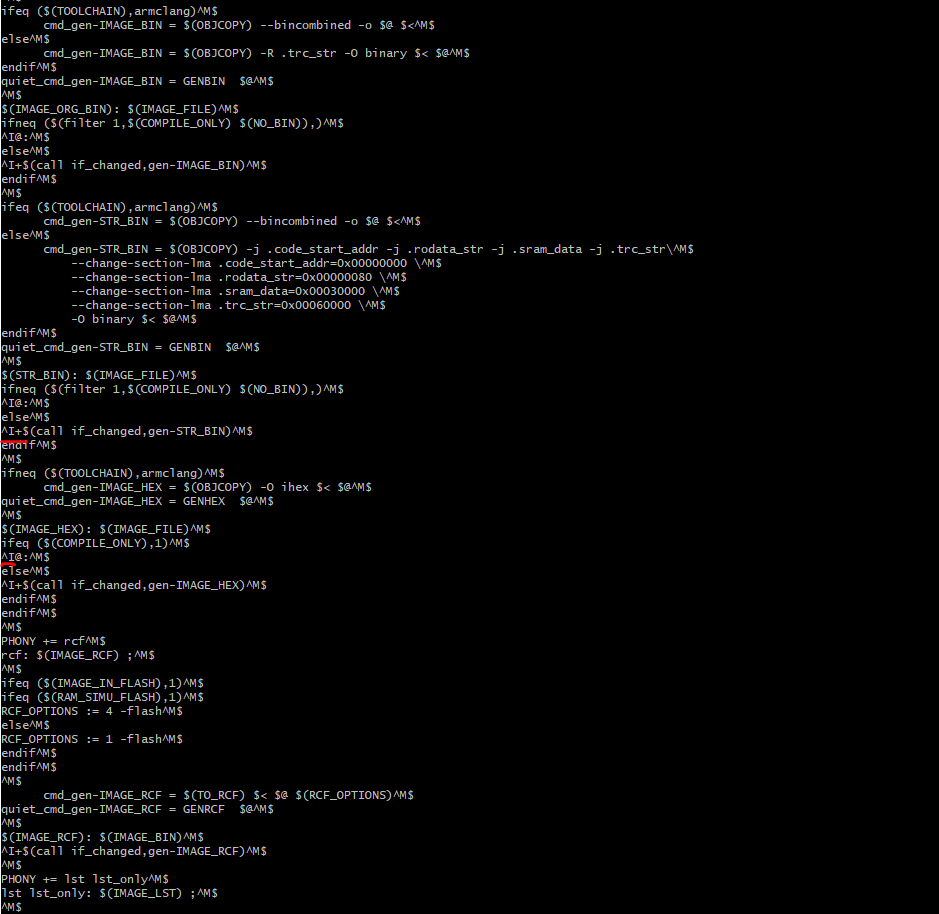
1.1 cat -A file_name
通过命令cat -A常看:
cat -A file_name
++cat工具选项使用方法++:
- -A : --show--all equivalent to -vET
- -b, --number-nonblank number nonempty output lines, overrides -n
- -e equivalent to -vE
- -E, --show-ends display $ at end of each line
- -n, --number number all output lines
- -s, --squeeze-blank suppress repeated empty output lines
- -t equivalent to -vT
- -T, --show-tabs display TAB character as ^I
- -u (ignore)
- -v, --show-nonprinting use ^ and M- notation, except for LFD and TAB
- --help display this help and exit
- --version output version information and exit
1.1.1 sh文件 (LF结尾)
1.1.2 text文件 (CRLF)
1.2.3 没有换行符文件

1.2.4 makefile文件 (包含Tab)
1.2 file file_name (line terminator)
++用过file命令查看文件属性++:
- Windows格式文件:输出包含with CRLF line terminators
- Linux/Unix格式文件:输出包含with LF line terminators

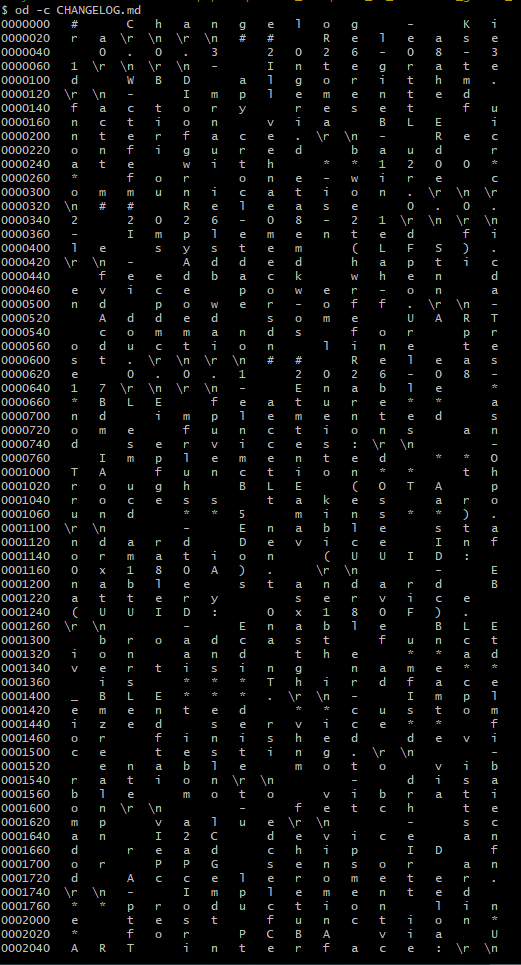
1.3 od -c file_name (查看字节级内容)
查看一个文件中每个字节的内容,可以使用以下命令:
od -c file_name

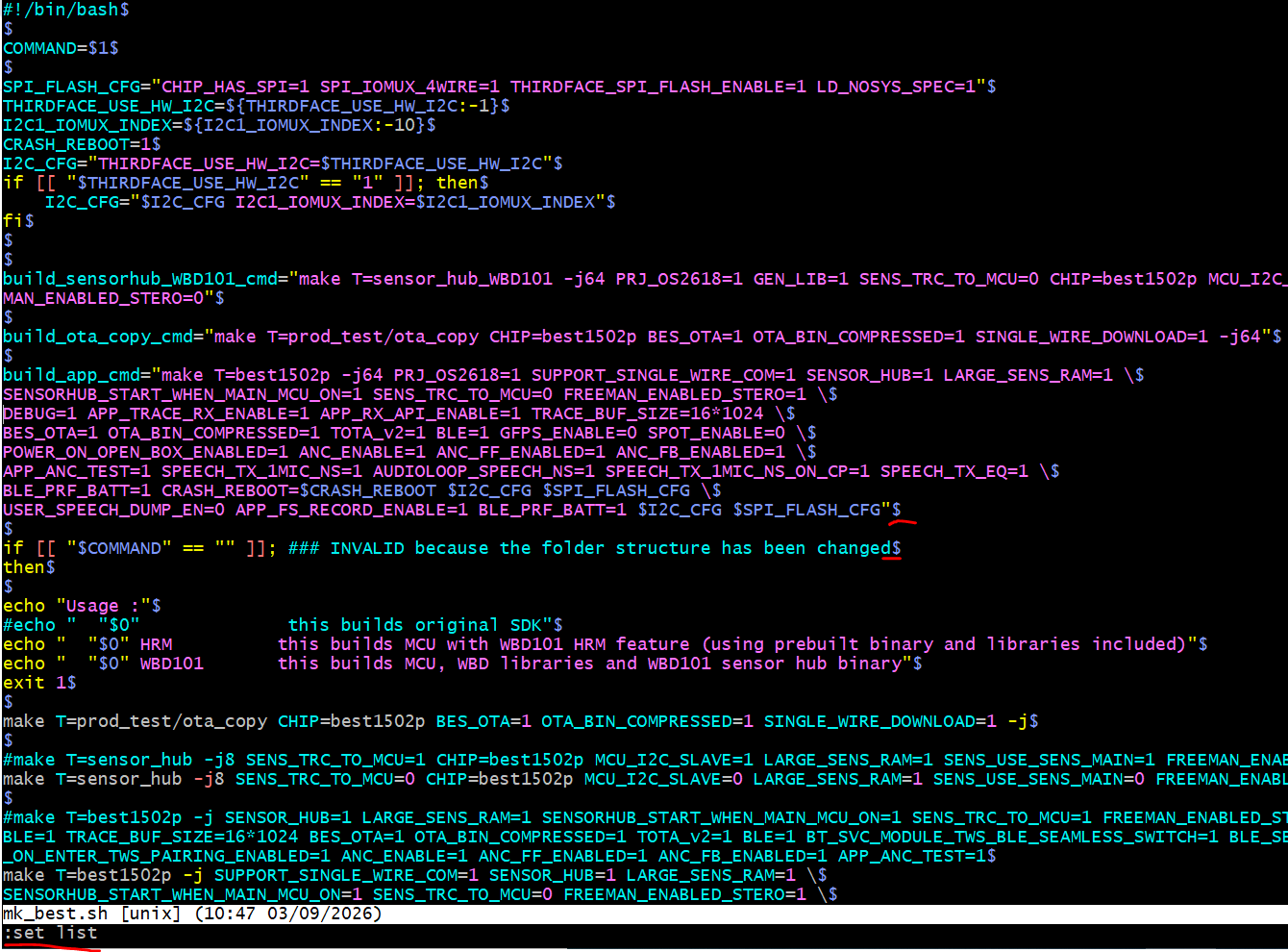
1.4 vim -b file_name
++步骤++:
- vim -b file_name打开文件;
- 底行模式:set list 显示不可见字符。$是LF,^M是CR。