专栏 :Playwright Python 实战专栏 · 预计阅读 :12 分钟 · 配套仓库 :playwright-python-series
1. 一个每天都在发生的"假故障"
python
page.click("button#submit")
time.sleep(3)                     # 等结果返回
page.get_by_test_id("status").inner_text() == "成功"   # 偶尔失败
本地 ✅、CI ❌。问题不在逻辑,而在固定等待。
2. 为什么 time.sleep 是反模式
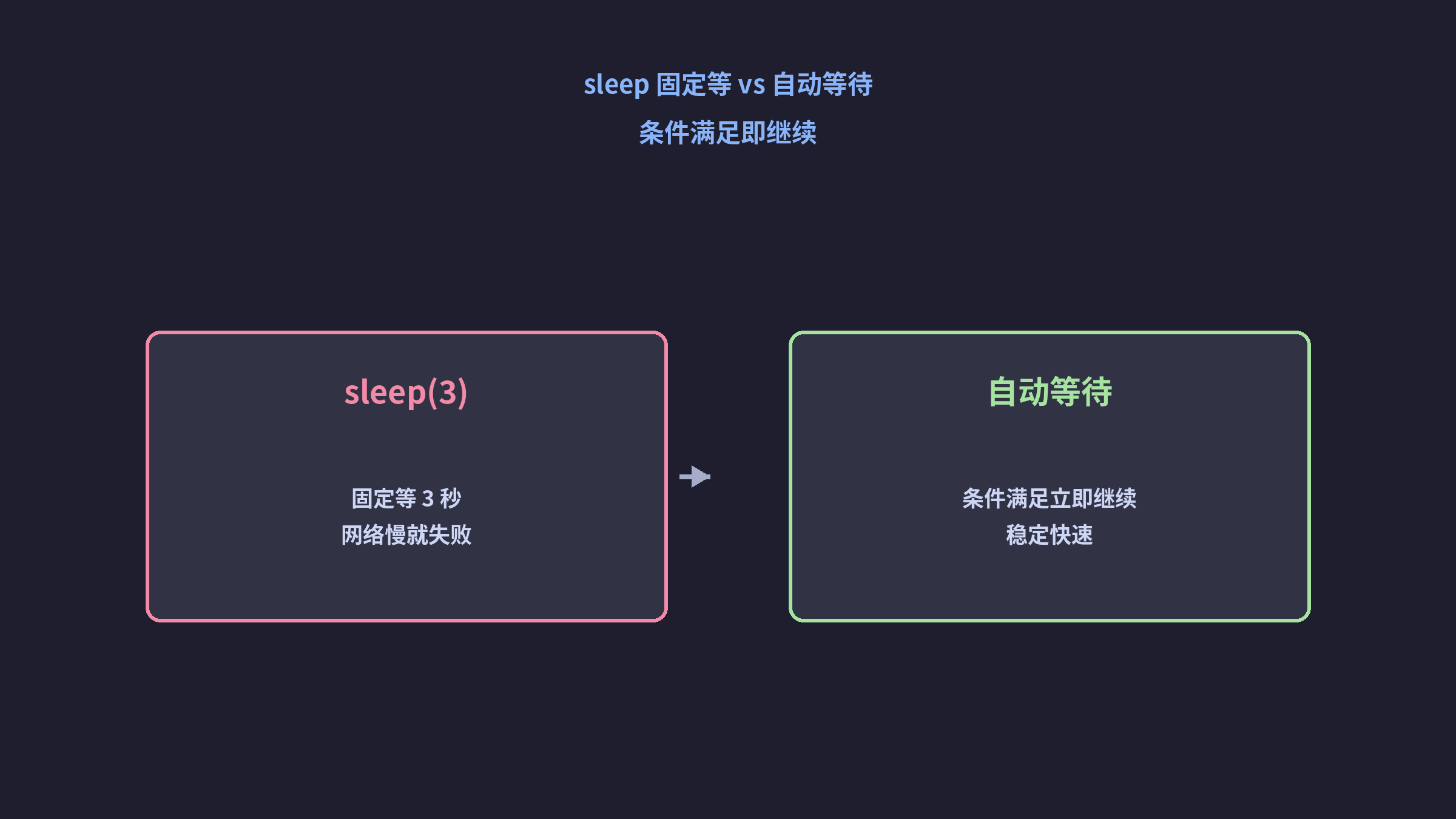
| 维度 | sleep | 自动等待 |
|---|---|---|
| 速度 | 固定耗时 | 条件满足立即继续 |
| 稳定性 | 抖动就失败 | 自适应环境 |
sleep 是"赌时间",自动等待是"等条件"。
3. 三层自动等待机制
3.1 Actionability(内置等待)
click / fill / type 自动等元素可操作:attached、visible、stable、enabled、editable。
python
page.get_by_role("button", name="Submit").click()   # 自动等可点击
page.get_by_label("Email").fill("a@b.com")         # 自动等可编辑
3.2 expect(断言自动重试)
python
from playwright.sync_api import expect
expect(page.get_by_test_id("status")).to_have_text("成功", timeout=10_000)
第 7 篇详述匹配器,此处先记住:expect 会轮询到条件成立或超时。
3.3 wait_for_*(显式等待)
python
page.wait_for_selector("#result")
page.wait_for_url("**/dashboard")
page.wait_for_function("window.__ready === true")
page.wait_for_response("**/api/order")
4. 异步接口:wait_for_response
python
with page.expect_response("**/api/submit") as resp_info:
    page.get_by_role("button", name="Submit").click()
assert resp_info.value.status == 200
比 sleep(轮询) 精确且快速。
5. 优先级口诀
*actionability > expect > wait_for_ > timeout(仅调试)**
6. 常见坑位
- 坑 1 :
wait_for_timeout(3000)伪装成自动等待。它仍是固定等待。 - 坑 2:超时盲目调到 30s。应先查接口/环境。
- 坑 3:等待整页加载。应等待关键业务元素。
7. 完整示例:零 sleep
python
def test_create_order(page):
    page.goto("/orders/new")
    page.get_by_label("Amount").fill("100")
    page.get_by_role("button", name="Create").click()
    expect(page.get_by_test_id("status")).to_have_text("pending")
8. 与前面章节的关系
| 维度 | 篇章 |
|---|---|
| 定位是前提 | 第 2 篇 |
| 断言重试 | 第 7 篇 expect |
| CI 更不稳定 | 第 6 篇专栏整体语境 |
9. 小结
- sleep 是反模式,自动等待是条件驱动。
- 三层:actionability → expect → wait_for_*。
- 优先用内置,次选 expect,显式等待兜底。
10. 思考题
- 你的项目还有多少
time.sleep? wait_for_timeout何时应使用?- 如何诊断"偶尔超时"?
11. 下一篇预告
第 7 篇把 expect 的自动重试彻底讲透。