谷歌浏览器官网直接下载离线安装包
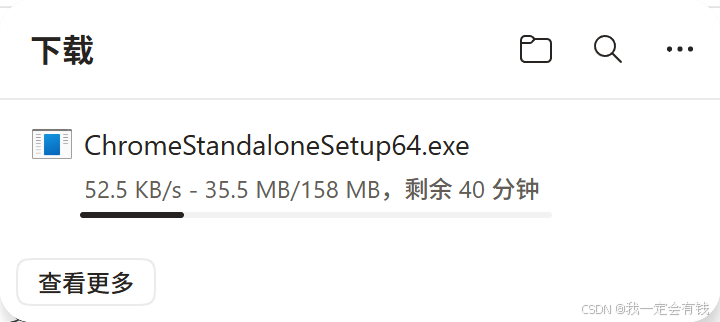
方法一:通过链接直接下载
在浏览器地址栏输入官网地址,并在末尾拼接特定参数,回车后点击下载按钮即可。
各平台对应的参数如下:
- Windows 64 位 :访问
https://www.google.cn/intl/zh-CN/chrome/?standalone=1&platform=win64 - Windows 32 位 :将参数改为
platform=win - Mac 系统 :将参数改为
platform=mac - Linux 系统 :将参数改为
platform=linux
添加 standalone=1 参数会强制返回完整安装包,文件体积约 100MB 以上,安装时无需联网。
正常打开 Chrome 浏览器官网下载正常打开 Chrome 浏览器官网下载,得到的是在线安装包 ,默认安装位置无法修改,只能后期手动调整,比较麻烦,且下载的文件只有 11MB。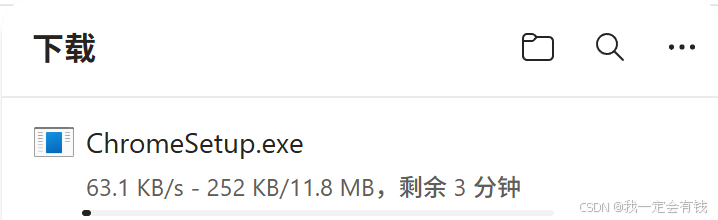
流程
使用 https://www.google.cn/intl/zh-CN/chrome/next-steps.html?standalone=1&platform=win64 这个链接下载,得到的就是离线安装包,可直接下载约 1000 多 MB 的完整安装包。
下载链接:https://www.google.cn/intl/zh-CN/chrome/next-steps.html?standalone=1&platform=win64