各大出版社官方模板入口
1. Elsevier(ScienceDirect,工程、材料、医学很多期刊)
LaTeX:elsarticle 模板包
https://www.elsevier.com/journals/author-gateway/latex
Word 通用初稿模板(仅参考,部分期刊不提供 Word 模板)
https://legacyfileshare.elsevier.com/promis_misc/Research%20Article%20template%20and%20guidance.docx
2. MDPI(开源期刊,很多 SCI)
官网作者指南直接提供 Word + LaTeX
https://www.mdpi.com/authors/templates
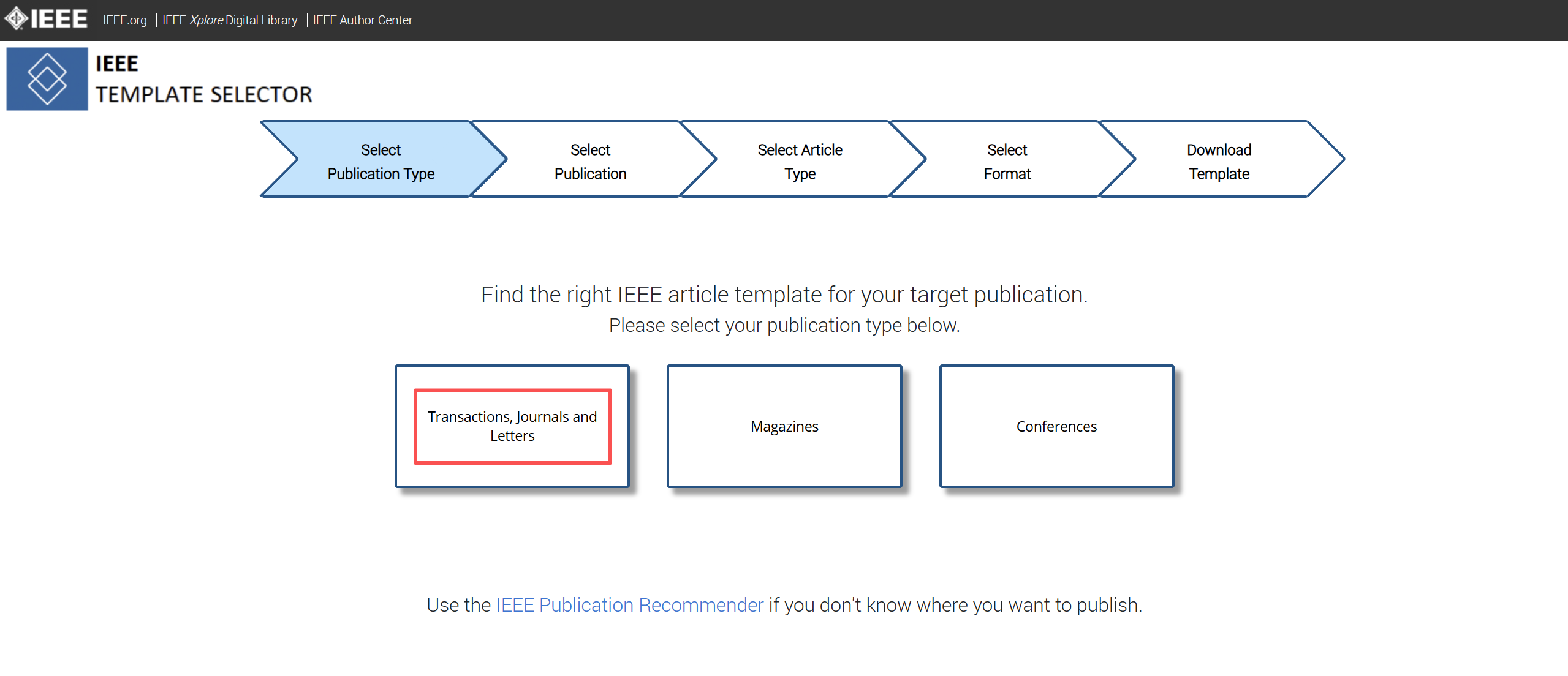
3. IEEE(工科,IEEE 系列 SCI 期刊)
模板选择器,自选期刊下载 Word/LaTeX
https://template-selector.ieee.org/secure/templateSelector/publicationType
4. Springer / Nature Portfolio(Nature, Nat. Comm., Scientific Reports)
- Nature 系列:大多不强制模板,只给排版规范;Scientific Reports 提供 Word 样式模板
- Springer:部分期刊有 LaTeX 模板,在作者指南
Instructions for Authors
5. ACS(化学)、RSC(化学)
期刊主页→Authors→Instructions for authors,提供 Word/LaTeX
6. Overleaf(在线 LaTeX,推荐)
内置大量期刊官方模板,可以直接在线打开,不用本地下载。 Gallery - Templates, Examples and Articles written in LaTeX - Overleaf, Online LaTeX Editor
通用初稿模板
LaTeX 通用稿件模板:elsarticle(Elsevier 的通用模板,很多人写初稿用)
查找模板的步骤
- 打开你打算投的期刊官网
- 找到:Guide for Authors / Instructions for Authors / For Authors(作者指南)
- 在里面搜索关键词:
template、manuscript template、LaTeX、Word - 下载官网给出的模板,同时通读作者指南,很多期刊不要求用模板,只要求满足格式规范
参考文献格式:不要靠模板,用 Zotero / EndNote,导入期刊 style 文件,这个是最容易出错的地方
很多 SCI 期刊投稿初稿不要求双栏,只要行号、连续页码,录用之后才会排版成正式双栏