NGINX学习
参考B站视频 BV1F5411J7vK、BV1Bx411Z7Do
介绍
Nginx(engine x)是一个高性能的HTTP和反向代理web服务器,同时也提供IMAP/POP3/SMTP服务。
高性能:响应快 并发高
作用
① HTTP代理,反向代理:作为web服务器最常用的功能之一,尤其是反向代理
- 正向代理
vpn:代理服务器帮你请求外网资源 。代理客户端的就是正向代理 - 反向代理
代理服务端
正向代理隐藏真实的客户端,反向代理隐藏真实的服务端
② 负载均衡
③ 动静分离
下载
官网:https://nginx.org/en/download.html
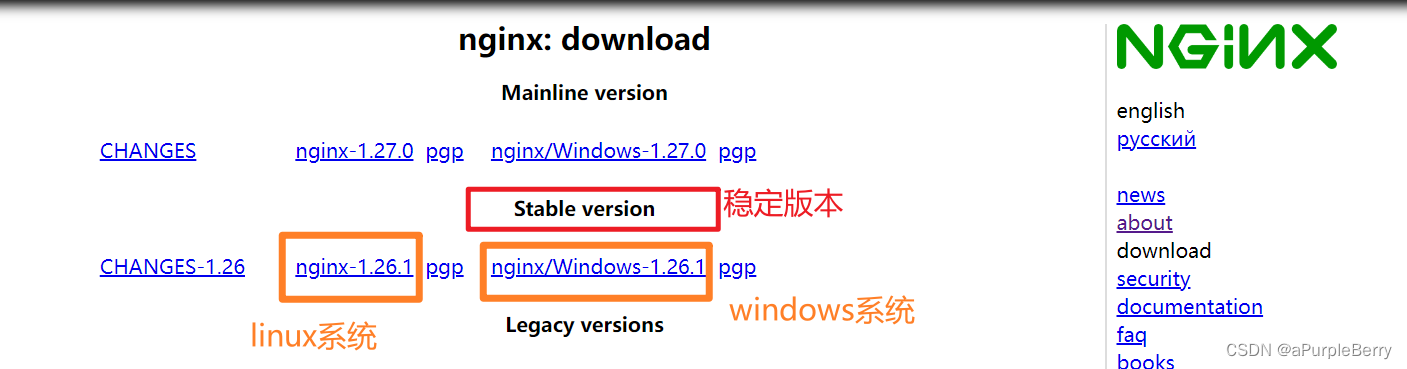
文件
解压安装包之后
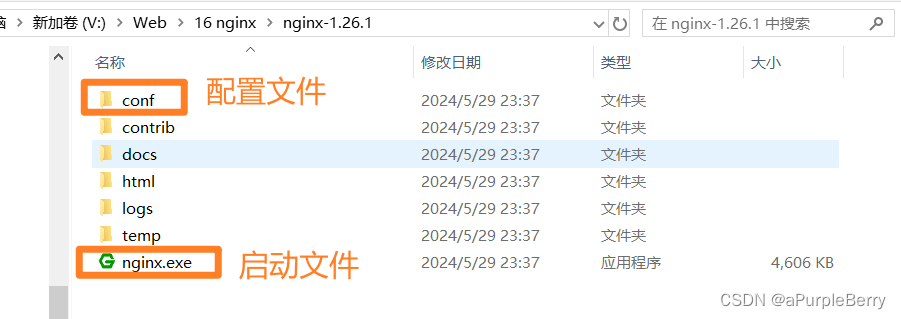
- nginx.conf
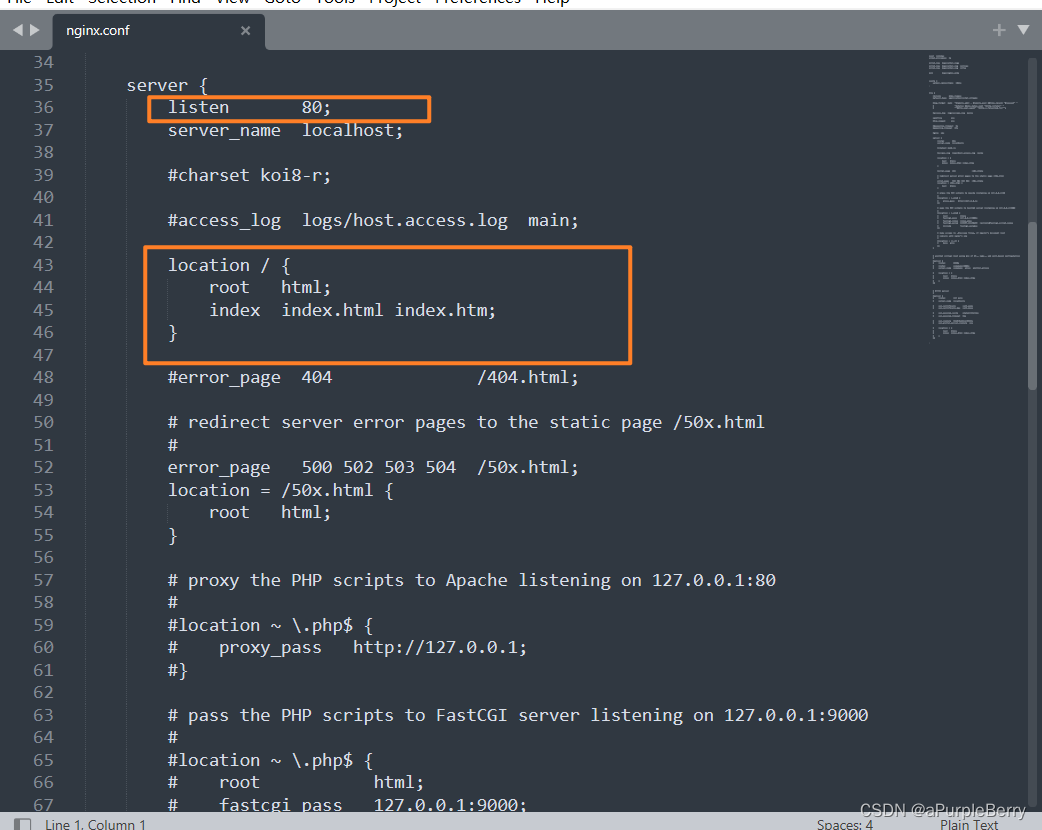
删除掉注释之后不到三十行:
powershell
worker_processes  1;

events {
    worker_connections  1024;
}

http {
    include       mime.types;
    default_type  application/octet-stream;

    sendfile        on;

    keepalive_timeout  65;

    server {
        listen       80;
        server_name  localhost;  # 搭配上面的80,localhost80访问到
        location / { # 默认的/路径
            root   html;  # 这里的html是文件
            index  index.html index.htm;
        }

        error_page   500 502 503 504  /50x.html;
        location = /50x.html { # 出错时的错误页
            root   html;
        }
    }
}
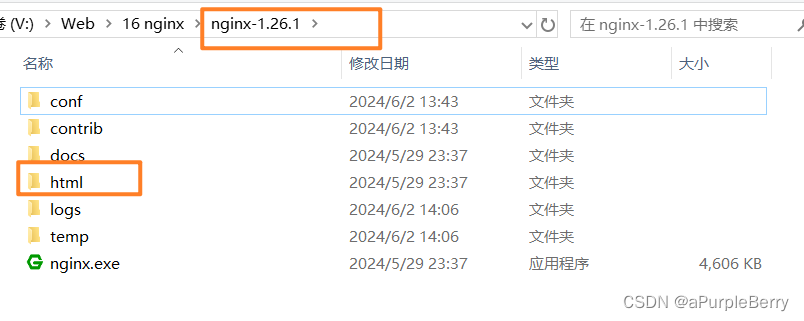
补充说明 location / 的root
root html解释:安装路径为默认根路径,其下面的html文件
- location优先级问题
location / 匹配所有路径,访问的时候如果是localhost:80/b或者localhost:80/a也会到这里。但这个是最弱的级别
location = /a {}是优先级最高的,访问路径必须完全等于/a,localhost:80/a
location ^~ /a {}匹配优先级次高的,只要包含/a就可以,localhost:80/a/b
location ~ /\w {}优先级第三高,正则匹配。\w匹配的是数字字母下划线三种类型。
同一优先级,按书写顺序匹配。
- 反向代理小技巧
powershell
访问 localhost:80/a时,代理到 http://192.168.0.12:80/a
location /a {
  proxy_pass http://192.168.0.12:80;
}

访问 localhost:80/a时,代理到 http://192.168.0.12:80,这里的区别是没有/a
location /a/ {
  proxy_pass http://192.168.0.12:80/;
}
常用命令
powershell
whereis nginx  # 查看安装到哪里了  我安装到 /usr/local/nginx
cd /usr/local/nginx/sbin/
./nginx # 启动
./nginx -s stop # 停止
./nginx -s quit # 安全退出
./nginx -s reload # 重新加载配置文件,但凡修改了配置文件都要用这个命令
ps aux|grep nginx # 查看nginx教程